Notary Public Form Application With Signature In Michigan
Description

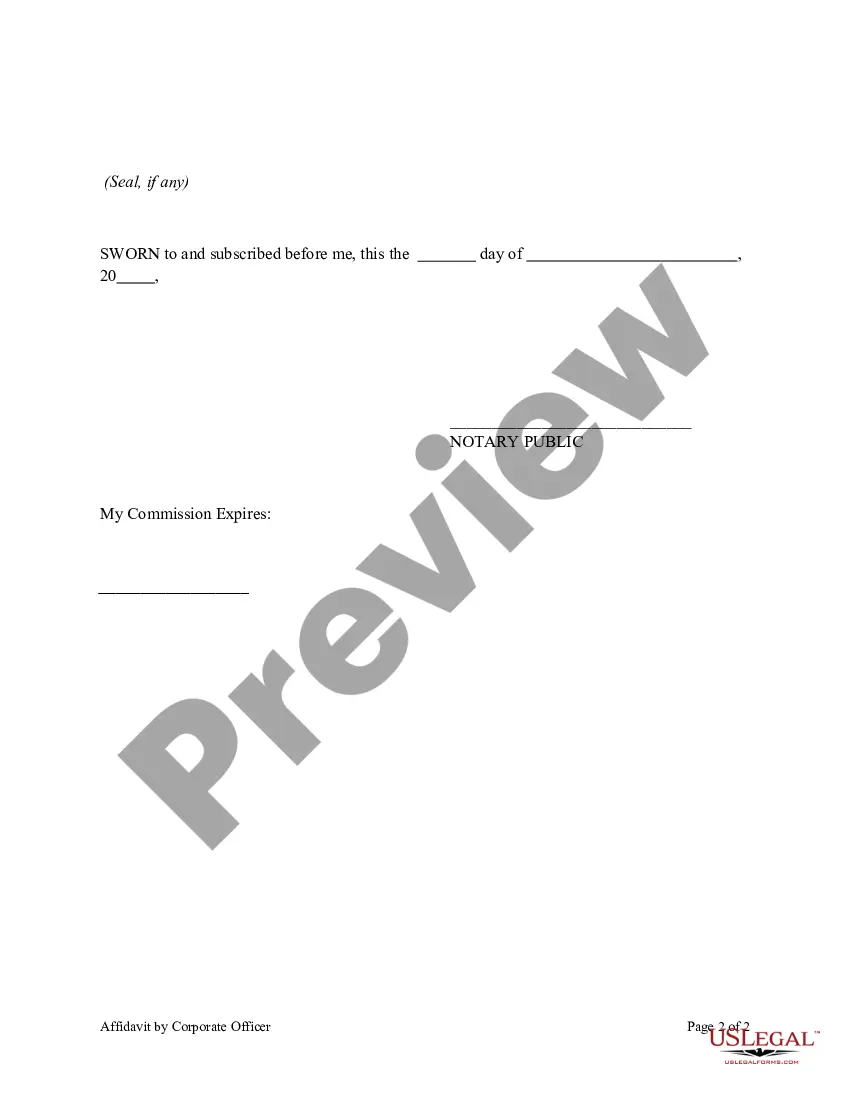
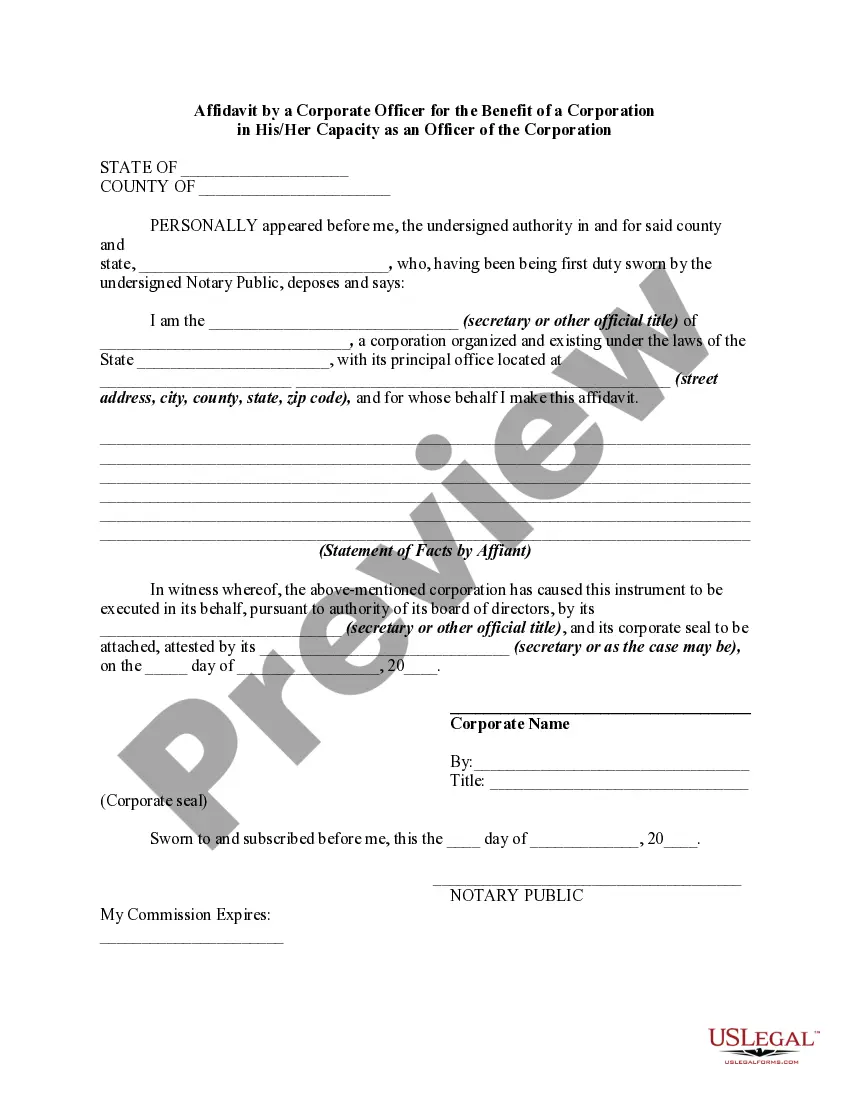
Get your form ready online
Our built-in tools help you complete, sign, share, and store your documents in one place.
Make edits, fill in missing information, and update formatting in US Legal Forms—just like you would in MS Word.
Download a copy, print it, send it by email, or mail it via USPS—whatever works best for your next step.
Sign and collect signatures with our SignNow integration. Send to multiple recipients, set reminders, and more. Go Premium to unlock E-Sign.
If this form requires notarization, complete it online through a secure video call—no need to meet a notary in person or wait for an appointment.
We protect your documents and personal data by following strict security and privacy standards.

Make edits, fill in missing information, and update formatting in US Legal Forms—just like you would in MS Word.

Download a copy, print it, send it by email, or mail it via USPS—whatever works best for your next step.

Sign and collect signatures with our SignNow integration. Send to multiple recipients, set reminders, and more. Go Premium to unlock E-Sign.

If this form requires notarization, complete it online through a secure video call—no need to meet a notary in person or wait for an appointment.

We protect your documents and personal data by following strict security and privacy standards.
Looking for another form?









Form popularity
FAQ
Can I remotely notarize documents without the signee(s) in my physical presence? Yes. While using a remote notarization system/platform a notary public must adhere to all the requirements as set forth in the Michigan Law on Notarial Acts (MiLONA), as amended.
At the time of notarization, the following requirements must be met: Everyone who needs to sign the document must be present - at the same time. Everyone signing the document must have a current Driver's License, State ID, or a valid U.S. Passport. The document must be completely filled out – no blank spaces.
To become a notary in Michigan, you must: 1- Be 18 years of age or older. 2- Be a Michigan resident or maintain a place of business in Michigan. 3- Be a U.S. citizen or possess proof of legal presence. 4- Be a resident of, or maintain a principal place of business in, the county where you request your appointment.
(1) A notary public shall place his or her signature on every record upon which he or she performs a notarial act. The notary public shall sign his or her name exactly as his or her name appears on his or her application for commission as a notary public.
Sec. 41. (1) If an individual commissioned as a notary public in this state is convicted of a felony or of a substantially corresponding violation of another state, the secretary shall automatically revoke the notary public commission of that individual on the date that the individual's felony conviction is entered.
(b) A true copy of another record. (2) A notary public shall not do any of the following: (a) Perform a notarial act upon any record executed by himself or herself. (b) Notarize his or her own signature.
One of the most common mistakes that notaries make is not printing or signing their name exactly as it appears on their notary commission.
Yes. While using a remote notarization system/platform a notary public must adhere to all the requirements as set forth in the Michigan Law on Notarial Acts (MiLONA), as amended.
