Patent And Paper In California
Description

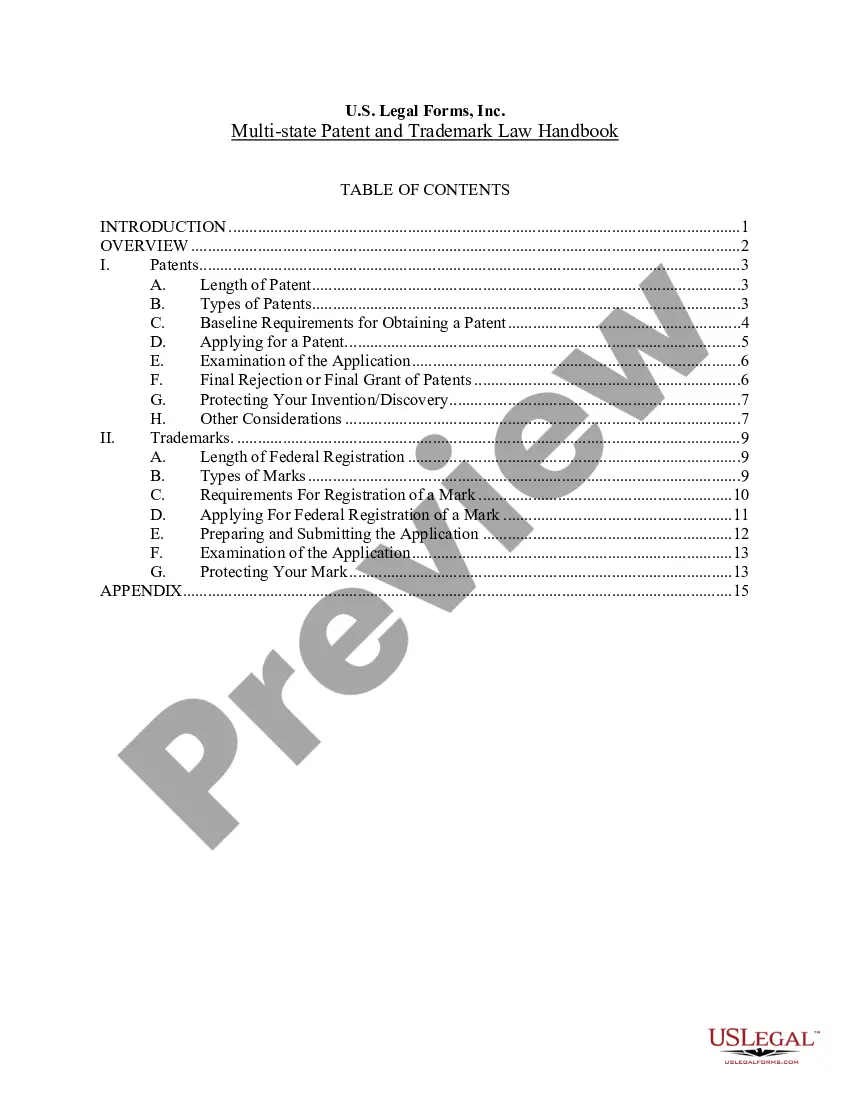
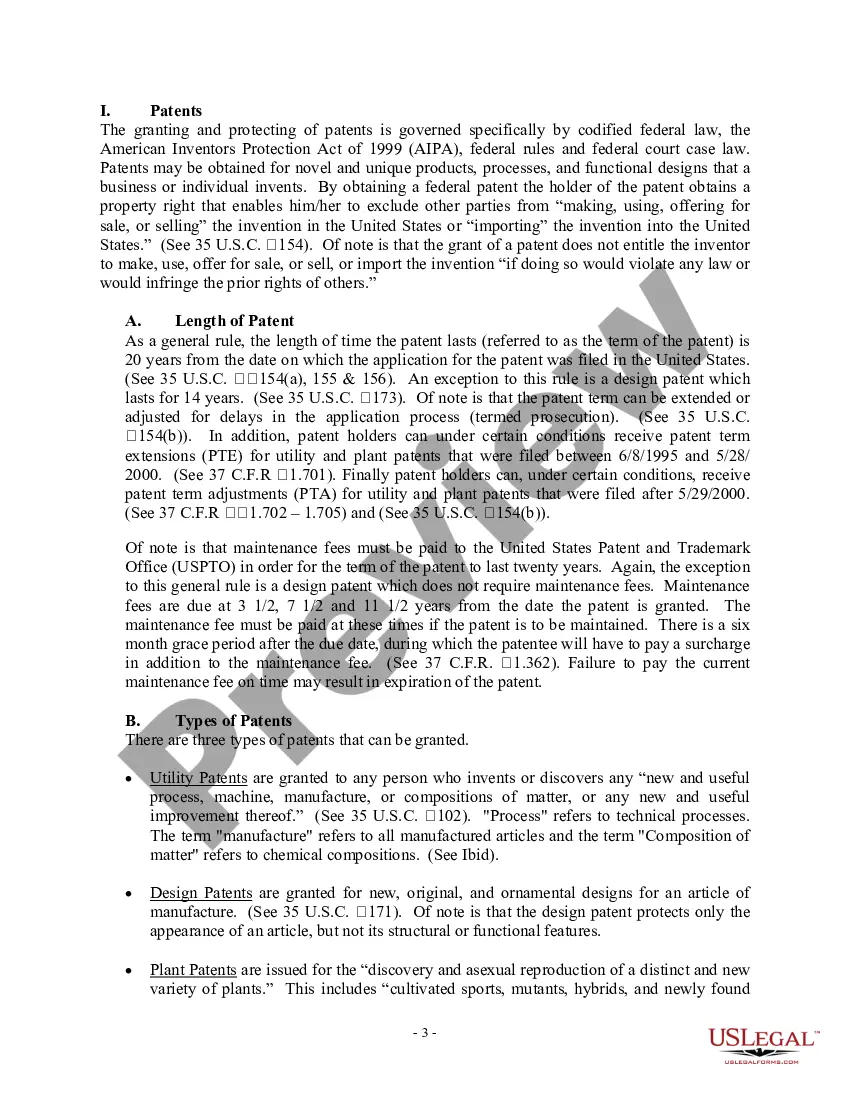

Get your form ready online
Our built-in tools help you complete, sign, share, and store your documents in one place.
Make edits, fill in missing information, and update formatting in US Legal Forms—just like you would in MS Word.
Download a copy, print it, send it by email, or mail it via USPS—whatever works best for your next step.
Sign and collect signatures with our SignNow integration. Send to multiple recipients, set reminders, and more. Go Premium to unlock E-Sign.
If this form requires notarization, complete it online through a secure video call—no need to meet a notary in person or wait for an appointment.
We protect your documents and personal data by following strict security and privacy standards.

Make edits, fill in missing information, and update formatting in US Legal Forms—just like you would in MS Word.

Download a copy, print it, send it by email, or mail it via USPS—whatever works best for your next step.

Sign and collect signatures with our SignNow integration. Send to multiple recipients, set reminders, and more. Go Premium to unlock E-Sign.

If this form requires notarization, complete it online through a secure video call—no need to meet a notary in person or wait for an appointment.

We protect your documents and personal data by following strict security and privacy standards.
Looking for another form?









Form popularity
FAQ
A patent application often includes the following primary sections: Invention Title. The title's objective is to provide a clear understanding of the invention or idea. Prior Art: Context and Novelty. Invention Summary. Drawings and Descriptions. Detailed Description. Claims. Scope. Characteristics.
Format of a Patent Application The Specification. The Title. The Description. The Claims. The Drawings. The Abstract. Sample Specifications. Minimum Requirements for a Filing Date.
“Text” will display the entire patent or published patent application in HTML text in a new browser tab. Select “PDF” to view the entire pdf file in a new browser tab. Use the download or print buttons on the right to download or print a copy of the pdf. The permanent web link for the image may be copied and pasted.
Papers and Patents have Different Evaluation Points. In a paper, the emphasis is on how new it is compared to existing knowledge (common sense), or in other words, on originality (uniqueness). In the case of patents, originality is also necessary, but more important is business potential.
A patent provides its owner with the right to prevent the manufacture, sale, use, importation, or offer for sale of the patented product, process, or composition. A patent is not a positive right that enables its owner to do anything that he or she wants.
One can go to the USPTO official website and file a patent online. Publication: The Patent Office publishes the application on their official website after some time. Then, the application is ready to enter for the examination stage. Prosecution: During examination, the examiner may ask for a few clarifications.
It is possible to file a patent application on your own, however it requires a solid understanding of patent law, the ability to draft accurate and comprehensive descriptions of your invention, and adherence to specific application procedures / requirements of the patent office.
To get a Patent, you need to file a patent application under the USPTO Patents Act. The USPTO looks after patent filing services in California like any other part of the country. USPTO has a Silicon Valley Regional Office. It is the USPTO West Coast regional office.
: a patent for an invention never put into manufacture or commercial use.
Key Differences: Purpose: Whitepapers aim to inform and persuade, often showcasing a company's approach to solving problems. Patents protect inventions and grant exclusive rights to the inventor. Content: Whitepapers provide detailed explanations and solutions without revealing confidential information.
