Credit Letter Example For Request In Miami-Dade
Description

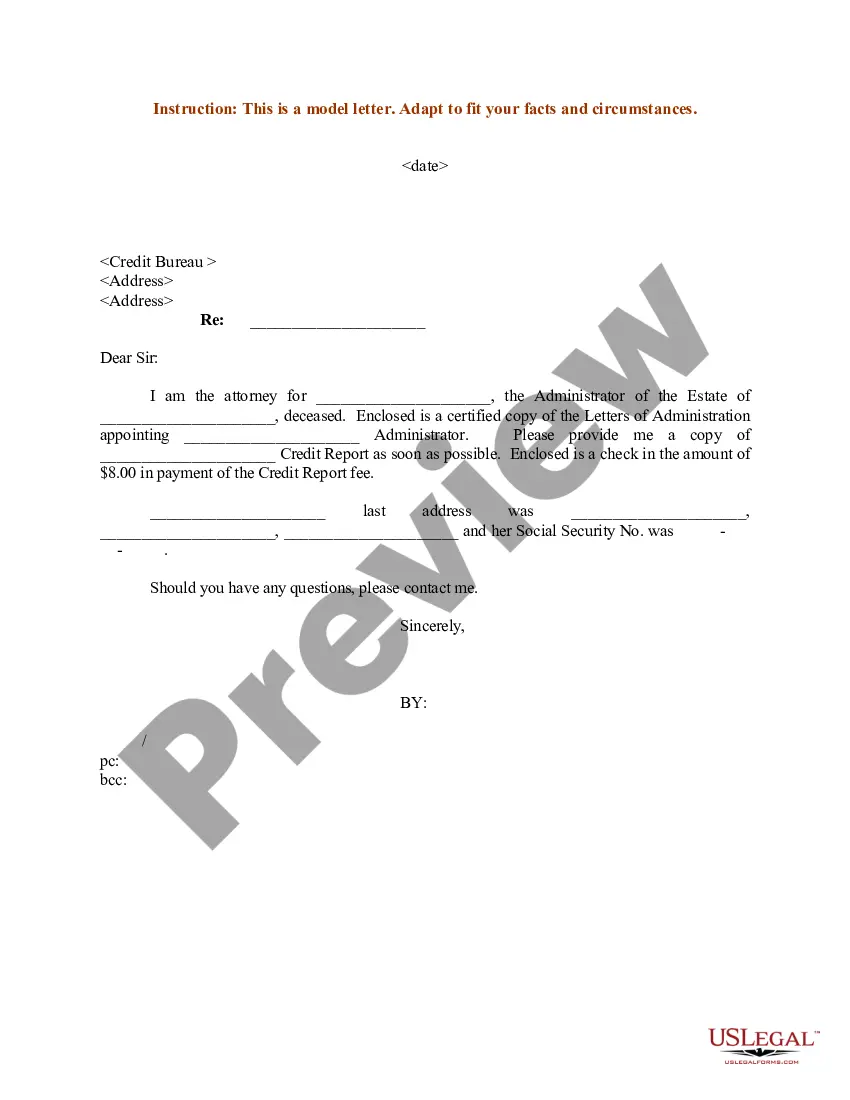
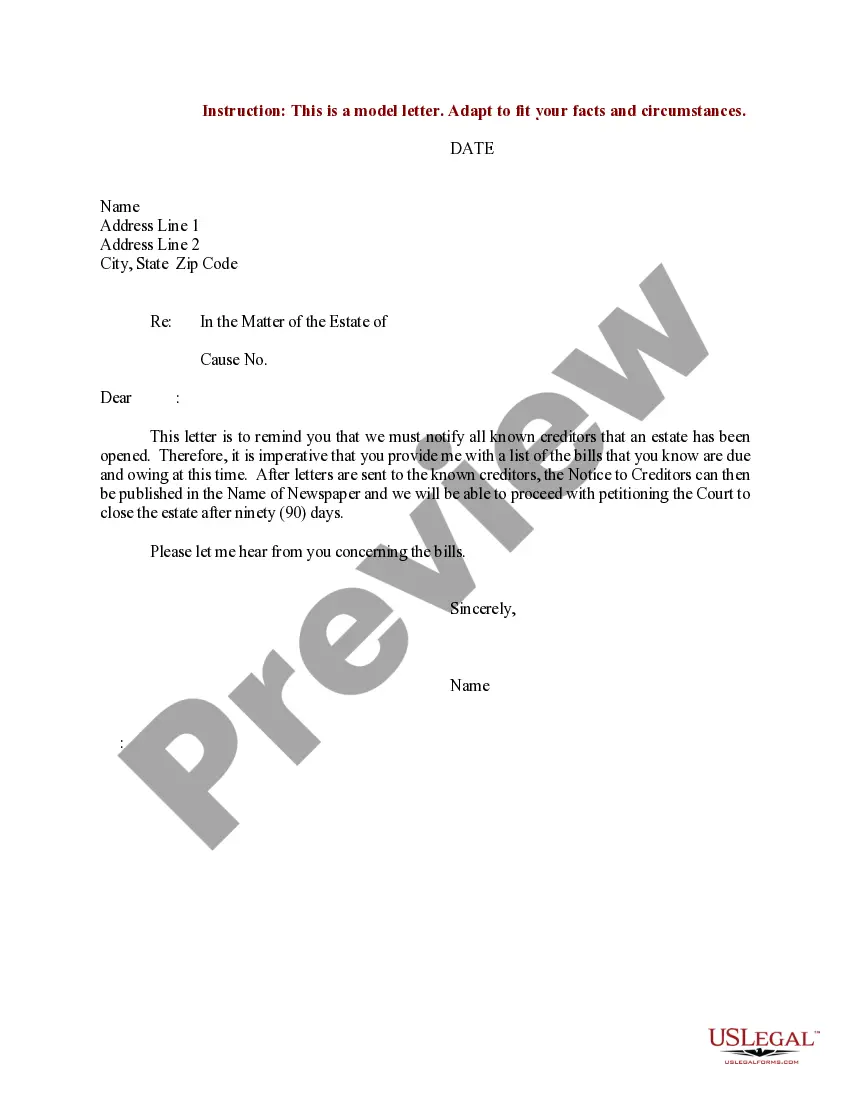
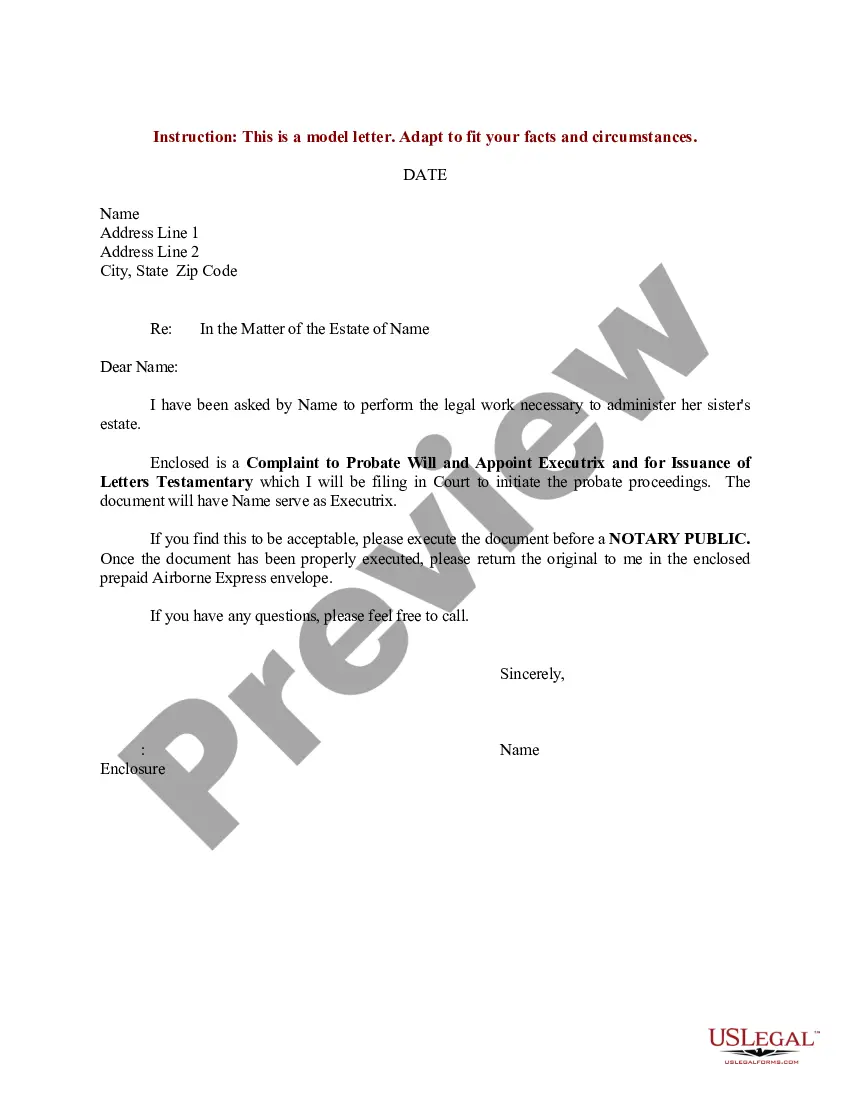
Get your form ready online
Our built-in tools help you complete, sign, share, and store your documents in one place.
Make edits, fill in missing information, and update formatting in US Legal Forms—just like you would in MS Word.
Download a copy, print it, send it by email, or mail it via USPS—whatever works best for your next step.
Sign and collect signatures with our SignNow integration. Send to multiple recipients, set reminders, and more. Go Premium to unlock E-Sign.
If this form requires notarization, complete it online through a secure video call—no need to meet a notary in person or wait for an appointment.
We protect your documents and personal data by following strict security and privacy standards.

Make edits, fill in missing information, and update formatting in US Legal Forms—just like you would in MS Word.

Download a copy, print it, send it by email, or mail it via USPS—whatever works best for your next step.

Sign and collect signatures with our SignNow integration. Send to multiple recipients, set reminders, and more. Go Premium to unlock E-Sign.

If this form requires notarization, complete it online through a secure video call—no need to meet a notary in person or wait for an appointment.

We protect your documents and personal data by following strict security and privacy standards.
Looking for another form?

Form popularity
FAQ
To file a formal consumer complaint, complete the below affidavit and save a copy of your completed affidavit for your records. You can print, sign, date and submit the affidavit by email (send as a pdf attachment to consumer@miamidade), fax to 786-469-2303 or mail to the address at the top of the affidavit.
File a complaint with government or consumer programs File a complaint with your local consumer protection office. Notify the Better Business Bureau (BBB) in your area about your problem. The BBB tries to resolve complaints against companies.
You are not required to submit a request for public records in writing. If you do not choose to use our online form, you may call 305-499-8729 with your request.
To file a formal consumer complaint, complete the below affidavit and save a copy of your completed affidavit for your records. You can print, sign, date and submit the affidavit by email (send as a pdf attachment to consumer@miamidade), fax to 786-469-2303 or mail to the address at the top of the affidavit.
The claim can be filled and submitted online at the Miami-Dade County Clerk's Office. You may print out the application and file the claim in person at a local courthouse if you choose. More resources are available on the Miami-Dade County Law Library site.
Emailing wasd_custrelations@miamidade. Calling Customer Service at 305-665-7477.
Emailing wasd_custrelations@miamidade. Calling Customer Service at 305-665-7477.
Should you have a blockage, experience sluggish drains in your house or business or notice an overflow in front of your property call the Public Works Department Water & Sewer Division at 305-895-9838.
Miami-Dade County Ordinance 89-95 (Amendment Ord. 05-167) authorized the Miami-Dade Water and Sewer Dept. (WASD) to impose and collect connection charges from retail and wholesale customers.
Miami-Dade County's email format typically follows the pattern of FLast@miamidade; this email format is used 49% of the time. Other contacts within LeadIQ's database had email formats such as First.Last@miamidadeFirstLast@miamidade.

