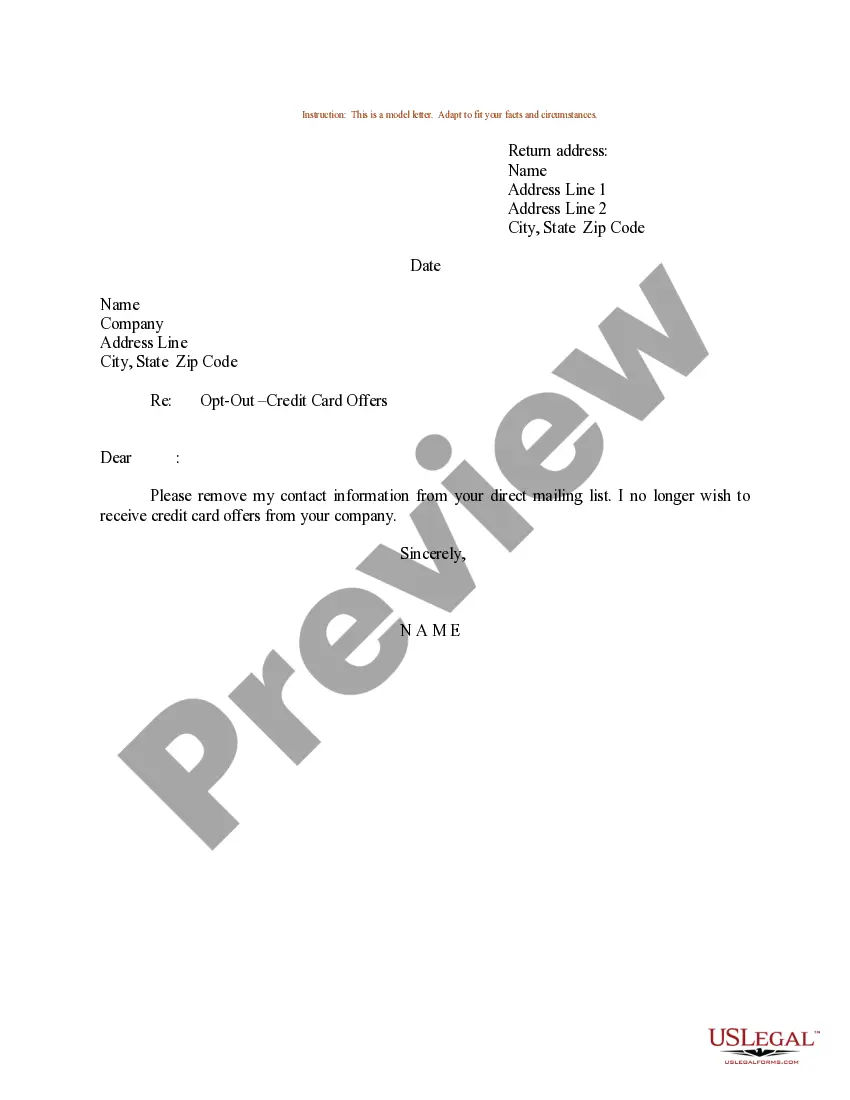
Opt Out Wording Example In Wake
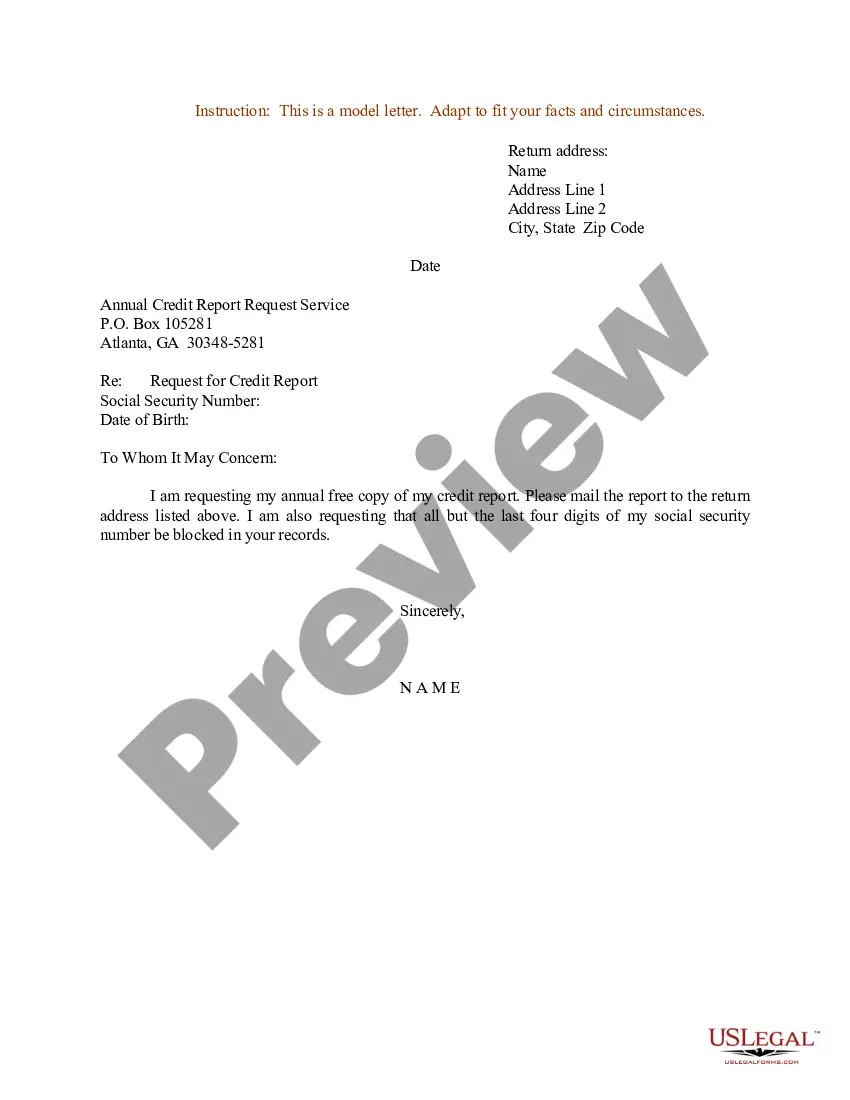
Description
Get your form ready online
Our built-in tools help you complete, sign, share, and store your documents in one place.
Make edits, fill in missing information, and update formatting in US Legal Forms—just like you would in MS Word.
Download a copy, print it, send it by email, or mail it via USPS—whatever works best for your next step.
Sign and collect signatures with our SignNow integration. Send to multiple recipients, set reminders, and more. Go Premium to unlock E-Sign.
If this form requires notarization, complete it online through a secure video call—no need to meet a notary in person or wait for an appointment.
We protect your documents and personal data by following strict security and privacy standards.

Make edits, fill in missing information, and update formatting in US Legal Forms—just like you would in MS Word.

Download a copy, print it, send it by email, or mail it via USPS—whatever works best for your next step.

Sign and collect signatures with our SignNow integration. Send to multiple recipients, set reminders, and more. Go Premium to unlock E-Sign.

If this form requires notarization, complete it online through a secure video call—no need to meet a notary in person or wait for an appointment.

We protect your documents and personal data by following strict security and privacy standards.
Looking for another form?



Form popularity
FAQ
Opt-out example Not choosing to subscribe to newsletters, unticking a previously ticked checkbox, not consenting to save personal details, rejecting the use of cookies, etc. are some examples of opt-out. E.g. Companies add an unsubscribe link at the end of their emails to let users opt out of emails.
Example STOP (opt-out) messages: "Company-Name: You have been opted out and will not receive any further messages".
The key component of a clear opt-out text message includes clear instructions on how to opt out, including opt-out keywords and sending the customer an unsubscribed confirmation text. For example, “Reply STOP to unsubscribe.”
For example, your welcome message may include “Reply STOP to unsubscribe.” Once the customer replies with the opt-out keyword, businesses typically send a reply that confirms the customer won't receive further promotional text messages.
Here's a list of phrases you can use: Stop to opt out. Unsubscribe to opt out. End to opt out. Quit to opt out.
A checkbox in a newsletter subscription form is an example of opt-in. Whereas, adding an unsubscription link in marketing emails is an example of opt-out.
A subscriber opting out of your SMS list means that they don't want to receive any updates or marketing-related messages from your business. Typically, businesses will require subscribers to respond with a specific word to opt-out of the SMS list. These words can include QUIT, STOP, CANCEL, or UNSUBSCRIBE.
For example, your welcome message may include “Reply STOP to unsubscribe.” Once the customer replies with the opt-out keyword, businesses typically send a reply that confirms the customer won't receive further promotional text messages.
Not choosing to subscribe to newsletters, unticking a previously ticked checkbox, not consenting to save personal details, rejecting the use of cookies, etc. are some examples of opt-out. E.g. Companies add an unsubscribe link at the end of their emails to let users opt out of emails.
