Resolution Format For Trust In Virginia
Description



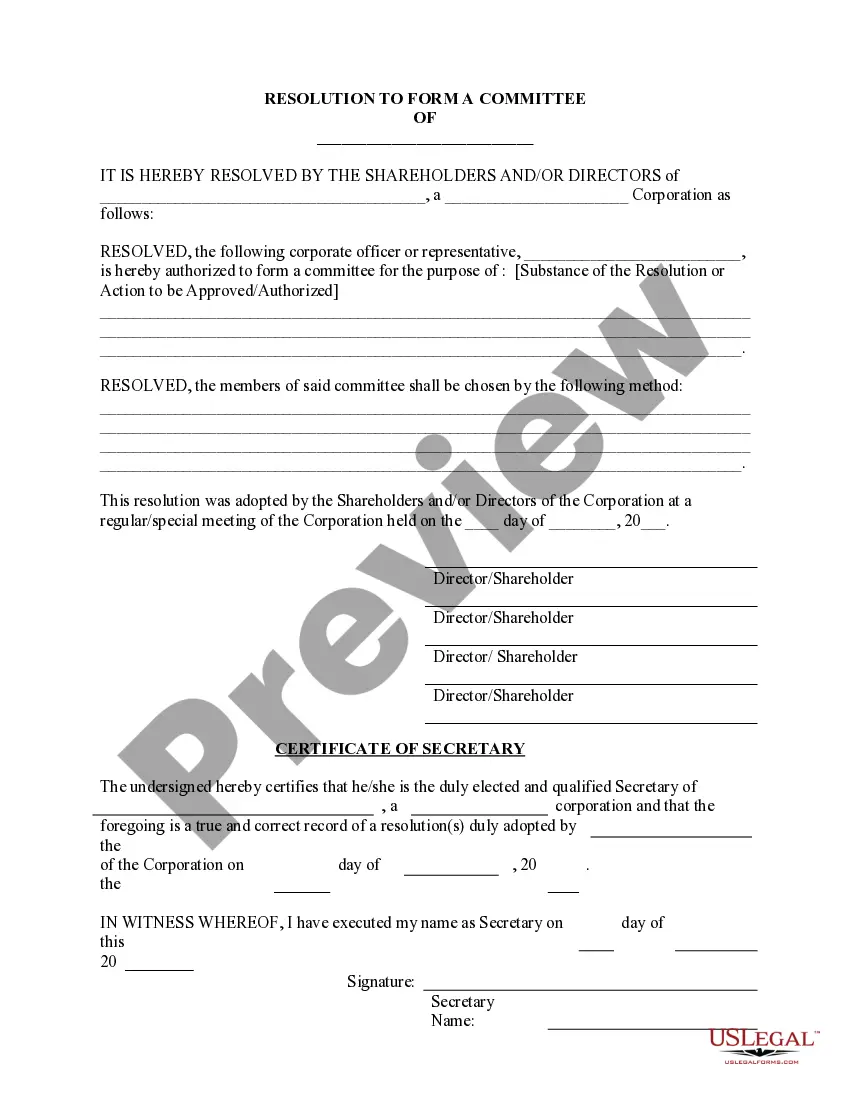


Get your form ready online
Our built-in tools help you complete, sign, share, and store your documents in one place.
Make edits, fill in missing information, and update formatting in US Legal Forms—just like you would in MS Word.
Download a copy, print it, send it by email, or mail it via USPS—whatever works best for your next step.
Sign and collect signatures with our SignNow integration. Send to multiple recipients, set reminders, and more. Go Premium to unlock E-Sign.
If this form requires notarization, complete it online through a secure video call—no need to meet a notary in person or wait for an appointment.
We protect your documents and personal data by following strict security and privacy standards.

Make edits, fill in missing information, and update formatting in US Legal Forms—just like you would in MS Word.

Download a copy, print it, send it by email, or mail it via USPS—whatever works best for your next step.

Sign and collect signatures with our SignNow integration. Send to multiple recipients, set reminders, and more. Go Premium to unlock E-Sign.

If this form requires notarization, complete it online through a secure video call—no need to meet a notary in person or wait for an appointment.

We protect your documents and personal data by following strict security and privacy standards.
Looking for another form?

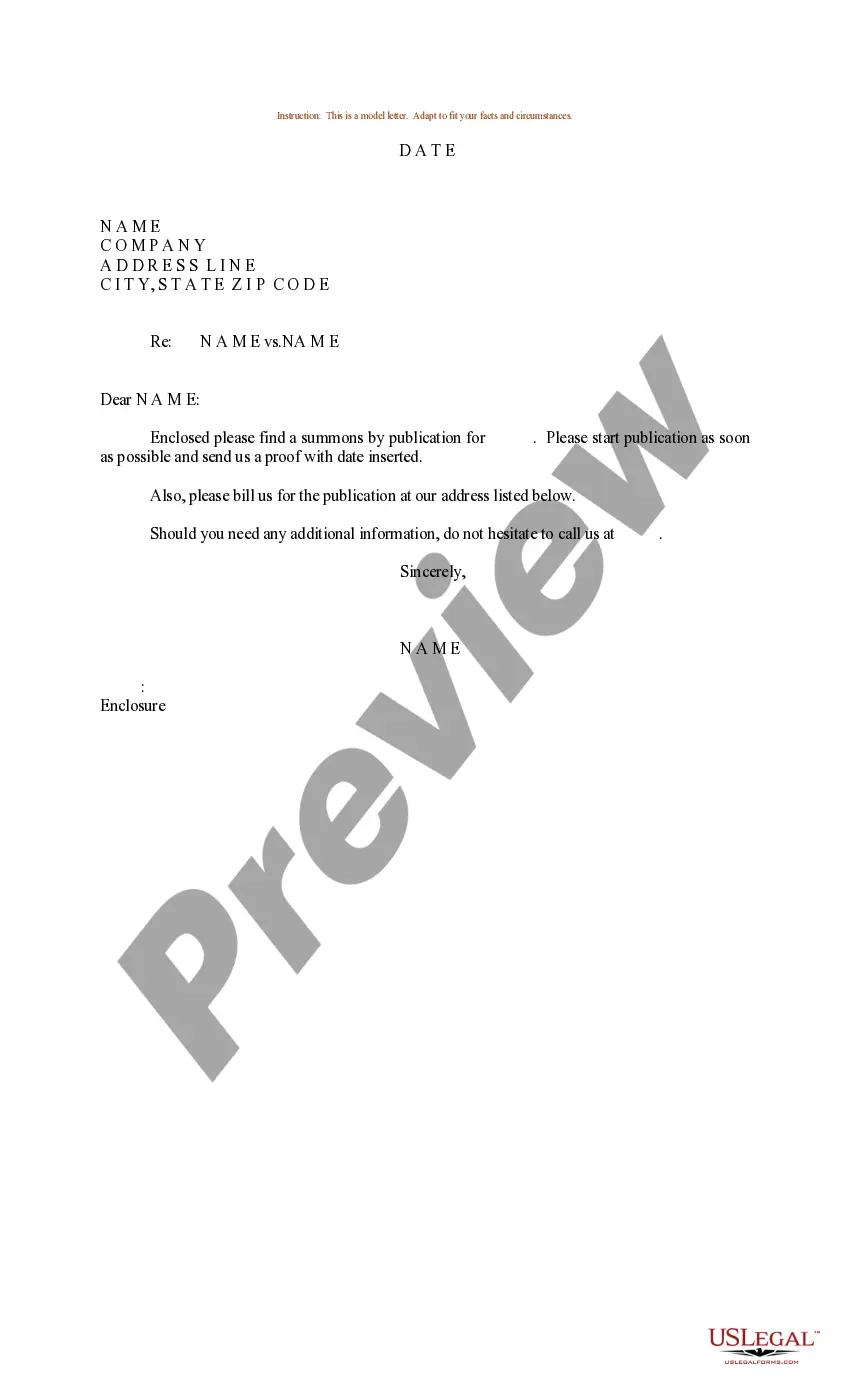




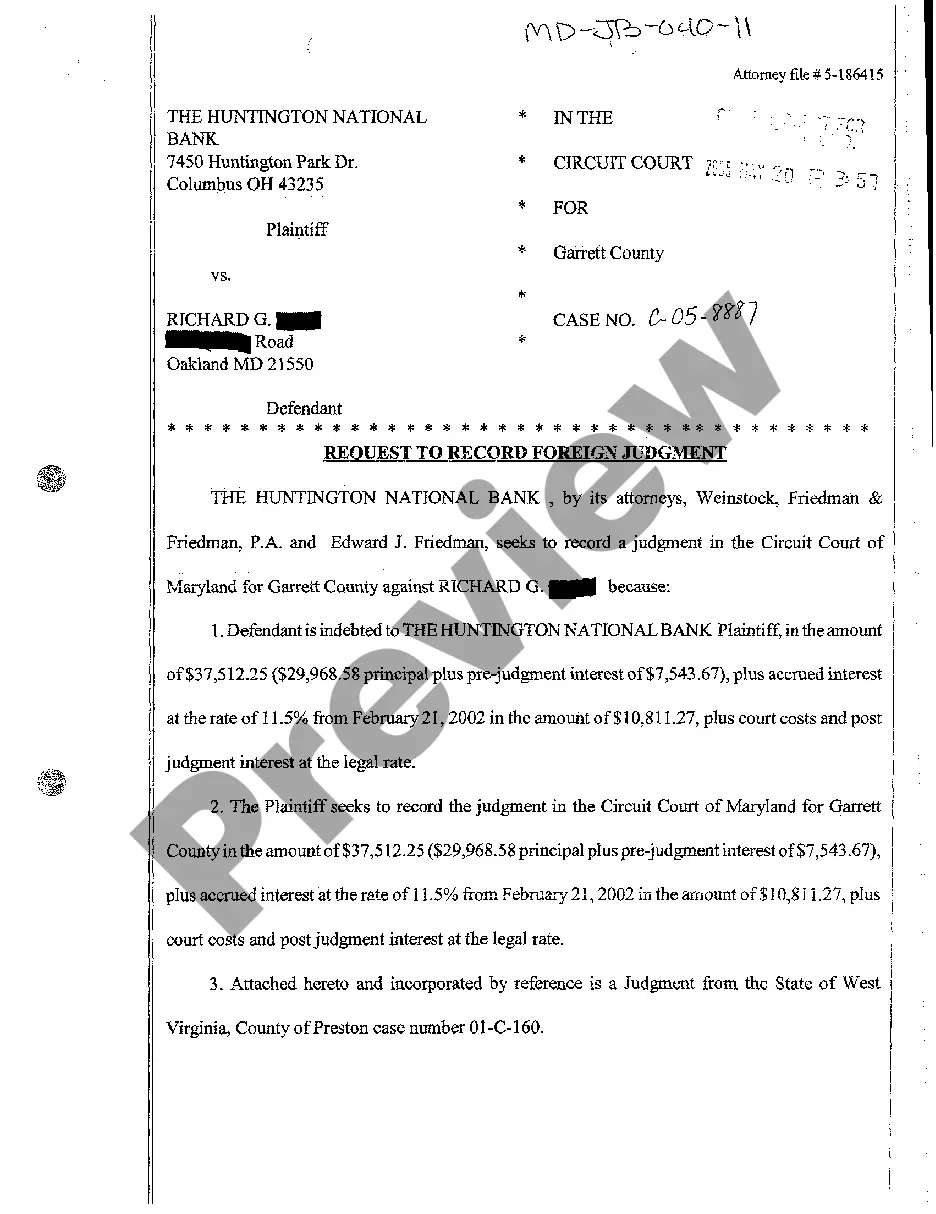


Form popularity
FAQ
Setting up a trust: 5 steps for grantor Decide what assets to place in your trust. Identify who will be the beneficiary/beneficiaries of your trust. Determine the rules of your trust. Select your trustee or (trustees). Draft your trust document with an attorney.
To create a living trust in the state of Virginia, you must have a written trust document signed in the presence of a notary. The trust won't be official until you have transferred your assets into it. Living trusts may offer up a variety of benefits that will help you in the long run.
Trust Certificate Contents Name of the trust. Name and address of the person creating the trust, known as the trustor, grantor or settlor. Identity and specific powers of the trustee. Date the trust was created. Legal description of any real estate included in the trust. Whether the trust is irrevocable or revocable.
A certificate of trust — also called a “trust certificate” or “memorandum of trust” — is a legal document that's often used to prove (or “certify”) a trust exists and to provide information about its important terms.
What's Included in A Small Estate Affidavit? Provide the name of the person who died and the date of the death. State that the value of the assets in the estate is less than $50,000. State that at least 60 days have passed since the death. State that no application to appoint a personal representative has been granted.
It is common for the bank to ask for this. Of course legally you can draft the Certificate of Trust on your own. Just like one may choose not to use an attorney to help draft a contract or a Will for example. Will it work if you draft it on your own? Maybe so, maybe not.
Before the end of each financial year, a trustee must prepare resolutions to distribute trust income. Failure to do so will generally result in default beneficiaries (as defined in the relevant trust deed) becoming entitled to that income or the trustee being assessed for that income.
Create the trust document. You can get help from an attorney or use WillMaker & Trust (see below). Sign the document in front of a notary public. Change the title of any trust property that has a title document—such as your house or car—to reflect that you now own the property as trustee of the trust.
§ 64.2-719. A circuit court, upon petition from an interested party, may create and establish a trust with such trustee and such terms as the court determines.
A person who in good faith enters into a transaction in reliance upon acertification of trust may enforce the transaction against the trust propertyas if the representations contained in the certification were correct.
