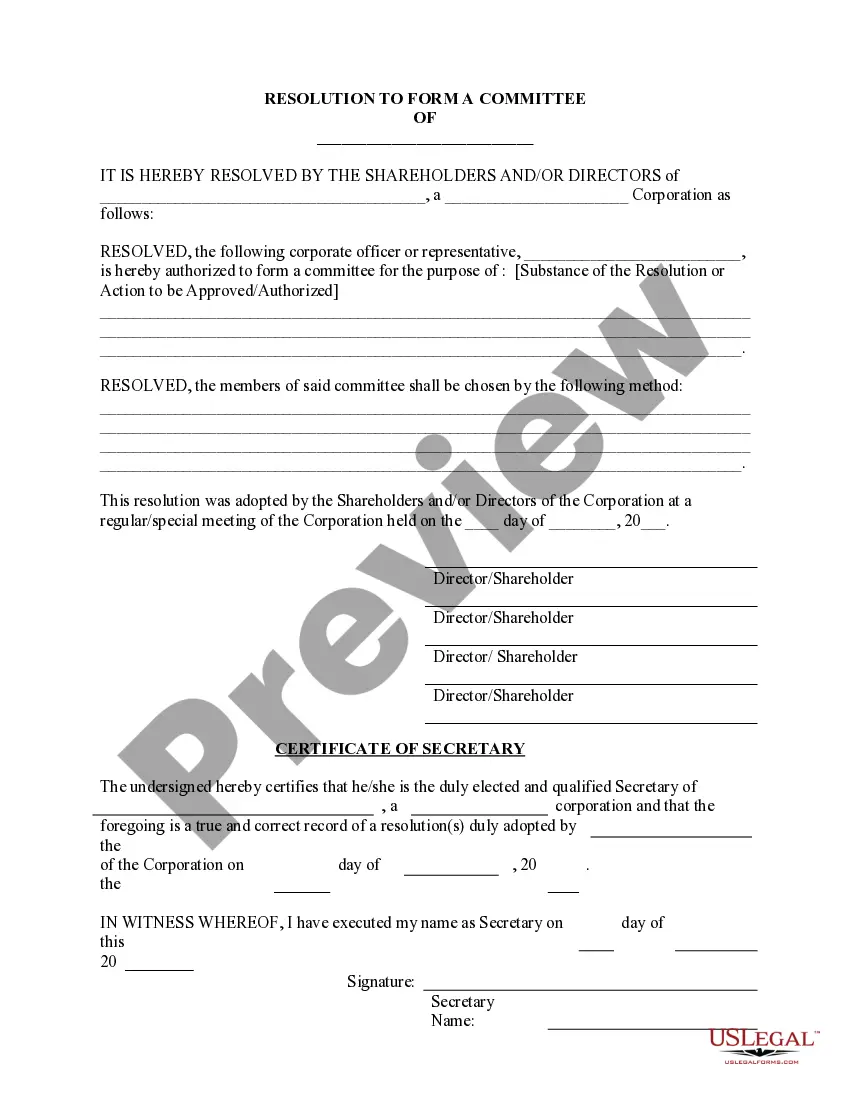
Official Resolution Form For S Corporation In Sacramento
Description





Get your form ready online
Our built-in tools help you complete, sign, share, and store your documents in one place.
Make edits, fill in missing information, and update formatting in US Legal Forms—just like you would in MS Word.
Download a copy, print it, send it by email, or mail it via USPS—whatever works best for your next step.
Sign and collect signatures with our SignNow integration. Send to multiple recipients, set reminders, and more. Go Premium to unlock E-Sign.
If this form requires notarization, complete it online through a secure video call—no need to meet a notary in person or wait for an appointment.
We protect your documents and personal data by following strict security and privacy standards.

Make edits, fill in missing information, and update formatting in US Legal Forms—just like you would in MS Word.

Download a copy, print it, send it by email, or mail it via USPS—whatever works best for your next step.

Sign and collect signatures with our SignNow integration. Send to multiple recipients, set reminders, and more. Go Premium to unlock E-Sign.

If this form requires notarization, complete it online through a secure video call—no need to meet a notary in person or wait for an appointment.

We protect your documents and personal data by following strict security and privacy standards.
Looking for another form?








Form popularity
FAQ
To verify your S corporation status: Check Your Initial Election Documents. Locate your filed Form 2553. Review IRS acceptance letter. Examine past tax returns. Contact the IRS Business Unit. Call the dedicated business line. Have your EIN ready. Request written confirmation if needed.
To submit Form SI-100, you may file it online at the California Secretary of State's website or mail it to the Statement of Information Unit at P.O. Box 944230, Sacramento, CA 94244-2300. For in-person submissions, visit the Sacramento office located at 1500 11th Street, Sacramento, CA 95814.
All California S corporations and LLCs companies treated as S corporations for federal, should file Form 100S (California S Corporation Franchise or Income Tax Return).
