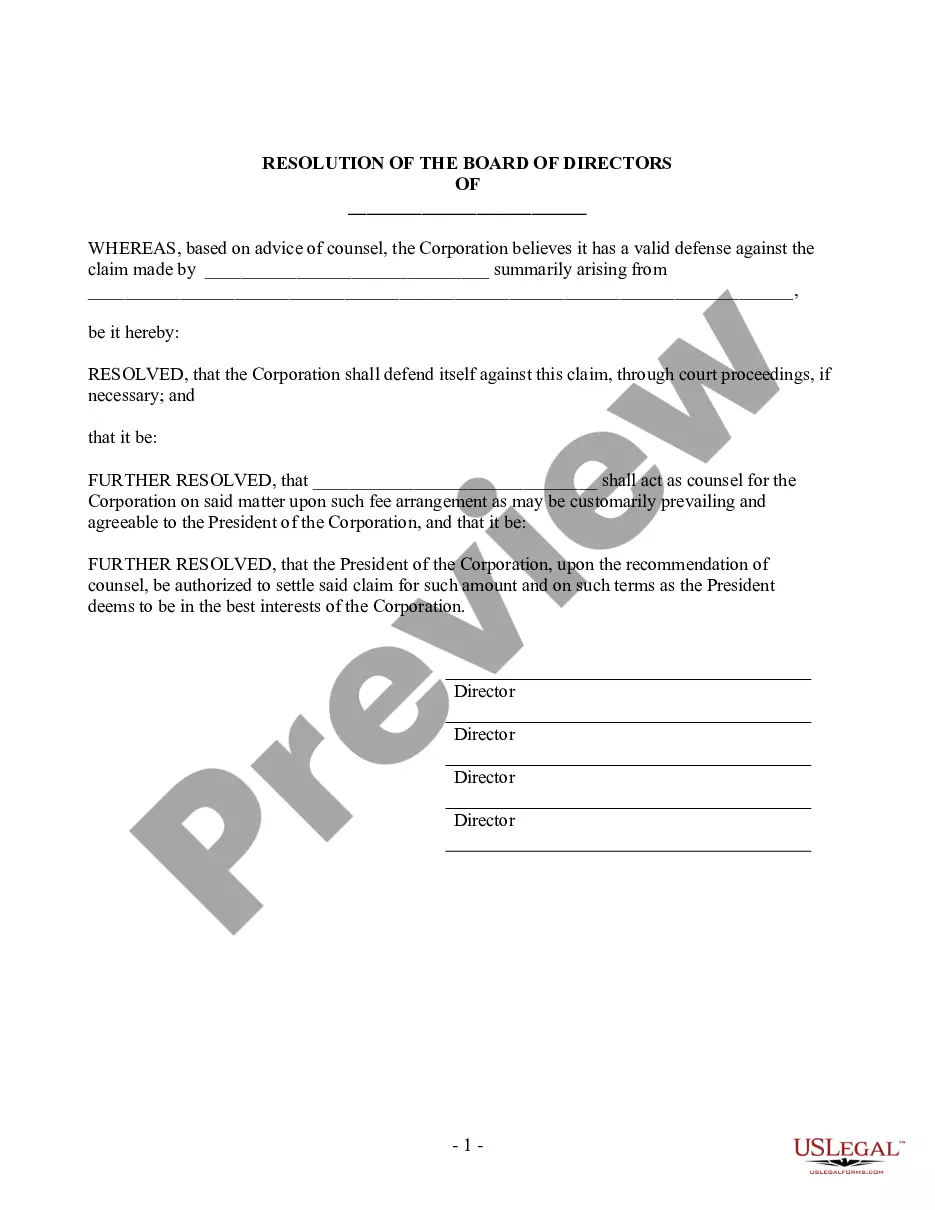
Resolution Form Resolutions For Authorizing In Nassau
Description



Get your form ready online
Our built-in tools help you complete, sign, share, and store your documents in one place.
Make edits, fill in missing information, and update formatting in US Legal Forms—just like you would in MS Word.
Download a copy, print it, send it by email, or mail it via USPS—whatever works best for your next step.
Sign and collect signatures with our SignNow integration. Send to multiple recipients, set reminders, and more. Go Premium to unlock E-Sign.
If this form requires notarization, complete it online through a secure video call—no need to meet a notary in person or wait for an appointment.
We protect your documents and personal data by following strict security and privacy standards.

Make edits, fill in missing information, and update formatting in US Legal Forms—just like you would in MS Word.

Download a copy, print it, send it by email, or mail it via USPS—whatever works best for your next step.

Sign and collect signatures with our SignNow integration. Send to multiple recipients, set reminders, and more. Go Premium to unlock E-Sign.

If this form requires notarization, complete it online through a secure video call—no need to meet a notary in person or wait for an appointment.

We protect your documents and personal data by following strict security and privacy standards.
Looking for another form?








Form popularity
FAQ
Any LLC member can propose a resolution, but all members must vote on it. Typically a majority of the members is needed to pass the resolution, but each LLC may have different voting rights. Some LLCs give a different value to each member's vote based on their percentage of interest in the company.
Outlined below is a detailed description of the process to guide you to produce legally binding corporate resolution documents. Write the Company's Name. Indicate Further Legal Identification. Include Location, Date, and Time. List the Board Resolutions. Sign the Document and Write the Document.
The resolution is a document recording the decisions made by the board members regarding decisions and actions a company will take.
Must include the specific date and time when the board met to pass the resolution. Must authorize a specific person or persons by name and title. Must include the types of contracts and agreements the specific individual or individuals can execute on behalf of the corporation.
Draft Resolutions There are three main parts to a draft resolution: the heading, the preamble, and the operative section. The heading shows the committee and topic. It also lists the draft resolution's signatories (see below). Each draft resolution is one long sentence with sections separated by commas and semicolons.
A resolution has two parts: the heading and the body. The heading is the administrative/organizational portion of a resolution and contains the name of the committee, the topic, and the names of the sponsoring countries, the countries that are signatories, and the committee code.
The title of the resolution must appropriately reflect the intent. Resolutions begin with "Whereas" statements, which provides the basic facts and reasons for the resolution, and conclude with "Resolved" statements which, identifies the specific proposal for the requestor's course of action.
Guidelines for Writing Resolutions All resolutions should be typed single space in 12pt Calibri Font. All margins (top, bottom, left, right) must be one inch. WHEREAS and RESOLVED and RATIONALE phrases must be in bold and all caps. WHEREAS and RESOLVED and RATIONALE phrases must be follwed by a colon.
A board resolution is a document that formalises important decisions made by the board of directors and the actions relating to them. It is legally binding and functions as a compliance record to provide evidence of decisions made by the board regarding pivotal company matters.
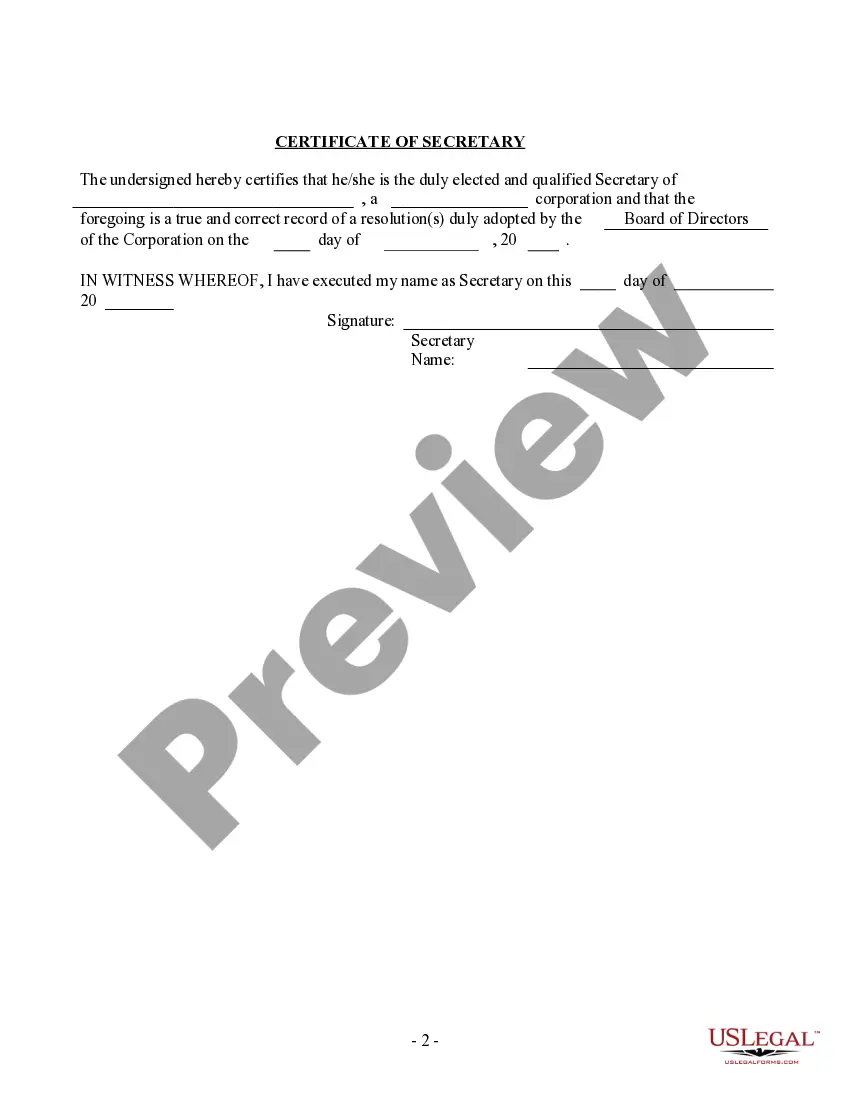
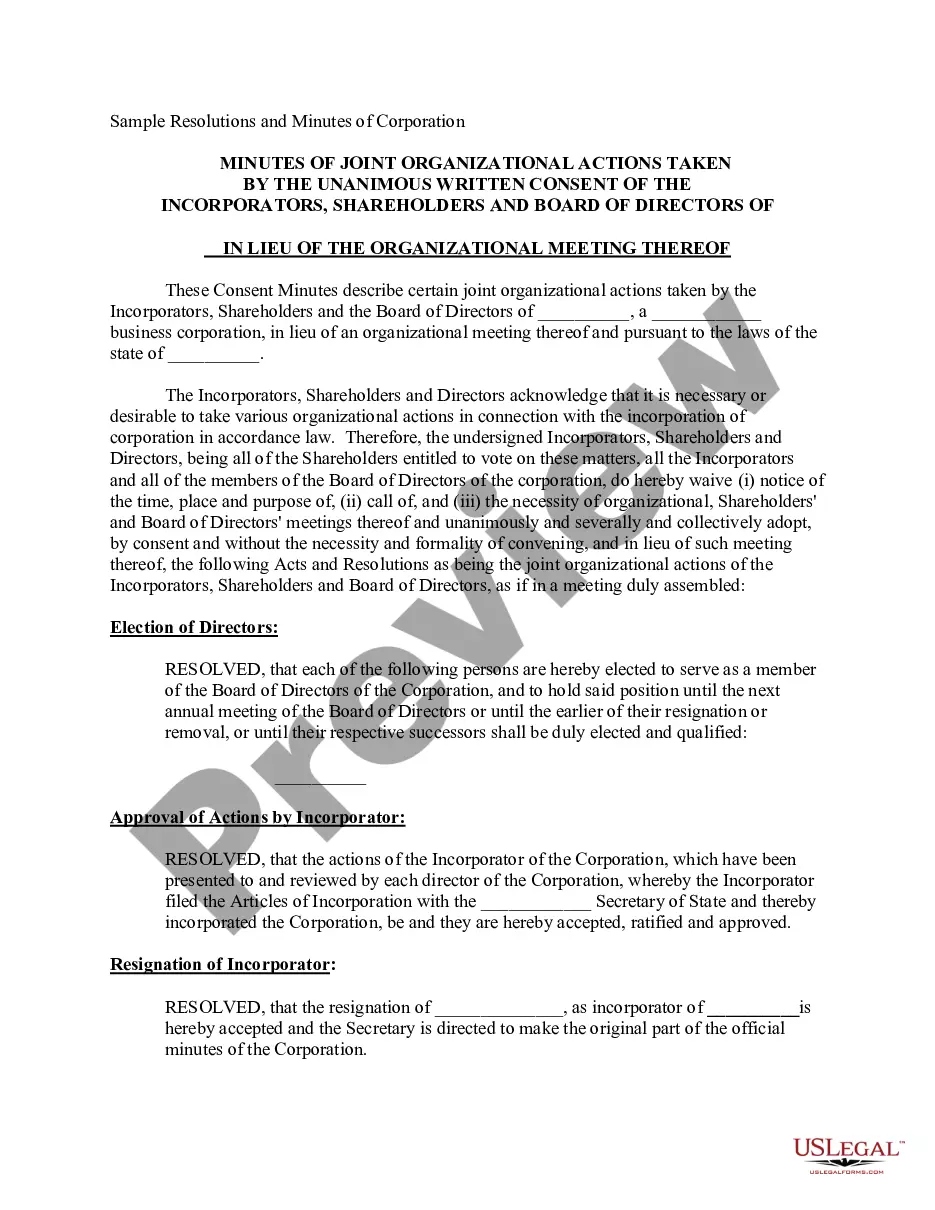
A resolution usually takes the form of a legal document voted on or consented to in writing by: The board of directors or stockholders, in the case of a corporation (commonly referred to as a Board Resolution and Stockholder Resolution, respectively).
