Bank Letter For Direct Deposit Chase In Fulton
Description





Get your form ready online
Our built-in tools help you complete, sign, share, and store your documents in one place.
Make edits, fill in missing information, and update formatting in US Legal Forms—just like you would in MS Word.
Download a copy, print it, send it by email, or mail it via USPS—whatever works best for your next step.
Sign and collect signatures with our SignNow integration. Send to multiple recipients, set reminders, and more. Go Premium to unlock E-Sign.
If this form requires notarization, complete it online through a secure video call—no need to meet a notary in person or wait for an appointment.
We protect your documents and personal data by following strict security and privacy standards.

Make edits, fill in missing information, and update formatting in US Legal Forms—just like you would in MS Word.

Download a copy, print it, send it by email, or mail it via USPS—whatever works best for your next step.

Sign and collect signatures with our SignNow integration. Send to multiple recipients, set reminders, and more. Go Premium to unlock E-Sign.

If this form requires notarization, complete it online through a secure video call—no need to meet a notary in person or wait for an appointment.

We protect your documents and personal data by following strict security and privacy standards.
Looking for another form?


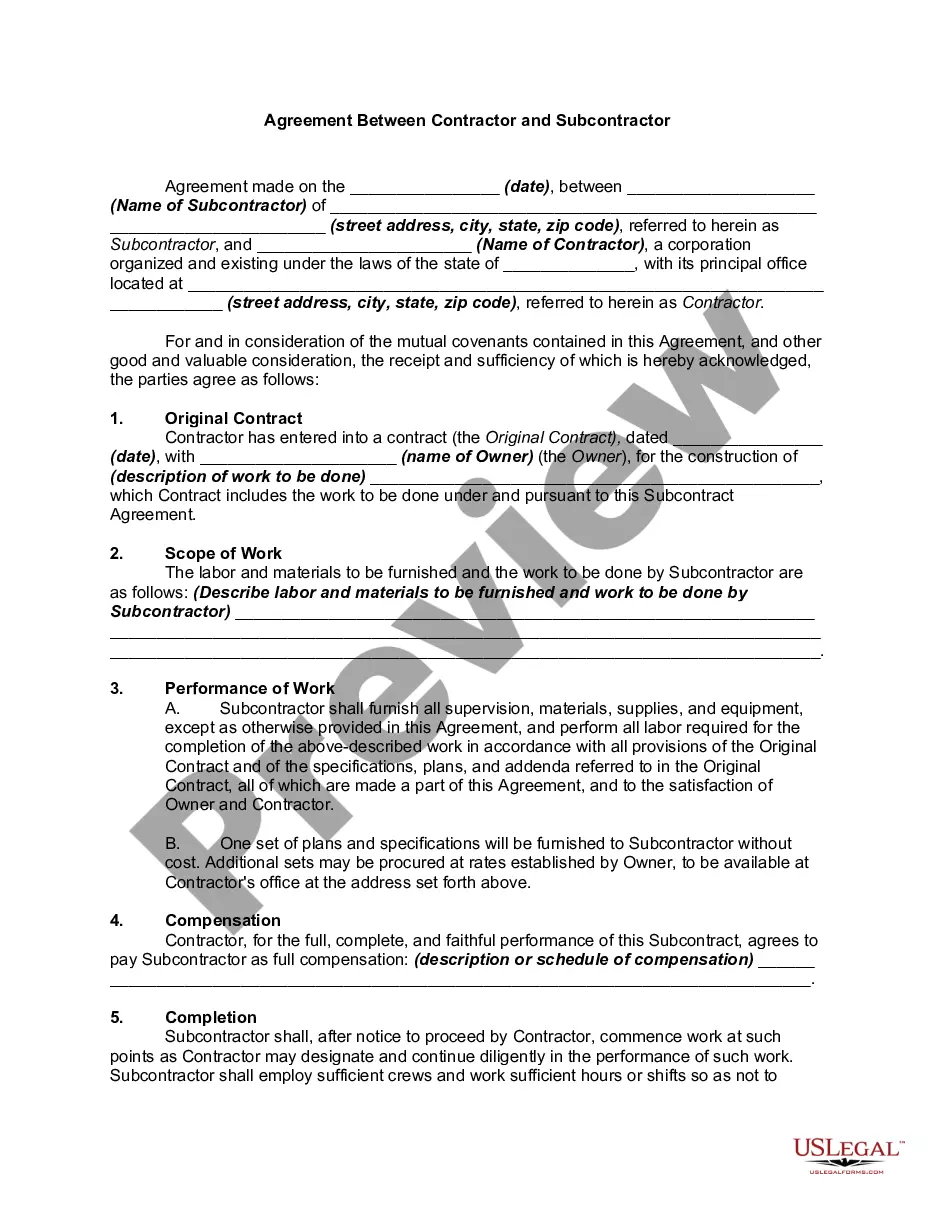

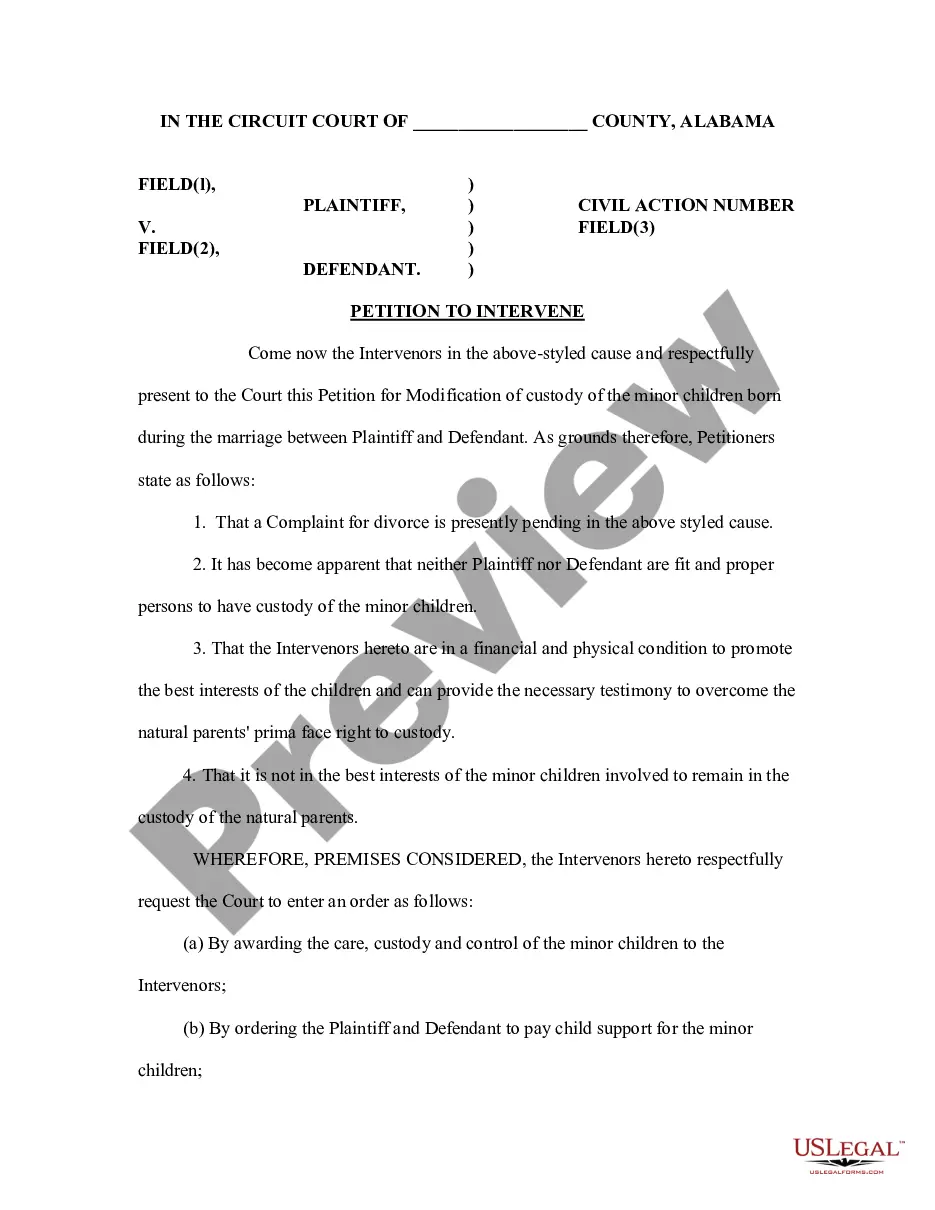
Form popularity
FAQ
To obtain a bank confirmation letter from your bank you may request in-person at a bank branch from one of the bankers, by a phone call to the bank, and depending on the financial institution, through their online platform.
In-person: The quickest way to obtain a bank letter is to request one in-person. By doing so, you'll be able to ensure that everything you need is on the letter & be able to make changes if necessary. By phone: Another convenient way to obtain a bank letter is to call your bank's support line.
Please note: a bank verification letter can be used in place of voided checks, direct deposit forms, or bank signature cards to verify account information with external parties.
Get your personalized pre-filled direct deposit form Sign in to chase or the Chase Mobile® app. Choose the checking account you want to receive your direct deposit. Navigate to 'Account services' by scrolling up in the mobile app or in the drop down menu on chase. Click or tap on 'Set up direct deposit form'
Use your bank's official name for your ACH file. For example, enter "JPMorgan Chase" as the name instead of "Chase - Payroll". Your bank account number is the second set of numbers that displays at the bottom of your checks.
What information do I need to provide in order to set up direct deposit? Your employer or depositor's name and address. Your Employee ID or account number with depositor. Your account number. Your routing/ABA number.
Chase is the U.S. consumer and commercial banking business of JPMorgan Chase & Co. (NYSE: JPM), a leading global financial services firm with $2.6 trillion in assets and operations worldwide.
Current (Finco Services, Inc.) is an American financial services and software development company (FinTech) based in New York City. It provides mobile banking services through its partner bank, Choice Financial Group. Finco Services, Inc.
