Example Of Formal Letter Template In Massachusetts
Description





Get your form ready online
Our built-in tools help you complete, sign, share, and store your documents in one place.
Make edits, fill in missing information, and update formatting in US Legal Forms—just like you would in MS Word.
Download a copy, print it, send it by email, or mail it via USPS—whatever works best for your next step.
Sign and collect signatures with our SignNow integration. Send to multiple recipients, set reminders, and more. Go Premium to unlock E-Sign.
If this form requires notarization, complete it online through a secure video call—no need to meet a notary in person or wait for an appointment.
We protect your documents and personal data by following strict security and privacy standards.

Make edits, fill in missing information, and update formatting in US Legal Forms—just like you would in MS Word.

Download a copy, print it, send it by email, or mail it via USPS—whatever works best for your next step.

Sign and collect signatures with our SignNow integration. Send to multiple recipients, set reminders, and more. Go Premium to unlock E-Sign.

If this form requires notarization, complete it online through a secure video call—no need to meet a notary in person or wait for an appointment.

We protect your documents and personal data by following strict security and privacy standards.
Looking for another form?



Form popularity
FAQ
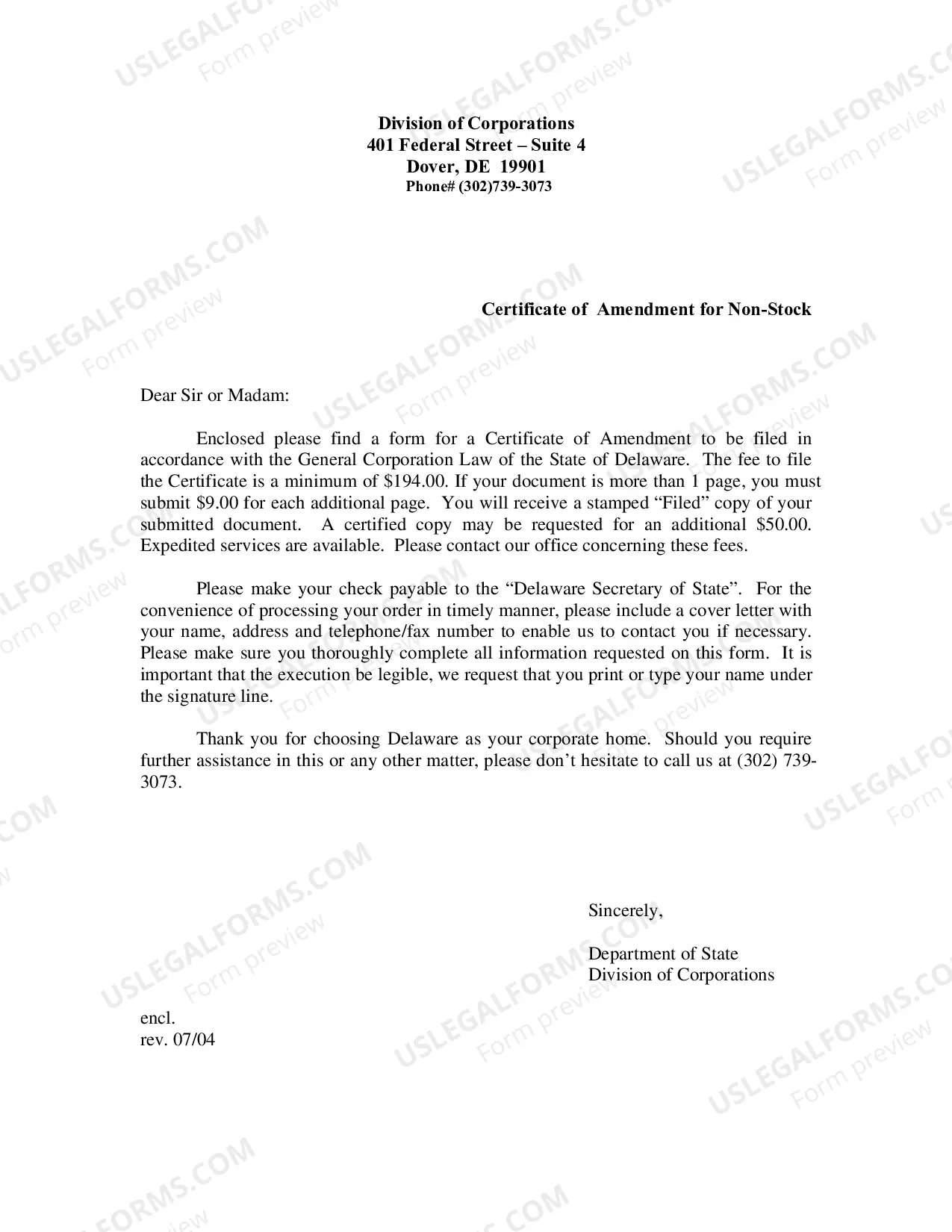
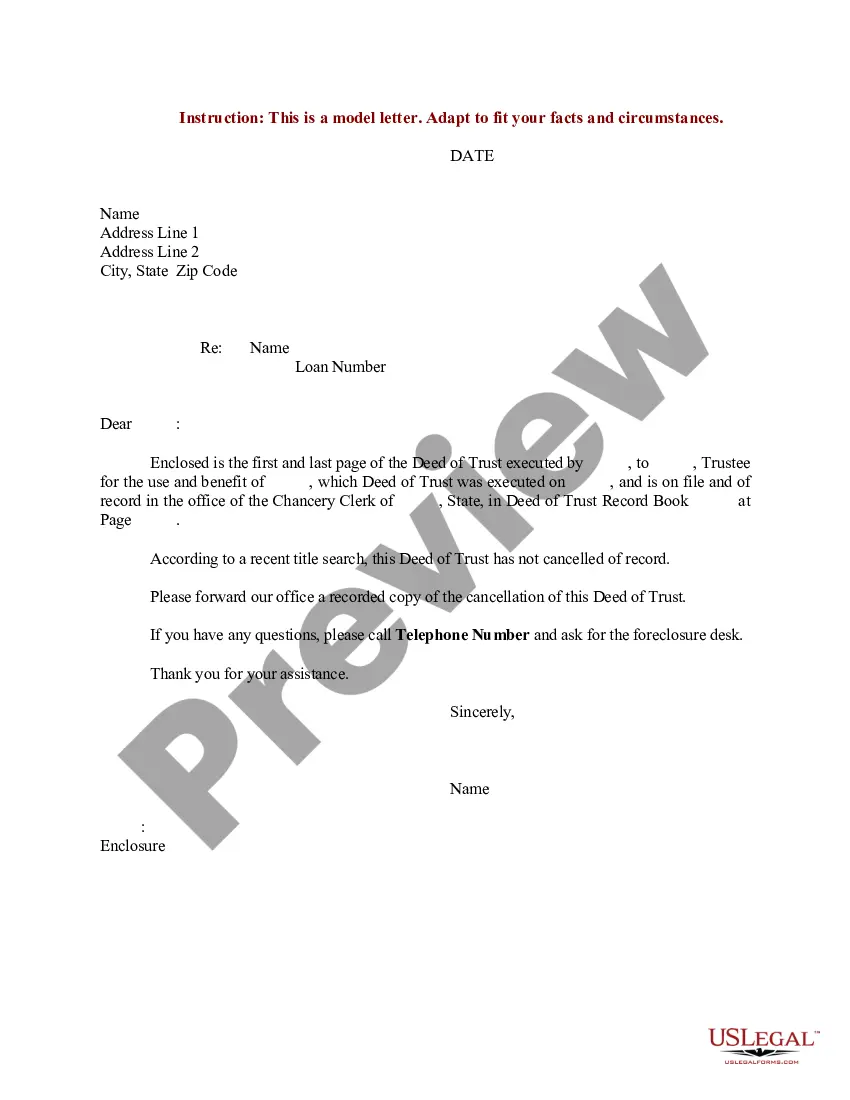
Most business letters must include a return address (letterhead or your name and address), date, an inside address (receiver's name and address), a salutation, body paragraphs, and a closing.
In block format, all of the lines of a letter are left-justified with a line break between paragraphs. In semi-block format, new paragraphs begin with an indent, or a small gap between the left margin and the start of the text.
The sections of a legal business letter are: Sender's address (if not included in the letterhead) Date of correspondence. Recipient's address. Caption (RE: Topic of the correspondence) Salutation. Introduction. Body of letter (Limited to two or three points, each in its own paragraph) Closing.

