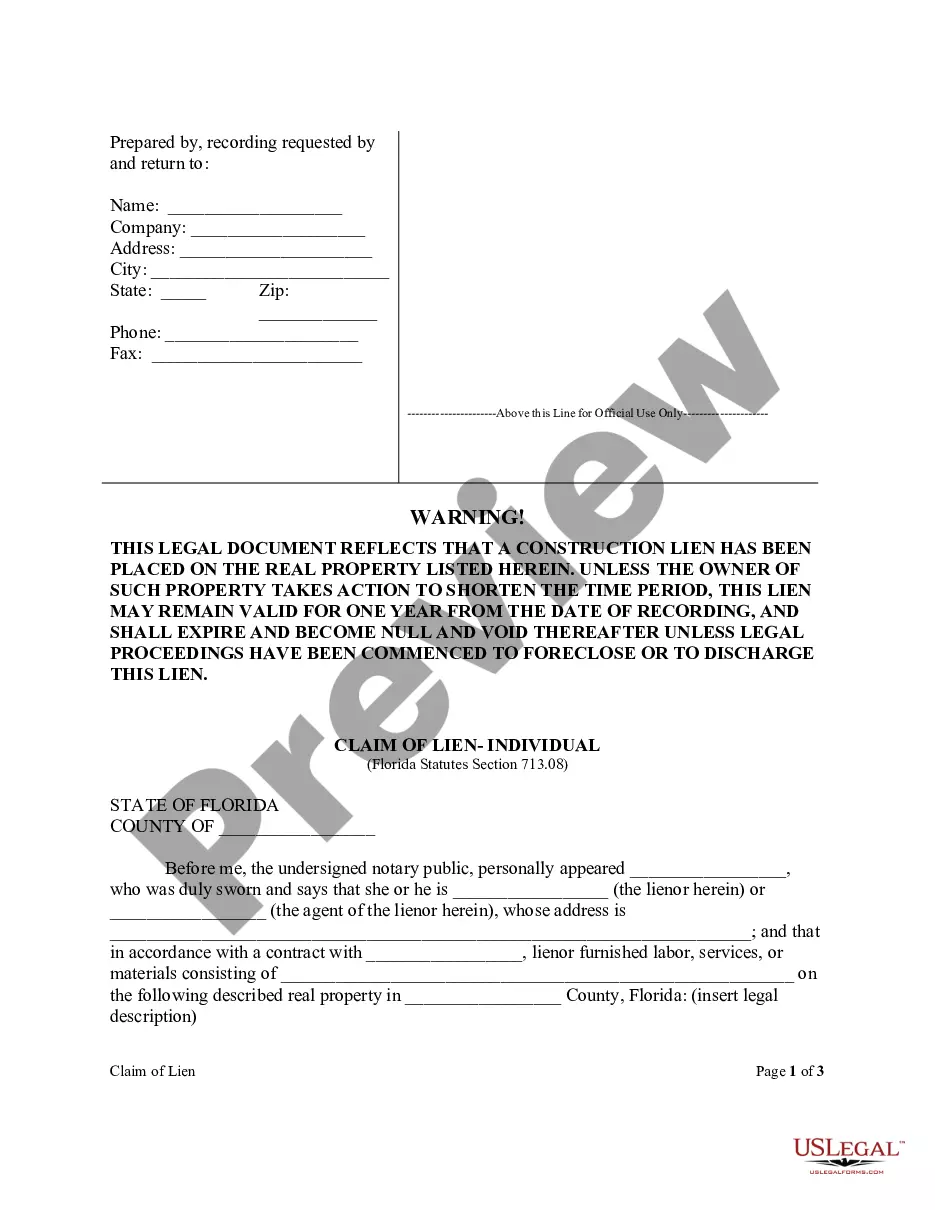
Letter Instruction Sample With Cc In Cook
Description

Get your form ready online
Our built-in tools help you complete, sign, share, and store your documents in one place.
Make edits, fill in missing information, and update formatting in US Legal Forms—just like you would in MS Word.
Download a copy, print it, send it by email, or mail it via USPS—whatever works best for your next step.
Sign and collect signatures with our SignNow integration. Send to multiple recipients, set reminders, and more. Go Premium to unlock E-Sign.
If this form requires notarization, complete it online through a secure video call—no need to meet a notary in person or wait for an appointment.
We protect your documents and personal data by following strict security and privacy standards.

Make edits, fill in missing information, and update formatting in US Legal Forms—just like you would in MS Word.

Download a copy, print it, send it by email, or mail it via USPS—whatever works best for your next step.

Sign and collect signatures with our SignNow integration. Send to multiple recipients, set reminders, and more. Go Premium to unlock E-Sign.

If this form requires notarization, complete it online through a secure video call—no need to meet a notary in person or wait for an appointment.

We protect your documents and personal data by following strict security and privacy standards.
Looking for another form?






Form popularity
FAQ
Line below the primary. Address did you know the first documented use of the term carbonated paperMoreLine below the primary. Address did you know the first documented use of the term carbonated paper was in 1806. When Ralph Wedgewood patented his stylographic writer.
CC stands for carbon copy, allowing someone apart from the primary recipient to receive a copy of the email. When you CC an email to someone, the recipients in both the To field and the CC field are able to see the email addresses of each other. The CC field in email lets you keep additional recipients in the loop.
Let's get started. So see I've opened up my Gmail account. And my email is ready to go I've enteredMoreLet's get started. So see I've opened up my Gmail account. And my email is ready to go I've entered my recipient's email address and now to CC.
On a paper business letter, you often include the CC line underneath your signature, either above or below any enclosures line.
In the email world, CC is short for “carbon copy.” CC informs the main recipient that a copy of the email was also sent to someone else. You may notice different capitalizations of this abbreviation—CC, Cc, and cc are all acceptable. The option to CC someone is usually found under the main recipient's email address.
Multiple recipients are listed using their full names and alphabetically. For example, "cc: Dr. Mark Brook, Dr. Nora Woods." If the recipients are from a different business, it's important to include that business's name in parentheses after the names.
On a paper business letter, you often include the CC line underneath your signature, either above or below any enclosures line. Here are the various abbreviations you can use to note carbon copy on printed business letters: cc: c.c.
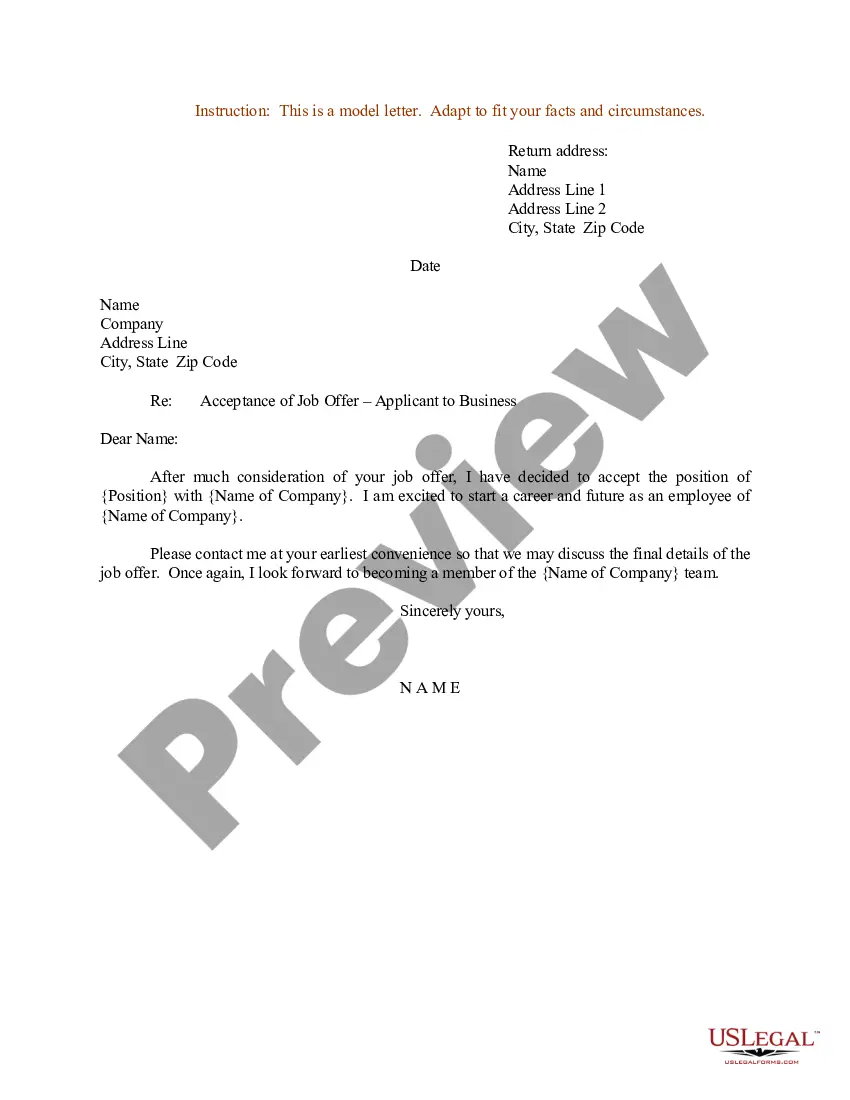
Step 1: Follow format Follow a proper letter format when you write your letter. Step 2: After signature Under your signature, type cc. Put two to four spaces between your signature and the cc line.