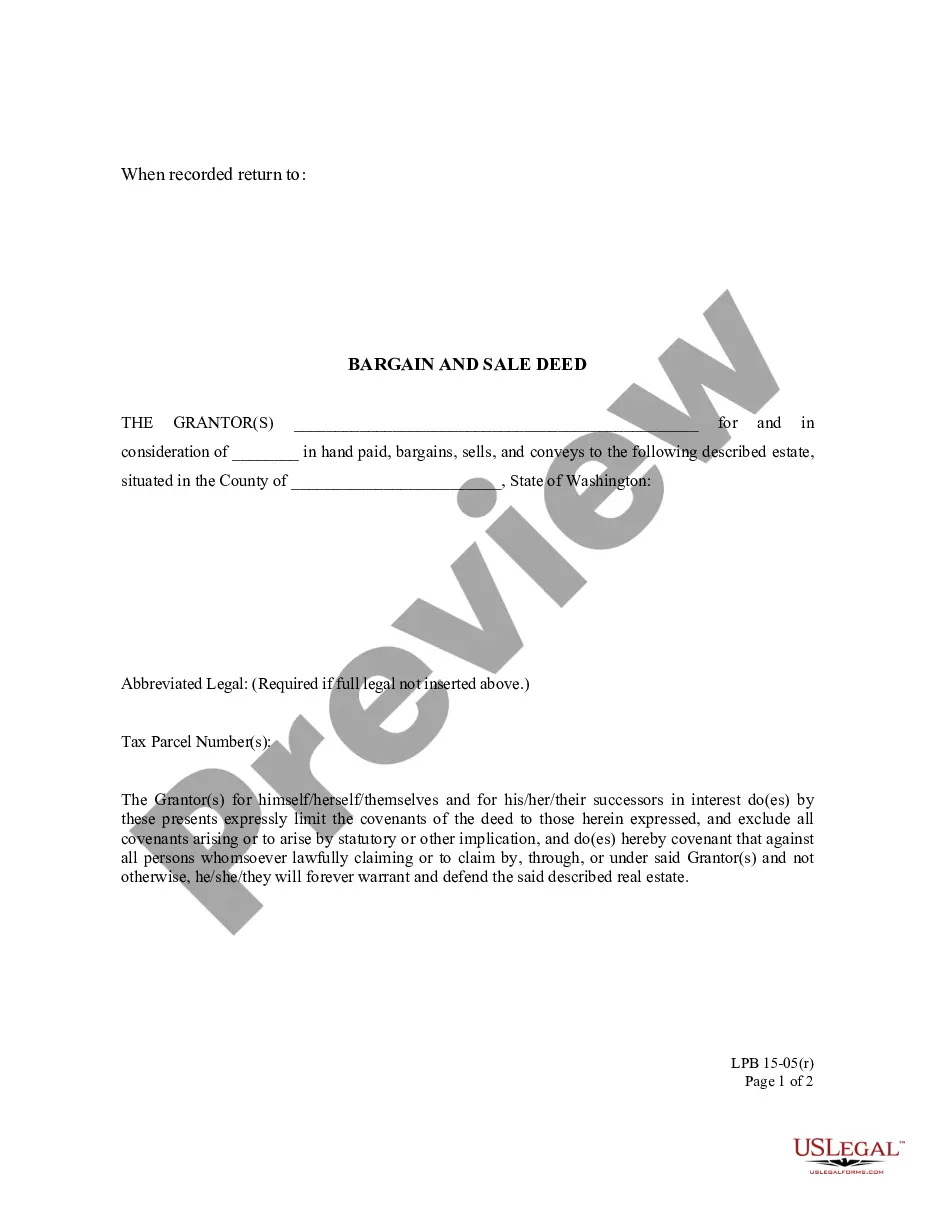
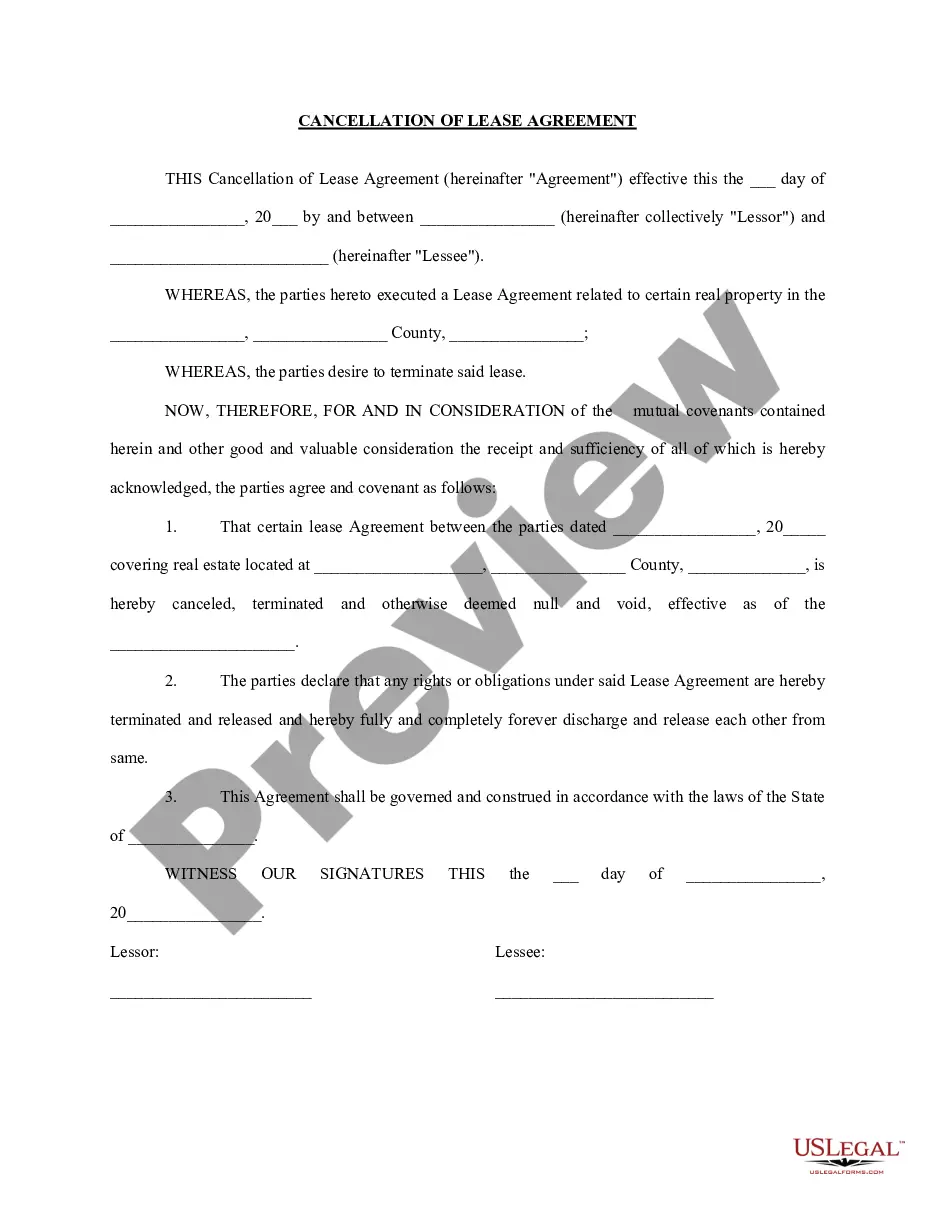
Acknowledgement With Sign At Bottom In Contra Costa
Description




Get your form ready online
Our built-in tools help you complete, sign, share, and store your documents in one place.
Make edits, fill in missing information, and update formatting in US Legal Forms—just like you would in MS Word.
Download a copy, print it, send it by email, or mail it via USPS—whatever works best for your next step.
Sign and collect signatures with our SignNow integration. Send to multiple recipients, set reminders, and more. Go Premium to unlock E-Sign.
If this form requires notarization, complete it online through a secure video call—no need to meet a notary in person or wait for an appointment.
We protect your documents and personal data by following strict security and privacy standards.

Make edits, fill in missing information, and update formatting in US Legal Forms—just like you would in MS Word.

Download a copy, print it, send it by email, or mail it via USPS—whatever works best for your next step.

Sign and collect signatures with our SignNow integration. Send to multiple recipients, set reminders, and more. Go Premium to unlock E-Sign.

If this form requires notarization, complete it online through a secure video call—no need to meet a notary in person or wait for an appointment.

We protect your documents and personal data by following strict security and privacy standards.
Looking for another form?









Form popularity
FAQ
Please tell us as much as you can about what you are looking for, and tell us how we can reach you, including by email. Fill out and send a Request for Judicial Administrative Records form to the Public Information Officer by fax at (925) 608-2658 or by email at: mediainfo@contracostaurts.ca.
Please email your question to Dept. 7 at dept07@contracostaurts.ca or fax your question to Dept. 7 at (925) 608-0694.
Contacting the Court by Mail The mailing address for all courthouses is 191 N. First Street, San Jose, CA 95113.
How to serve by mail with Notice of Acknowledgment and Receipt Choose a server. Figure out when to serve. Fill out and copy Notice and Acknowledgement of Receipt. Prepare a return envelope. Have your server mail the papers and envelope. Wait for server to get signed Notice in the mail. Fill out the Proof of Service forms.
The Superior Court of Contra Costa implemented its E-filing system in 2022. They selected Odyssey Case Manager from Tyler Technologies, a software solution in use by 29 of the 58 courts in the state.
Outside of the Supreme Court, always use “The Honorable (full name)” in your correspondence. STATE COURTS Note: States may vary on titles of judges. Check with court or various state court resources to determine proper address and salutation forms, particularly for Chief Judges/Chief Justices.
If you are well known in your community, your family name or place of work might make you more reputable in the eyes of the judge. Next, express exactly why you are writing. Include the name of the victim or the defendant, how you know the defendant, and why you're writing on behalf of them.
The Contra Costa County Superior Court, officially known as the Superior Court of California, County of Contra Costa, is the California Superior Court with jurisdiction over Contra Costa County. It has four courthouses: Martinez, Pittsburg, Richmond and Walnut Creek.
Contra Costa County is broadly divided into three sub-areas: West County, including of the cities of El Cerrito, Richmond, San Pablo, Pinole, and Hercules, as well as the unincorporated communities of Kensington, El Sobrante, North Richmond, Rodeo, Crockett, and Port Costa.
A: If your incident is an emergency, call 9-1-1. If it is a non-emergency, call (925) 646-2441.