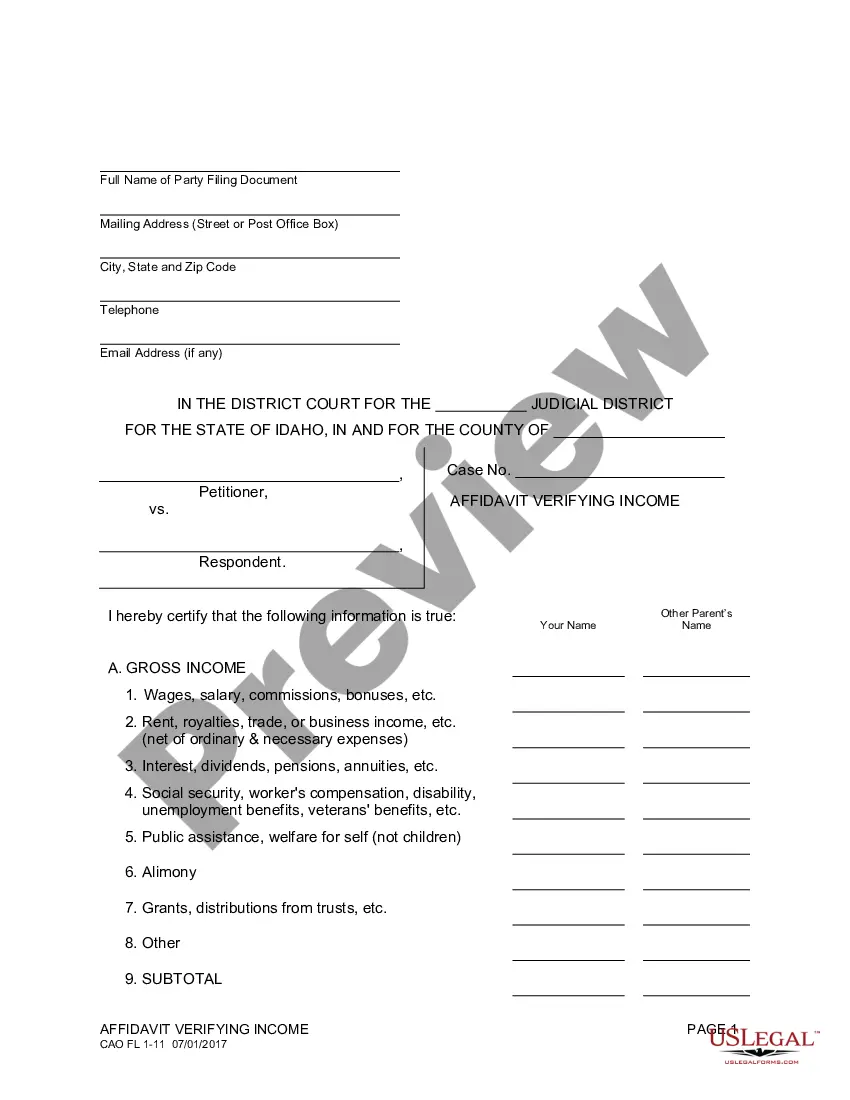
Nonprofit Resolution Template With Lines In Washington
Description
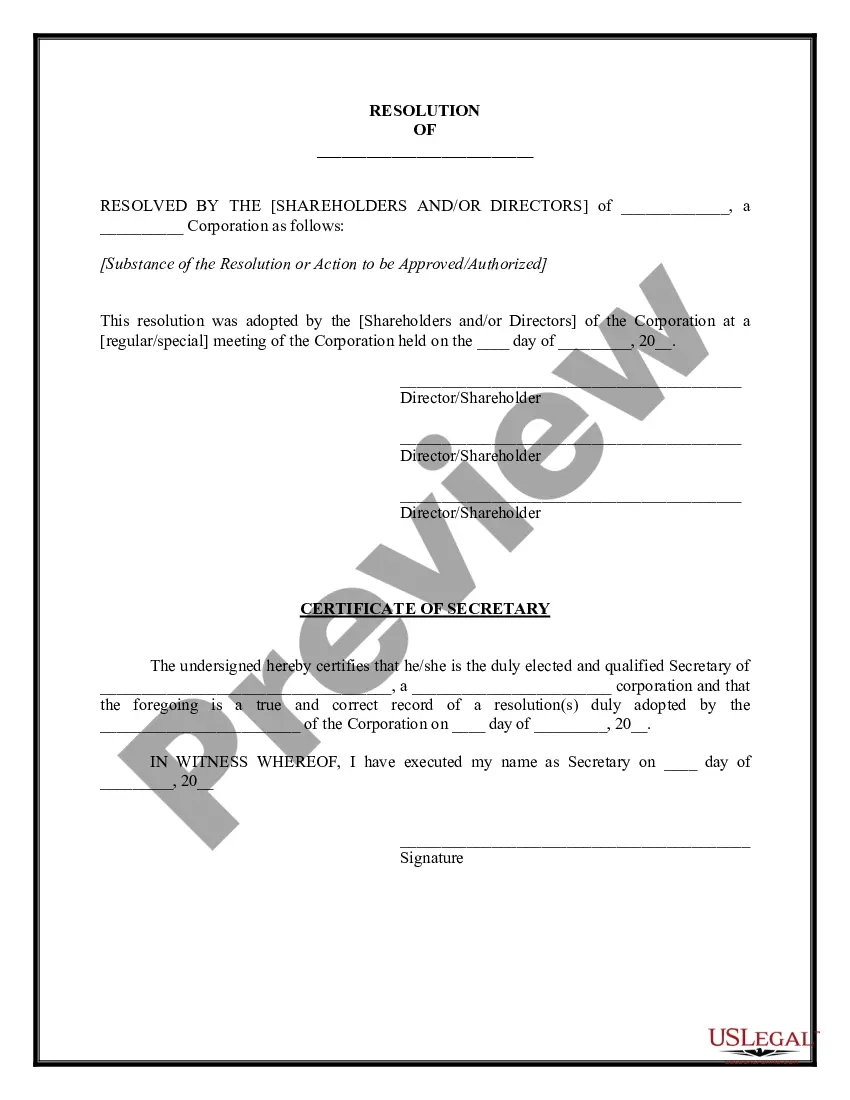


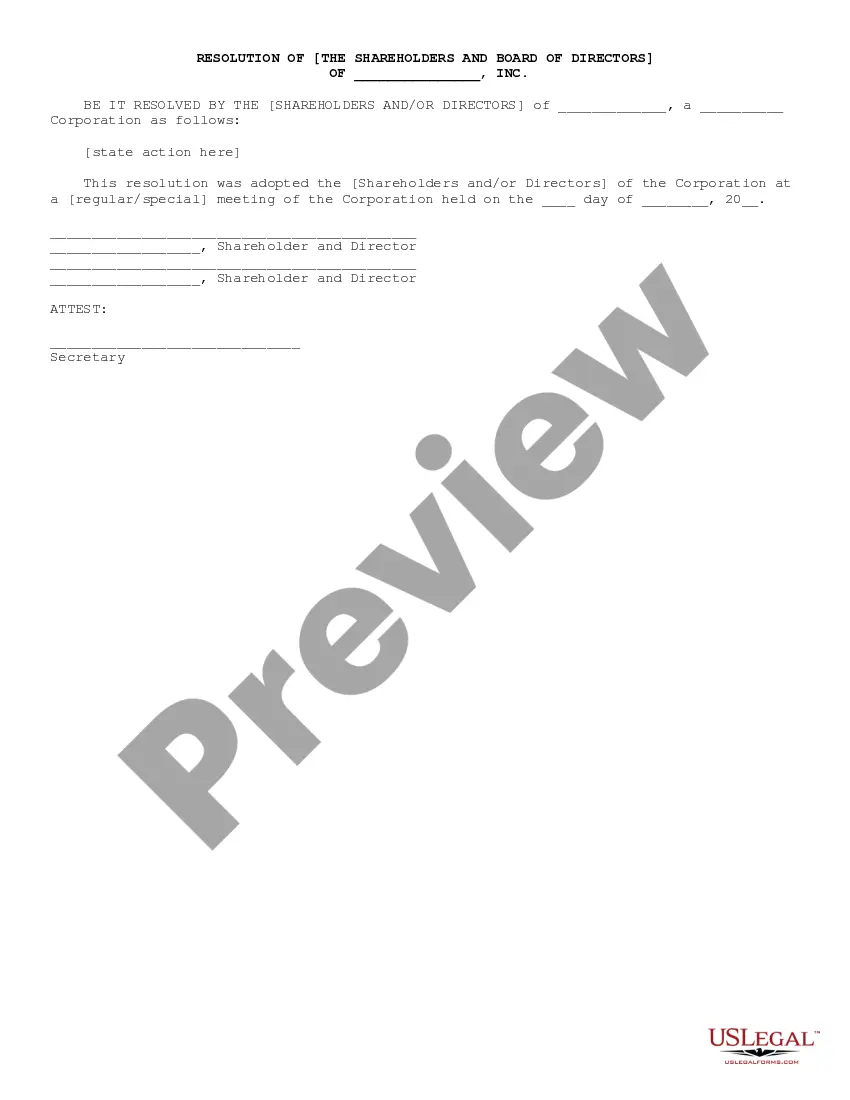

Get your form ready online
Our built-in tools help you complete, sign, share, and store your documents in one place.
Make edits, fill in missing information, and update formatting in US Legal Forms—just like you would in MS Word.
Download a copy, print it, send it by email, or mail it via USPS—whatever works best for your next step.
Sign and collect signatures with our SignNow integration. Send to multiple recipients, set reminders, and more. Go Premium to unlock E-Sign.
If this form requires notarization, complete it online through a secure video call—no need to meet a notary in person or wait for an appointment.
We protect your documents and personal data by following strict security and privacy standards.

Make edits, fill in missing information, and update formatting in US Legal Forms—just like you would in MS Word.

Download a copy, print it, send it by email, or mail it via USPS—whatever works best for your next step.

Sign and collect signatures with our SignNow integration. Send to multiple recipients, set reminders, and more. Go Premium to unlock E-Sign.

If this form requires notarization, complete it online through a secure video call—no need to meet a notary in person or wait for an appointment.

We protect your documents and personal data by following strict security and privacy standards.
Looking for another form?









Form popularity
FAQ
To form a corporation in Washington State, you must file Articles of Incorporation with the Secretary of State. This form legally incorporates your business. The following guide will walk you through the Articles of Incorporation. You can file this form by mail or—we suggest—online.
Board members/directors must be individuals and do not need to be residents of Washington State. Bylaws can add additional qualifications as agreed upon by the current board members. 501(c)(3) public charities must have at least 3 board members. Youth under the age of 18 may serve on a board.
Nonprofits in Washington. There are 45,402 organizations in Washington. Combined, these Washingtonian nonprofits employ 476,630 people, earn more than $119 billion in revenue each year, and have assets of $323 billion.
How to write a board resolution Put the date and resolution number at the top. Give the resolution a title that relates to the decision. Use formal language. Continue writing out each critical statement. Wrap up the heart of the resolution in the last statement.
NOW THEREFORE, BE IT RESOLVED that the Board of Directors of (legal name of your corporation) hereby authorizes (officer name{s} and officer title{s}) to act on behalf on (legal name of your corporation) in entering into any agreement with the City of Los Angeles; and to sign for and perform any and all ...
What Are the Components of a Nonprofit Board Resolution Template? The board meeting date. The number of the resolution. A title of the resolution. The resolution itself (what is being voted on) The name and vote of each voting member of the board. The Chairperson's name and signature.
Steps to Write a Corporate Resolution Write the Company's Name. Indicate Further Legal Identification. Include Location, Date, and Time. List the Board Resolutions. Sign the Document and Write the Document.
A board resolution formalizes — in writing — the critical decisions made by members in board meetings. Comparatively speaking, making decisions is often easier than writing a board resolution. Nonetheless, drafting them is far easier when your board understands its purpose and the components that go into writing them.
Use formal language to record the resolutions. You will write your board resolutions using “whereas” and “resolved” clauses. “Whereas” statements show the reason for the resolution while “resolved” clauses state the action that will be taken. Your “whereas” statement should lead the reader to the “resolved” clause.
How to write a board resolution Put the date and resolution number at the top. Give the resolution a title that relates to the decision. Use formal language. Continue writing out each critical statement. Wrap up the heart of the resolution in the last statement.