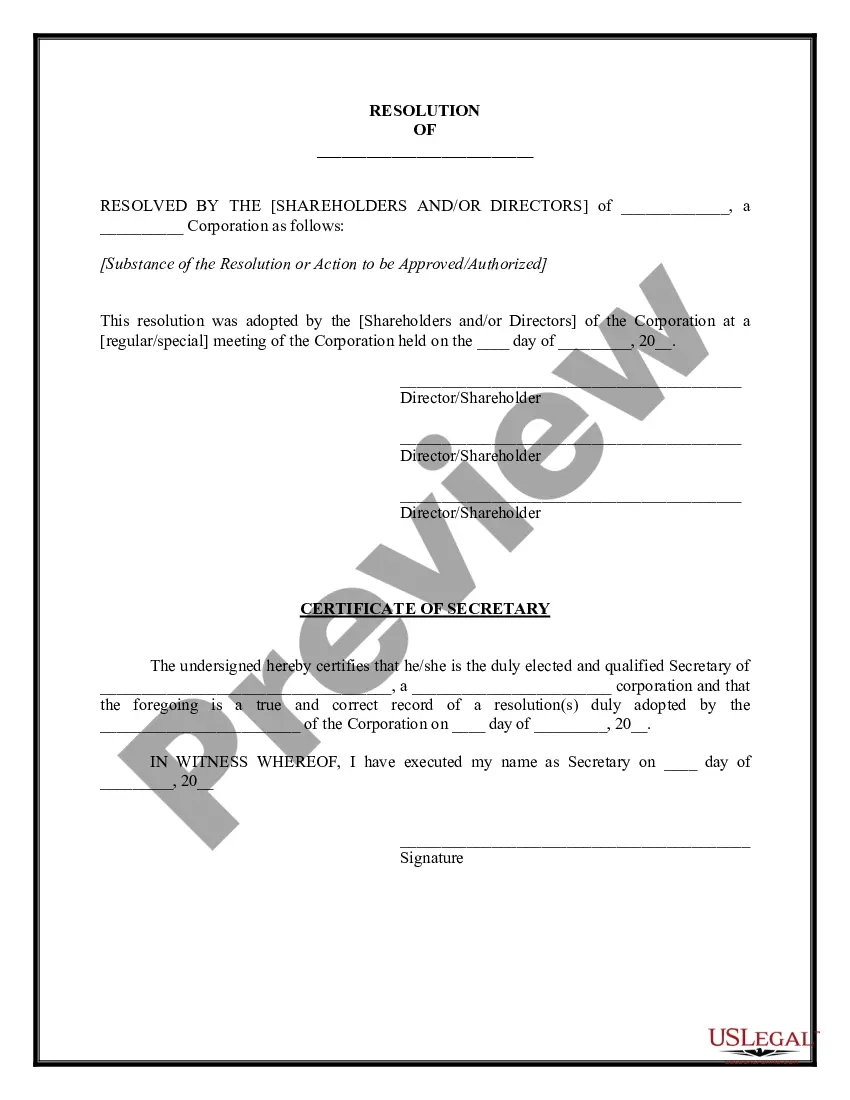
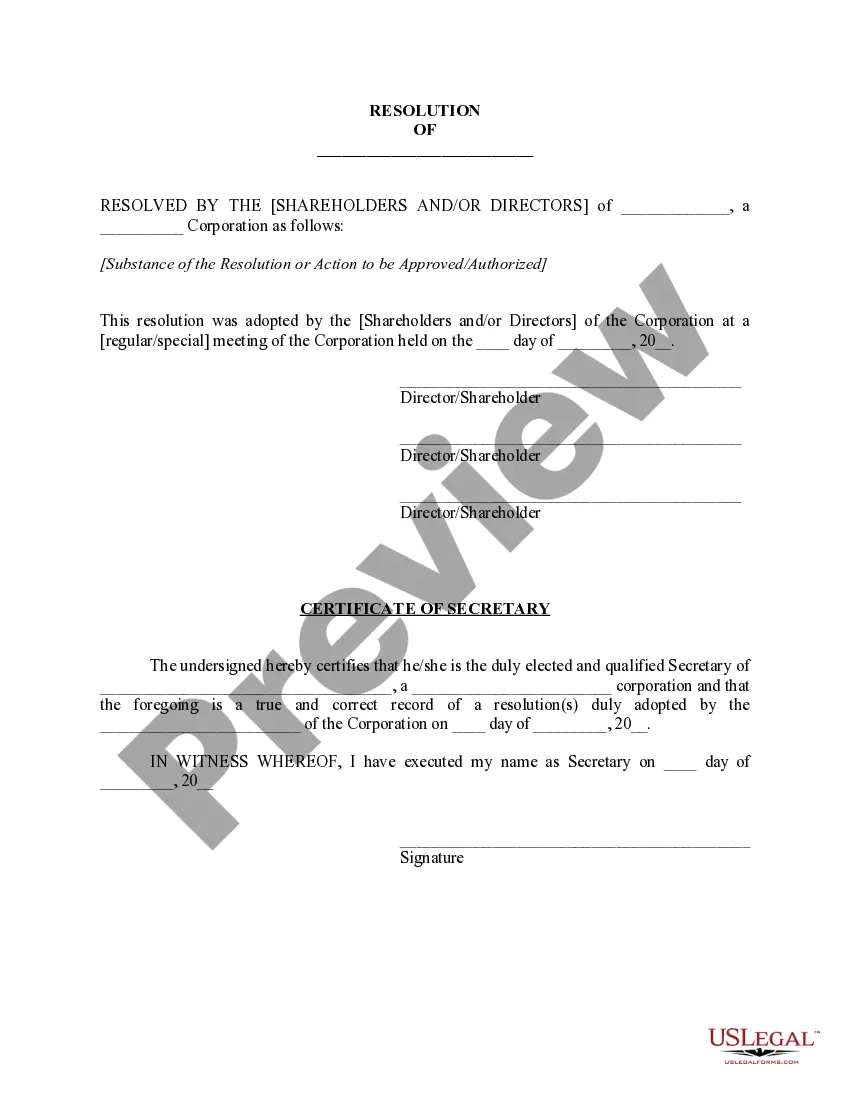
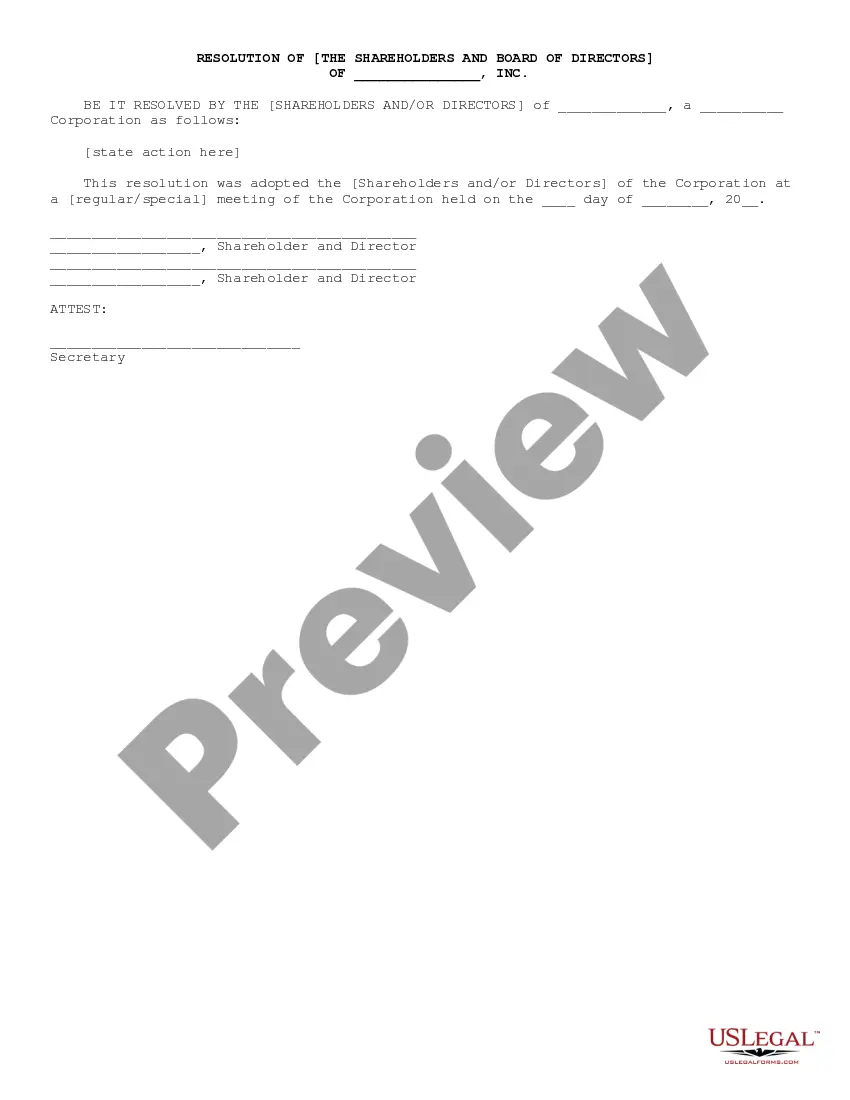
Non Profit Corporate Resolution Example With Signature In Miami-Dade
Description


Get your form ready online
Our built-in tools help you complete, sign, share, and store your documents in one place.
Make edits, fill in missing information, and update formatting in US Legal Forms—just like you would in MS Word.
Download a copy, print it, send it by email, or mail it via USPS—whatever works best for your next step.
Sign and collect signatures with our SignNow integration. Send to multiple recipients, set reminders, and more. Go Premium to unlock E-Sign.
If this form requires notarization, complete it online through a secure video call—no need to meet a notary in person or wait for an appointment.
We protect your documents and personal data by following strict security and privacy standards.

Make edits, fill in missing information, and update formatting in US Legal Forms—just like you would in MS Word.

Download a copy, print it, send it by email, or mail it via USPS—whatever works best for your next step.

Sign and collect signatures with our SignNow integration. Send to multiple recipients, set reminders, and more. Go Premium to unlock E-Sign.

If this form requires notarization, complete it online through a secure video call—no need to meet a notary in person or wait for an appointment.

We protect your documents and personal data by following strict security and privacy standards.
Looking for another form?








Form popularity
FAQ
What is a corporate resolution in Florida? A Florida corporation resolution form is a legal document that directors of a corporation adopt to document consent and agreement between all relevant parties to a corporate resolution.
Steps to Dissolve a Florida Corporation File the Articles of Dissolution. “Wind Up” the Corporation. File a Notice of the Dissolution. File for Dissolution in Other States If Applicable. Wrap Up Any Other Outstanding Business Matters.
How to write a corporate resolution Hold a board meeting. Board members typically create corporate resolutions at their board meetings to summarize what they discussed. Include introductory elements. Write a statement of consent. List the resolutions. Conclude with a statement of resolution. Proofread the document.
Acquire a Digital Signature A digital signature must be unique to the Professional using it, obtained from a third-party certification authority, and capable of verification. The certification authority will vet the professional and provide a password-protected digital signature file.
How to write a board resolution Put the date and resolution number at the top. Give the resolution a title that relates to the decision. Use formal language. Continue writing out each critical statement. Wrap up the heart of the resolution in the last statement.
What is a corporate signing authority resolution? The corporate resolution for signing authority permits certain corporate executives with legal standing to sign contracts on the corporation's behalf.
These resolutions formally record any major corporate decision so that they can then be filed with the company's official records. Corporate resolutions for signing are particular resolutions that clarify and define which corporate officers have the legal standing to sign contracts on behalf of the corporation.
Writing a strong resolution requires a balance of clarity, intention, and practicality. Start by being clear and specific about your goals. A vague resolution like ``I want to be healthier'' can easily lose focus.
Resolutions begin with "Whereas" statements, which provides the basic facts and reasons for the resolution, and conclude with "Resolved" statements which, identifies the specific proposal for the requestor's course of action.
Use emotional language: Use powerful, emotionally charged language to help your prospects empathize with the story they're reading. This can inspire a sense of urgency and drive readers to make their own gift. Smartblogger has a great list of power words that you can use when writing your testimonials.