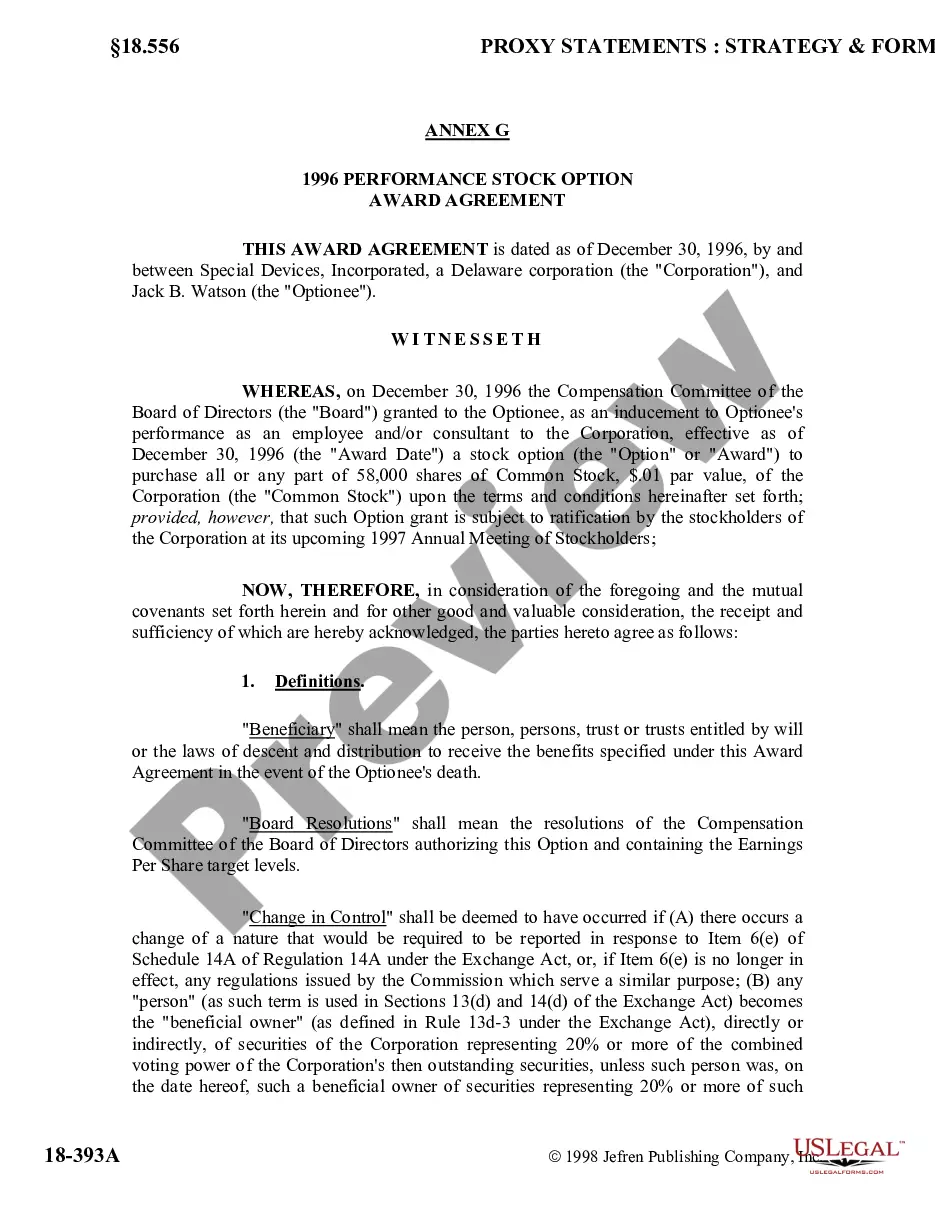
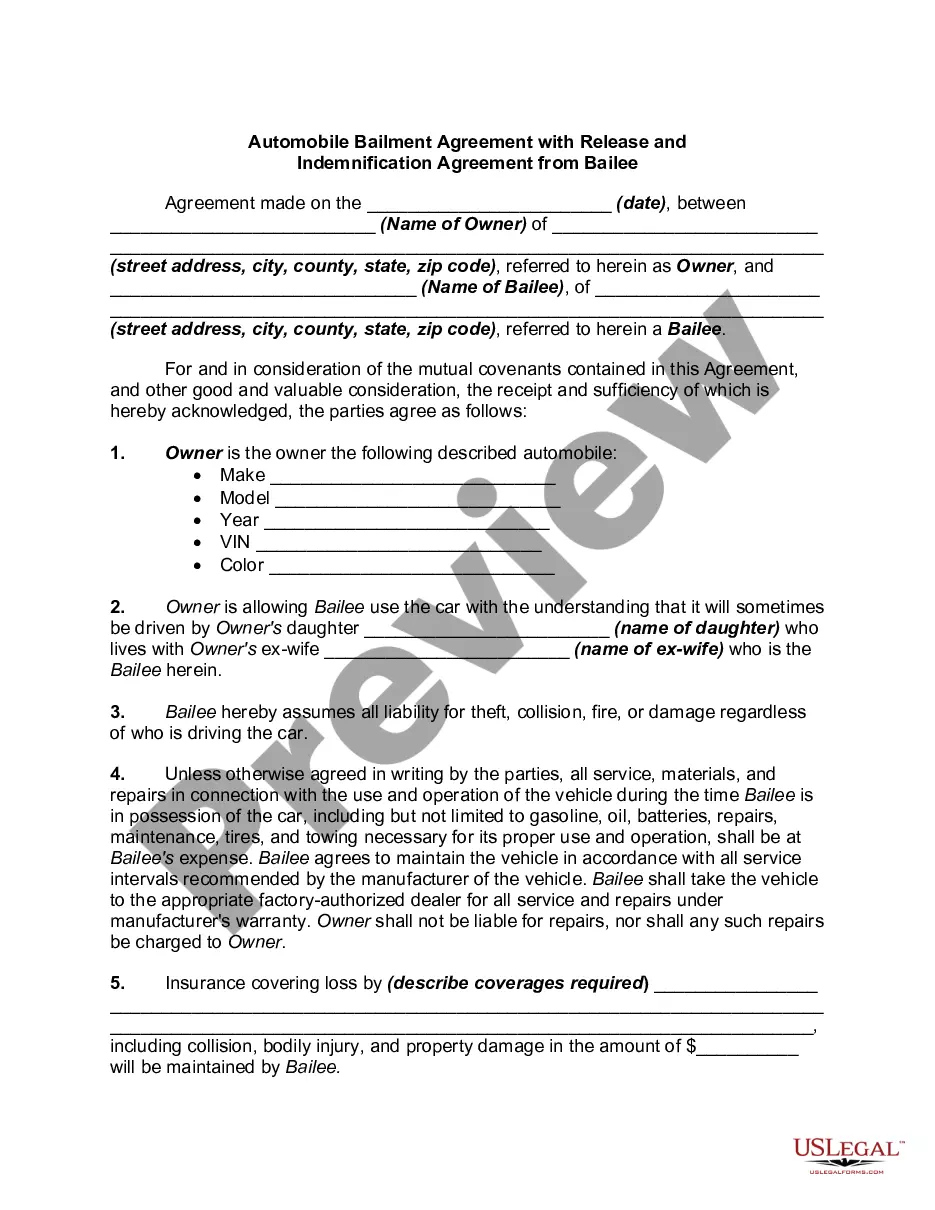
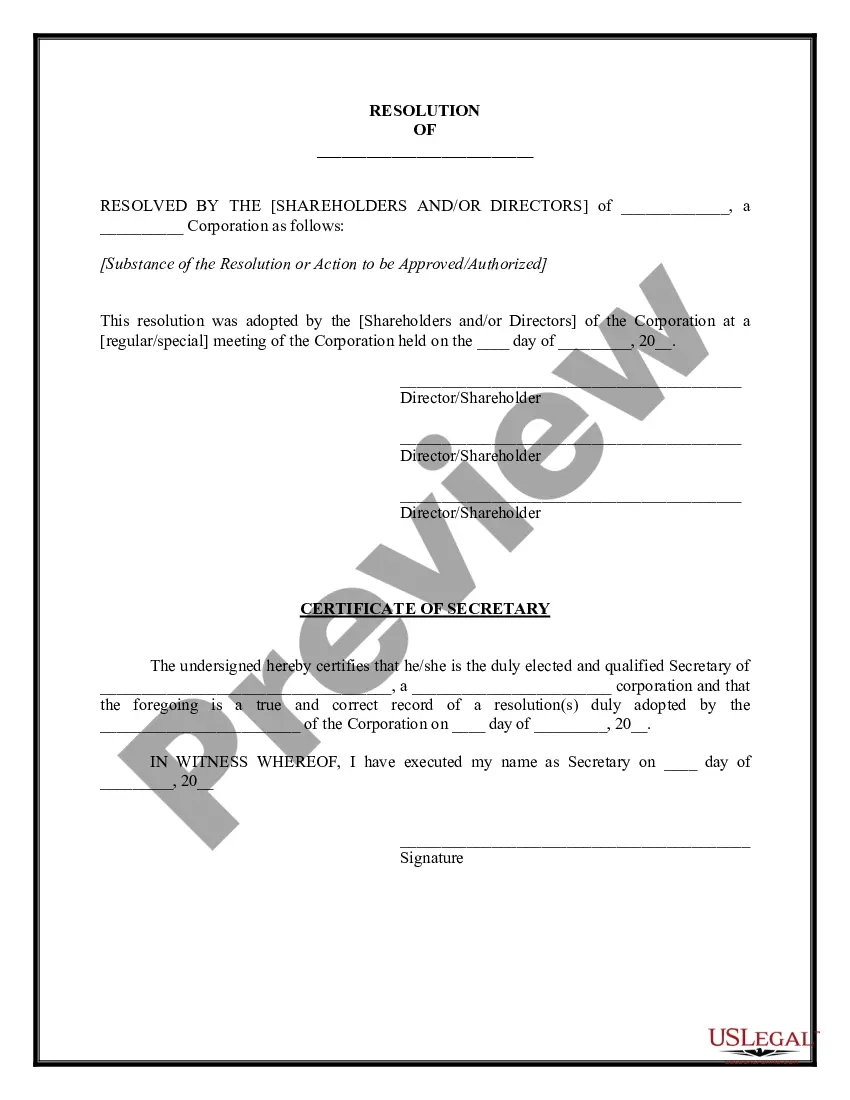
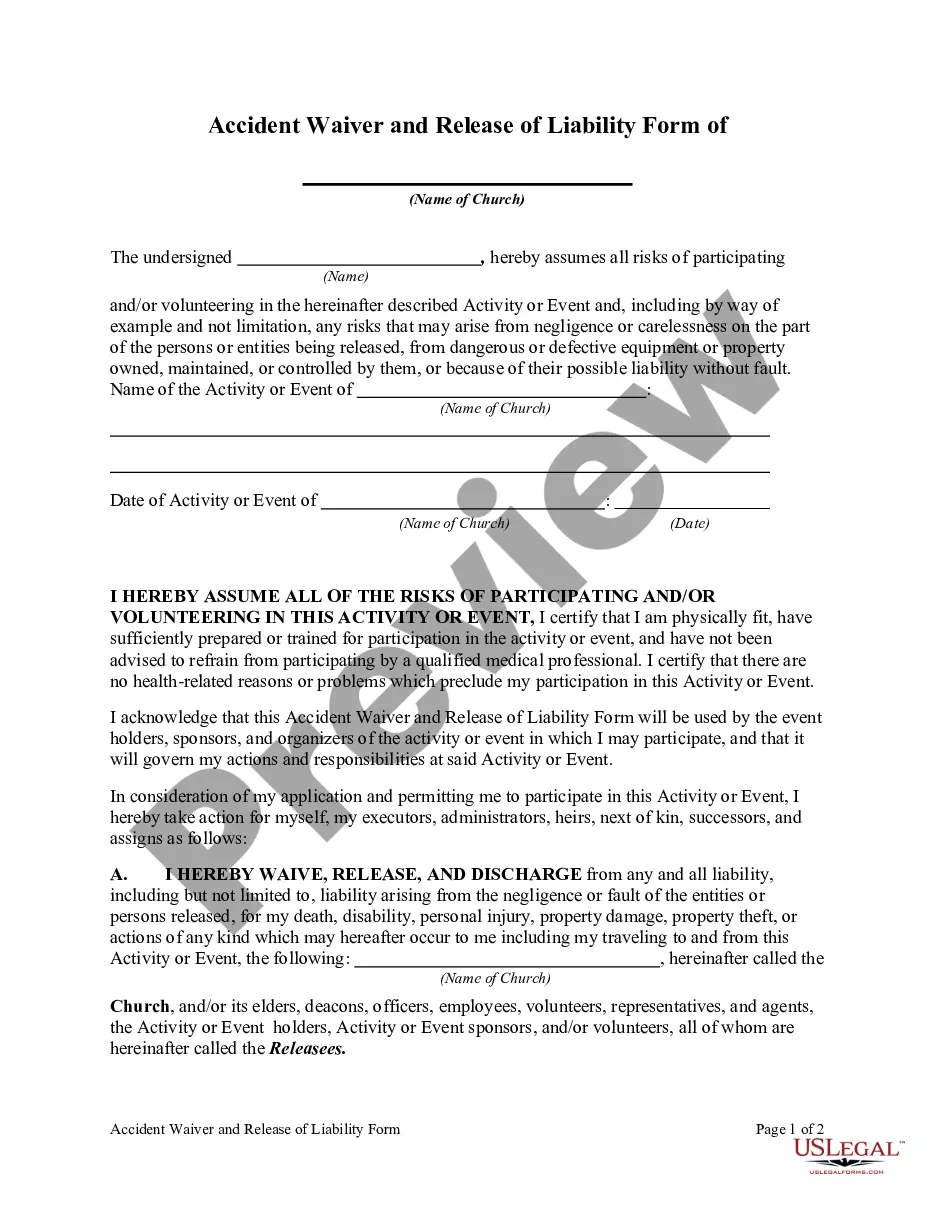
Board Resolution For Signing Authority In Bank In Utah
Description


Get your form ready online
Our built-in tools help you complete, sign, share, and store your documents in one place.
Make edits, fill in missing information, and update formatting in US Legal Forms—just like you would in MS Word.
Download a copy, print it, send it by email, or mail it via USPS—whatever works best for your next step.
Sign and collect signatures with our SignNow integration. Send to multiple recipients, set reminders, and more. Go Premium to unlock E-Sign.
If this form requires notarization, complete it online through a secure video call—no need to meet a notary in person or wait for an appointment.
We protect your documents and personal data by following strict security and privacy standards.

Make edits, fill in missing information, and update formatting in US Legal Forms—just like you would in MS Word.

Download a copy, print it, send it by email, or mail it via USPS—whatever works best for your next step.

Sign and collect signatures with our SignNow integration. Send to multiple recipients, set reminders, and more. Go Premium to unlock E-Sign.

If this form requires notarization, complete it online through a secure video call—no need to meet a notary in person or wait for an appointment.

We protect your documents and personal data by following strict security and privacy standards.
Looking for another form?









Form popularity
FAQ
How to write a board resolution Put the date and resolution number at the top. Give the resolution a title that relates to the decision. Use formal language. Continue writing out each critical statement. Wrap up the heart of the resolution in the last statement.
“FURTHER RESOLVED THAT Mr__________________ Director, Mr__________________ Director, and Mr__________________ (give designation if a senior official other than a director) be and are hereby jointly and severally authorised to sign, execute and deliver all the documents including title deeds to the property of the ...
Corporate resolutions for signing are particular resolutions that clarify and define which corporate officers have the legal standing to sign contracts on behalf of the corporation.
The corporate resolution for signing authority is a specific corporate resolution that authorizes specific corporate officers with the legal standing to sign contracts on behalf of the corporation.
When drafting a banking resolution, here are the key elements to include: Title of the Document. Statement of Board Agreement. Detailed List of Authorized Individuals. Specific Powers Granted to These Individuals. Time Frame for the Resolution's Validity. The Signature of the Company's Board of Directors or Members.
When you create a resolution to open a bank account, you need to include the following information: The legal name of the corporation. The name of the bank where the account will be created. The state where the business is formed. Information about the directors/members.
“RESOLVED FURTHER THAT, any one of the above officials of the Company/Bank/Cooperative Society/Trust/legal entity, be and is hereby authorized to do all such acts, deeds, things, sign all such papers, documents, power of attorneys, indemnities, correspondence and to do and perform all such acts, deeds and things and ...
“RESOLVED THAT a Current Account in the name of the Company be opened with ____________ Bank, _____________ , for the operations of the activities of the Company and the said Bank be and is hereby authorized to honour all cheques, drafts, bills of exchange, promissory notes and other negotiable instrument, signed drawn ...
The corporate resolution for signing authority is a specific corporate resolution that authorizes specific corporate officers with the legal standing to sign contracts on behalf of the corporation.
What is a corporate signing authority resolution? The corporate resolution for signing authority permits certain corporate executives with legal standing to sign contracts on the corporation's behalf.