Confirmation Letter Sample For Student In Washington
Description




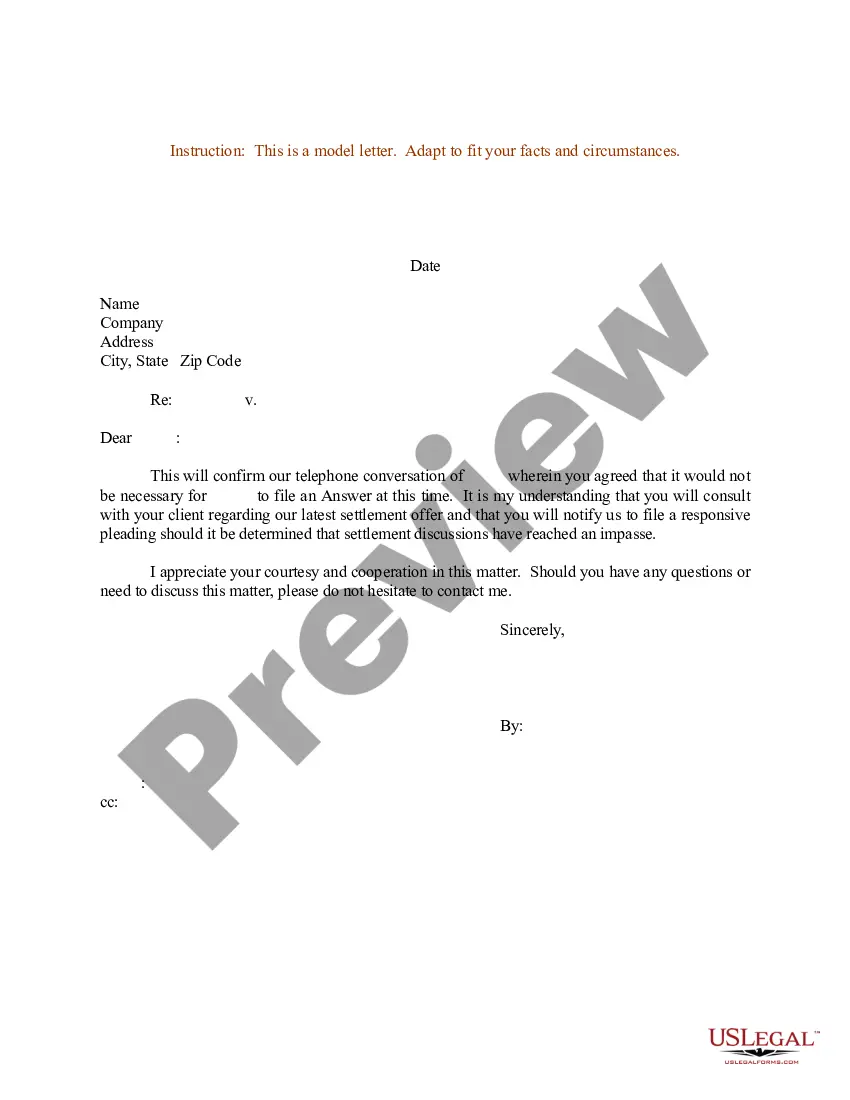
Get your form ready online
Our built-in tools help you complete, sign, share, and store your documents in one place.
Make edits, fill in missing information, and update formatting in US Legal Forms—just like you would in MS Word.
Download a copy, print it, send it by email, or mail it via USPS—whatever works best for your next step.
Sign and collect signatures with our SignNow integration. Send to multiple recipients, set reminders, and more. Go Premium to unlock E-Sign.
If this form requires notarization, complete it online through a secure video call—no need to meet a notary in person or wait for an appointment.
We protect your documents and personal data by following strict security and privacy standards.

Make edits, fill in missing information, and update formatting in US Legal Forms—just like you would in MS Word.

Download a copy, print it, send it by email, or mail it via USPS—whatever works best for your next step.

Sign and collect signatures with our SignNow integration. Send to multiple recipients, set reminders, and more. Go Premium to unlock E-Sign.

If this form requires notarization, complete it online through a secure video call—no need to meet a notary in person or wait for an appointment.

We protect your documents and personal data by following strict security and privacy standards.
Looking for another form?










Form popularity
FAQ
Your UW NetID will be your username and email address. You will use it to access all UW information and other online services. You may create a UW NetID only for yourself. UW's Administrative Privacy Policy prohibits anyone from creating a UW NetID on behalf of someone else.
Find Your Student ID Number Log in to SIS. Select Other Financial from the drop down box. Click Printer Friendly Page. Find your Student ID number on the page.
Your seven-digit student number is issued during the admission process. This number is yours alone and will be your student number forever. If you order a UW transcript 30 years from now, you will be identified by your student number. The first two digits of your student number are the year you were admitted to the UW.
I am writing to verify that Student Name is a currently enrolled doctoral/MSW/undergraduate (whichever applies) student at University/College/Institution name. The student's projected graduation date is Month/Semester and Year.
Forgot Your Campus ID, NetID, or Password? Your campus ID number was sent to you with your application acknowledgement email. It will likely begin with a 908.
The Enrollment Confirmation System is an online tool where admitted students can confirm their intent to enroll at the UW by paying their Enrollment Confirmation Deposit (ECD) online using a credit card or web check.
First, find your student system key. This unique number is sent to you in the "Next Steps" email and is also located in your applicant status portal, after you are admitted.
A school enrollment letter should include the following information: 1. The name of the school and the student's enrollment status (e.g. full-time or part-time). 2. The student's start date and anticipated graduation date.
Preparing to Write a Verification Letter This includes the details of the individual you are verifying, such as their full name, job title, employment period, salary, or education details. You should also include any other specific details required by the company or organization requesting the verification letter.