State Specific Employment Laws For Indian Citizens In Tarrant
Description

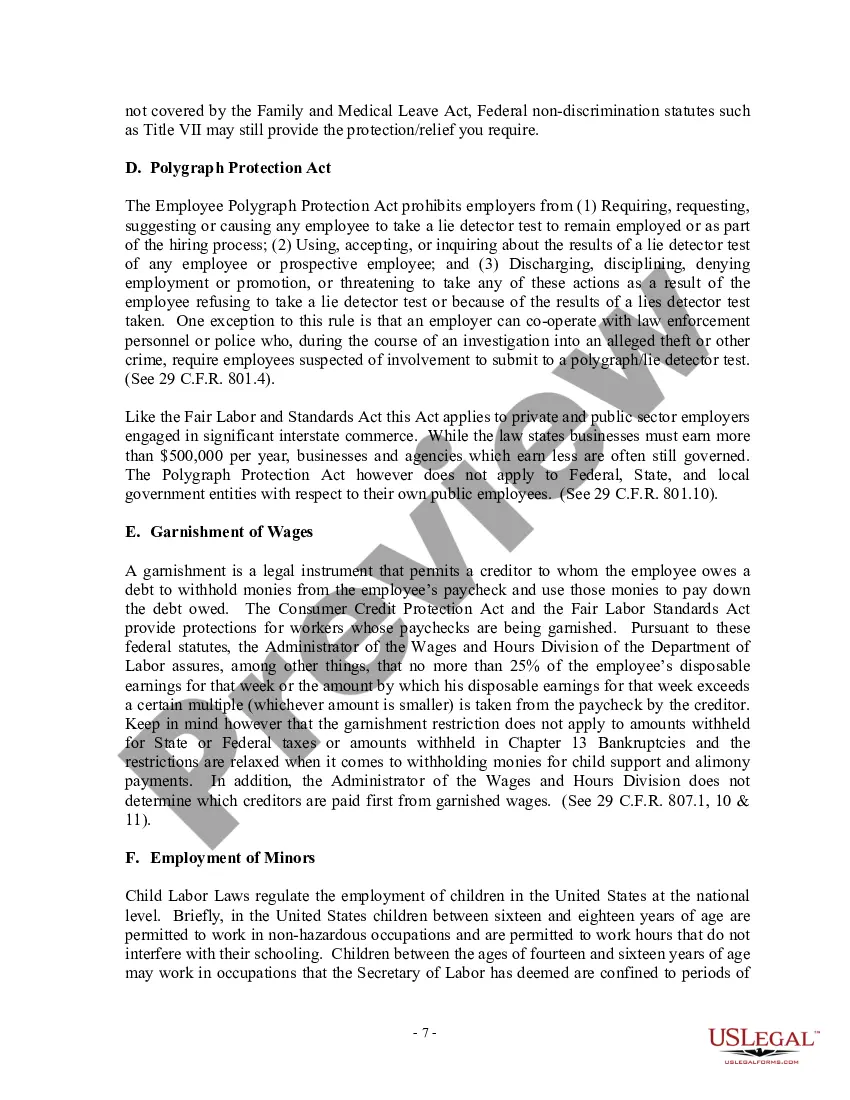



Get your form ready online
Our built-in tools help you complete, sign, share, and store your documents in one place.
Make edits, fill in missing information, and update formatting in US Legal Forms—just like you would in MS Word.
Download a copy, print it, send it by email, or mail it via USPS—whatever works best for your next step.
Sign and collect signatures with our SignNow integration. Send to multiple recipients, set reminders, and more. Go Premium to unlock E-Sign.
If this form requires notarization, complete it online through a secure video call—no need to meet a notary in person or wait for an appointment.
We protect your documents and personal data by following strict security and privacy standards.

Make edits, fill in missing information, and update formatting in US Legal Forms—just like you would in MS Word.

Download a copy, print it, send it by email, or mail it via USPS—whatever works best for your next step.

Sign and collect signatures with our SignNow integration. Send to multiple recipients, set reminders, and more. Go Premium to unlock E-Sign.

If this form requires notarization, complete it online through a secure video call—no need to meet a notary in person or wait for an appointment.

We protect your documents and personal data by following strict security and privacy standards.
Looking for another form?


Form popularity
FAQ
COMPLETING YOUR ELECTRONIC I-9. Employee Instructions. Step 1: Open the New I-9 Website for employees. Step 2: Complete Personal Information. Click in Personal Information. Step 3: Complete the I-9 Information. Step 4: Review Your Information and Sign Your I-9. Click Continue.
First, employers must seek certification through the U.S. Department of Labor. Below you will find a link to documents and forms. Once the application is certified/approved, the employer must petition the U.S. Citizen and Immigration Services for a visa.
How to fill out an I-9 form in 6 steps Designate your authorized representative. Have the new hire complete Section 1: Employee Information and Attestation. Inspect the new hire's I-9 identification documents. Complete Section 2: Employer Review and Verification. Complete I-9 supplements, if applicable.
How to fill out an I-9 form in 6 steps Designate your authorized representative. Have the new hire complete Section 1: Employee Information and Attestation. Inspect the new hire's I-9 identification documents. Complete Section 2: Employer Review and Verification. Complete I-9 supplements, if applicable.
U.S. passport or U.S. passport card. Alien Registration Receipt Card or Permanent Resident Card with photograph, also known as a Green Card (Form I-551)
9, Employment Eligibility Verification. Use Form 9 to verify the identity and employment authorization of individuals hired for employment in the United States. All U.S. employers must properly complete Form 9 for every individual they hire for employment in the United States.
Texas Labor Laws Guide Texas Labor Laws FAQ Texas minimum wage$7.25 Texas overtime 1.5 times the regular wage for any time worked over 40 hours/week ($10.87 for minimum wage workers) Texas breaks Breaks not required by law (see below for exceptions)
If you are self-employed, you do not need to complete Form I-9 on your own behalf unless you are an employee of a separate business entity, such as a corporation or partnership. In that case, you and any other employees must complete Form I-9.
Yes, an employer is entitled to fire an at-will employee without notice, but the reasoning for the firing must always remain lawful.
Presently, no OSHA standard to regulate extended and unusual shifts in the workplace exists. A work period of eight consecutive hours over five days with at least eight hours of rest in between shifts defines a standard shift. Any shift that goes beyond this standard is considered to be extended or unusual.
