Employment Law Form Interrogatories In Hennepin
Description

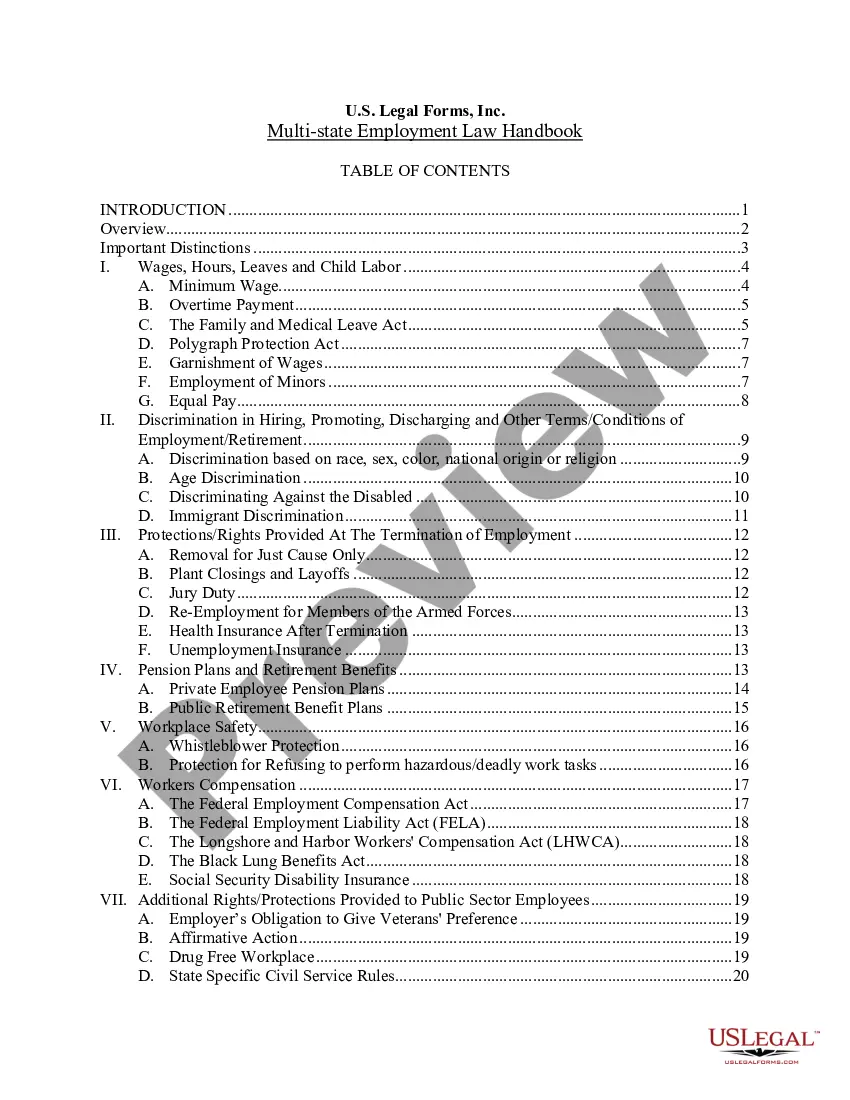
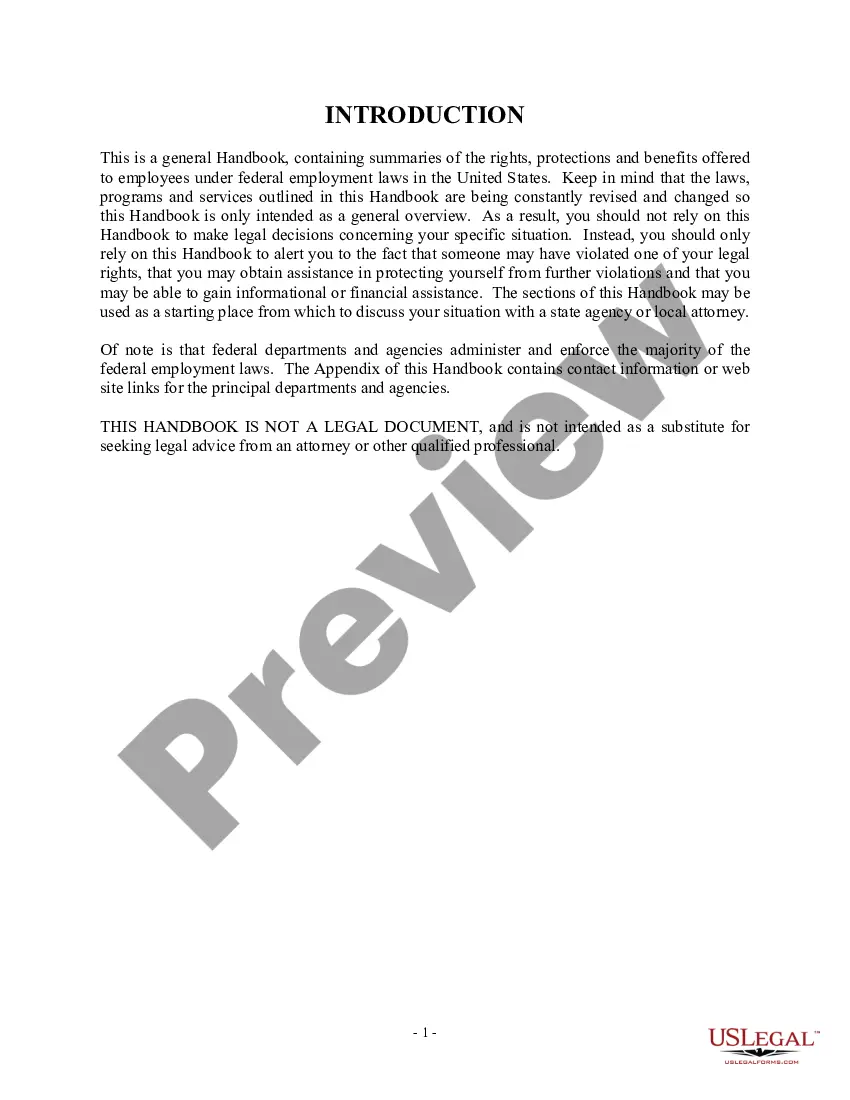
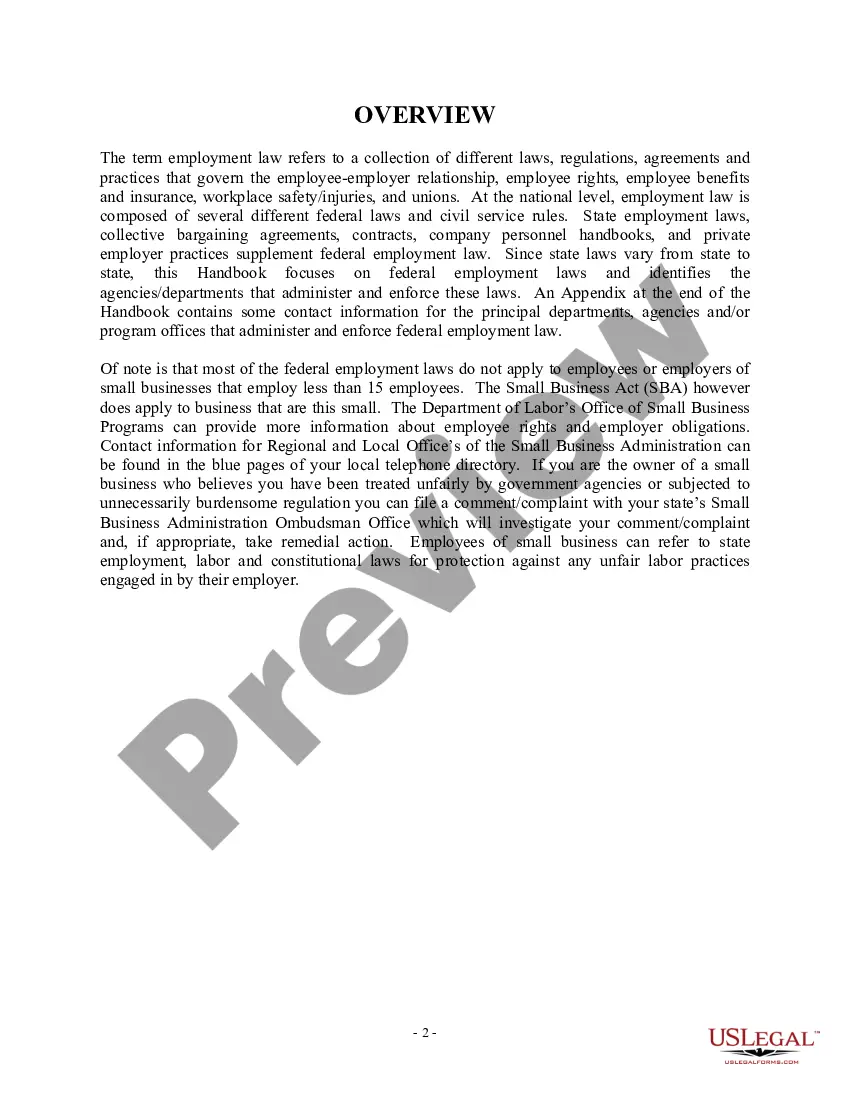



Get your form ready online
Our built-in tools help you complete, sign, share, and store your documents in one place.
Make edits, fill in missing information, and update formatting in US Legal Forms—just like you would in MS Word.
Download a copy, print it, send it by email, or mail it via USPS—whatever works best for your next step.
Sign and collect signatures with our SignNow integration. Send to multiple recipients, set reminders, and more. Go Premium to unlock E-Sign.
If this form requires notarization, complete it online through a secure video call—no need to meet a notary in person or wait for an appointment.
We protect your documents and personal data by following strict security and privacy standards.

Make edits, fill in missing information, and update formatting in US Legal Forms—just like you would in MS Word.

Download a copy, print it, send it by email, or mail it via USPS—whatever works best for your next step.

Sign and collect signatures with our SignNow integration. Send to multiple recipients, set reminders, and more. Go Premium to unlock E-Sign.

If this form requires notarization, complete it online through a secure video call—no need to meet a notary in person or wait for an appointment.

We protect your documents and personal data by following strict security and privacy standards.
Looking for another form?






Form popularity
FAQ
General format - each motion generally consists of a case caption, a title that briefly identifies the relief sought, a series of numbered paragraphs that explains -- in a logical way -- why you are entitled to that relief, a prayer for relief, a signature block, a certification that a copy of the motion was sent to ...
Instructions for filing a. Motion. in the Minnesota Court of Appeals. Step 1: Fill out the Motion form. Step 2: Fill out the Affidavit in Support of Motion form. Step 3: Serve your Motion and Affidavit on the opposing parties. Step 4: Proof of Service. Step 5: File the Motion, Affidavit, and Certificate of Service by Mail.
Instructions for filing a. Motion. in the Minnesota Court of Appeals. Step 1: Fill out the Motion form. Step 2: Fill out the Affidavit in Support of Motion form. Step 3: Serve your Motion and Affidavit on the opposing parties. Step 4: Proof of Service. Step 5: File the Motion, Affidavit, and Certificate of Service by Mail.
How to fill out Form Interrogatories Fill in basic information at the top of the form. Provide basic information about your case. Select the questions. On Page 2, check the box next to each question you want to ask your spouse to answer. Make copies. Make 1 copy of the completed Form Interrogatories – Family Law.
Court filings with exhibits attached as part of the court filing must be submitted to the court at the time of filing with the court (either in person, by mail, or through the eFile and eServe (eFS) System).
Write your legal argument by stating the rule and explaining how your facts apply to it. Then, add your signature, a Certificate of Service, and a Notice of Hearing. File your motion with the clerk of court overseeing your case. Then, give copies to each defendant.
The original form interrogatories and signed proof of service should be retained for your records. If the other party does not respond to your requests, you may use these documents to support a motion to have the court compel responses.
Plain copies of recent divorce records may be found using the Minnesota Court Records Online (MCRO). Certified copies of a divorce decree may be obtained from the county courthouse where the divorce was granted. Please see the MN Judicial Branch page, Copy Requests, for more information and links to request forms.
At the trial stage, you may need to: Fill out an exhibit list with a description and exhibit number or letter. Identify exhibits as physical, electronic, or both. Use specific file naming protocol and sequencing for digital files. Bookmark and annotate PDFs.
1. Check the box next to the exhibit(s) from the list that you would like to share. 2. Click Share.
