Contractor Contract Template With Time In Queens
Description

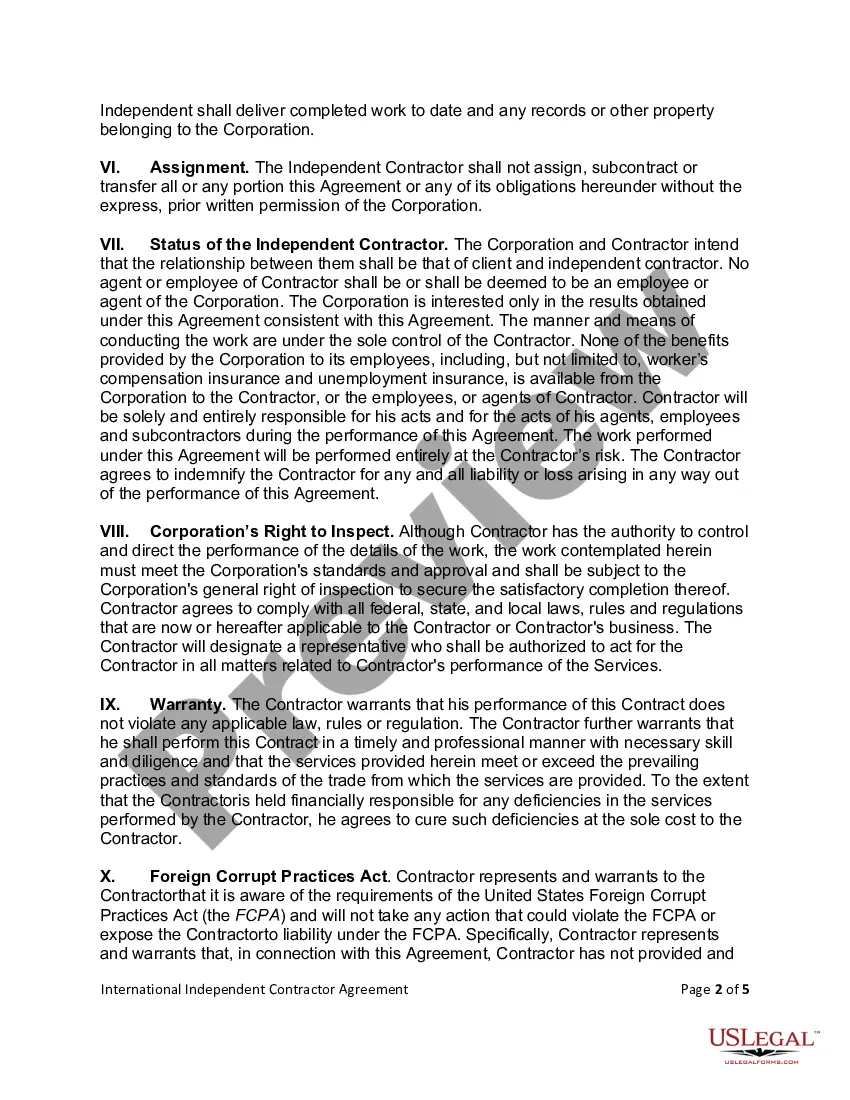
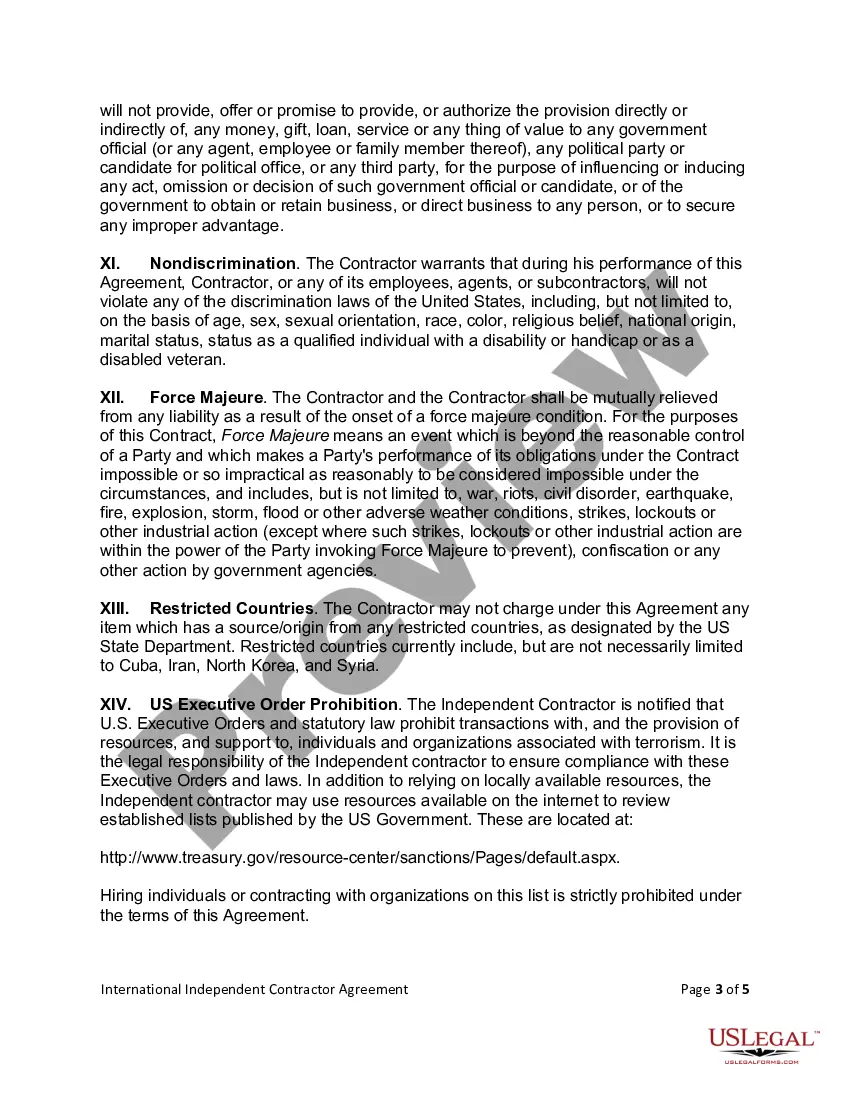
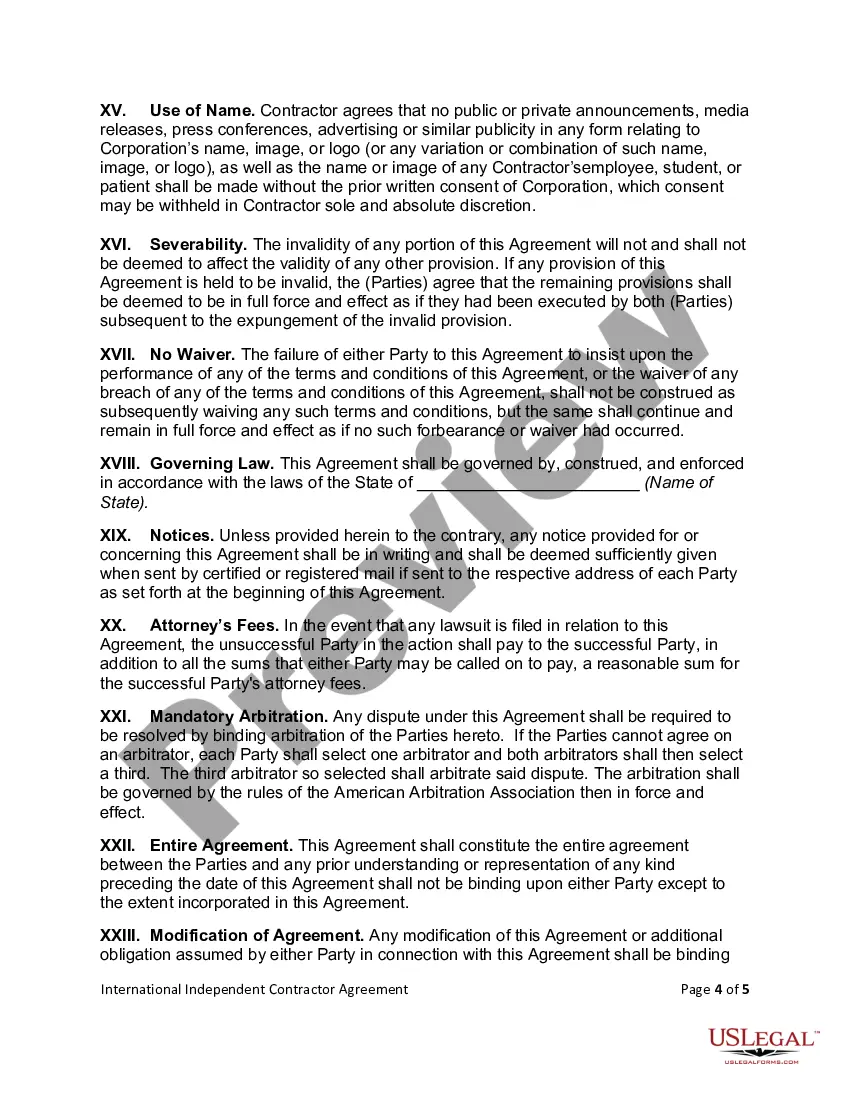
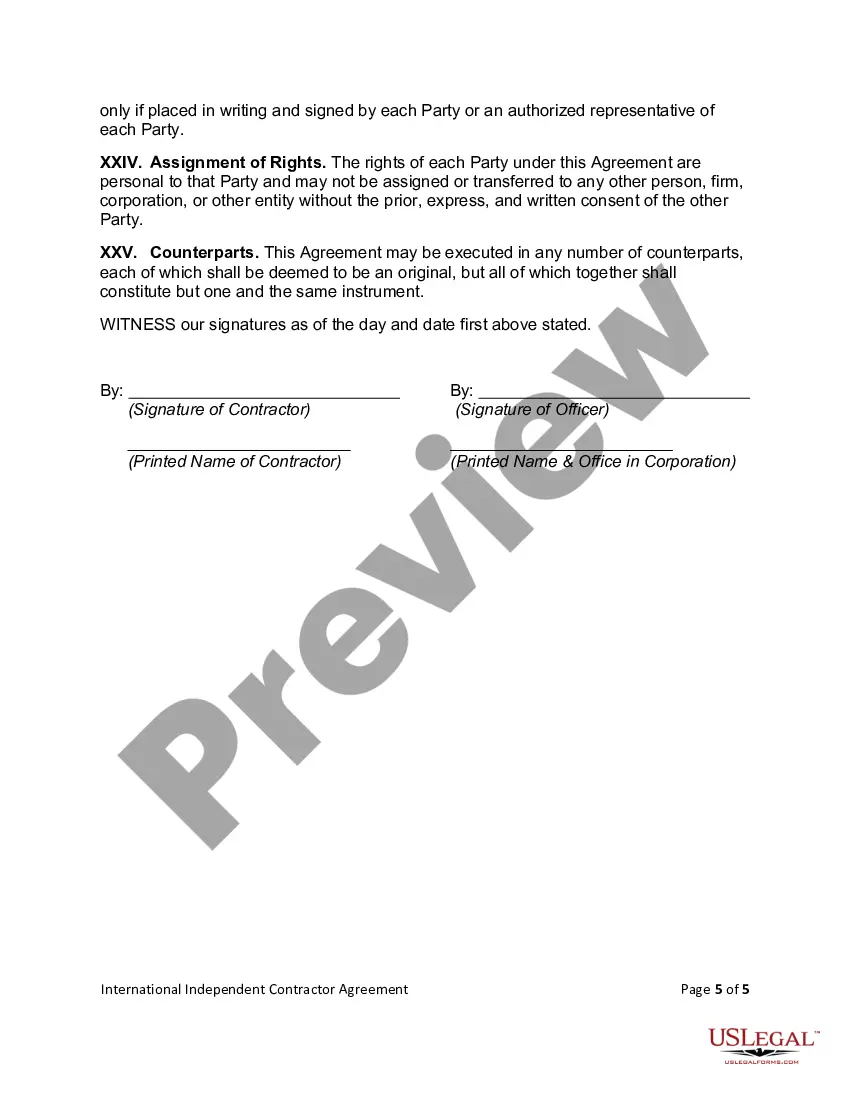
Get your form ready online
Our built-in tools help you complete, sign, share, and store your documents in one place.
Make edits, fill in missing information, and update formatting in US Legal Forms—just like you would in MS Word.
Download a copy, print it, send it by email, or mail it via USPS—whatever works best for your next step.
Sign and collect signatures with our SignNow integration. Send to multiple recipients, set reminders, and more. Go Premium to unlock E-Sign.
If this form requires notarization, complete it online through a secure video call—no need to meet a notary in person or wait for an appointment.
We protect your documents and personal data by following strict security and privacy standards.

Make edits, fill in missing information, and update formatting in US Legal Forms—just like you would in MS Word.

Download a copy, print it, send it by email, or mail it via USPS—whatever works best for your next step.

Sign and collect signatures with our SignNow integration. Send to multiple recipients, set reminders, and more. Go Premium to unlock E-Sign.

If this form requires notarization, complete it online through a secure video call—no need to meet a notary in person or wait for an appointment.

We protect your documents and personal data by following strict security and privacy standards.
Looking for another form?







Form popularity
FAQ
Write the contract in six steps Start with a contract template. Open with the basic information. Describe in detail what you have agreed to. Include a description of how the contract will be ended. Write into the contract which laws apply and how disputes will be resolved. Include space for signatures.
The template library in Word includes a wide selection of contract templates for various needs. Users access industry-specific options, ensuring relevance and legal appropriateness. Each template offers a comprehensive structure, including essential clauses and standard legal language.
What to Include Party Details. The agreement will name the contractor and the client and provide the mailing addresses where invoices and correspondence can be sent. Term. The one-page contract must state the dates the contractual relationship begins and ends. Services. Compensation. Expenses. Signatures.
Include both the hours and the minutes (not the seconds). When writing times, prefer using a colon over a point between hours and minutes. Do not add hrs or o'clock: h. Use a.m.
The contract is valid for a period of insert number of months months starting on insert start date and ending on insert end date. An extension of insert number of months months can be made upon request from the PURCHASER and issuance of an amendment to this contract.
You can politely but firmly request that they commit to a completion date, and inform them that further delays will force you to explore other options, including hiring someone else to finish the job. Make sure you keep a record of all communications, as this can be useful later if the situation escalates further.
Rules Lowercase a.m. and p.m. and always use periods. Lowercase noon and midnight. Do not use 12 noon or 12 midnight (redundant). Use noon or midnight. Do not use 12 p.m. or 12 a.m. Use noon or midnight. Do not use 8 a.m. in the morning (redundant) Use 8 a.m. Do not use o'clock with a.m. or p.m.
Time and Hours Use digits and colons to show clock times. When describing timing of events in sentences, use the words from and to rather than a hyphen. When listing hours of availability, use the word to rather than a hyphen. When describing time durations, do not abbreviate words such as hours and minutes.
A contractor agreement should describe the scope of work, contract terms, contract duration, and the confidentiality agreement. It should also include a section for the two parties to sign and make the agreement official. If the contract doesn't meet these requirements, it may be inadmissible in a court of law.
