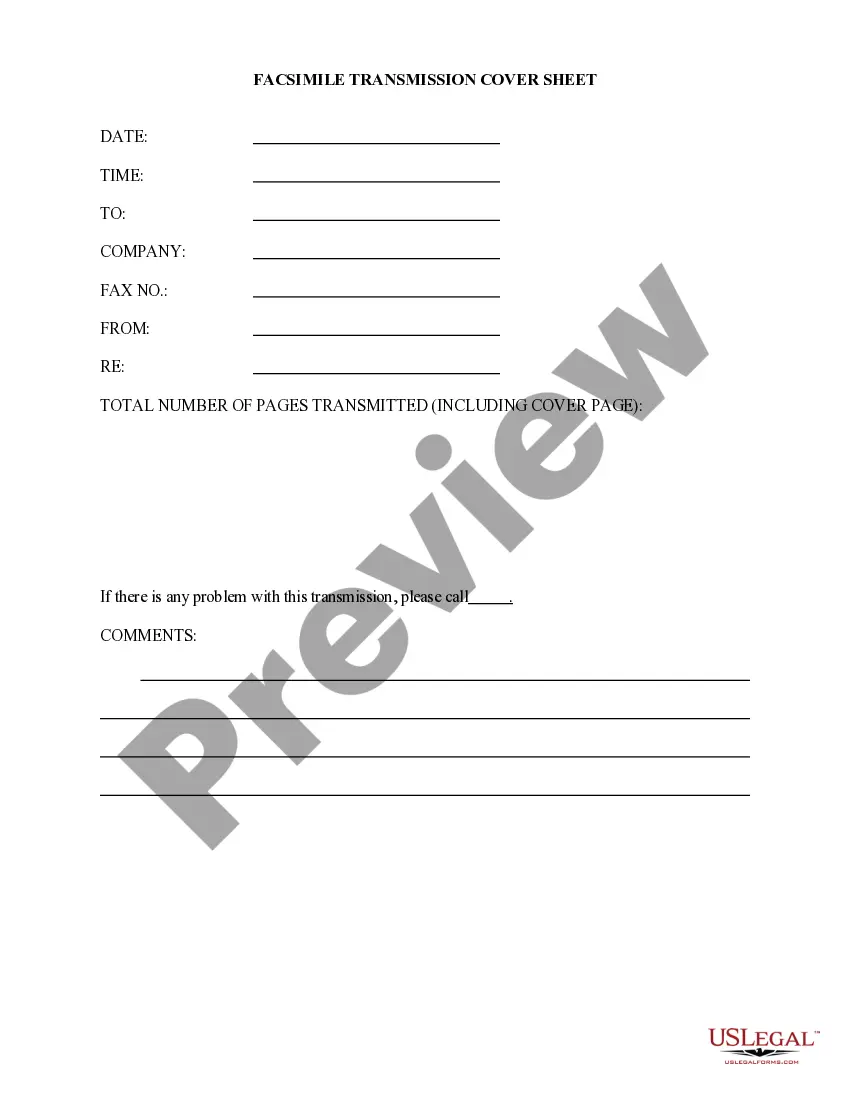
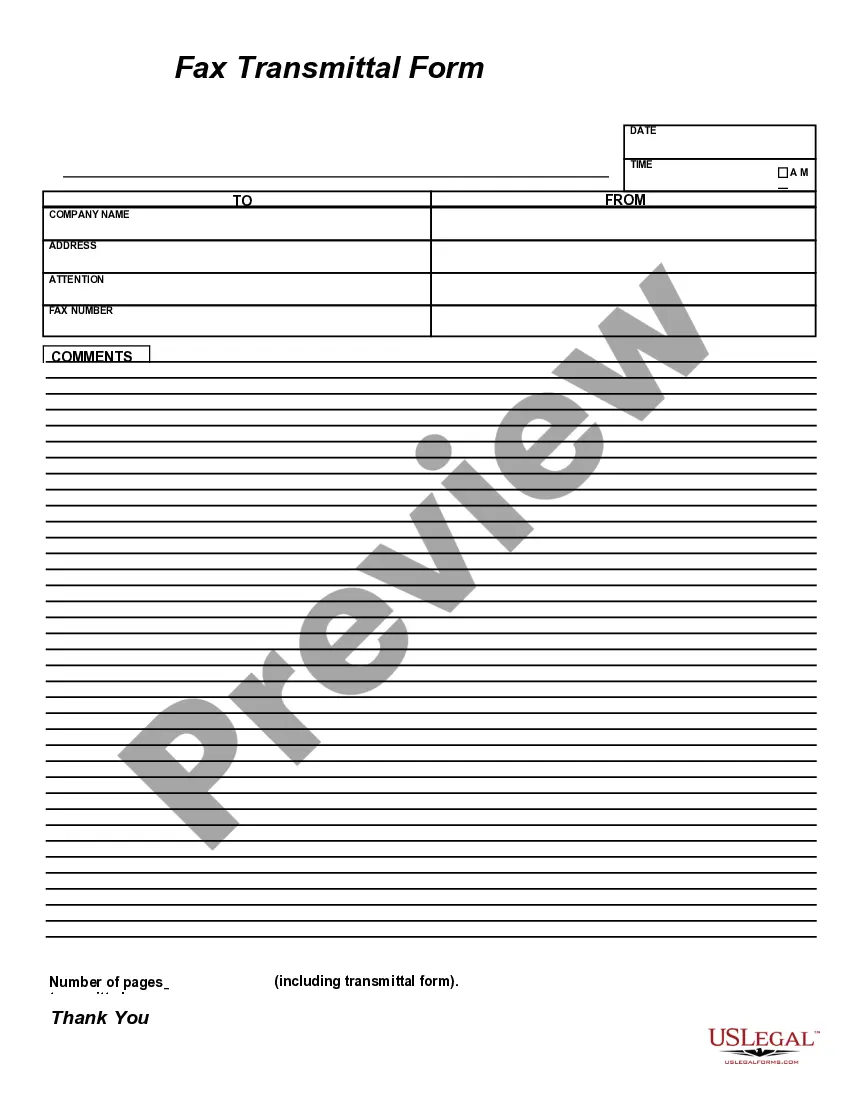
Printable Fax Cover Sheet With Confidentiality Statement In Maricopa
Description
Get your form ready online
Our built-in tools help you complete, sign, share, and store your documents in one place.
Make edits, fill in missing information, and update formatting in US Legal Forms—just like you would in MS Word.
Download a copy, print it, send it by email, or mail it via USPS—whatever works best for your next step.
Sign and collect signatures with our SignNow integration. Send to multiple recipients, set reminders, and more. Go Premium to unlock E-Sign.
If this form requires notarization, complete it online through a secure video call—no need to meet a notary in person or wait for an appointment.
We protect your documents and personal data by following strict security and privacy standards.

Make edits, fill in missing information, and update formatting in US Legal Forms—just like you would in MS Word.

Download a copy, print it, send it by email, or mail it via USPS—whatever works best for your next step.

Sign and collect signatures with our SignNow integration. Send to multiple recipients, set reminders, and more. Go Premium to unlock E-Sign.

If this form requires notarization, complete it online through a secure video call—no need to meet a notary in person or wait for an appointment.

We protect your documents and personal data by following strict security and privacy standards.
Looking for another form?







Form popularity
FAQ
All civil cases filed with the Clerk of the Court in which the Court finds or the parties agree that the amount in controversy does not exceed $50,000 shall be subject to the provisions of A.R.S. § 12-133 and Rules 72 to 77 of the Arizona Rules of Civil Procedure governing compulsory arbitration.
Compulsory arbitration is arbitration of labor disputes which laws of some communities force the two sides, labor and management, to undergo. These laws mostly apply when the possibility of a strike seriously affects the public interest.
Before an Arbitrator is Appointed When filing a complaint, the plaintiff also must file a Certificate of Compulsory Arbitration which states the monetary amount of the controversy. If the case is designated an arbitration case, an arbitrator is appointed once an answer to the complaint is filed.
If you're doing it on your own, however, you may contact your court clerk for information on how to do this. The motion has to state what your ex-spouse isn't doing, what areas he or she is in violation of. It must clarify why he or she ought to be held in contempt of the divorce decree. You must prove your case.
These cases range from breach of contract or licensing agreements, business torts, and franchise to construction and infrastructure disputes in companies from start-ups to the Fortune 500 in a variety of industries.
Can I handwrite a fax cover sheet? Yes, you can handwrite a fax cover sheet. However, it's always best to type it out. Typing is better for legibility and printing.
Tip: If you're already in Word for the web, get to the fax templates by going to File > New, and then below the template images click More on Office. You'll be on the Templates for Word page. In the list of categories, click Fax Covers. To print the fax cover sheet, press Ctrl+P, and wait for the Print dialog.
All programs microsoft office word to create our fax cover letter click on the office button at theMoreAll programs microsoft office word to create our fax cover letter click on the office button at the top select new under microsoft office online let's select faxes. I'm going to select a basic one
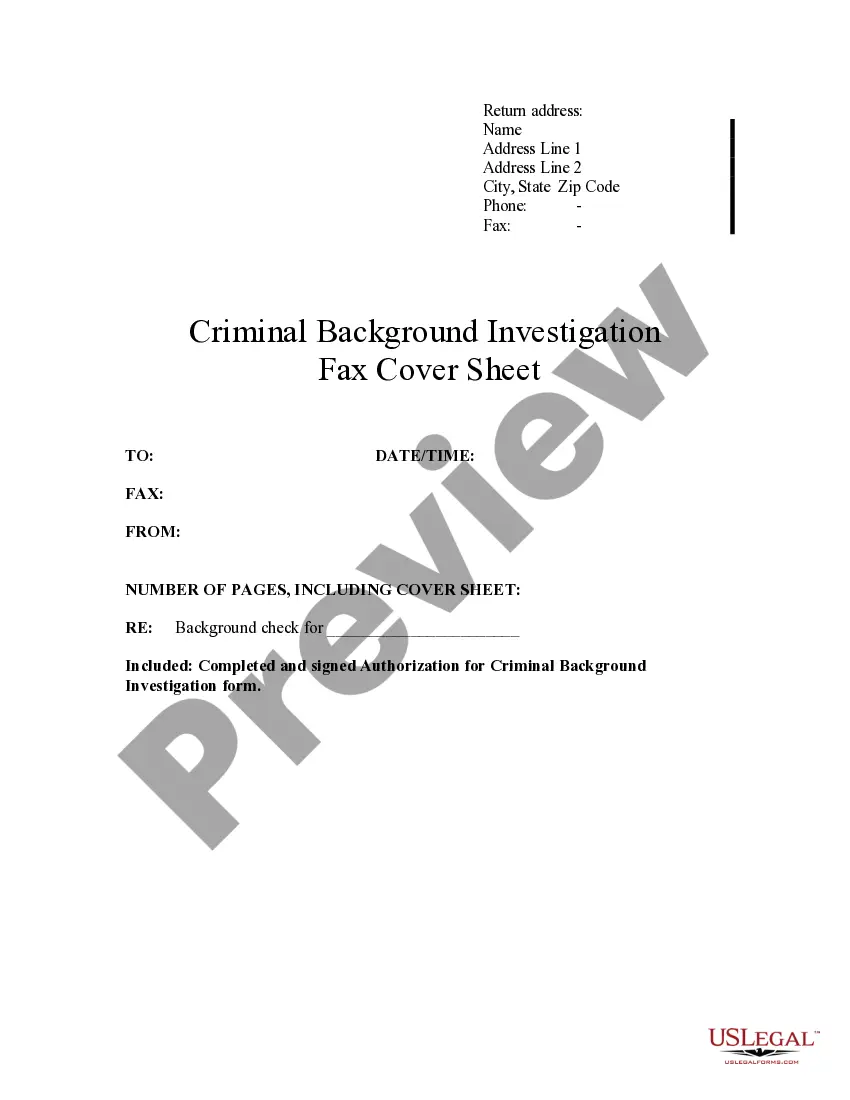
As the very least you should have: From: (your name). Fax: (your fax number). Phone: (your phone number). To: (the company or person who is receiving the fax message). Attn: (the specific person who needs to get the fax). Fax: (their fax number). Phone: (their phone number).