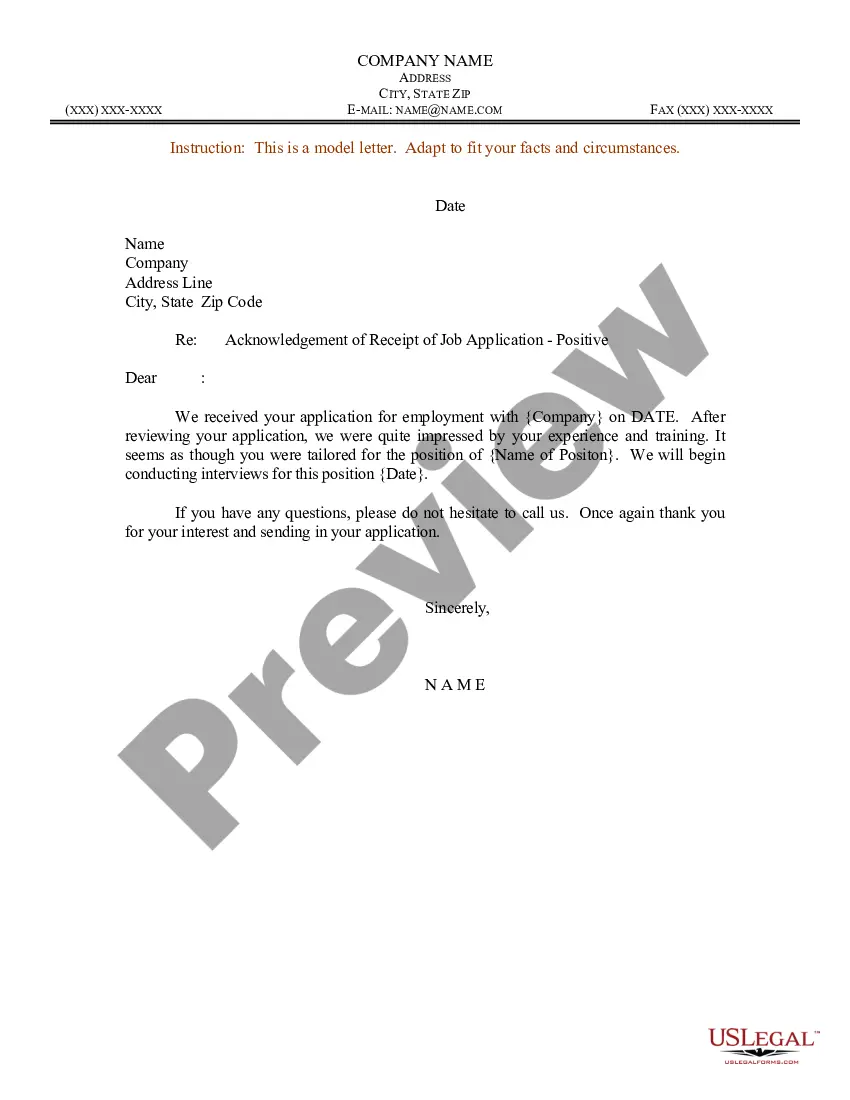
Application Acknowledgement Of Receipt In Texas
Description



Get your form ready online
Our built-in tools help you complete, sign, share, and store your documents in one place.
Make edits, fill in missing information, and update formatting in US Legal Forms—just like you would in MS Word.
Download a copy, print it, send it by email, or mail it via USPS—whatever works best for your next step.
Sign and collect signatures with our SignNow integration. Send to multiple recipients, set reminders, and more. Go Premium to unlock E-Sign.
If this form requires notarization, complete it online through a secure video call—no need to meet a notary in person or wait for an appointment.
We protect your documents and personal data by following strict security and privacy standards.

Make edits, fill in missing information, and update formatting in US Legal Forms—just like you would in MS Word.

Download a copy, print it, send it by email, or mail it via USPS—whatever works best for your next step.

Sign and collect signatures with our SignNow integration. Send to multiple recipients, set reminders, and more. Go Premium to unlock E-Sign.

If this form requires notarization, complete it online through a secure video call—no need to meet a notary in person or wait for an appointment.

We protect your documents and personal data by following strict security and privacy standards.
Looking for another form?

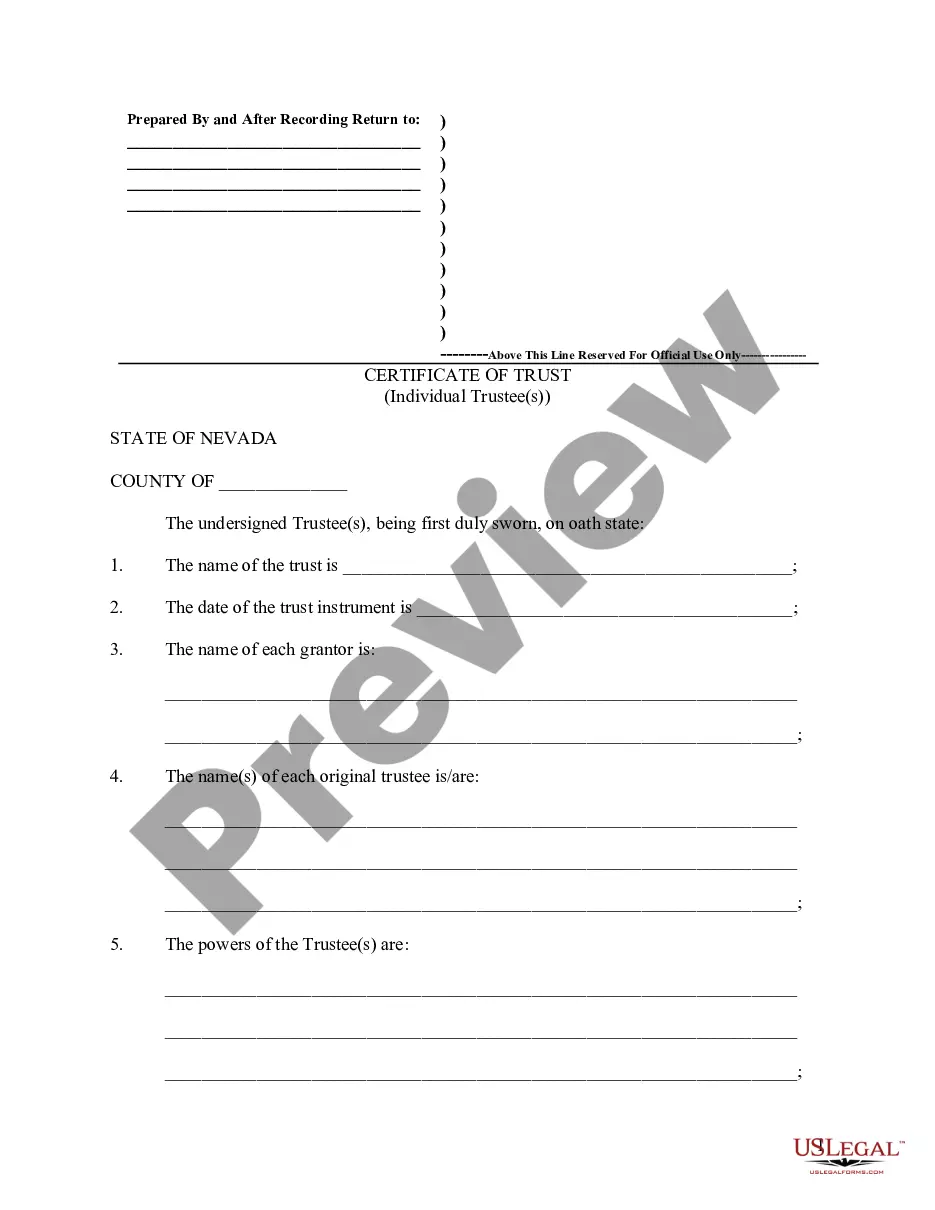



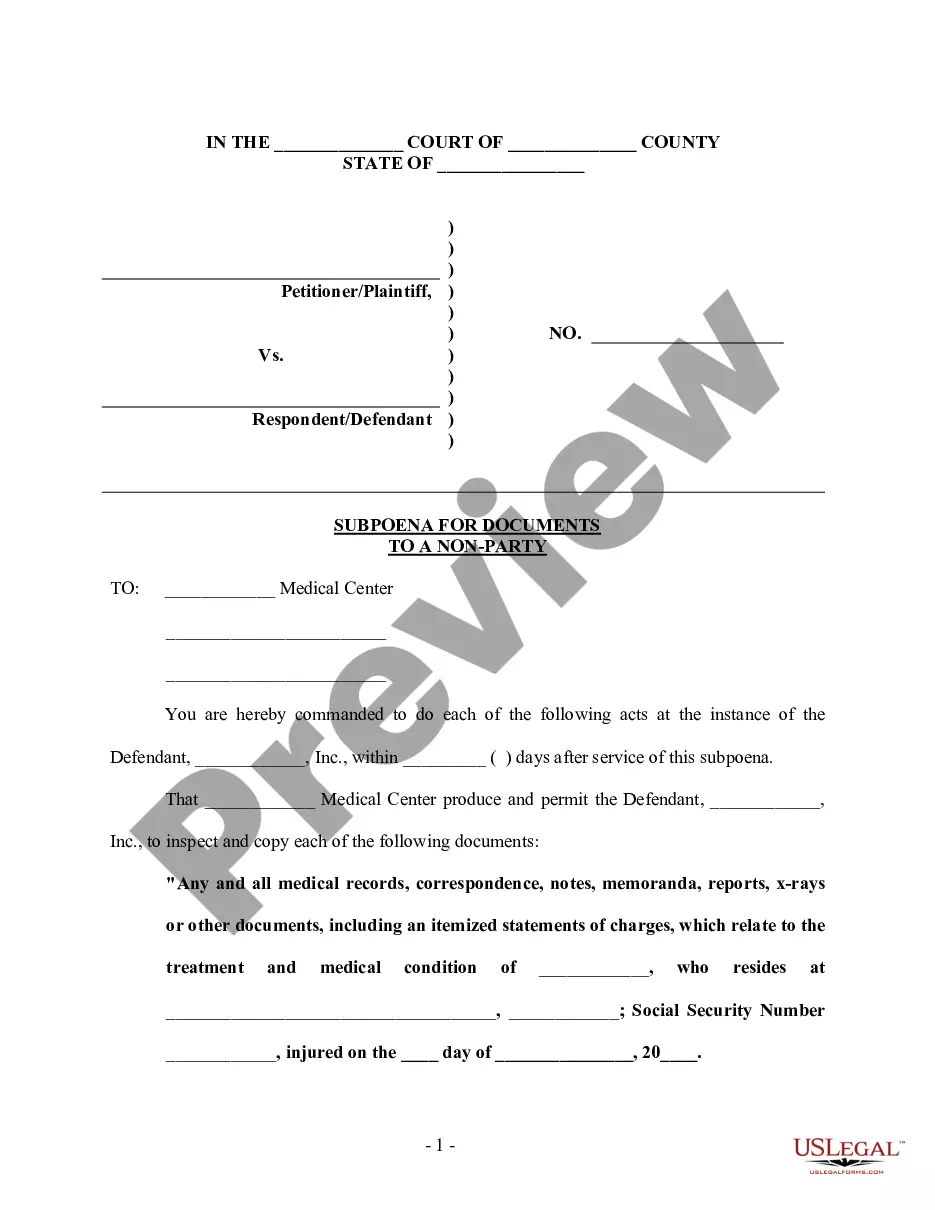
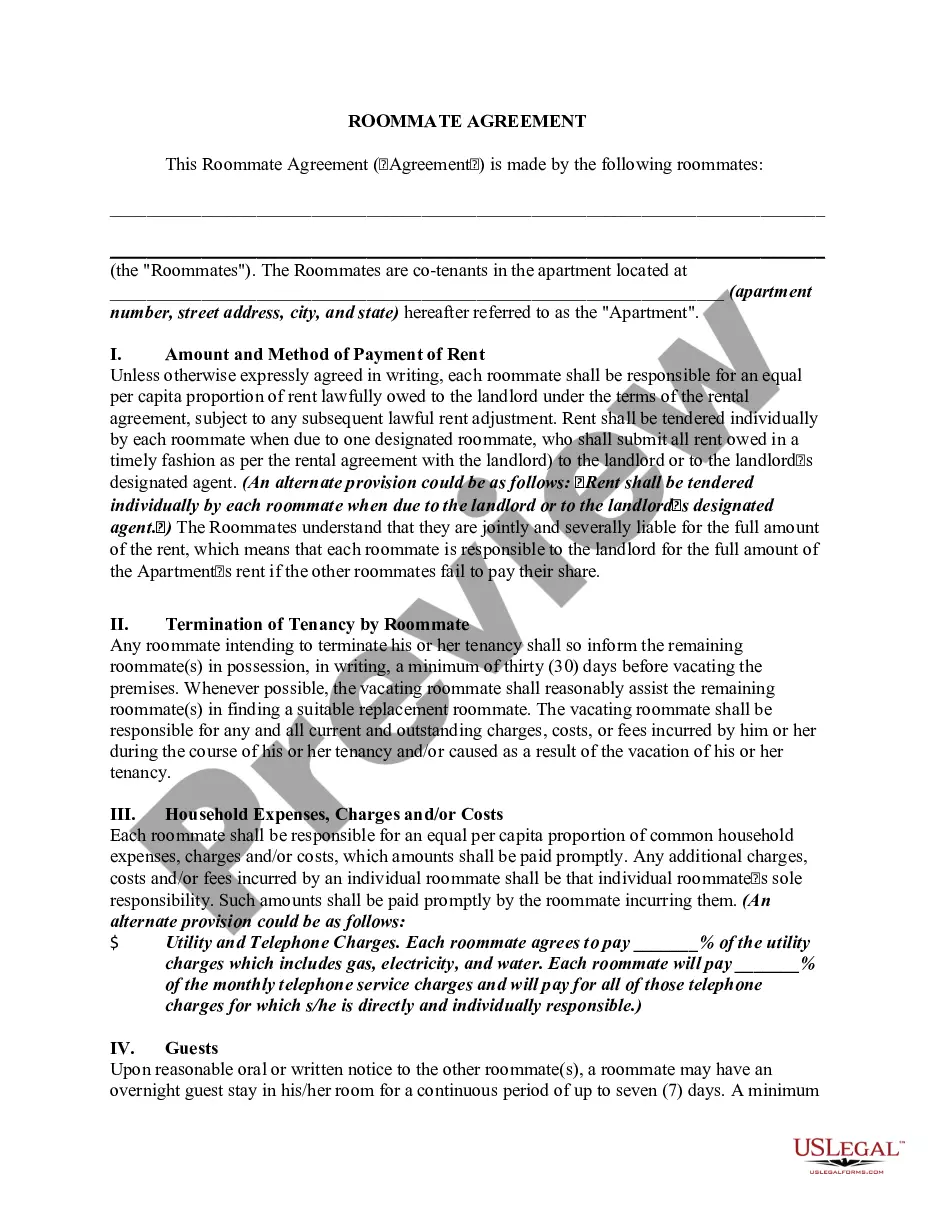

Form popularity
FAQ
Now what do you fill in fill in the venue or county where you are notarizing the date you notarized.MoreNow what do you fill in fill in the venue or county where you are notarizing the date you notarized. Your name and title of office notary. Public next you fill in the name of your signer appearing.
I would like to express my profound gratitude to Mr./Mrs.____ (name of the HOD), of ____ (designation and department name) department, and Mr./Mrs. _____ (Dean) of _____ university for their contributions to the completion of my project titled _____.
For example: "I completely understand your frustration, and I appreciate your patience. I'll do my best to resolve this for you as quickly as possible." "I'm sorry to hear about your experience, and I appreciate you bringing this to our attention.
Your acknowledgment receipt should contain the names of the issuing party and the person receiving the document. A description, with the name of each document being issued, date of the issue and the purpose of the document should be clear.
An applicant acknowledgment email or a “thank you for applying” email is a message hiring managers and recruiters send to candidates to inform them that they've received their application and to let them know the status, including the next steps.
How to create an acknowledgment receipt Use a company letterhead. Use electronic or paper letterhead. Write acknowledgment statement. Referring to the document by name, version number if applicable and state that the recipient has received the document. Sign and date. Explain the next step. Provide contact information.
Acknowledgements dos and don'ts Write in first-person, professional language. Thank your professional contacts first. Include full names, titles, and roles of professional acknowledgements. Include personal or intangible supporters, like friends, family, or even pets. Mention funding bodies and what they funded.
Date: Include the date of the acknowledging receipt. This can allow you and the recipient to use it as a reference later. Name of item, document or message: Next, add the name of the document, item or message that the recipient is receiving to remain clear about the contents of the receipt.
This “Ordinary Certificate of Acknowledgment,” as prescribed by the Texas Civil Practices and Remedies Code, Section 121.007, may be used when an individual is signing and acknowledging on his or her own behalf.
No, they are not the same. Acknowledgement refers to the act of someone declaring a signature as their own in front of a notary. On the other hand, notarization encompasses a broader range of actions.

