Sample Acknowledgement Letter For On The Job Training In Montgomery
Description
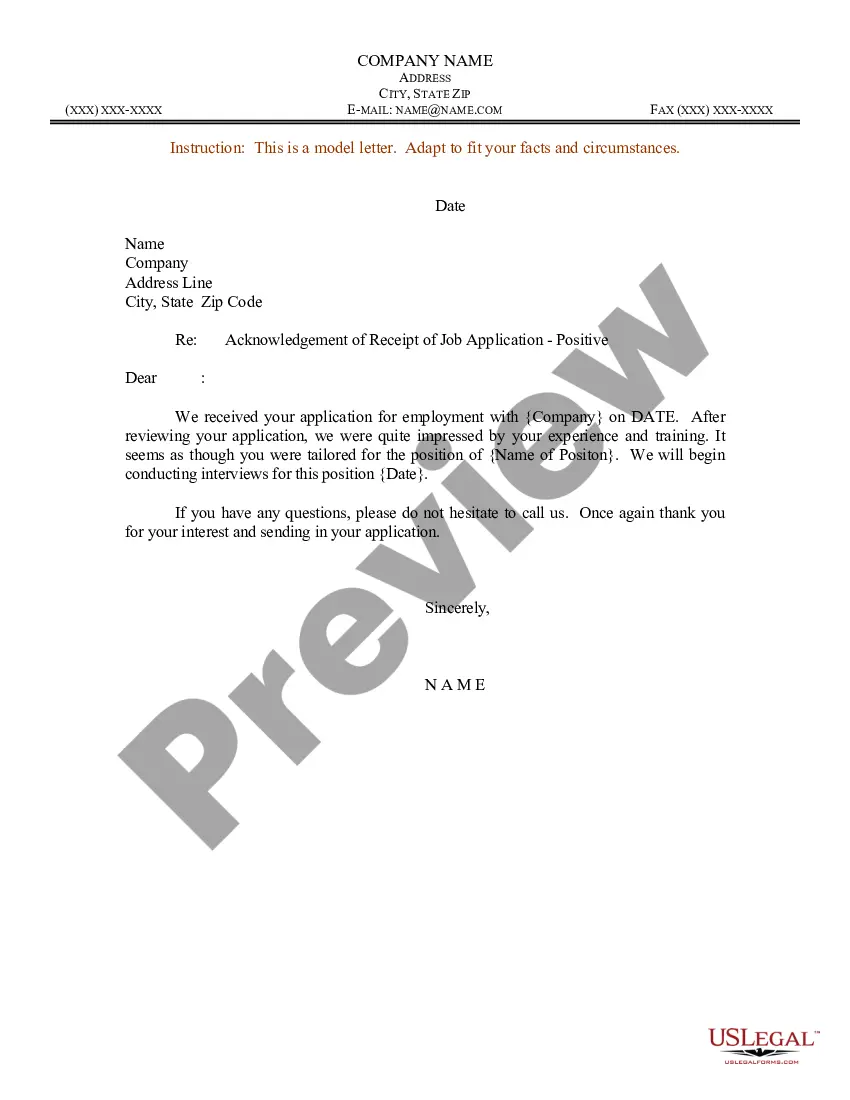



Get your form ready online
Our built-in tools help you complete, sign, share, and store your documents in one place.
Make edits, fill in missing information, and update formatting in US Legal Forms—just like you would in MS Word.
Download a copy, print it, send it by email, or mail it via USPS—whatever works best for your next step.
Sign and collect signatures with our SignNow integration. Send to multiple recipients, set reminders, and more. Go Premium to unlock E-Sign.
If this form requires notarization, complete it online through a secure video call—no need to meet a notary in person or wait for an appointment.
We protect your documents and personal data by following strict security and privacy standards.

Make edits, fill in missing information, and update formatting in US Legal Forms—just like you would in MS Word.

Download a copy, print it, send it by email, or mail it via USPS—whatever works best for your next step.

Sign and collect signatures with our SignNow integration. Send to multiple recipients, set reminders, and more. Go Premium to unlock E-Sign.

If this form requires notarization, complete it online through a secure video call—no need to meet a notary in person or wait for an appointment.

We protect your documents and personal data by following strict security and privacy standards.
Looking for another form?







Form popularity
FAQ
For example: "I completely understand your frustration, and I appreciate your patience. I'll do my best to resolve this for you as quickly as possible." "I'm sorry to hear about your experience, and I appreciate you bringing this to our attention.
I confirm that I attended the training class listed above. I listened, read, and understood the training, and I understand that as an employee, it is my responsibility to abide by Company Name policy and procedures, in ance with the training.
Dear (Recipient's name), Thank you for inviting me to Event Name scheduled for Event Date. I am writing to acknowledge receipt of your invitation and express my appreciation. I will confirm my attendance as soon as possible.
Outline the information that needs to be included in the letter Start with a professional greeting. Identify the person the letter is acknowledging. Describe the action that is being acknowledged. Express gratitude for the action taken. Include any relevant details. Close with a professional sign-off. Add contact information.
Outline the information that needs to be included in the letter Start with a professional greeting. Identify the person the letter is acknowledging. Describe the action that is being acknowledged. Express gratitude for the action taken. Include any relevant details. Close with a professional sign-off. Add contact information.
What to Include in Acknowledgements: Express gratitude sincerely and genuinely. Avoid formulaic language and personalize your message where appropriate. Be specific about contributions: Briefly mention how each individual or entity helped you.
Dear Receivers Name, We thank you for your communication of Enter Date of Letter/Email/Call (“Communication”) , the receipt of which we hereby acknowledge. We look forward to working with you and meeting the requirements of Receivers Name.
A training acknowledgment letter is a document that states all the items that are involved in a particular training and the assurance that the person who has attended the training has completed all the sample programs that he or she is tasked to take within the entire training duration.
1. Acknowledgment email subject line I've received your email. Acknowledging receipt of your application. Thank you for sending (whatever they have sent) Email confirmation – We have received your message. Thanks for sending us (whatever they have sent) Email acknowledgment – thanks for sending your documents!

