Application Job Letter For Teacher In Harris
Description
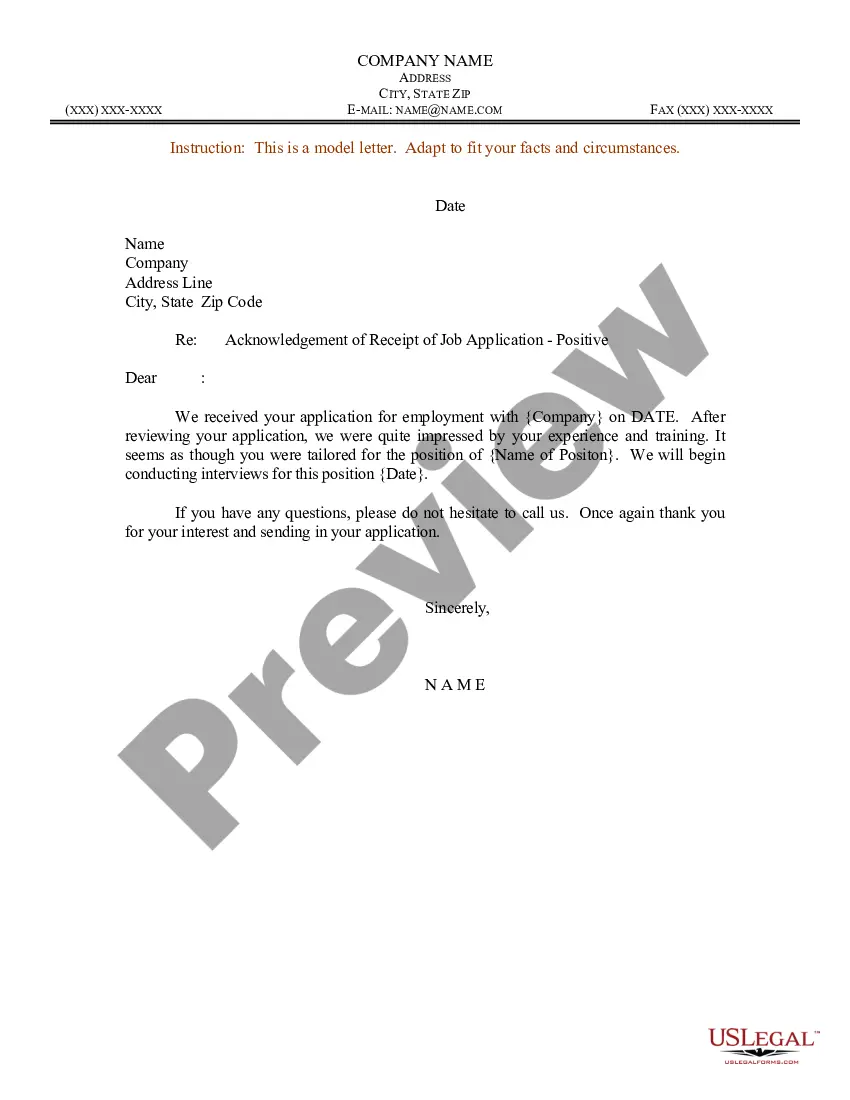



Get your form ready online
Our built-in tools help you complete, sign, share, and store your documents in one place.
Make edits, fill in missing information, and update formatting in US Legal Forms—just like you would in MS Word.
Download a copy, print it, send it by email, or mail it via USPS—whatever works best for your next step.
Sign and collect signatures with our SignNow integration. Send to multiple recipients, set reminders, and more. Go Premium to unlock E-Sign.
If this form requires notarization, complete it online through a secure video call—no need to meet a notary in person or wait for an appointment.
We protect your documents and personal data by following strict security and privacy standards.

Make edits, fill in missing information, and update formatting in US Legal Forms—just like you would in MS Word.

Download a copy, print it, send it by email, or mail it via USPS—whatever works best for your next step.

Sign and collect signatures with our SignNow integration. Send to multiple recipients, set reminders, and more. Go Premium to unlock E-Sign.

If this form requires notarization, complete it online through a secure video call—no need to meet a notary in person or wait for an appointment.

We protect your documents and personal data by following strict security and privacy standards.
Looking for another form?








Form popularity
FAQ
Highlight your relevant qualifications, teaching experience, and skills that align with the job requirements. Demonstrate your enthusiasm for the position and how you can contribute to the school. Conclude by expressing your willingness to discuss further and thank the recipient for considering your application.
Salutation : Start with a polite greeting. Introduction : Introduce yourself if necessary and state the purpose of your letter. Body : Share your thoughts, experiences, or compliments. Compliments : Include specific compliments about your teacher's teaching style, personality, or impact. Conclusion Closing
Your teacher cover letter should include your academic background, relevant work experience with notable achievements, and your career goals, emphasizing how they align with the school's mission.
How to write a new teacher cover letter Include your academic credentials. Describe your student teaching experience. List your teaching skills and specialties. Include relevant soft skills. Describe your experience with technology. Describe why you're a good match. Keep it concise. Include keywords.
Teacher cover letter template Dear Recipient's Name, I am writing to express my interest in the Specific Teaching Position at School Name. With Your Education and Credentials, and Years of Experience years of experience in the classroom, I am well-equipped to contribute to your team.
Content Focus on the employer's need for a worker, rather than your need for a job. Tell how your skills and personal qualities match the employer's needs. Focus on what you can do for the employer and how you contribute to the organization. Show you have researched the company double check those facts.
Don't rehash your resume Here's a quick checklist of key functions a targeted cover letter should accomplish: Relate your skills and experience to the job description and requested qualifications. Explain why you would love to have the job. Show you've researched the company by commenting on its mission or leadership.
How to write a job application email Write a clear subject line. Include a salutation. Introduce yourself in the first sentence. Turn your cover letter into the body of your email. Close with details. Sign your email. Attach your materials. Proofread before you hit “send.”
Once your email message is ready to send, you need to attach your resume and cover letter to your message: Click on Insert > Attach File. Click to select the file you want to add to your email message, and then click on Insert to attach the document to your email message.
Things to Include When Addressing a Formal Letter First line: Full name. Second line: Company name. Third line: Street address. Fourth line: City or town, followed by the state name and zip code. The address should appear under the sender's name and should be aligned to the left.

