Music Management Contract With Docusign In Maryland
Description

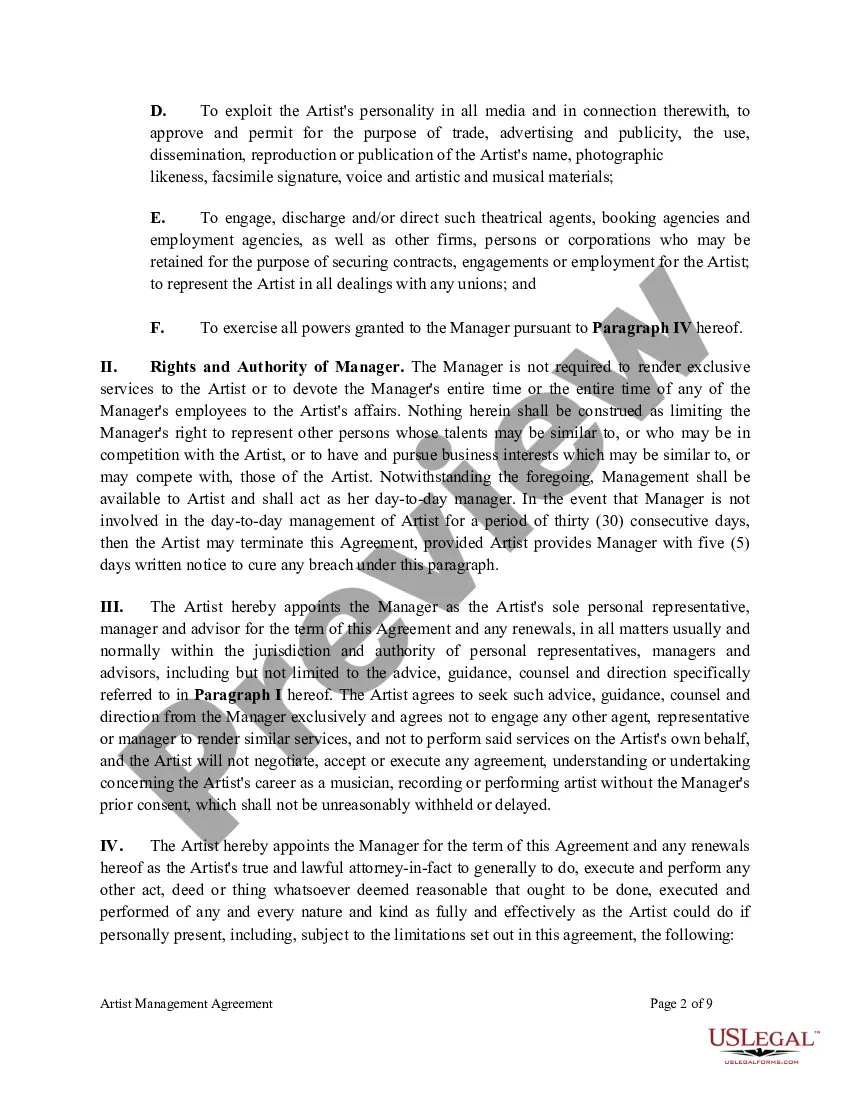
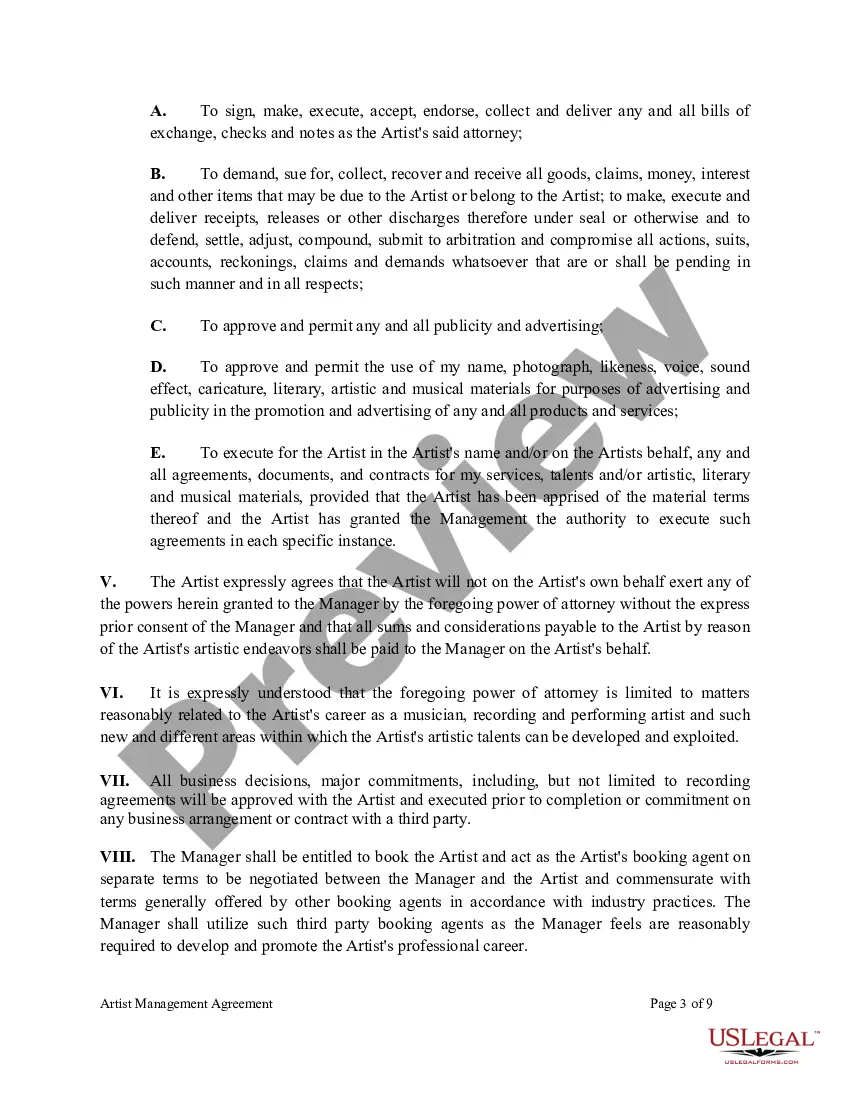
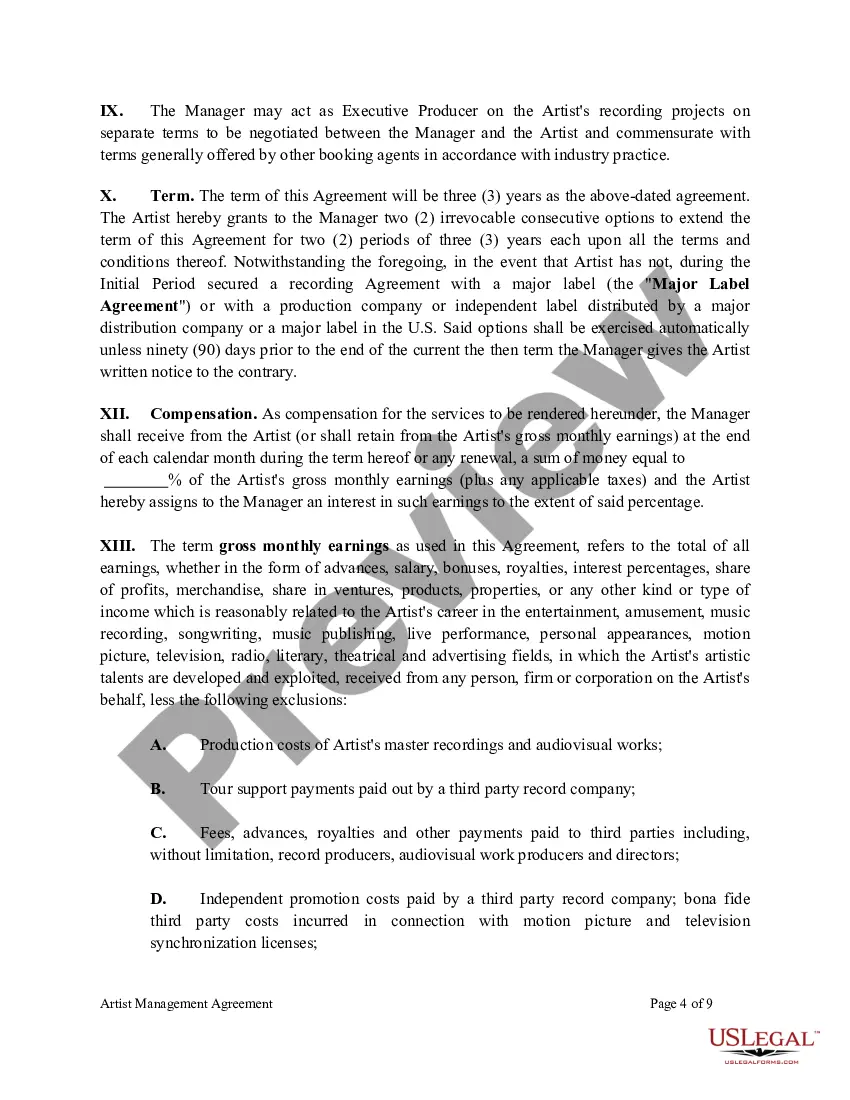
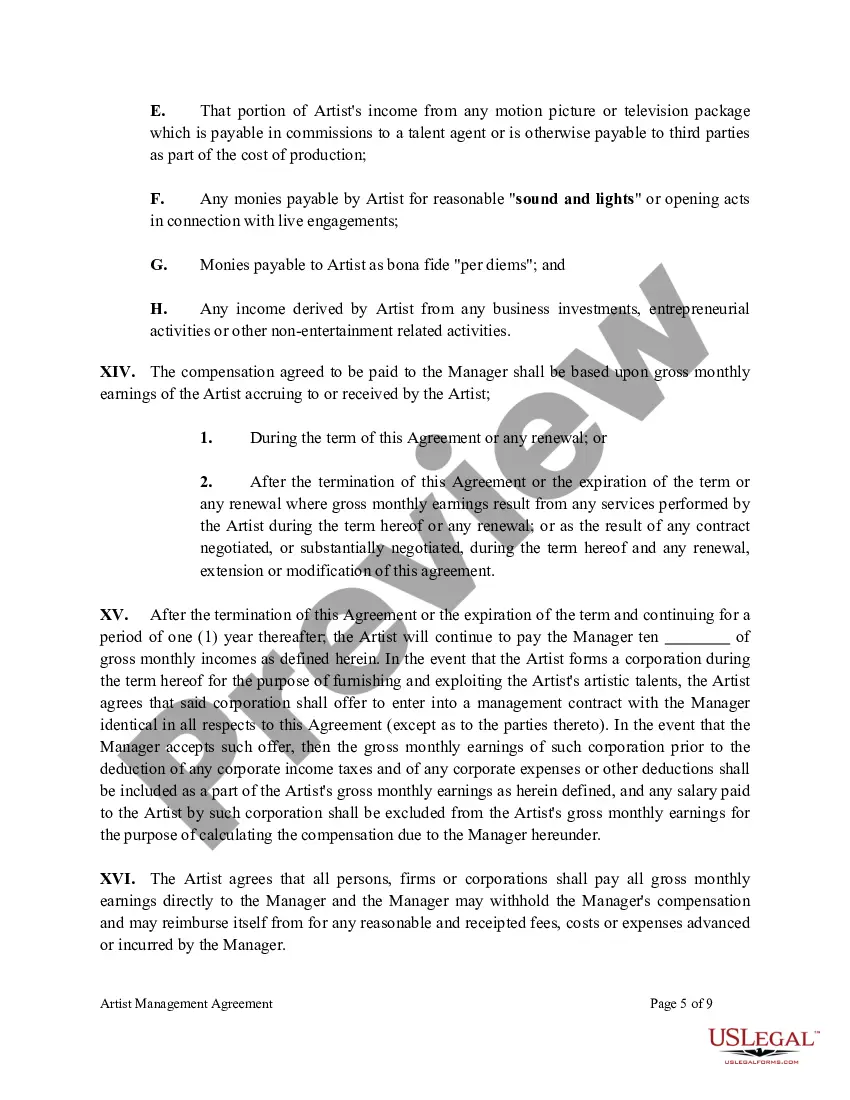
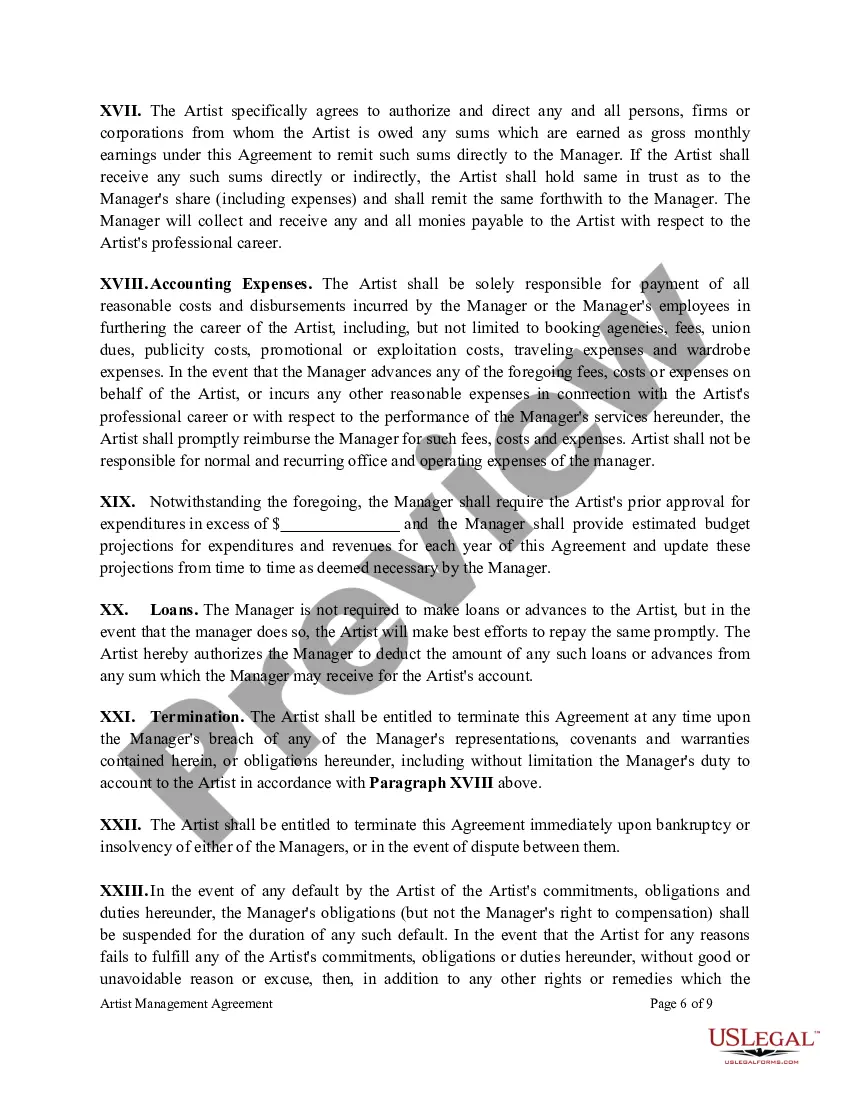
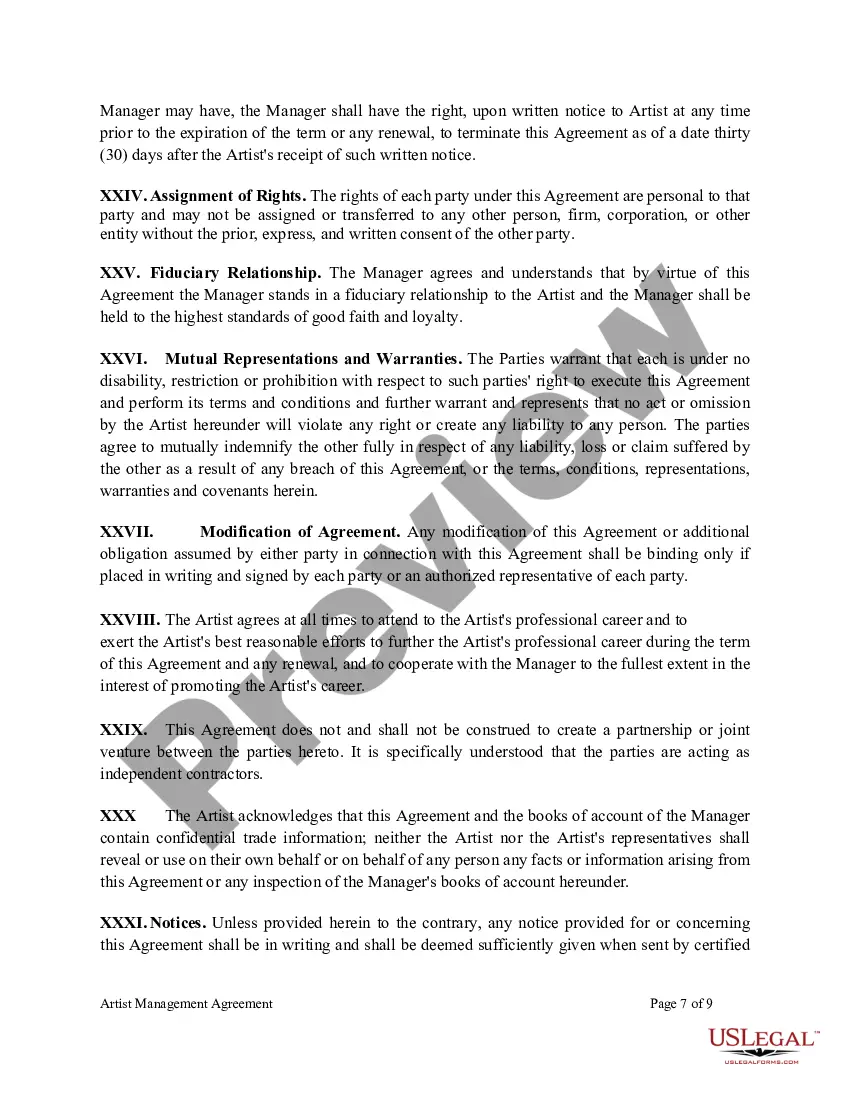
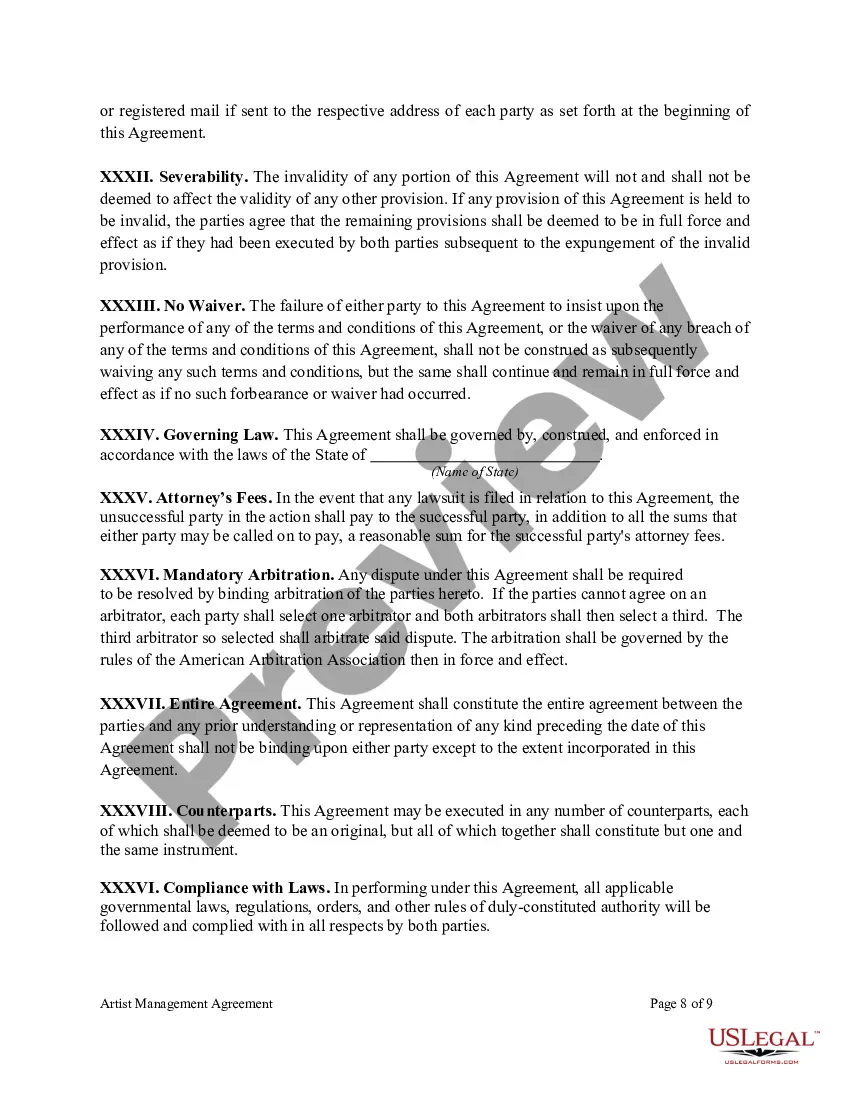

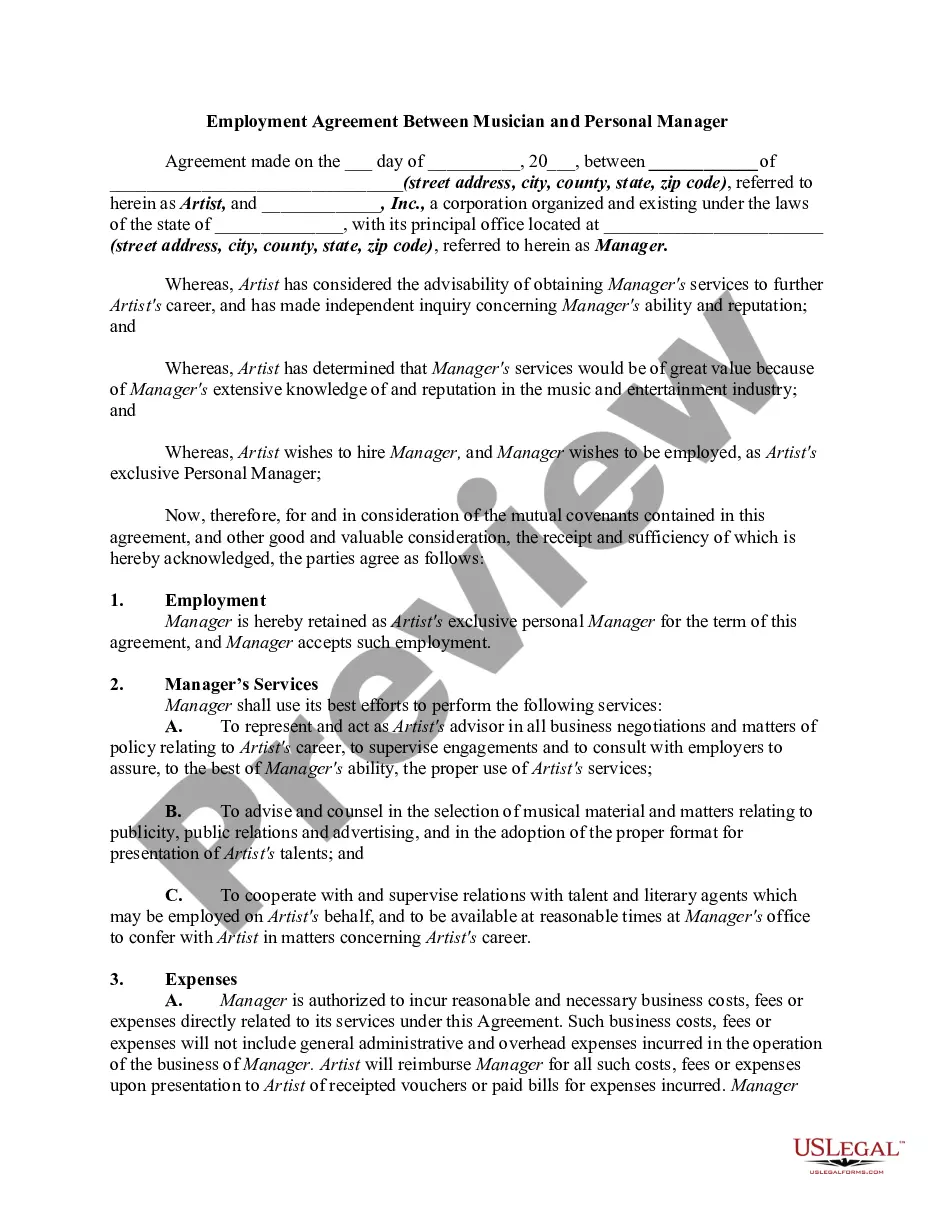

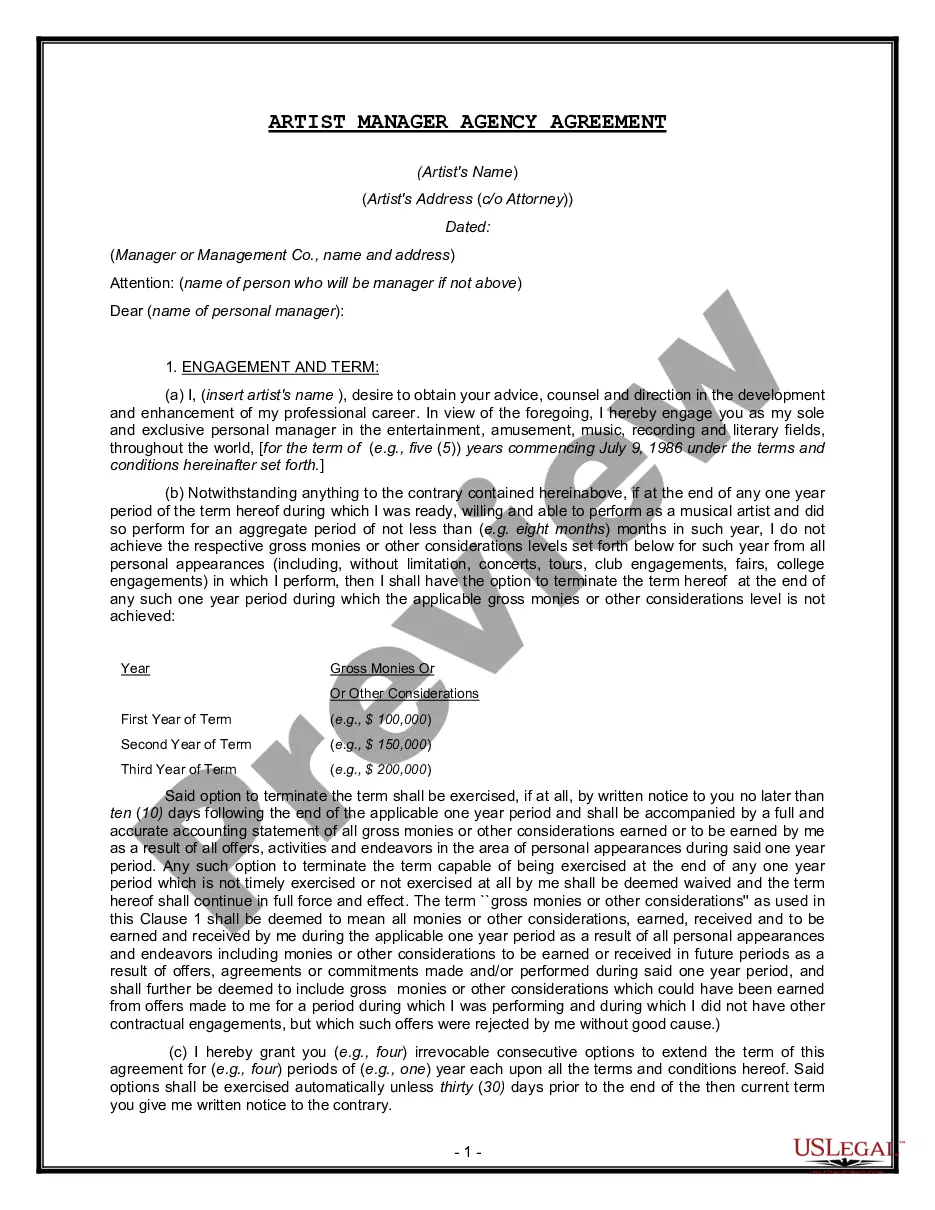
Get your form ready online
Our built-in tools help you complete, sign, share, and store your documents in one place.
Make edits, fill in missing information, and update formatting in US Legal Forms—just like you would in MS Word.
Download a copy, print it, send it by email, or mail it via USPS—whatever works best for your next step.
Sign and collect signatures with our SignNow integration. Send to multiple recipients, set reminders, and more. Go Premium to unlock E-Sign.
If this form requires notarization, complete it online through a secure video call—no need to meet a notary in person or wait for an appointment.
We protect your documents and personal data by following strict security and privacy standards.

Make edits, fill in missing information, and update formatting in US Legal Forms—just like you would in MS Word.

Download a copy, print it, send it by email, or mail it via USPS—whatever works best for your next step.

Sign and collect signatures with our SignNow integration. Send to multiple recipients, set reminders, and more. Go Premium to unlock E-Sign.

If this form requires notarization, complete it online through a secure video call—no need to meet a notary in person or wait for an appointment.

We protect your documents and personal data by following strict security and privacy standards.
Looking for another form?



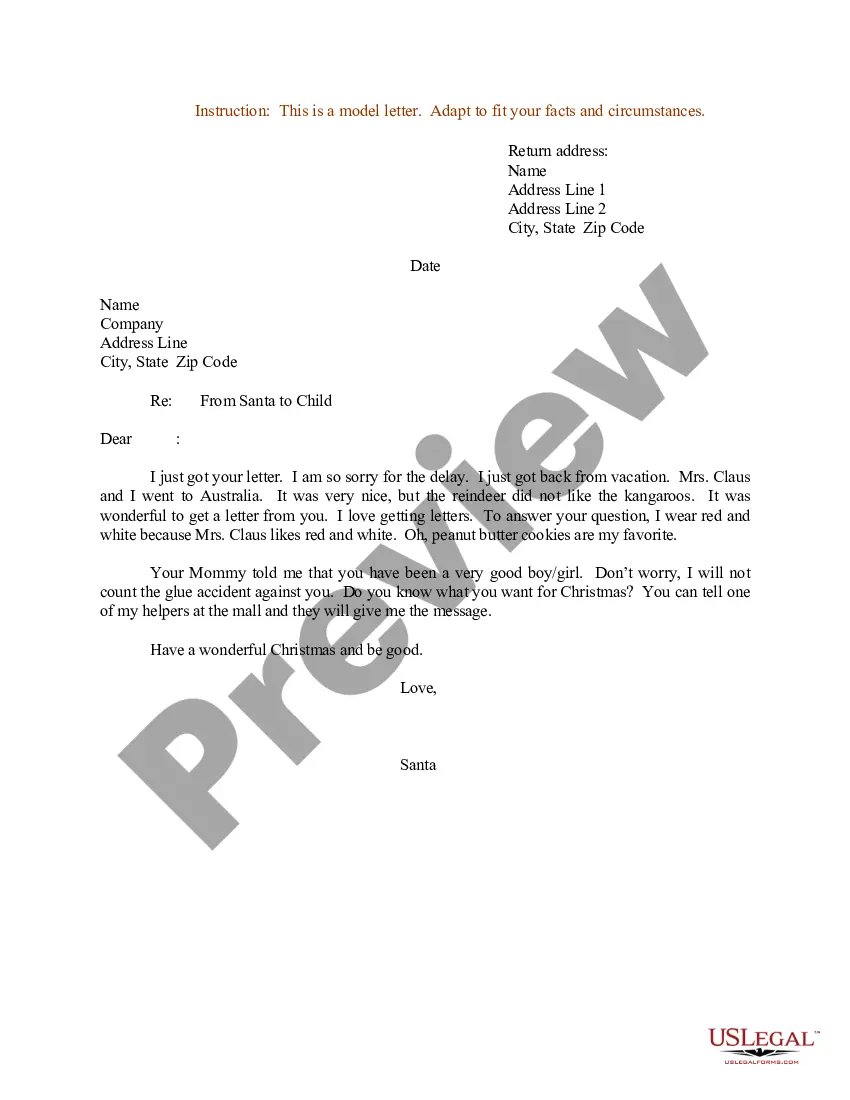






Form popularity
FAQ
It is widely used within commercial contract work. An electronic signature is defined in section 7(2) of the Electronic Communications Act 2000 as anything in electronic form: as is incorporated into or otherwise logically associated with any electronic communication or electronic data; and.
How to Create a Contract Step 1: Set Up a Account. Step 2: Prepare Your Contract Document. Step 3: Add Recipients and Define Signing Order. Step 4: Add Fields for Recipients to Fill Out. Step 5: Customize the Email Message. Step 6: Send the Contract.
When you receive an email with a link to the document you need to digitally sign, here's what to do: Click the link. Your document should open in an electronic signature tool such as . Agree to electronic signing. Click each tag and follow the instructions to add your digital signature. Verify your identity.
Open your document and click the File tab. Click Info and then click Protect Document. From the Protect Document drop-down menu, click Add a Digital Signature. Select a Commitment Type, such as created and approved this document, and then click Sign.
Allows you to sign, send, and manage agreements within a centralized space for all your documentation. It offers a secure, legally binding way to handle paperwork that needs signatures, saving you time on manual tasks. Because it's cloud-based, you can access from anywhere, on any device.
Offers contract and form templates along with the ability to create new templates for agreement forms and contracts.
From the Document View panel, select DOWNLOAD to download the original contract or to export labels and label values for the selected contract. Available options display: After selecting an option, the download begins. Once completed, downloaded files are available from the Notification Center.
Offers contract and form templates along with the ability to create new templates for agreement forms and contracts.
Select UPLOAD A FILE with the file browser select the electronic file version of the documents. Select the signed electronic file version of your document to upload. Note: In some cases, you are automatically logged off from the signing process when printing, signing, and creating an electronic file takes too long.
How to create a contract using CLM Open the “New Agreement” workflow from your CLM homepage. Select a template and recipient. Enter contract details using a form.
