Management Company Names In California
Description

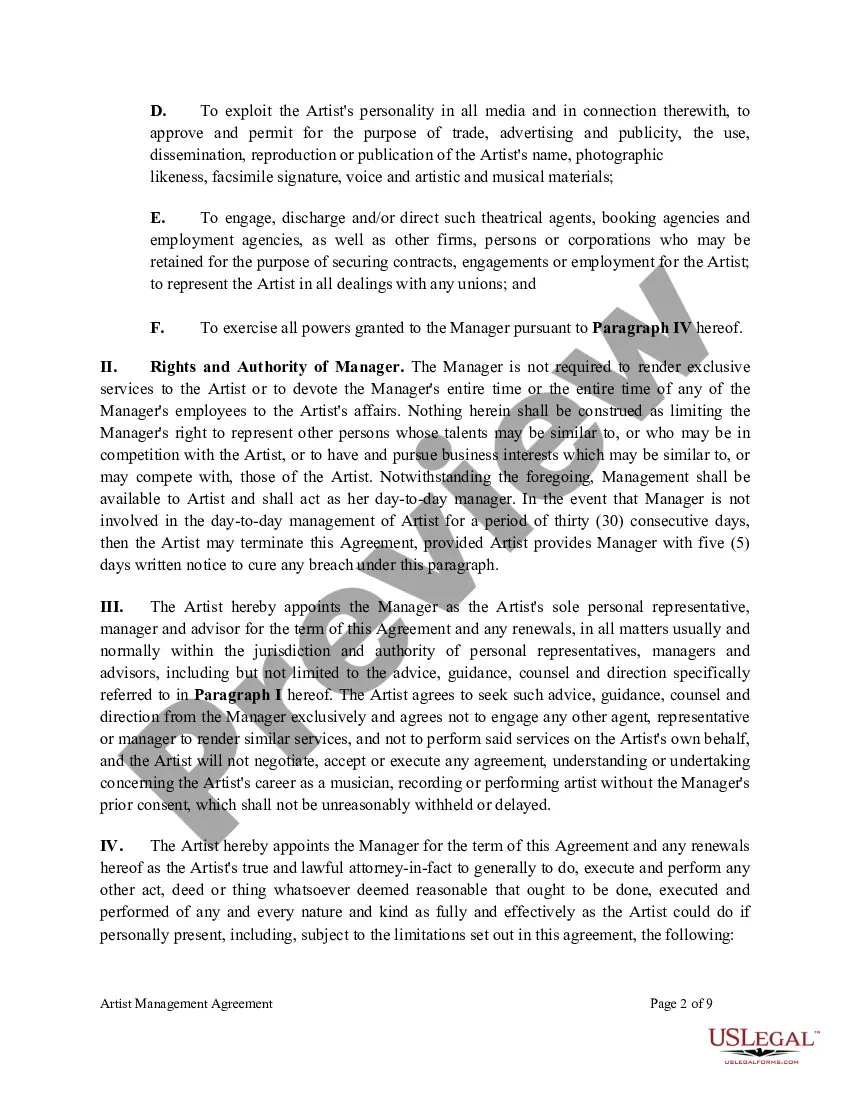
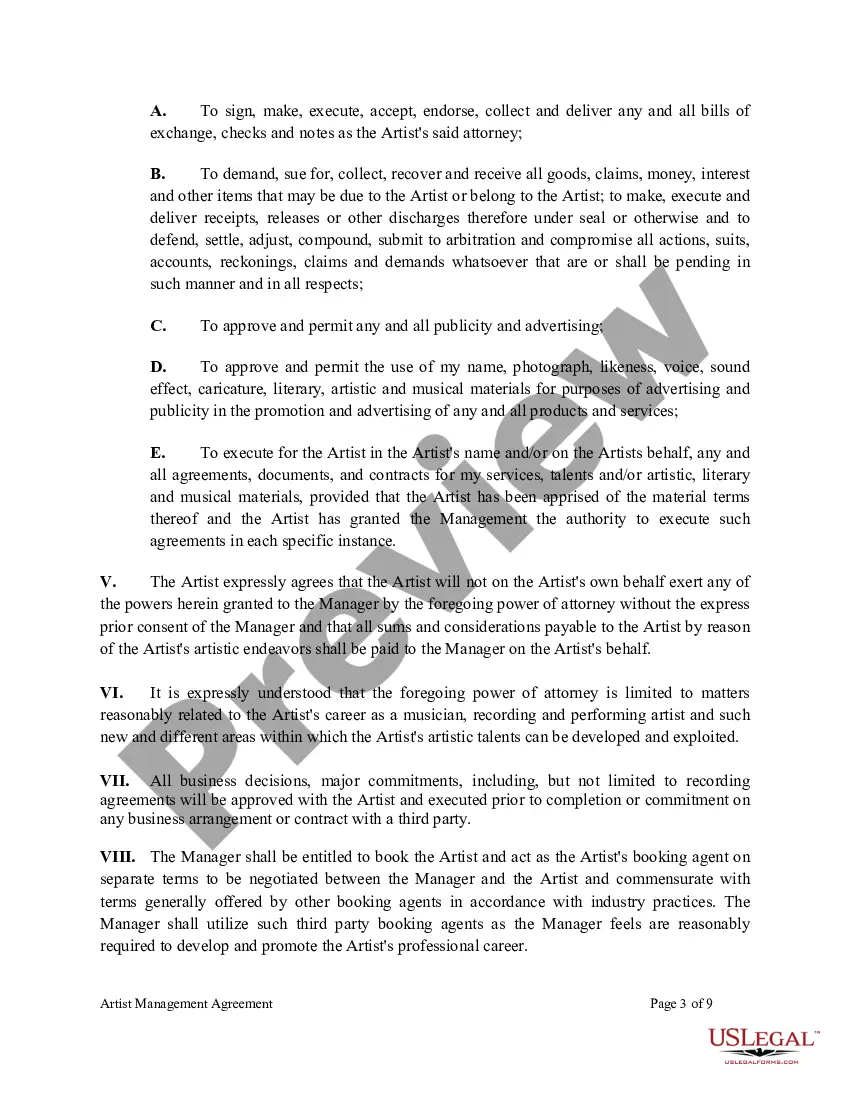

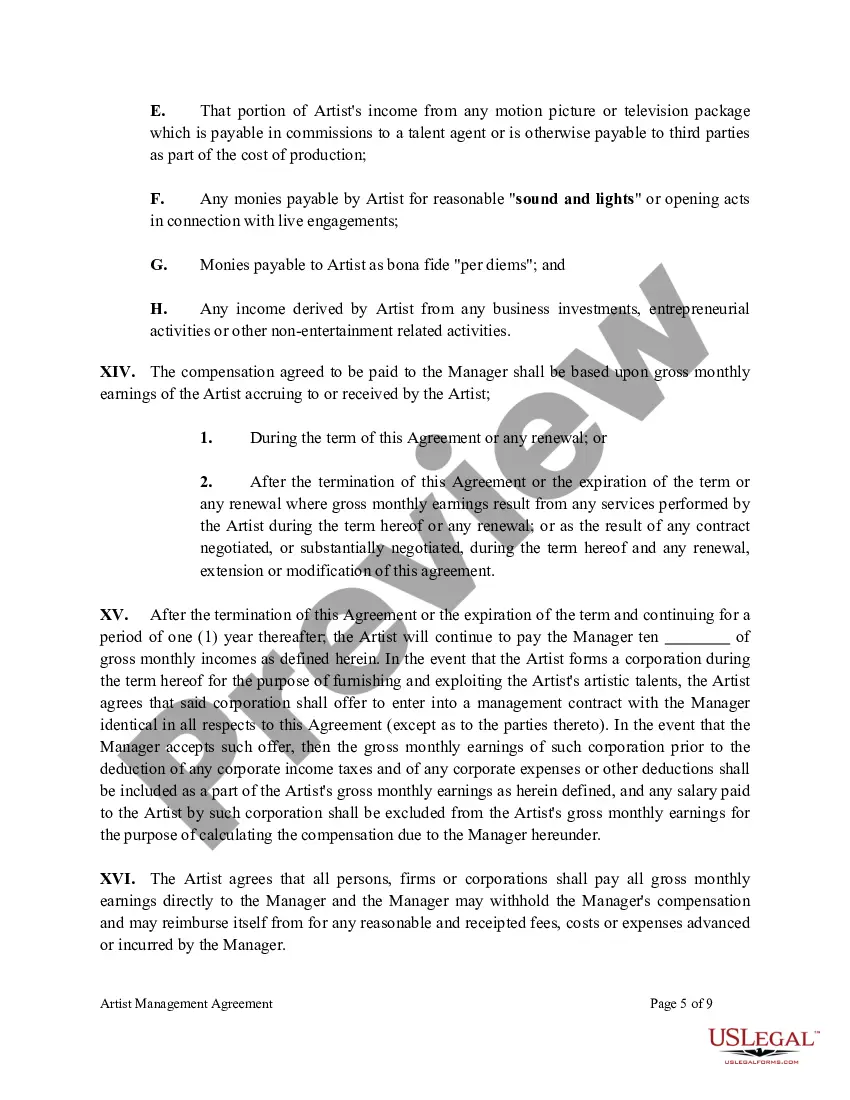
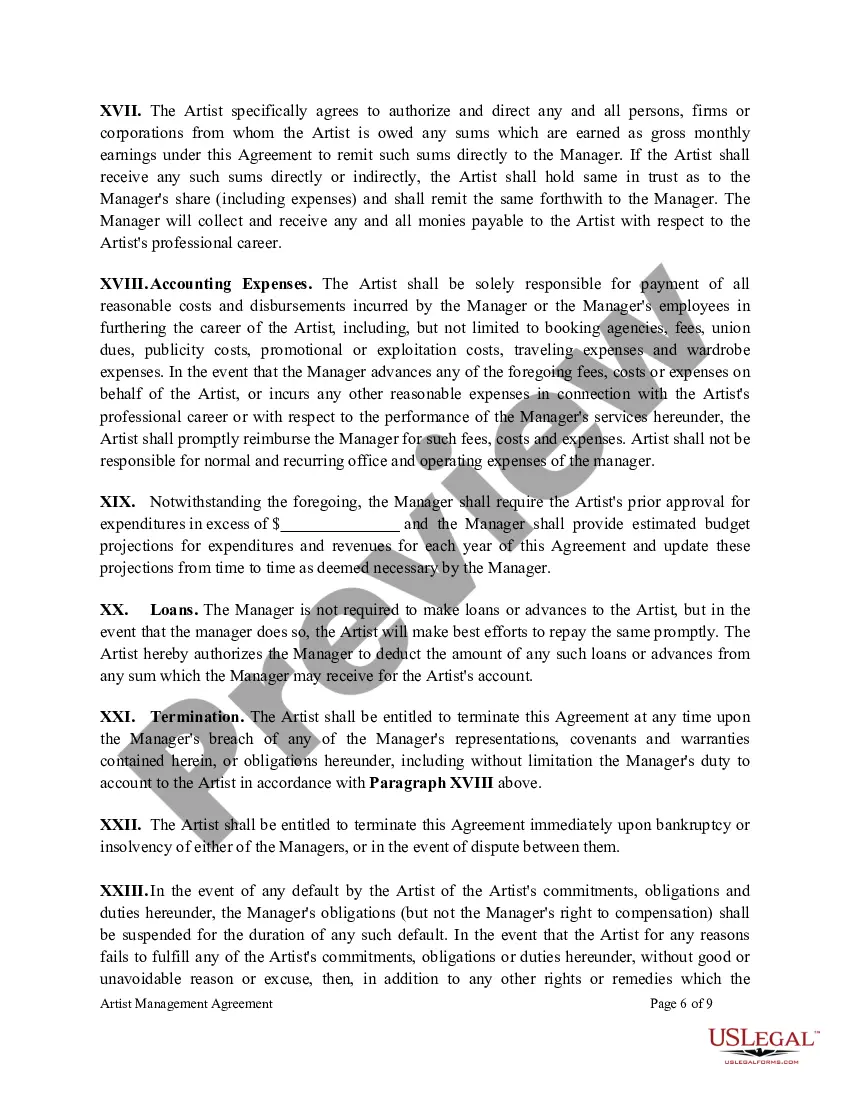


Get your form ready online
Our built-in tools help you complete, sign, share, and store your documents in one place.
Make edits, fill in missing information, and update formatting in US Legal Forms—just like you would in MS Word.
Download a copy, print it, send it by email, or mail it via USPS—whatever works best for your next step.
Sign and collect signatures with our SignNow integration. Send to multiple recipients, set reminders, and more. Go Premium to unlock E-Sign.
If this form requires notarization, complete it online through a secure video call—no need to meet a notary in person or wait for an appointment.
We protect your documents and personal data by following strict security and privacy standards.

Make edits, fill in missing information, and update formatting in US Legal Forms—just like you would in MS Word.

Download a copy, print it, send it by email, or mail it via USPS—whatever works best for your next step.

Sign and collect signatures with our SignNow integration. Send to multiple recipients, set reminders, and more. Go Premium to unlock E-Sign.

If this form requires notarization, complete it online through a secure video call—no need to meet a notary in person or wait for an appointment.

We protect your documents and personal data by following strict security and privacy standards.
Looking for another form?






Form popularity
FAQ
In order to register a California DBA, you need to file a fictitious business name (FBN) statement with the county clerk's office in the county your business is located. Out-of-state companies conducting business in California that wish to use a fictitious name must file their FBN statements in Sacramento County.
How to do a business name search in California: Visit the California Business Search. Scroll down and enter all or part of your business name in the Search bar. Click the down arrow for Advanced Search. Filter by keyword, exact match, or “begins with.” Click “Search.”
How to check business name availability Perform a simple internet search. One of the fastest and easiest ways to check whether a business name is available is to use a search engine. Check with your Secretary of State. Try a DBA search. Run a USPTO trademark search. Use an online business formation service.
Alphabetize single letters in business names separately, ignoring any punctuation that may appear between them. A company named "J & J Consulting" should be filed before one named "JM Auto Body." Use the last name to alphabetize businesses that include an individual's name.
How to do a business name search in California: Visit the California Business Search. Scroll down and enter all or part of your business name in the Search bar. Click the down arrow for Advanced Search. Filter by keyword, exact match, or “begins with.” Click “Search.”
California corporate name The name must not be likely to mislead the public. It must not be the same as, or resemble so closely as to lead to deception, the name of a domestic or qualified foreign corporation, a name under reservation or the registered or assumed name of a foreign corporation.
To start, go to the Trademark Electronic Search System (TESS) and choose "Basic Word Mark Search." Once there, enter your business name into the search box and look through the resulting entries. Check state trademark databases.
"Inc.," "Ltd.," and the like. Commas are not required around Inc., Ltd., and such as part of a company's name.
California LLC Name Requirements. Your business's name must end with the words “Limited Liability Company” or the abbreviations “LLC” or “L.L.C.” You can even opt to abbreviate the words “Limited” and “Company” as “Ltd.” and “Co.” Most people just stick with “LLC”.
Generally, follow an organization's convention for capitalization, punctuation and abbreviation of the organization's suffix — Company, Corporation, Incorporated, Limited. Do not use a comma before the suffix, even if one is included in the formal name. ✅ Do: UnitedHealth Group Inc.
