South Dakota Amendment to Living Trust

What is this form?
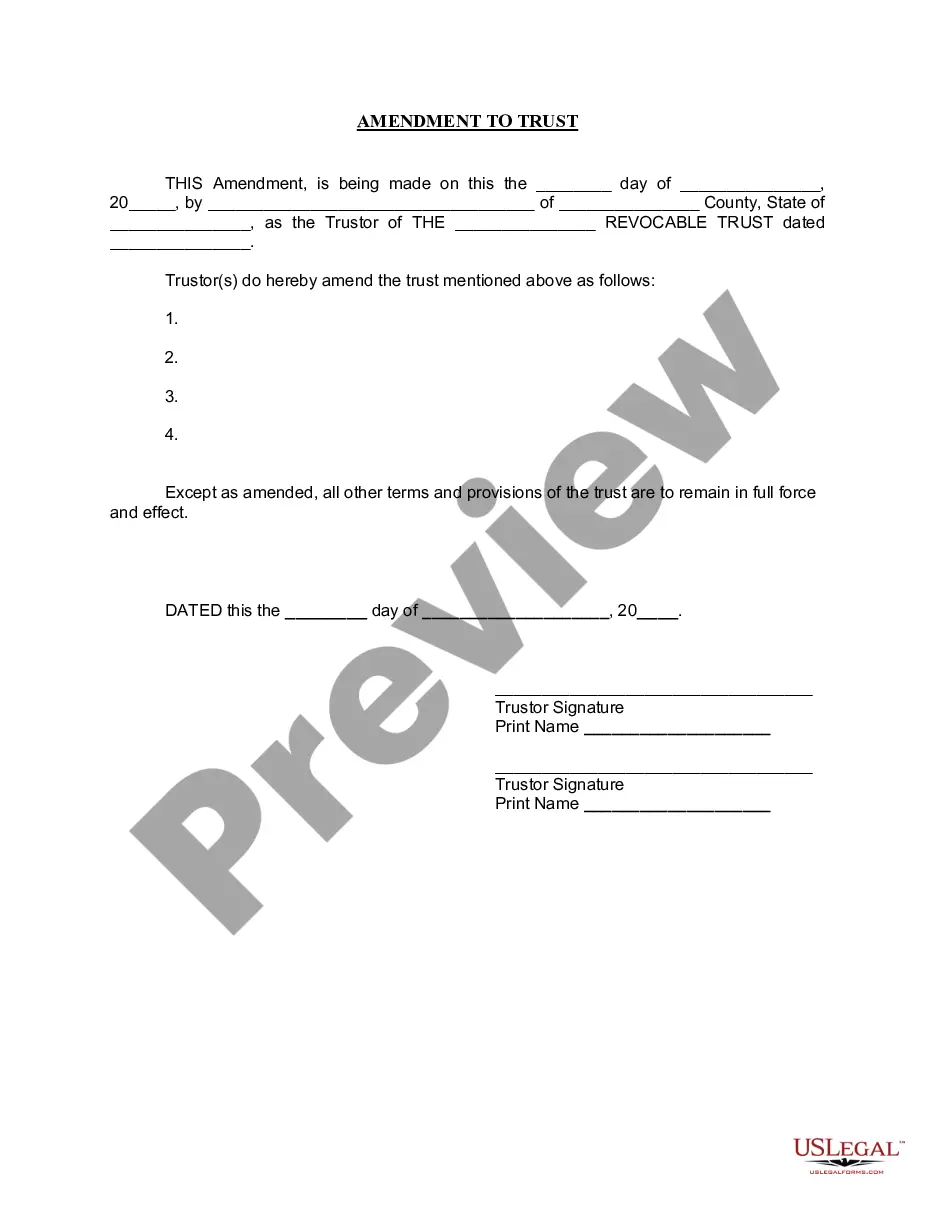
The Amendment to Living Trust is a legal document that allows an individual, known as the Trustor, to modify certain provisions of an existing living trust without altering the fundamental purpose of the trust. Living trusts are created during a person's lifetime to manage their assets and facilitate estate planning. This amendment enables the Trustor to update specific aspects of the trust, ensuring the remaining portions remain effective and unchanged.
Key components of this form
- Date of the amendment.
- Name and address of the Trustor.
- Name of the revocable trust being amended.
- Specific amendments being made to the trust.
- Signatures of the Trustor(s).
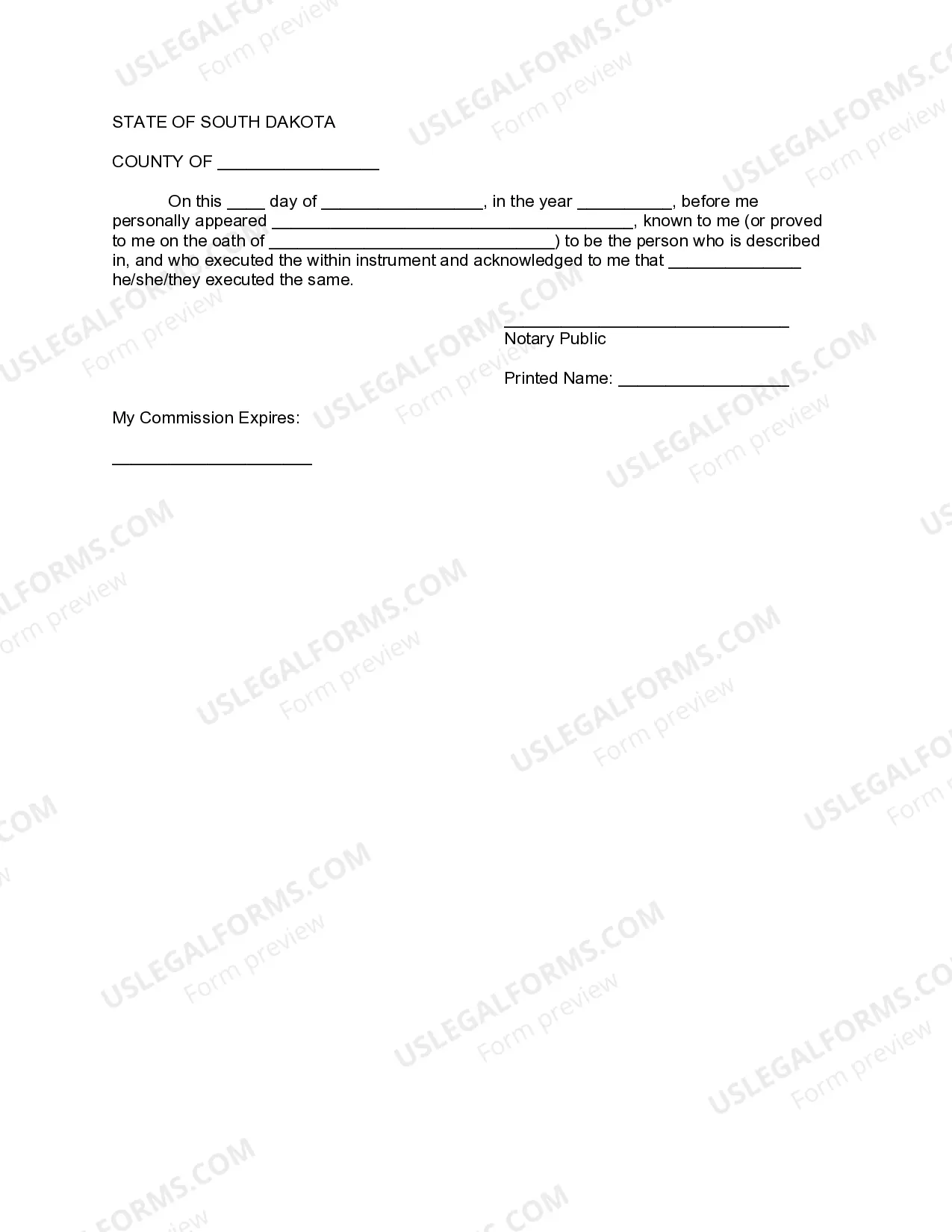
- Notary acknowledgment confirming the identity of the signer(s).


Situations where this form applies
This form is useful when the Trustor wishes to change or update certain terms of their living trust, such as modifying beneficiaries, changing trustees, or reallocating assets. It is particularly relevant following changes in personal circumstances, such as marriage, divorce, the birth of a child, or the passing of a loved one, all of which may necessitate adjustments to the trust.
Who needs this form
This amendment is intended for:
- Individuals who have established a living trust and need to make changes.
- Trustors seeking to ensure their estate planning reflects current wishes and circumstances.
- Those planning for future asset distribution among beneficiaries.
How to complete this form
- Begin by entering the date on which the amendment is being made.
- Provide your full name and address as the Trustor.
- Identify the specific living trust by name and date of establishment.
- Clearly state the amendments being made in the designated section.
- Sign the document in the presence of a notary public.
- Ensure the notary completes their section, including signature and commission expiration date.
Notarization requirements for this form
This form needs to be notarized to ensure legal validity. US Legal Forms provides secure online notarization powered by Notarize, allowing you to complete the process through a verified video call, available anytime.
Get your form ready online
Our built-in tools help you complete, sign, share, and store your documents in one place.
Make edits, fill in missing information, and update formatting in US Legal Forms—just like you would in MS Word.
Download a copy, print it, send it by email, or mail it via USPS—whatever works best for your next step.
Sign and collect signatures with our SignNow integration. Send to multiple recipients, set reminders, and more. Go Premium to unlock E-Sign.
If this form requires notarization, complete it online through a secure video call—no need to meet a notary in person or wait for an appointment.
We protect your documents and personal data by following strict security and privacy standards.

Make edits, fill in missing information, and update formatting in US Legal Forms—just like you would in MS Word.

Download a copy, print it, send it by email, or mail it via USPS—whatever works best for your next step.

Sign and collect signatures with our SignNow integration. Send to multiple recipients, set reminders, and more. Go Premium to unlock E-Sign.

If this form requires notarization, complete it online through a secure video call—no need to meet a notary in person or wait for an appointment.

We protect your documents and personal data by following strict security and privacy standards.
Common mistakes
- Failing to clearly specify the amendments to the trust.
- Not signing the document in the presence of a notary.
- Inaccurate or missing identification of the trust being amended.
- Neglecting to fill in required details such as the date and location of notarization.
Benefits of completing this form online
- Convenience: Access and complete the form from anywhere, at any time.
- Editability: Easily make changes to the document before finalizing.
- Reliability: Forms are drafted by licensed attorneys, ensuring legal compliance.
Main things to remember
- The Amendment to Living Trust is essential for updating trust provisions.
- Proper notarization is required for legal validity.
- Using this form can ensure that your estate plan remains current and effective.
Looking for another form?
Form popularity
FAQ
So, going back to the question, the Trustor(s) or creator(s) of the document are the ones who have the power to make changes or even revoke it during their lifetime, and the Trustee(s) sign onto any changes made. But, when a person passes away, their revocable living trust then becomes irrevocable at their death.
The trust deed lists the trustees. Therefore, to change an individual trustee, you need to amend the trust deed. Most trust deeds permit a change of trustee by way of a trustee resolution and entry into a deed of variation.A change of trustee will usually require the consent of the appointor of the trust.
When you create a DIY living trust, there are no attorneys involved in the process. You will need to choose a trustee who will be in charge of managing the trust assets and distributing them. You generally name yourself as the initial trustee.
An amendment to a trust is not required to be notarized or witnessed unless the terms of the original trust require it.
You can change your living trust, usually without incurring lawyer bills.Because you and your spouse made the trust together, you should both sign the amendment, and when you sign it, get your signatures notarized, just like the original. Another way to go is to create a "restatement" of your trust.
Locate the original trust. The grantor must locate the original trust documents and identify the specific provisions that require amendment. Prepare an amendment form. Get the amendment form notarized. Attach amendment form to original trust.
Locate the original trust. The grantor must locate the original trust documents and identify the specific provisions that require amendment. Prepare an amendment form. Get the amendment form notarized. Attach amendment form to original trust.