Default Prove Up Hearing With Judge In Fairfax
Description

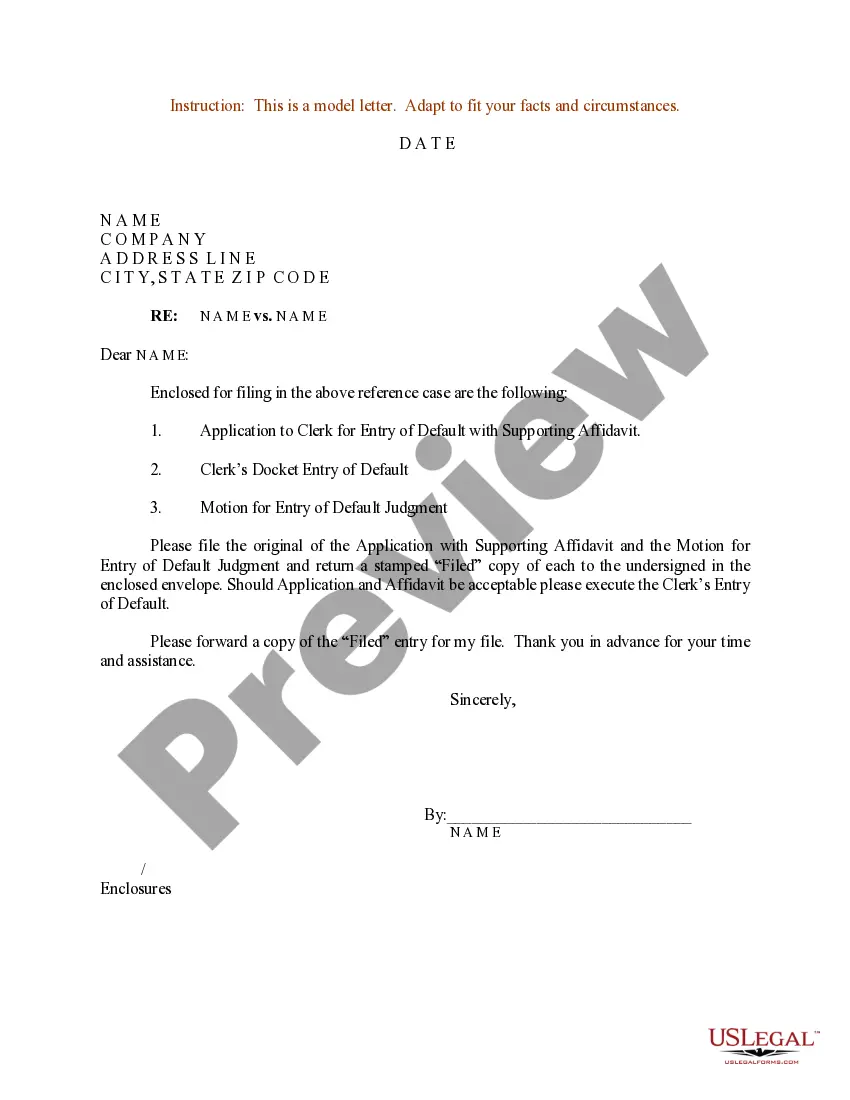
Get your form ready online
Our built-in tools help you complete, sign, share, and store your documents in one place.
Make edits, fill in missing information, and update formatting in US Legal Forms—just like you would in MS Word.
Download a copy, print it, send it by email, or mail it via USPS—whatever works best for your next step.
Sign and collect signatures with our SignNow integration. Send to multiple recipients, set reminders, and more. Go Premium to unlock E-Sign.
If this form requires notarization, complete it online through a secure video call—no need to meet a notary in person or wait for an appointment.
We protect your documents and personal data by following strict security and privacy standards.

Make edits, fill in missing information, and update formatting in US Legal Forms—just like you would in MS Word.

Download a copy, print it, send it by email, or mail it via USPS—whatever works best for your next step.

Sign and collect signatures with our SignNow integration. Send to multiple recipients, set reminders, and more. Go Premium to unlock E-Sign.

If this form requires notarization, complete it online through a secure video call—no need to meet a notary in person or wait for an appointment.

We protect your documents and personal data by following strict security and privacy standards.
Looking for another form?


Form popularity
FAQ
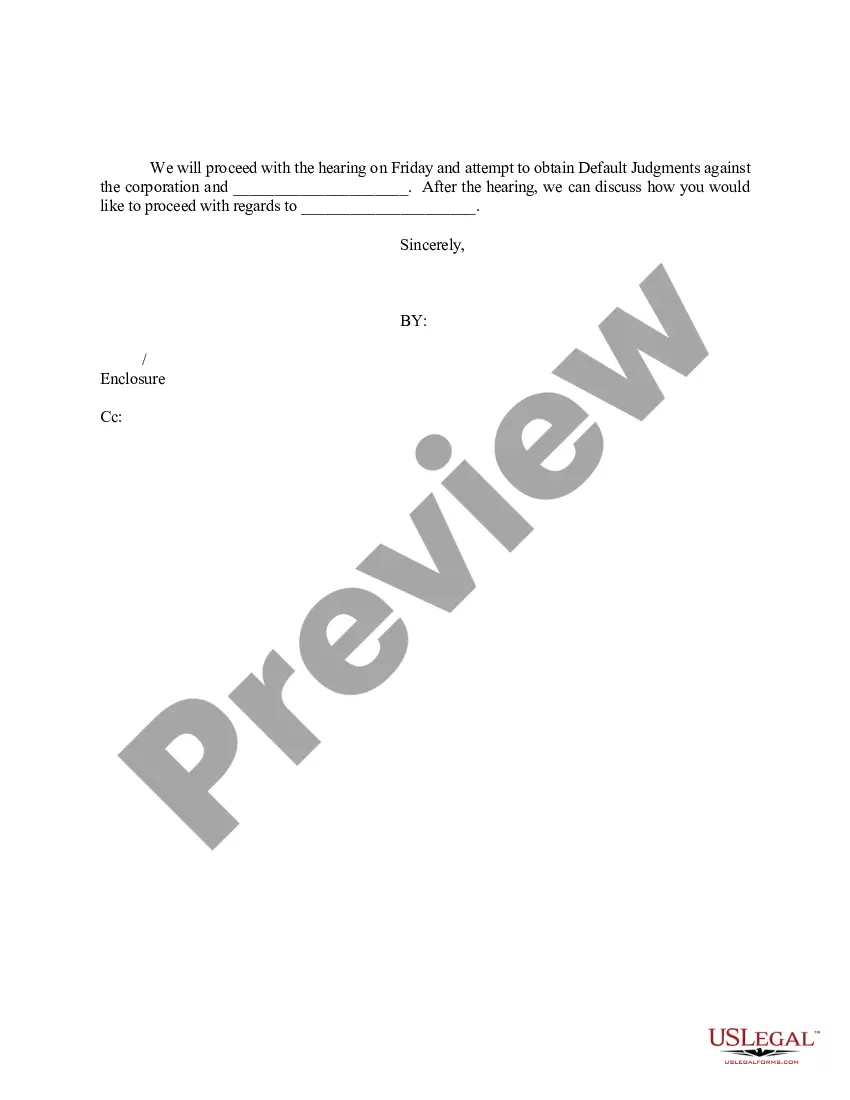
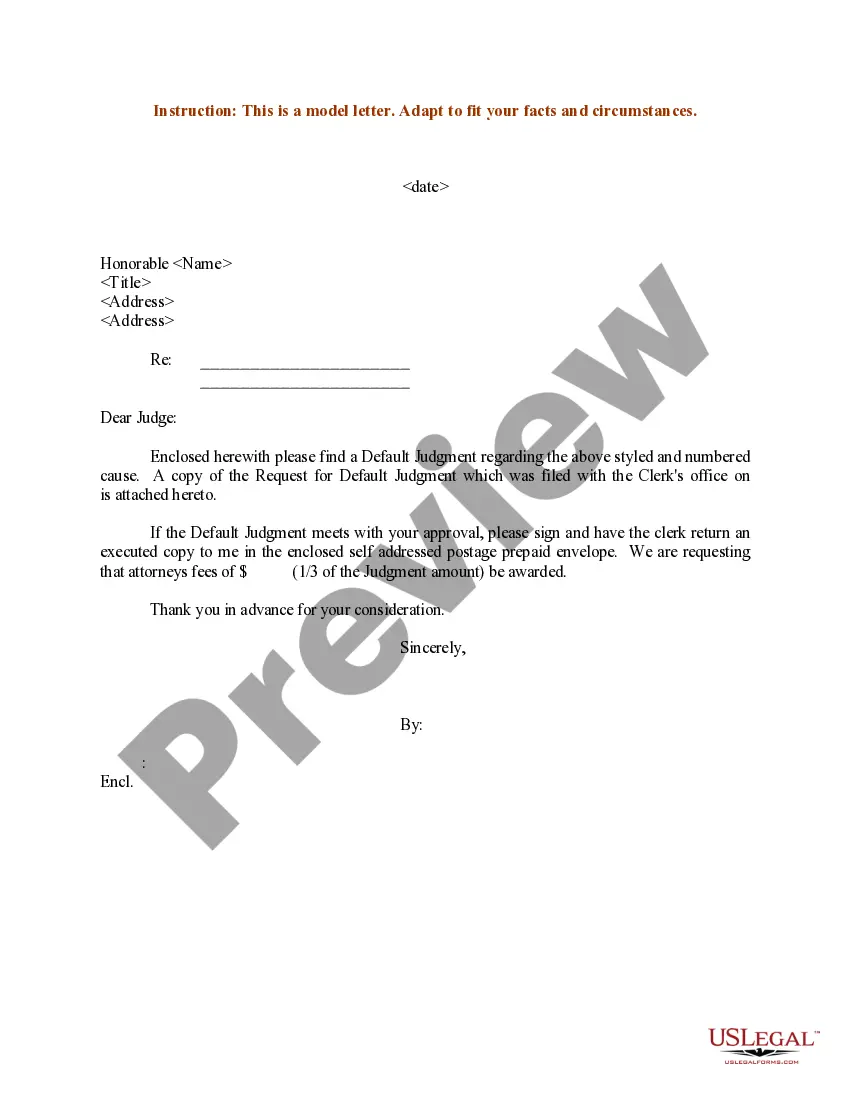
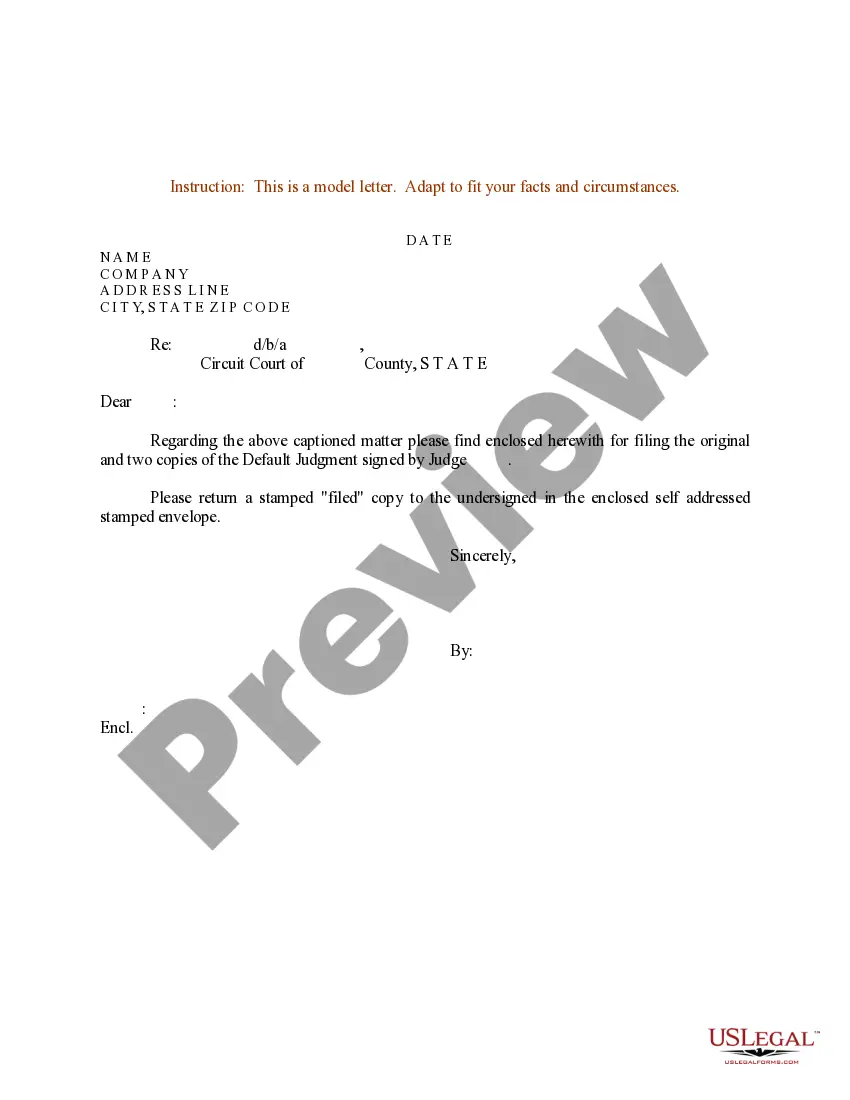
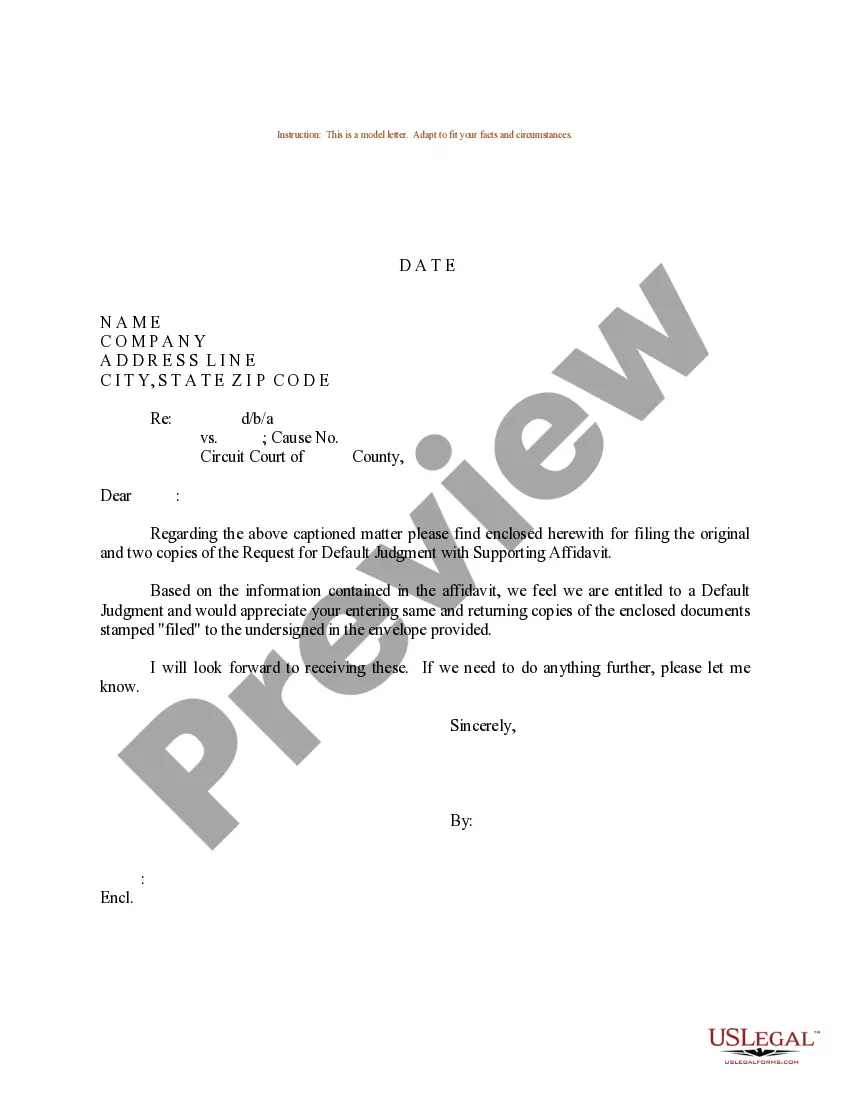
A default prove up hearing occurs when the defendant has failed to respond to the plaintiff's complaint within the specified time frame. As a result, the defendant is considered to be in default, and the hearing is held to determine the appropriate judgment in favor of the plaintiff.
What is a Motion for Default Judgment? Imagine you've taken someone to court, but they've ignored all proceedings. A motion for default judgment allows you to ask the court to automatically decide in your favor due to the other party's lack of response or action.
Default Hearing Process: During the default hearing, the petitioner presents their case, providing evidence to support their claims. The judge evaluates the evidence and considers the petitioner's arguments.
A judge can set aside a default judgment for the following reasons, among others: Mistake, inadvertence, surprise, or excusable neglect of the party who failed to defend himself in the case. Fraud, misrepresentation, or other misconduct by the party who filed the case.
A defendant can challenge the entry of default by filing a motion pursuant to Federal Rule of Civil Procedure 55(c), which allows the court to set it aside for “good cause” shown. Under certain circumstances, the court is required to do so.
Motions for Reconsideration should be filed in the Clerk's Office and a courtesy copy should be delivered to the Judge who made the initial ruling. Do not file the Yellow Friday Motions Day - Praecipe/Notice Form or otherwise schedule any motion for reconsideration for a hearing.
You have four main options to deal with a default judgment: Accept the judgment. Settle the judgment for less. Challenge the judgment. Pursue debt relief.
A defendant can challenge the entry of default by filing a motion pursuant to Federal Rule of Civil Procedure 55(c), which allows the court to set it aside for “good cause” shown. Under certain circumstances, the court is required to do so.
If the defendant didn't file a response by the deadline, you can ask the court to enter a default. A default ends the defendant's chance to file a response because the defendant has not responded in time. You must ask for a default within 10 days of the defendant missing the deadline to respond.
A defendant can challenge the entry of default by filing a motion pursuant to Federal Rule of Civil Procedure 55(c), which allows the court to set it aside for “good cause” shown. Under certain circumstances, the court is required to do so.
