New Member Welcome Letter With Qr Code In Queens
Description

Get your form ready online
Our built-in tools help you complete, sign, share, and store your documents in one place.
Make edits, fill in missing information, and update formatting in US Legal Forms—just like you would in MS Word.
Download a copy, print it, send it by email, or mail it via USPS—whatever works best for your next step.
Sign and collect signatures with our SignNow integration. Send to multiple recipients, set reminders, and more. Go Premium to unlock E-Sign.
If this form requires notarization, complete it online through a secure video call—no need to meet a notary in person or wait for an appointment.
We protect your documents and personal data by following strict security and privacy standards.

Make edits, fill in missing information, and update formatting in US Legal Forms—just like you would in MS Word.

Download a copy, print it, send it by email, or mail it via USPS—whatever works best for your next step.

Sign and collect signatures with our SignNow integration. Send to multiple recipients, set reminders, and more. Go Premium to unlock E-Sign.

If this form requires notarization, complete it online through a secure video call—no need to meet a notary in person or wait for an appointment.

We protect your documents and personal data by following strict security and privacy standards.
Looking for another form?






Form popularity
FAQ
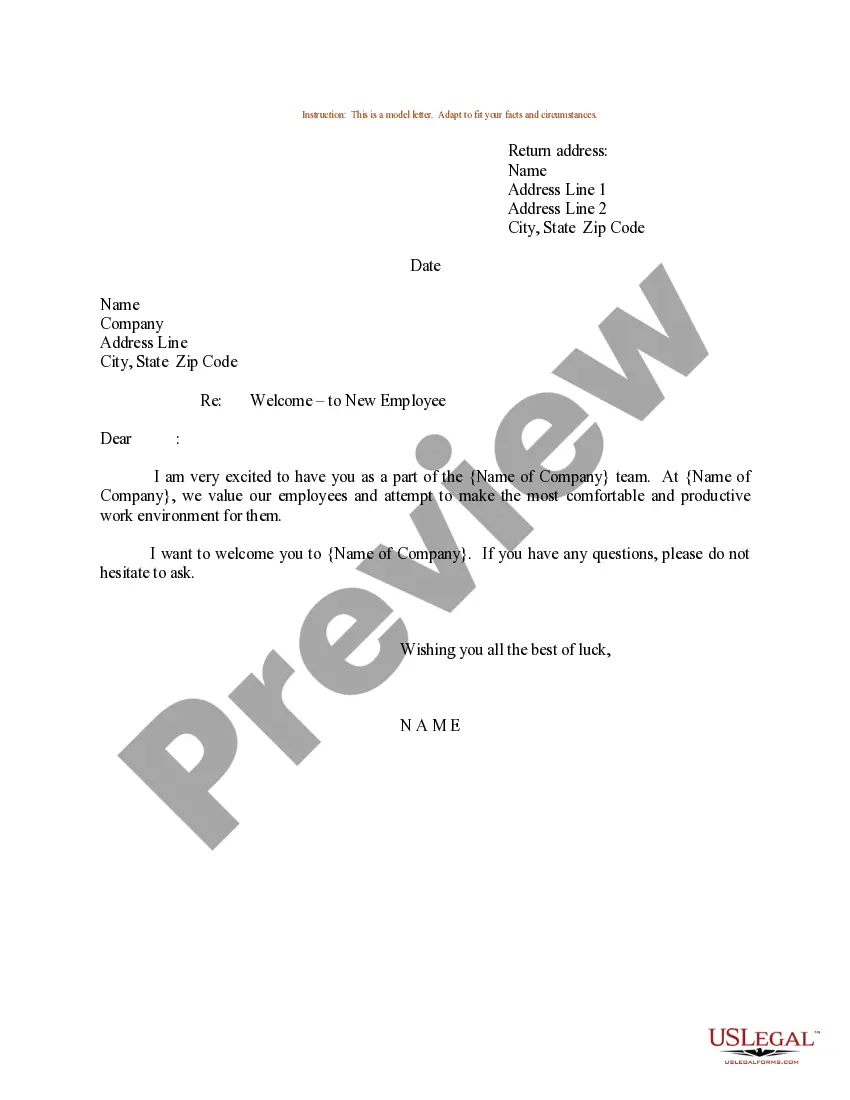
Welcome Letter sample 1 Dear New Hire Name, Welcome to Company Name! We are thrilled to have you join our team and look forward to working with you. Your start date is Date, and your role will be Job Title. In this position, you will be responsible for Job Responsibilities.
We are so excited for you to join us. Your short list of skills and accomplishments make you the perfect fit for name of position. We met during your interview, but let me introduce myself again. I am your name, and I will be your relationship to new employee.
A QR code lets the recipient of a letter visit your website without having to type in the URL. When you add a QR code to your letter, you must provide an alternative for people who cannot scan QR codes. For example, a short URL that's easy to read or written instructions on how to find your website.
How to create a QR Code for a Stationery? Go to QR Code Generator and select the type of QR Code you'd like on your stationery. Enter your website address. Your QR Code will be generated automatically. Select colors to match your style or company brand identity. Select 'Download' to receive your QR Code file in .
1) A Personalized Email and Recognizable Confirmation Subject Line. 2) Confirmation They Made the Right Decision. 3) A Brief Introduction to Your Organization. 4) Sprinkle in Member Benefits. 5) Links to Other Helpful Resources on Your Website. 6) A Clear Description of What Will Happen Next. 7) A Bit of Personality.
Informal Template We are delighted to welcome you to NONPROFIT NAME's membership program. Our organization strives to MISSION DESCRIPTION. As an active member of our program, you will now be able to make a worthwhile difference in COMMUNITY NAME. That is something to celebrate!
How to create a welcome letter or welcome email for new employees Determine your goals. Begin by establishing the goal of the welcome letter. Outline the letter. Write a warm introduction. Introduce yourself. Provide need-to-know information. Personalize as needed. Wrap up the letter.
How do you write a good conference welcome letter? To write a good conference letter, begin with a warm but professional greeting that states the conference's purpose. You can include details about upcoming events and share the schedule while introducing your guests and explaining the topics they will cover.
In your new member welcome letter, include a list of any upcoming events they may want to attend. Personally invite them and let them know you hope to see them there. If you know their specific interests, you can also highlight any events you have that you think would be of particular interest to them.

