E Commerce Contract Example In California
Description

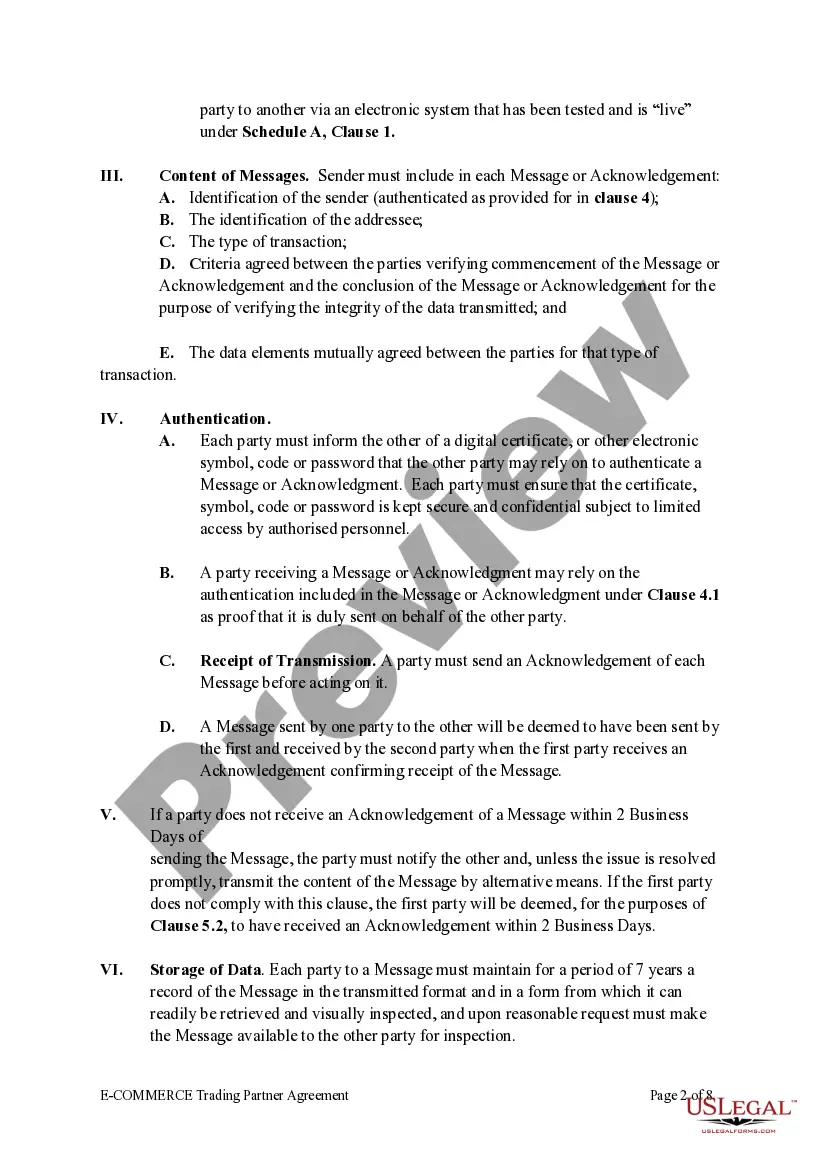
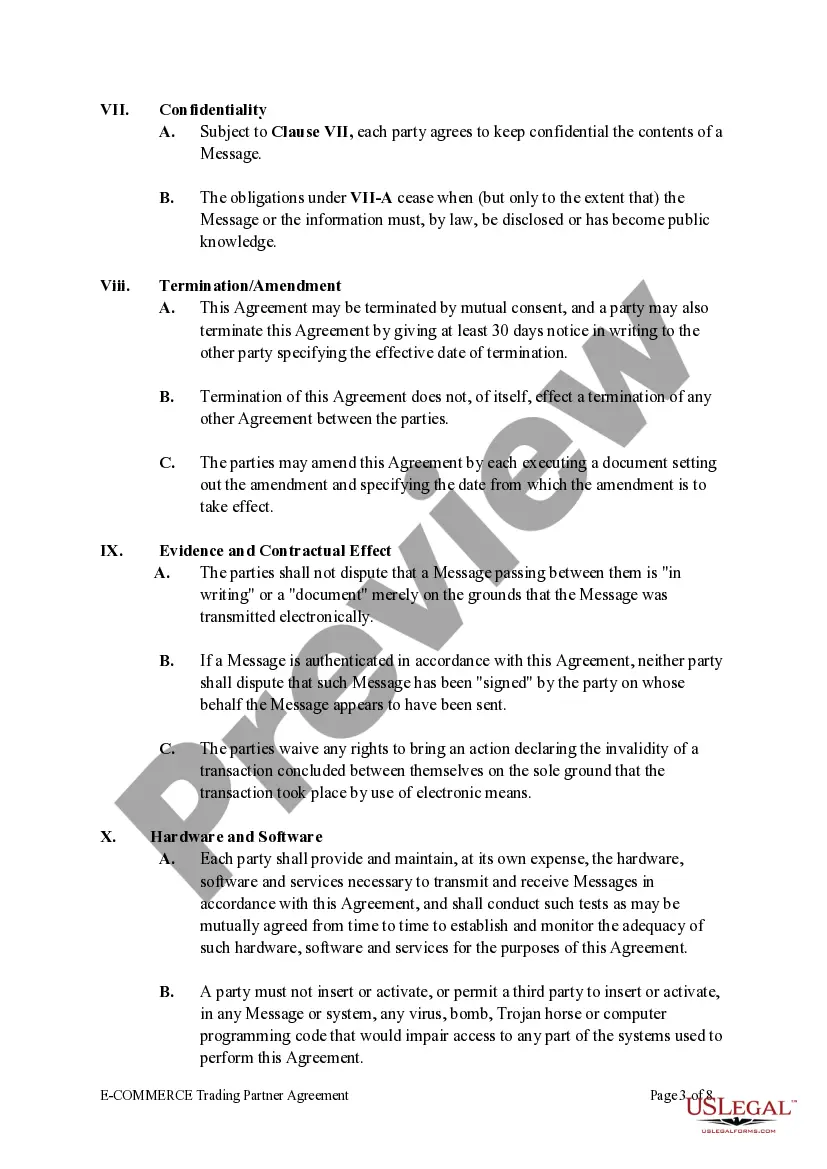
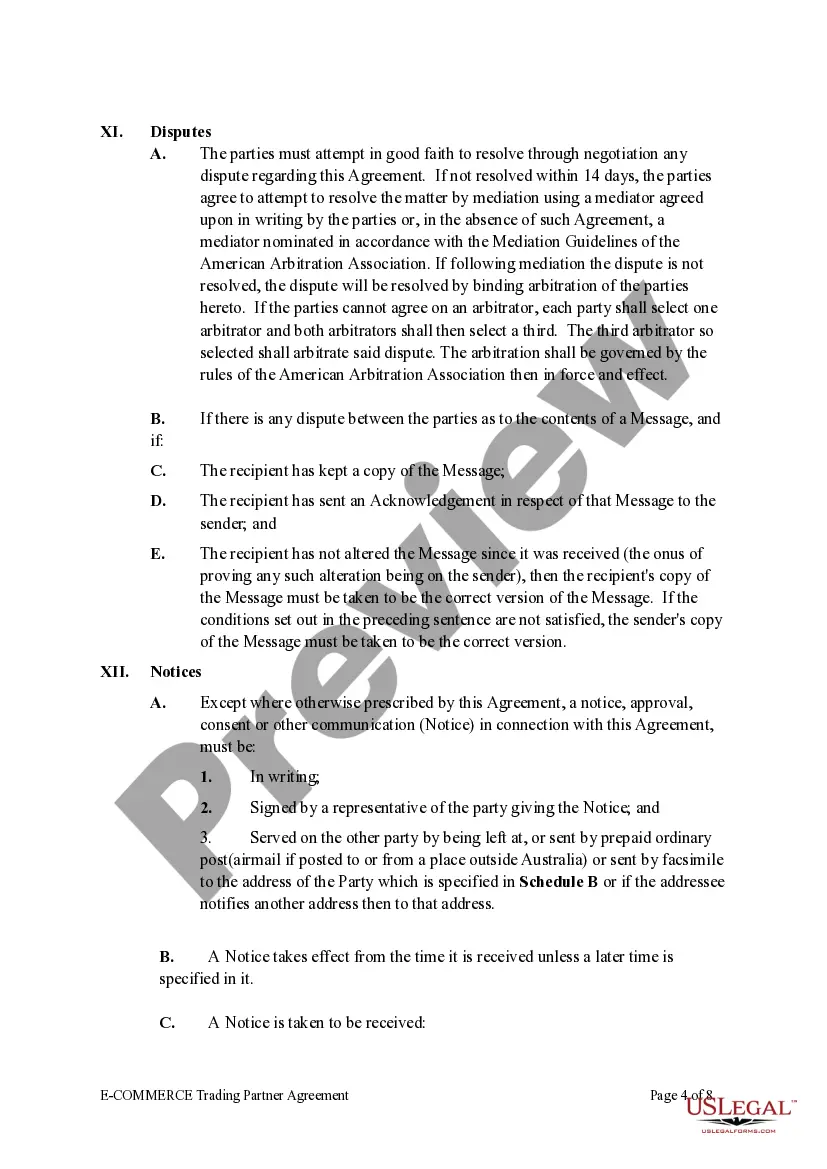
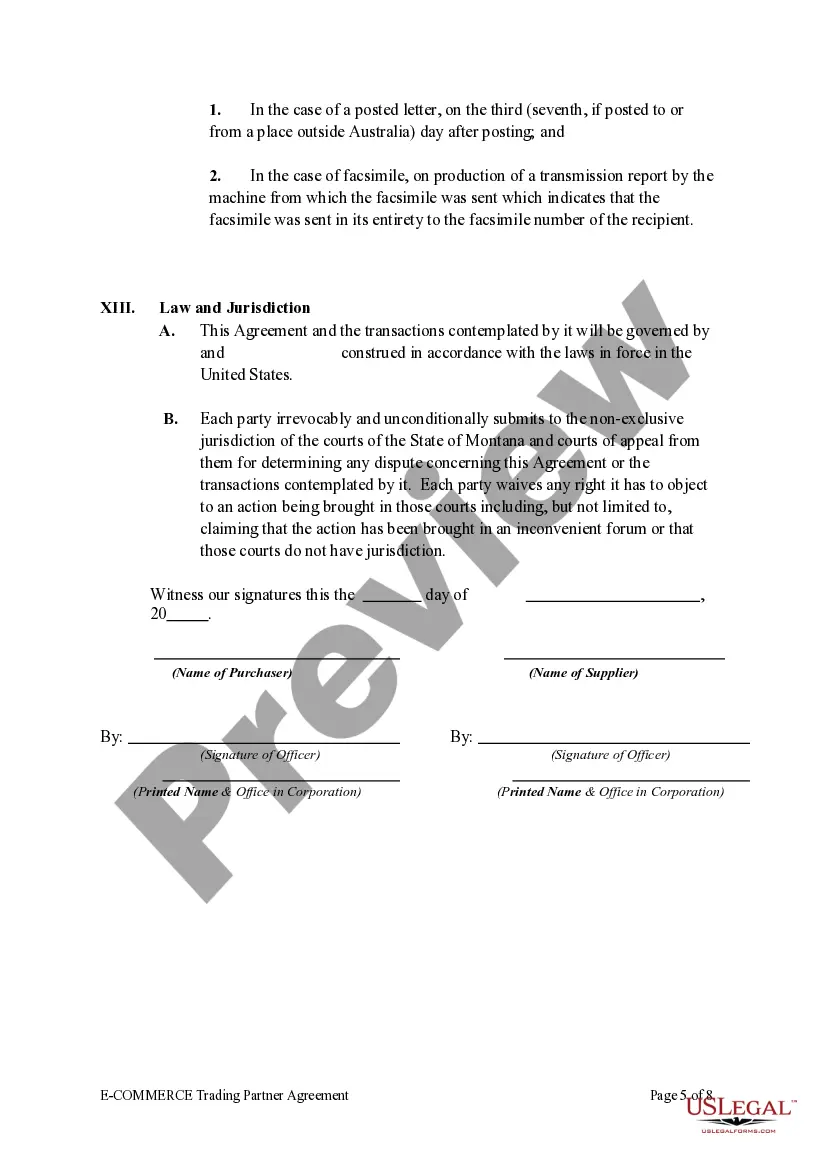




Get your form ready online
Our built-in tools help you complete, sign, share, and store your documents in one place.
Make edits, fill in missing information, and update formatting in US Legal Forms—just like you would in MS Word.
Download a copy, print it, send it by email, or mail it via USPS—whatever works best for your next step.
Sign and collect signatures with our SignNow integration. Send to multiple recipients, set reminders, and more. Go Premium to unlock E-Sign.
If this form requires notarization, complete it online through a secure video call—no need to meet a notary in person or wait for an appointment.
We protect your documents and personal data by following strict security and privacy standards.

Make edits, fill in missing information, and update formatting in US Legal Forms—just like you would in MS Word.

Download a copy, print it, send it by email, or mail it via USPS—whatever works best for your next step.

Sign and collect signatures with our SignNow integration. Send to multiple recipients, set reminders, and more. Go Premium to unlock E-Sign.

If this form requires notarization, complete it online through a secure video call—no need to meet a notary in person or wait for an appointment.

We protect your documents and personal data by following strict security and privacy standards.
Looking for another form?





Form popularity
FAQ
Starting an Online Business in California Prepare your online business idea and plan. Choose your online business name and buy domain. Register your online business with CA SOS. Obtain all necessary licenses and permits. Get EIN and File your taxes. Open bank account. Comply with taxes and other regulatory requirements.
In order for a contract to be valid, there must be an offer, an acceptance of the offer, an exchange between the parties of something of value, and an agreement to the terms.
General features. Justinian identifies four types of real contract – contracts in re (in a thing) – mutuum, commodatum, depositum and pignus. Common to all four was an agreement, and the delivery of a res corporalis. They are in contrast to consensual and inominate contracts.
What types of payments are considered eCommerce payments? Payments that are initiated through an online web browser via a specific retail website, browser-based payments from a tablet or smartphone, and smartphone payments that are initiated through a mobile app are all examples of eCommerce transactions.
The standard definition of E-commerce is a commercial transaction which is happened over the internet. Online stores like Amazon, Flipkart, Shopify, Myntra, Ebay, Quikr, Olx are examples of E-commerce websites. By 2020, global retail e-commerce can reach up to $27 Trillion.
A B2C eCommerce app is like a virtual retail store, listing items for sale, managing shopping carts, handling transactions, and shipping items. Examples include Amazon, Ebay, Allegro, Shopee and others.
commerce (electronic commerce) is the buying and selling of goods and services, or the transmitting of funds or data, over an electronic network, primarily the internet.
Follow these steps to write your business plan: Write your executive summary. Start by succinctly articulating the essence of your e-commerce business. Perform market analysis. Craft your product and service descriptions. Build marketing and sales strategies.
4 steps to make your agreements digital-ready Adjust the layout (in Word, or whatever document tool you use) to allow spaces to add text fields, signature boxes, checkboxes and other dynamic elements. Save the agreement as a PDF. Upload to Scrive eSign Online. Add dynamic elements and send for signing.
