Sba 7a Loan Agreement Form In Oakland
Description

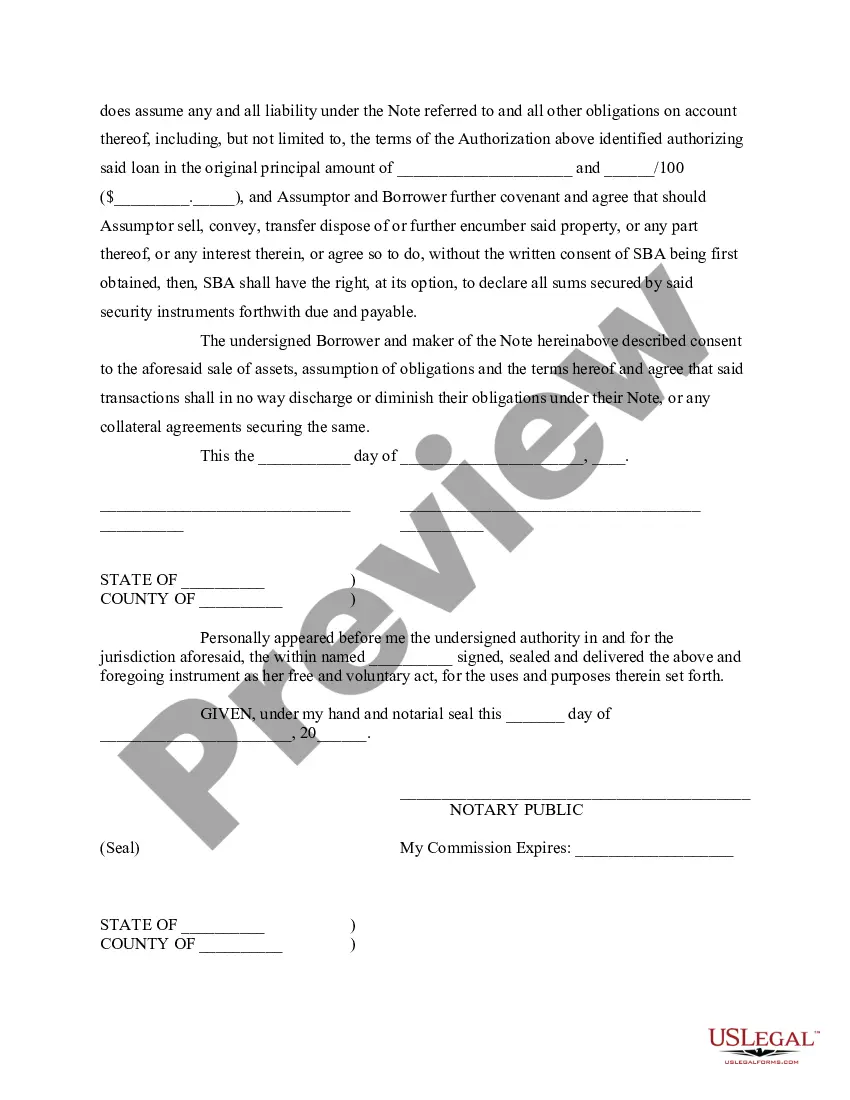
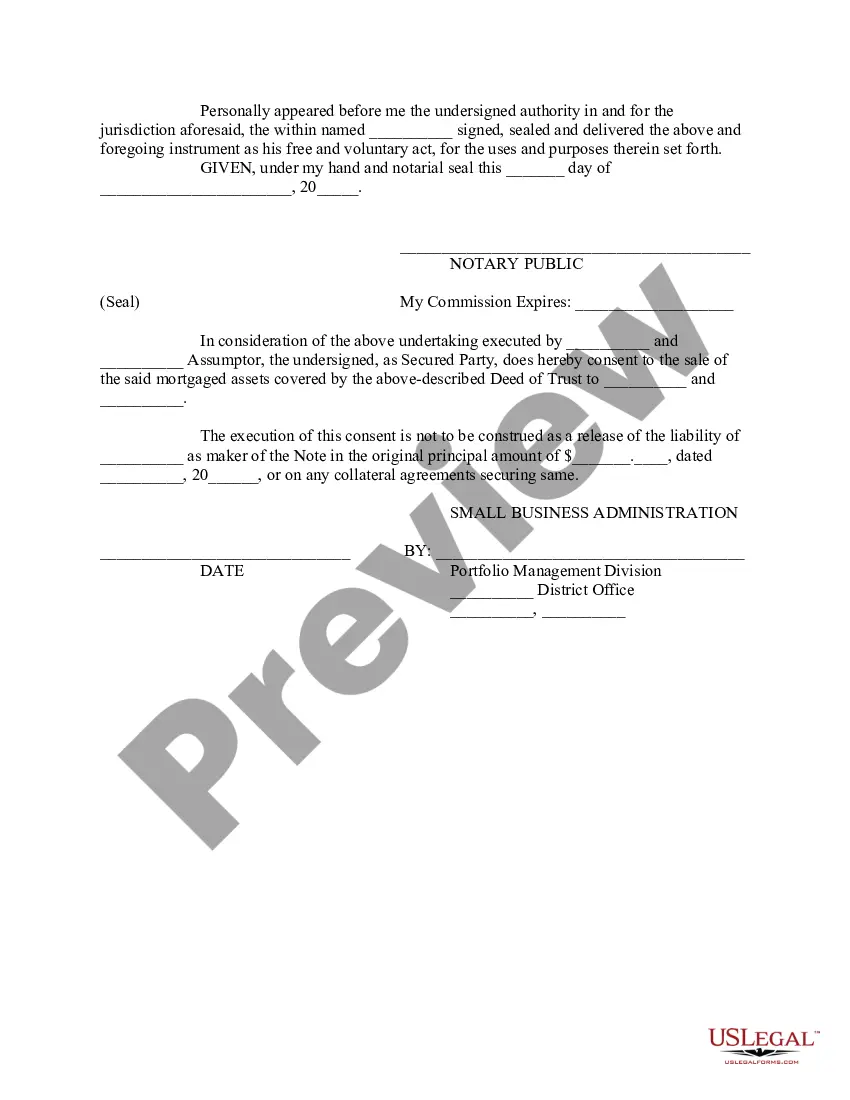

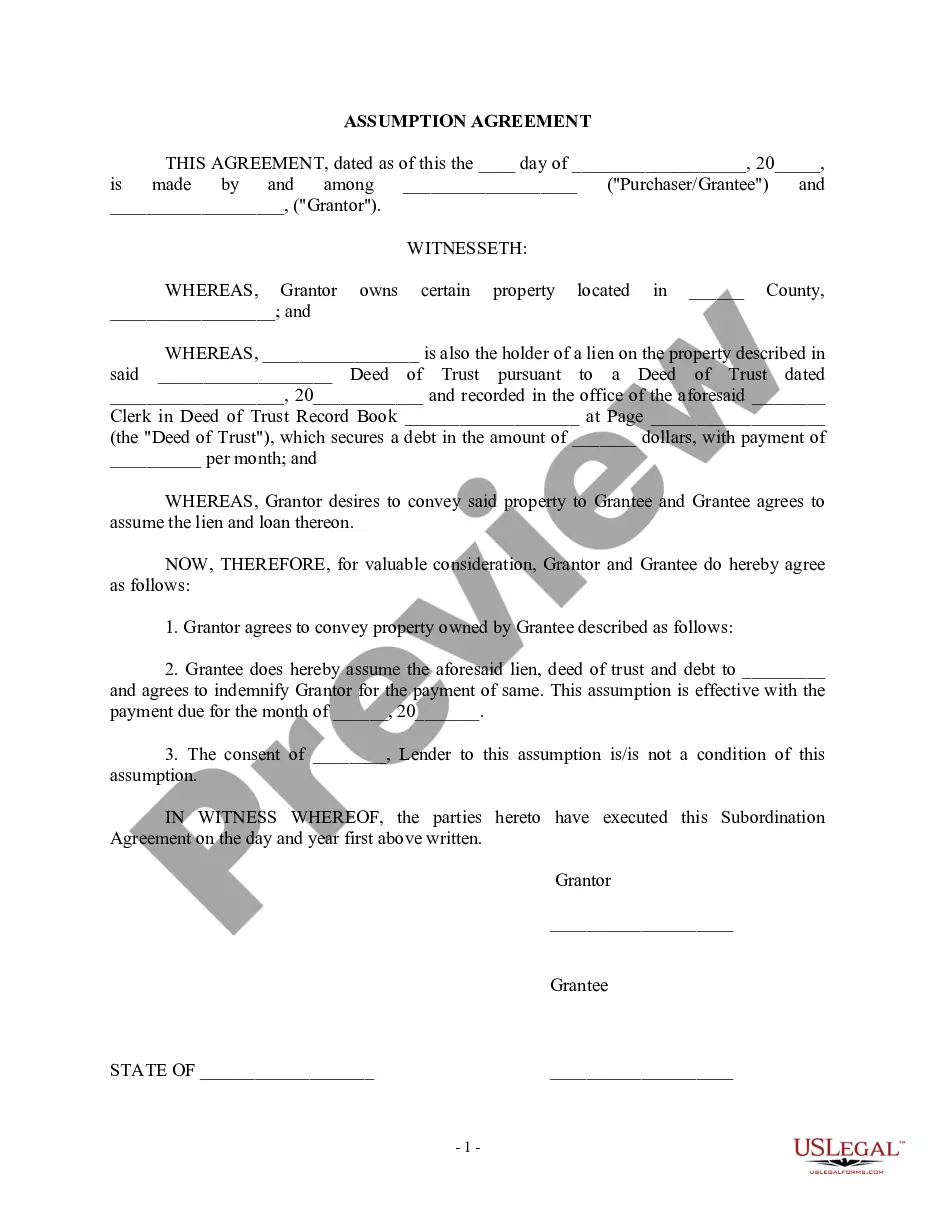
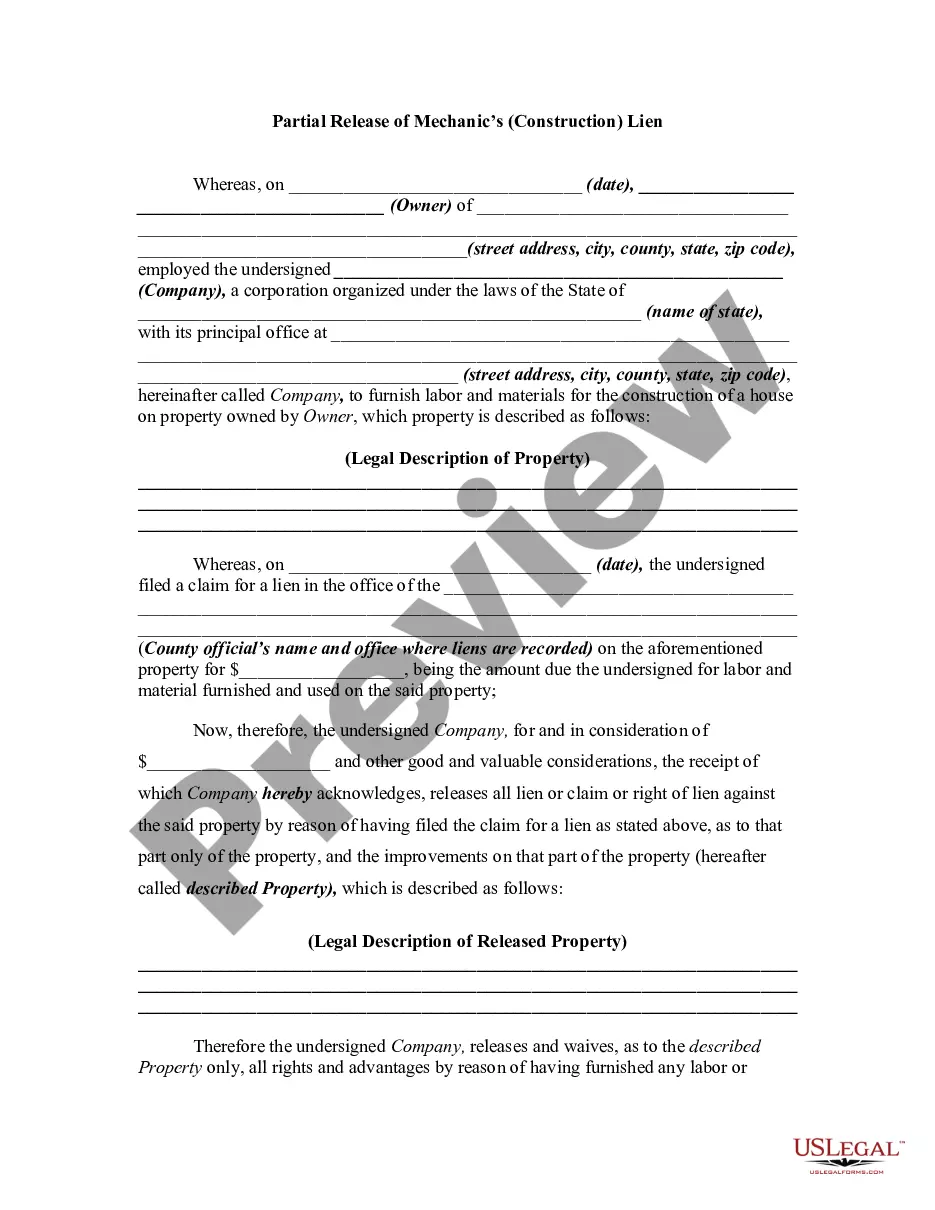
Get your form ready online
Our built-in tools help you complete, sign, share, and store your documents in one place.
Make edits, fill in missing information, and update formatting in US Legal Forms—just like you would in MS Word.
Download a copy, print it, send it by email, or mail it via USPS—whatever works best for your next step.
Sign and collect signatures with our SignNow integration. Send to multiple recipients, set reminders, and more. Go Premium to unlock E-Sign.
If this form requires notarization, complete it online through a secure video call—no need to meet a notary in person or wait for an appointment.
We protect your documents and personal data by following strict security and privacy standards.

Make edits, fill in missing information, and update formatting in US Legal Forms—just like you would in MS Word.

Download a copy, print it, send it by email, or mail it via USPS—whatever works best for your next step.

Sign and collect signatures with our SignNow integration. Send to multiple recipients, set reminders, and more. Go Premium to unlock E-Sign.

If this form requires notarization, complete it online through a secure video call—no need to meet a notary in person or wait for an appointment.

We protect your documents and personal data by following strict security and privacy standards.
Looking for another form?
Form popularity
FAQ
While some small business lenders still only require personal credit scores, the FICO SBSS business credit score is becoming increasingly commonplace. Most notably, SBA loans are only available to businesses with SBSS scores of at least 155. Most other lenders who use the score require a minimum threshold of 160 – 180.
LendingTree partners generally have minimum credit score requirements of around 600, though it's possible to find ones with lower requirements. The company has relationships with Upstart, which may accept credit scores as low as 300, and Avant, which may accept credit scores as low as 580.
“A good business credit score is considered anything higher than 76 for Equifax or Experian, 80 from Dun & Bradstreet, or 160 from FICO SBSS, which is the minimum for SBA loans,” wrote CRS.
Are SBA loans public record? Yes, information on loans issued by the SBA is publicly available and subject to release under the Freedom of Information Act.
How to fill out SBA form 413 Provide basic business information. Report your assets. Report your liabilities. List your source of income and contingent liabilities to complete section 1. Detail your notes payable to banks and others in section 2. Detail the status of your stocks and bonds for section 3.
Here's the 10-step process for how to fill out SBA Form 1919: Fill In Your Business Identifying Information for Section 1. Answer Questions in Section 1 (Questions 1 - 16) Review Section 1: Sign and Date. Fill In Your Business Identifying Information for Section 2. Answer Questions in Section 2 (Questions 17 - 26)