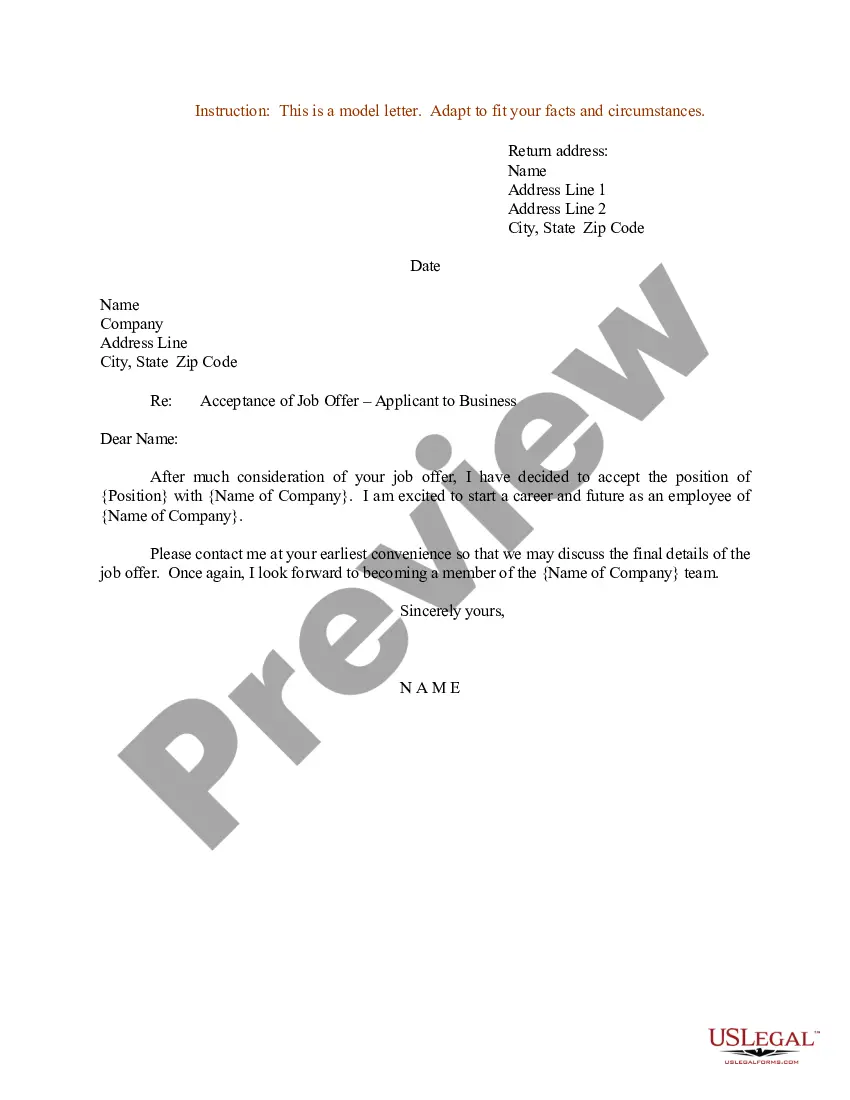
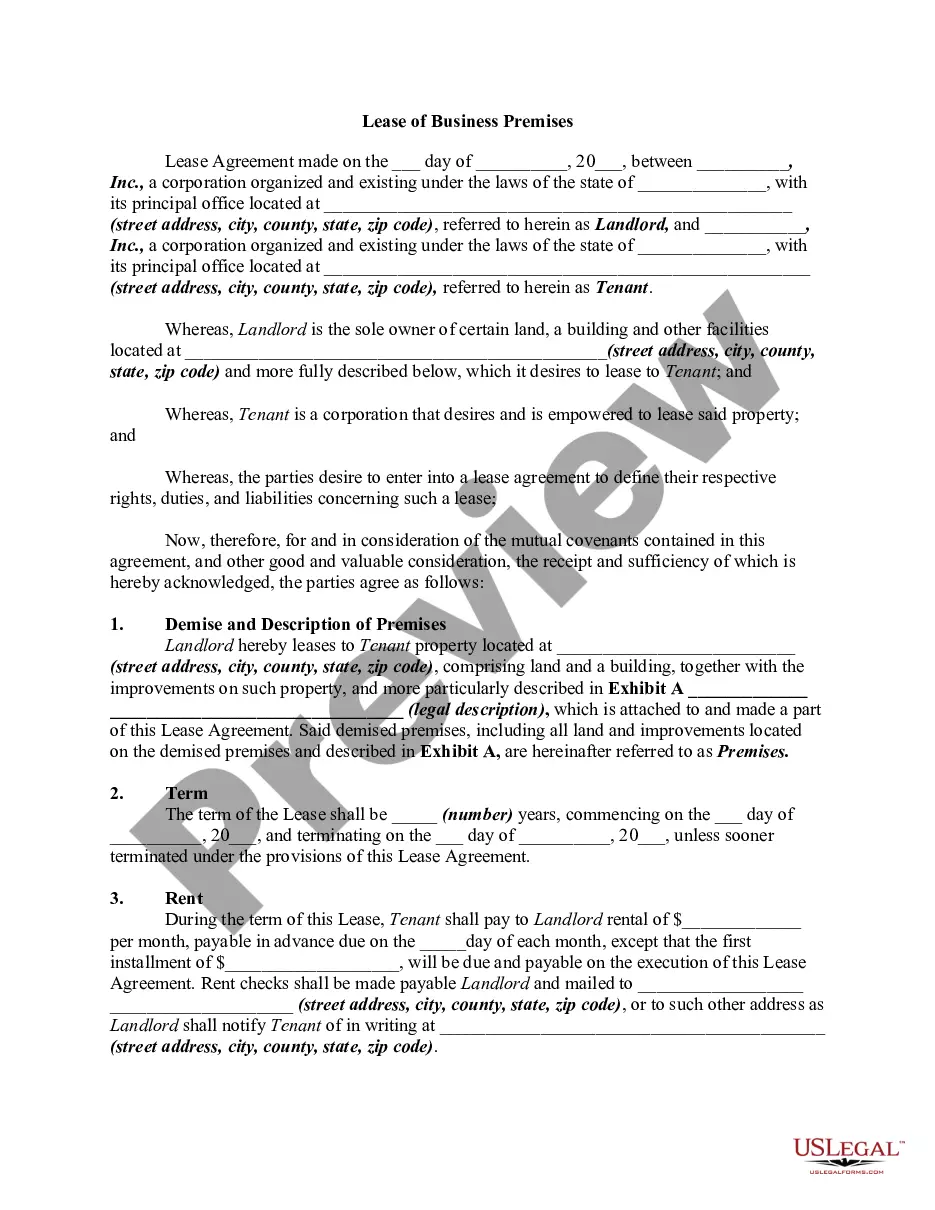
Letter Donation Form With Paypal In Suffolk
Description




Get your form ready online
Our built-in tools help you complete, sign, share, and store your documents in one place.
Make edits, fill in missing information, and update formatting in US Legal Forms—just like you would in MS Word.
Download a copy, print it, send it by email, or mail it via USPS—whatever works best for your next step.
Sign and collect signatures with our SignNow integration. Send to multiple recipients, set reminders, and more. Go Premium to unlock E-Sign.
If this form requires notarization, complete it online through a secure video call—no need to meet a notary in person or wait for an appointment.
We protect your documents and personal data by following strict security and privacy standards.

Make edits, fill in missing information, and update formatting in US Legal Forms—just like you would in MS Word.

Download a copy, print it, send it by email, or mail it via USPS—whatever works best for your next step.

Sign and collect signatures with our SignNow integration. Send to multiple recipients, set reminders, and more. Go Premium to unlock E-Sign.

If this form requires notarization, complete it online through a secure video call—no need to meet a notary in person or wait for an appointment.

We protect your documents and personal data by following strict security and privacy standards.
Looking for another form?








Form popularity
FAQ
Open PayPal Donate page Go to the donations landing page at paypal/donate/buttons. Sign up or log in to your PayPal Business or Premier account. You can also create a donate button with a personal account, however, features will be limited. Select Start a Campaign.
Secure donations We vet each charity on our platform. This way, you can rest assured that your donation supports a trustworthy cause.
To receive recurring donations, simply set up a Donate button and integrate it into your site. View our PayPal Developer page to see the current Donate experience. A business must have a registered CNPJ to be able to create a non-profit PayPal account. Only these types of accounts can receive donations.
I'm writing to ask you to support me and my cause/project/etc.. Just a small donation of amount can help me accomplish task/reach a goal/etc.. Your donation will go toward describe exactly what the contribution will be used for. When possible, add a personal connection to tie the donor to the cause.
What Your Donation Letter Should Say Header: Include your nonprofit's name and branded logo if you have one. Nonprofit Contact Information: Include your physical address and phone number. Date: Include the date when you plan to mail/email the letter. Donor Salutation: Address your donor by their preferred name.
Technically, donors don't need the substantiation until sometime before they file their personal tax returns for the year the gift was made. There are other ways to acknowledge a gift in addition to a written gift acknowledgment that is sent to the donor, whether via email or regular mail.
You would want to start with logging into your account and clicking on Seller Tools in your Profile & Settings. After that, click Manage next to PayPal Buttons and choose the option for Donate. After you complete the information and steps for your Donation Button, you should see it's Shareable Link.
We send an email receipt when the donation is made, and it includes a link to track your donation so that you can see when we grant the donated funds to your recommended charity. You can also enter the Transaction ID from your donation receipt into our donation tracker.
Yes, you can donate to enrolled charities through PayPal.