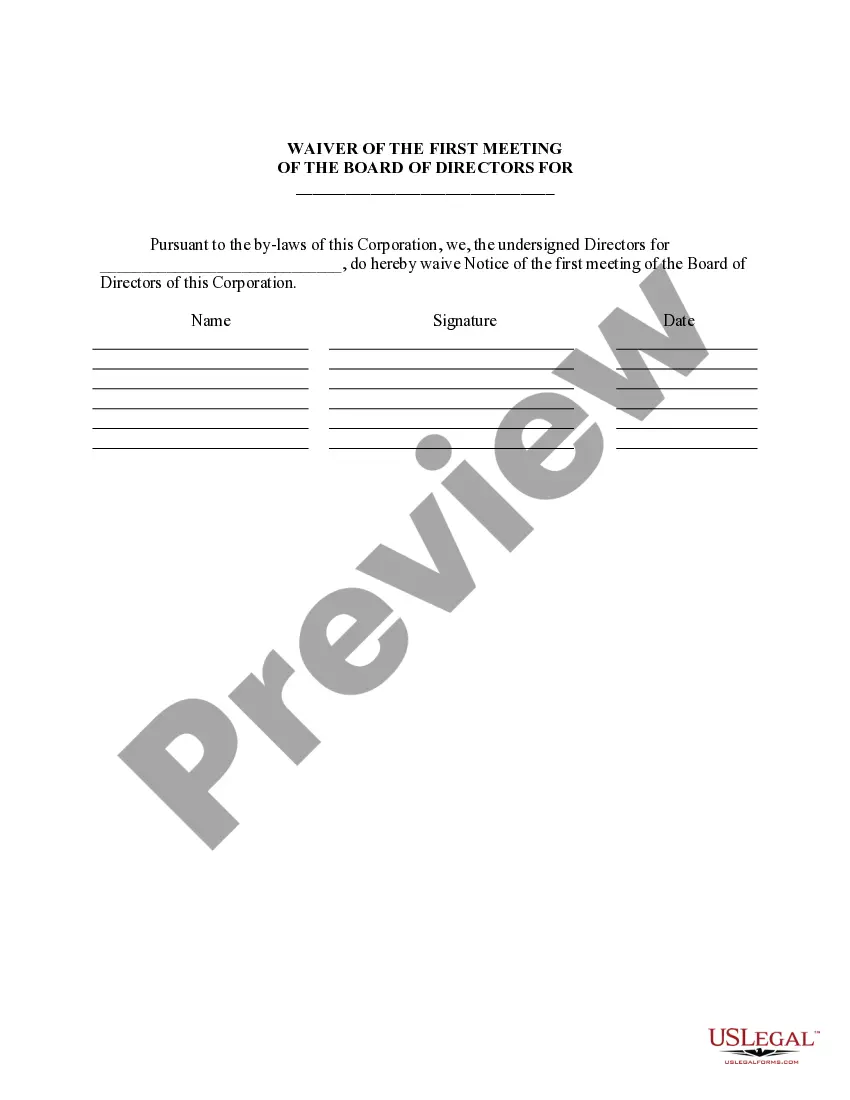
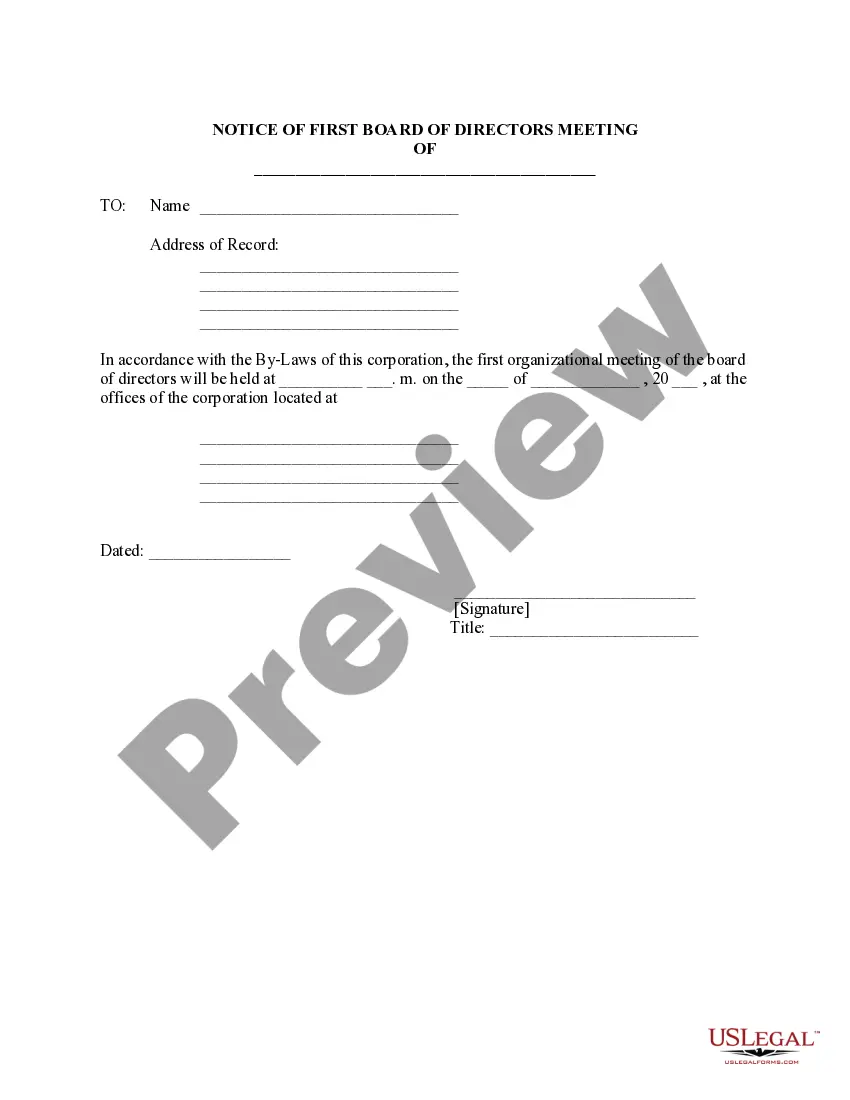
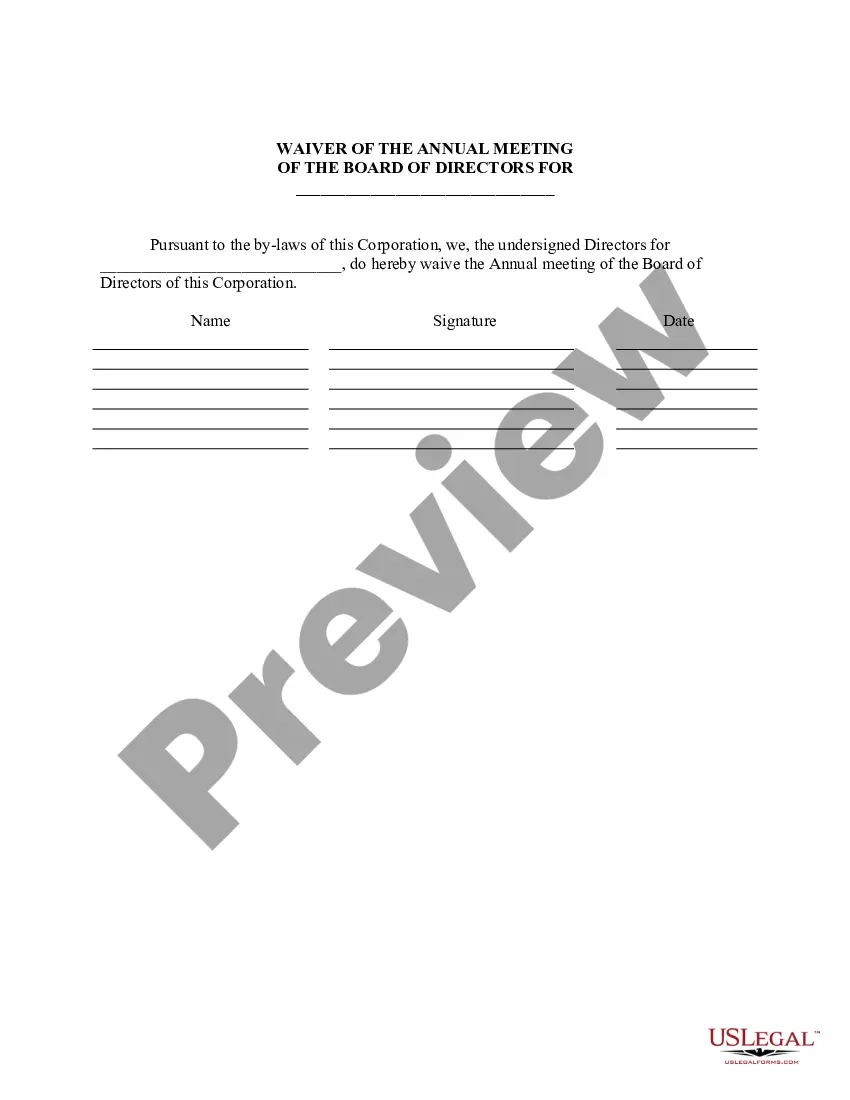
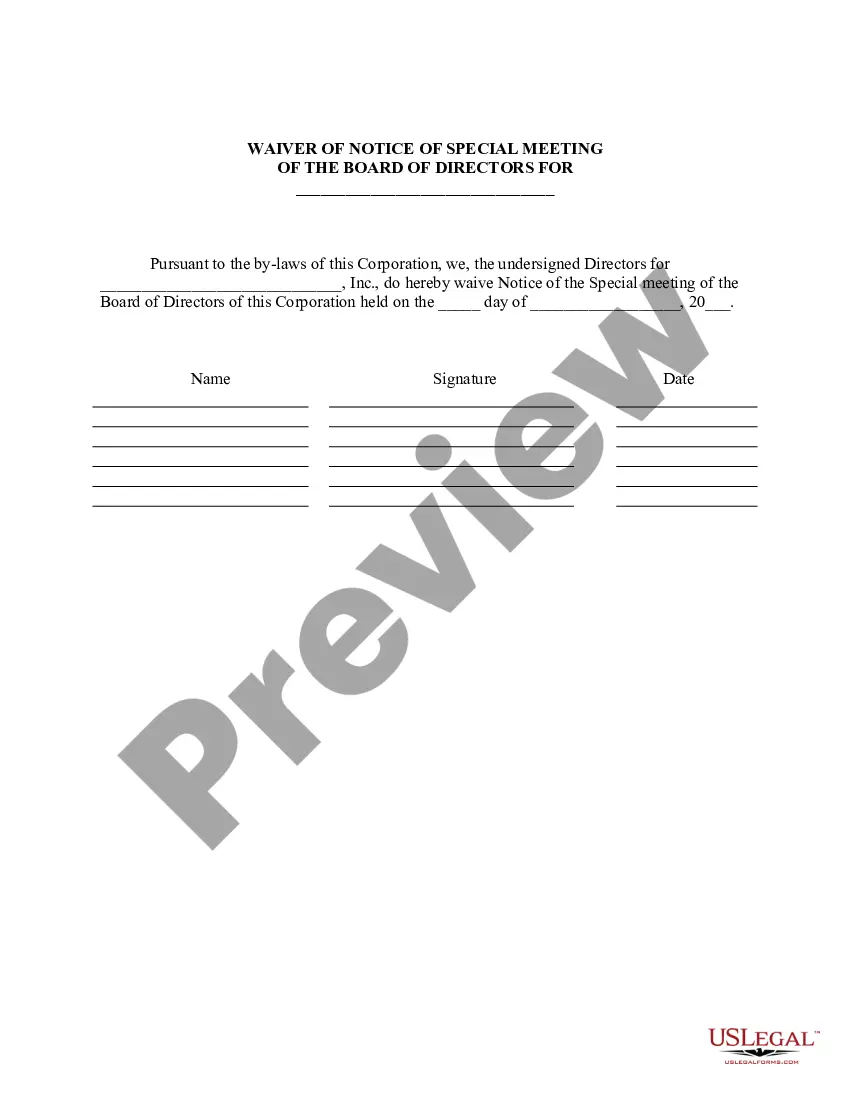
Board Of Directors Corporate Resolution Form In Alameda
Description
Get your form ready online
Our built-in tools help you complete, sign, share, and store your documents in one place.
Make edits, fill in missing information, and update formatting in US Legal Forms—just like you would in MS Word.
Download a copy, print it, send it by email, or mail it via USPS—whatever works best for your next step.
Sign and collect signatures with our SignNow integration. Send to multiple recipients, set reminders, and more. Go Premium to unlock E-Sign.
If this form requires notarization, complete it online through a secure video call—no need to meet a notary in person or wait for an appointment.
We protect your documents and personal data by following strict security and privacy standards.

Make edits, fill in missing information, and update formatting in US Legal Forms—just like you would in MS Word.

Download a copy, print it, send it by email, or mail it via USPS—whatever works best for your next step.

Sign and collect signatures with our SignNow integration. Send to multiple recipients, set reminders, and more. Go Premium to unlock E-Sign.

If this form requires notarization, complete it online through a secure video call—no need to meet a notary in person or wait for an appointment.

We protect your documents and personal data by following strict security and privacy standards.
Looking for another form?
Form popularity
FAQ
Guidelines for Valid Corporate Resolutions. The certification must bear an original signature by an officer of the corporation, (preferably the secretary), and this signature must be someone other than the person who signed the RFP, RFQ, RFI, etc.
7 steps for writing a resolution Put the date and resolution number at the top. Give the resolution a title that relates to the decision. Use formal language. Continue writing out each critical statement. Wrap up the heart of the resolution in the last statement.
Corporate Resolution Authorizing Filing Select Bankruptcy menu. Select Other. Enter the case number using correct format and ensure case name and number match the document you are filing. Select Document event: Corp Resolution Auth Filing. Select the party filer. Browse, verify and attach the document (PDF file).
A corporate resolution is a written document created by the board of directors of a company detailing a binding corporate action. A board of directors is a group of people that act as a governing body on behalf of the shareholders of a company.
Corporate Resolution Authorizing Filing Select Bankruptcy menu. Select Other. Enter the case number using correct format and ensure case name and number match the document you are filing. Select Document event: Corp Resolution Auth Filing. Select the party filer. Browse, verify and attach the document (PDF file).
The Sunshine Ordinance is an ordinance to insure easier access to public records and to strengthen the open meeting laws.
The corporate resolution for signing authority is a specific corporate resolution that authorizes specific corporate officers with the legal standing to sign contracts on behalf of the corporation.
What should corporate resolutions include? Your corporation's name. Date, time and location of meeting. Statement of unanimous approval of resolution. Confirmation that the resolution was adopted at a regularly called meeting. Resolution. Statement authorizing officers to carry out the resolution.
Steps to Write a Corporate Resolution Write the Company's Name. Indicate Further Legal Identification. Include Location, Date, and Time. List the Board Resolutions. Sign the Document and Write the Document.
Examples of corporate resolutions include the adoption of new bylaws, the approval of changes in the board members, determining what board members have access to certain finances, such as bank accounts, deciding upon mergers and acquisitions, and deciding executive compensation.