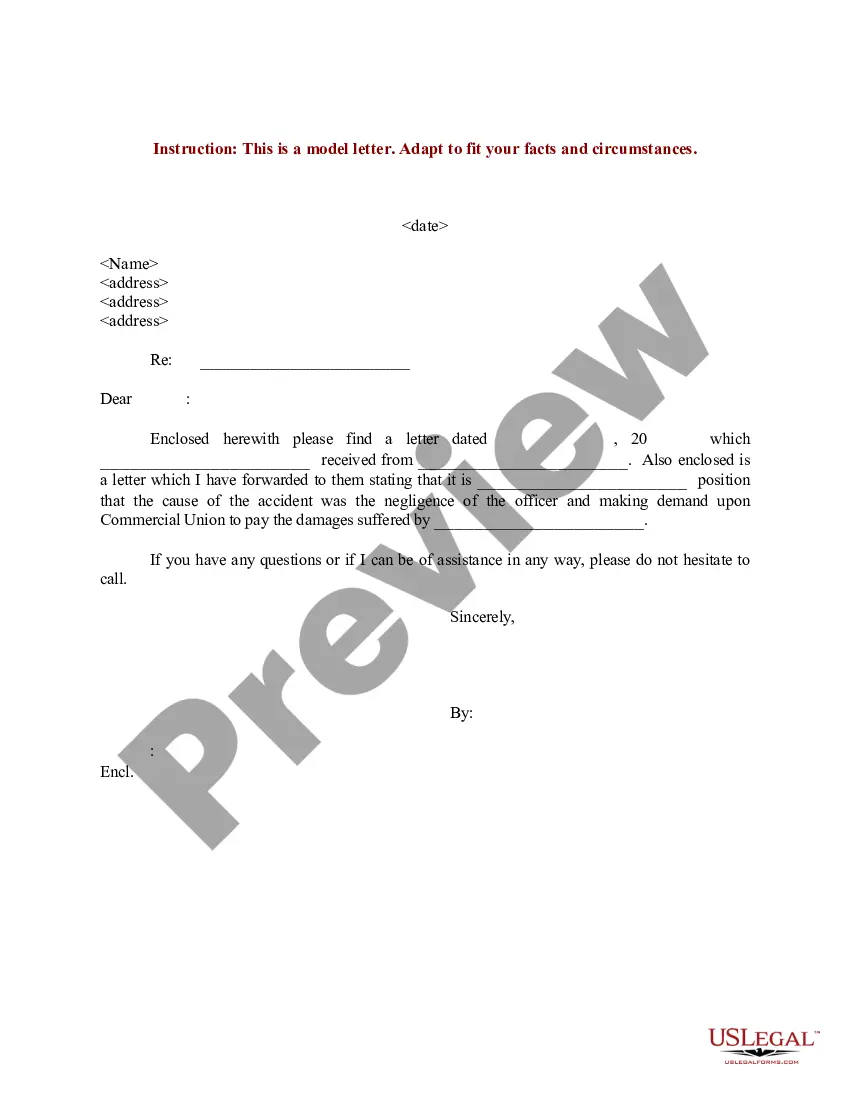
Letter Insurance Form Withdrawal In Collin
Description
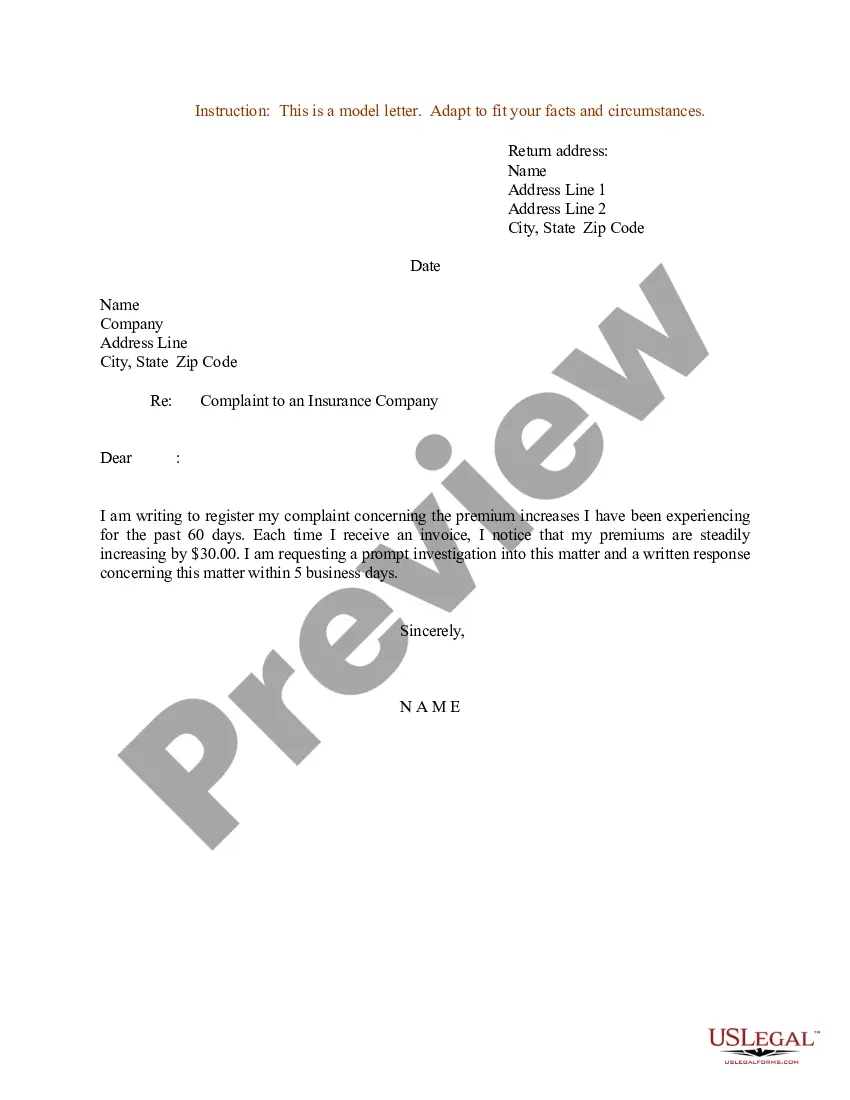
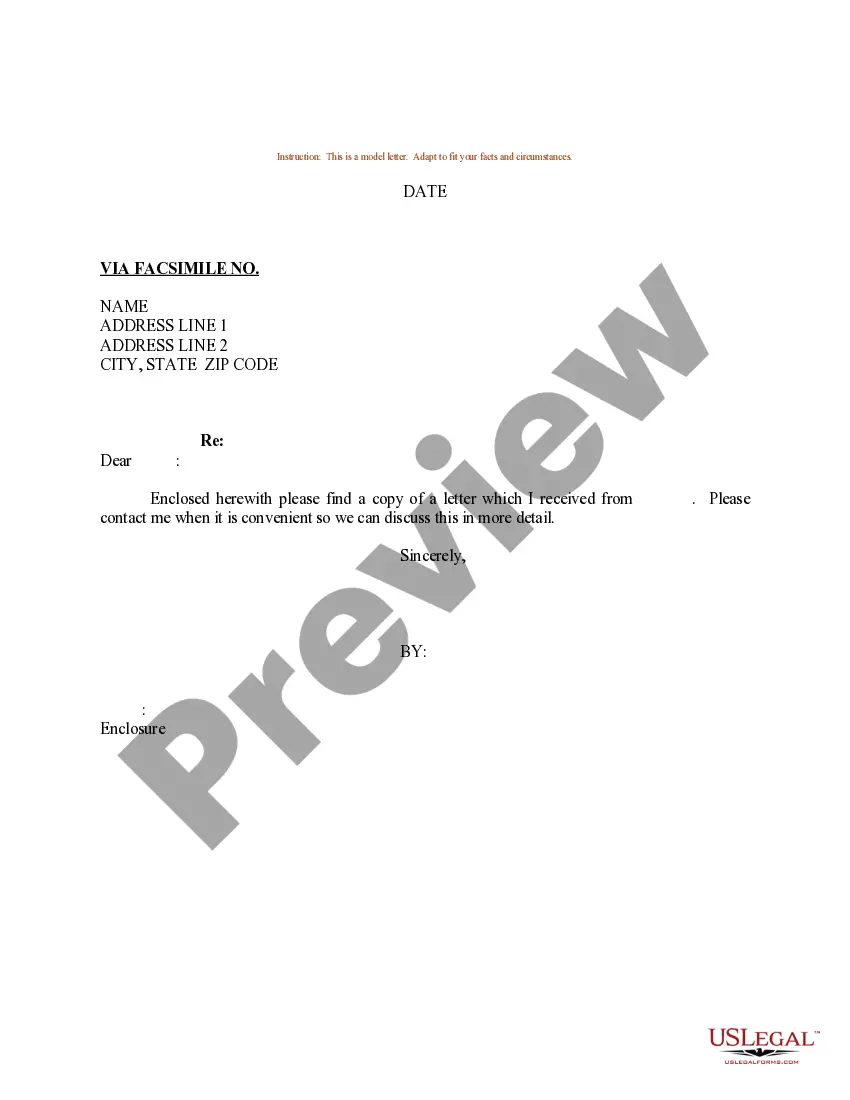
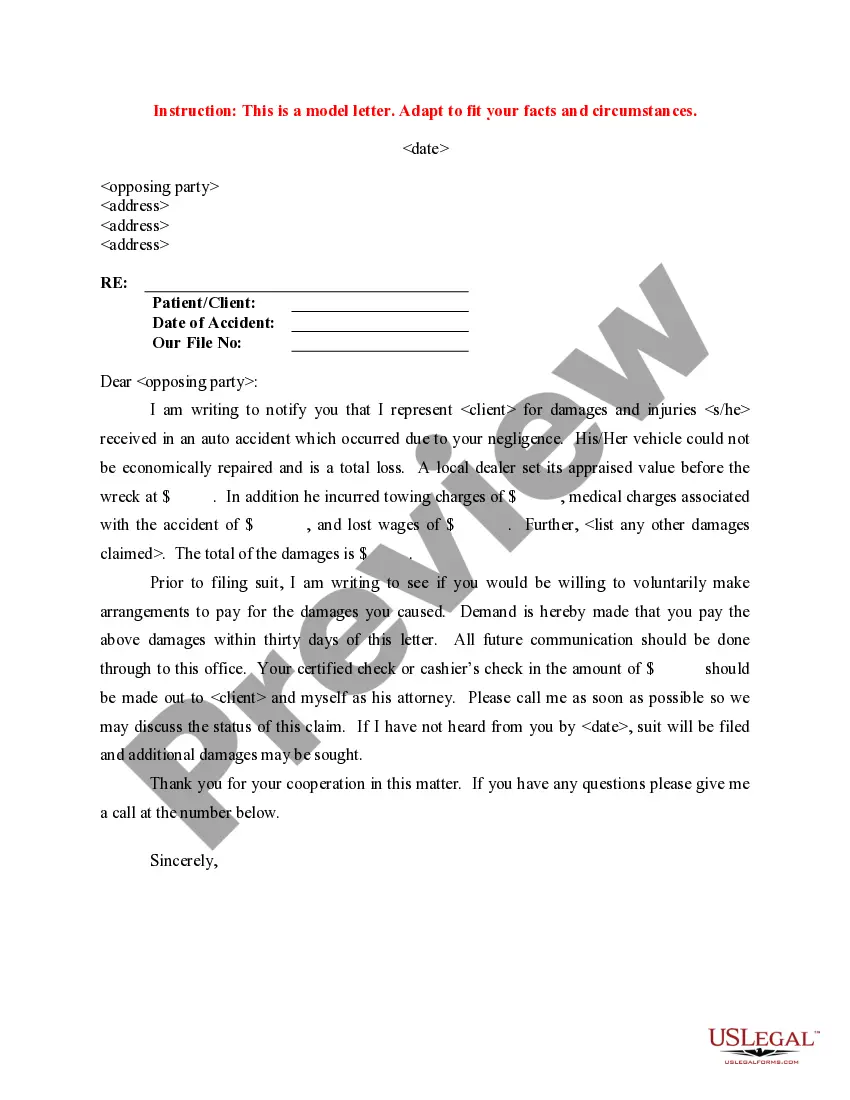
Get your form ready online
Our built-in tools help you complete, sign, share, and store your documents in one place.
Make edits, fill in missing information, and update formatting in US Legal Forms—just like you would in MS Word.
Download a copy, print it, send it by email, or mail it via USPS—whatever works best for your next step.
Sign and collect signatures with our SignNow integration. Send to multiple recipients, set reminders, and more. Go Premium to unlock E-Sign.
If this form requires notarization, complete it online through a secure video call—no need to meet a notary in person or wait for an appointment.
We protect your documents and personal data by following strict security and privacy standards.

Make edits, fill in missing information, and update formatting in US Legal Forms—just like you would in MS Word.

Download a copy, print it, send it by email, or mail it via USPS—whatever works best for your next step.

Sign and collect signatures with our SignNow integration. Send to multiple recipients, set reminders, and more. Go Premium to unlock E-Sign.

If this form requires notarization, complete it online through a secure video call—no need to meet a notary in person or wait for an appointment.

We protect your documents and personal data by following strict security and privacy standards.
Looking for another form?



Form popularity
FAQ
Petition for Degree / Certificate Under Student Quick Links, select "Apply to Graduate." Students may complete a "Petition for Degree / Certificate" at any of our Student Enrollment and Services offices or you can download a form from the Admission Forms section of our web site.
What are the GPA requirements? Cumulative GPAs are generated from the Admissions department. If you do not have a GPA with Collin College, the system will generate a GPA from your previous high school, college or university. All applicants are required to have a minimum GPA of at least 2.5.
Students intending to use third party funding should present the signed authorization and release form and email it to cashier@collin or present it at any cashier office location.
Yes, a student can typically change their major after indicating it in their application. The process and rules for changing majors vary by institution, but generally, students can request a change through their academic advisor or the registrar's office.
All current classes in progress, completed or needed to finish the degree plan are within the Cougar Compass audit. To change your major, log into your CougarWeb account and under the Home Tab select REQUEST CHANGE OF MAJOR.
Schedule Changes During online registration, you may add and/or drop classes by accessing CougarWeb. You may add and/or drop classes using CougarWeb through the first four days of the term during a long semester and during the first day of summer or mini-semester terms.
All current classes in progress, completed or needed to finish the degree plan are within the Cougar Compass audit. To change your major, log into your CougarWeb account and under the Home Tab select REQUEST CHANGE OF MAJOR.
Students are able to withdraw from a class (or classes) on CougarWeb. CougarWeb will process total withdrawals.
Applying for Graduation To access the application, students should log in to CougarWeb and select "Apply to Graduate" under the Student Quick Links section. Upon submission of the form a confirmation page will be displayed and students will receive communication regarding graduation via their CougarMail account.
Students are able to withdraw from a class (or classes) on CougarWeb. CougarWeb will process total withdrawals. Please refer to chart below for Last Day to Withdraw for the specified terms. Prior to withdrawing, students should talk with their professors and/or their advisors.