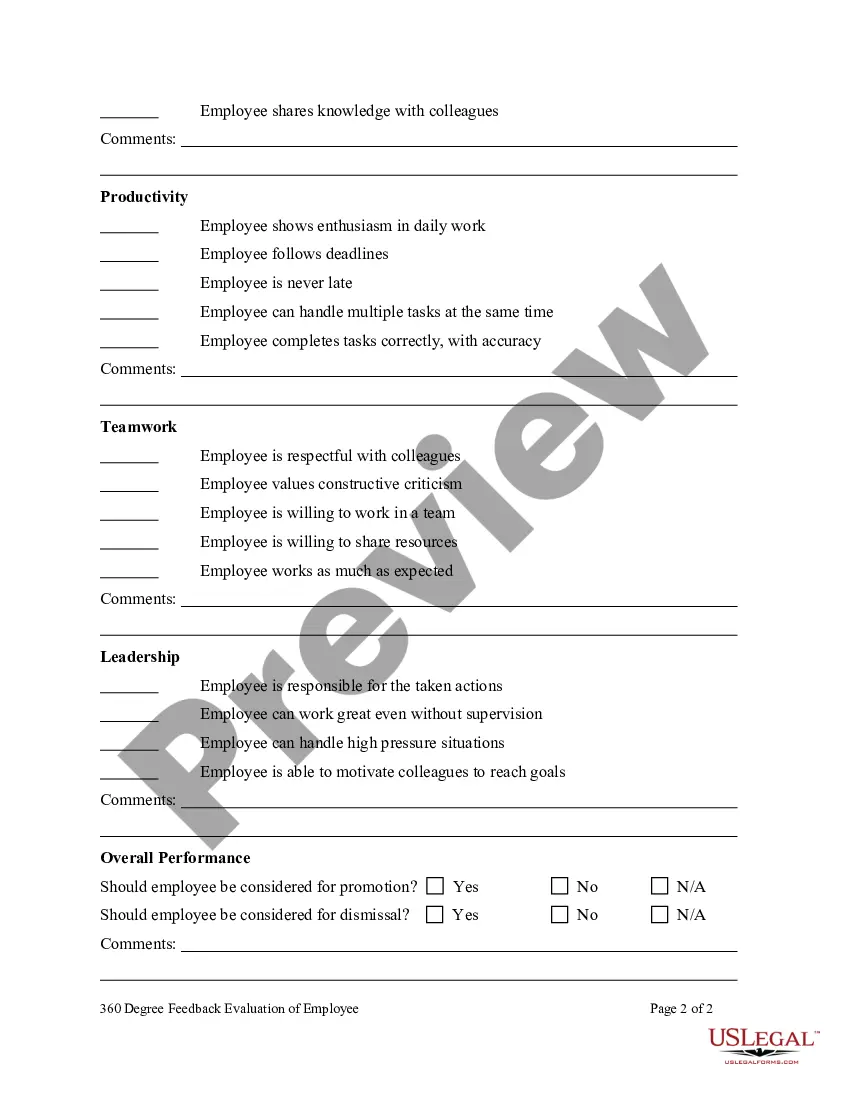
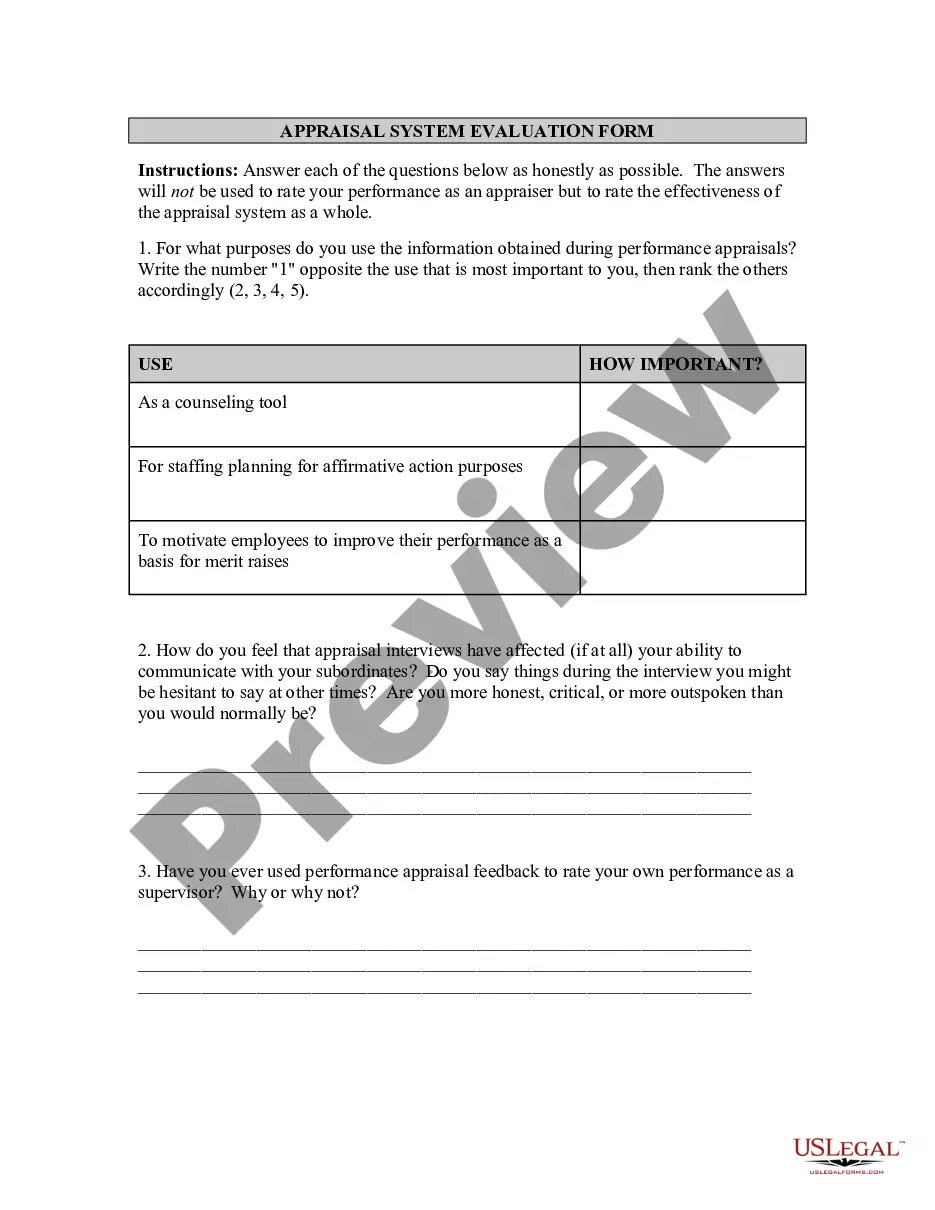
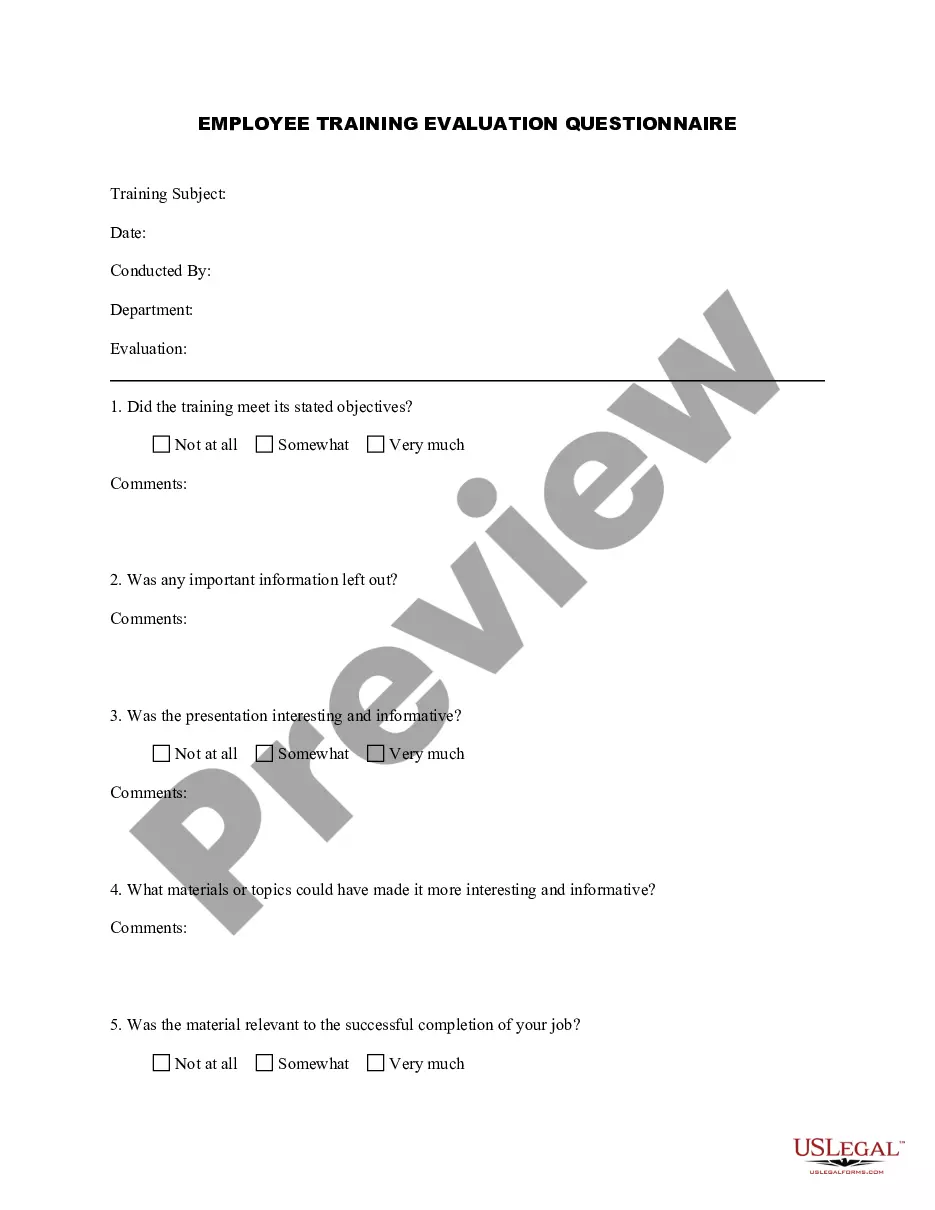
360 Evaluation Form Template In San Antonio
Description


Get your form ready online
Our built-in tools help you complete, sign, share, and store your documents in one place.
Make edits, fill in missing information, and update formatting in US Legal Forms—just like you would in MS Word.
Download a copy, print it, send it by email, or mail it via USPS—whatever works best for your next step.
Sign and collect signatures with our SignNow integration. Send to multiple recipients, set reminders, and more. Go Premium to unlock E-Sign.
If this form requires notarization, complete it online through a secure video call—no need to meet a notary in person or wait for an appointment.
We protect your documents and personal data by following strict security and privacy standards.

Make edits, fill in missing information, and update formatting in US Legal Forms—just like you would in MS Word.

Download a copy, print it, send it by email, or mail it via USPS—whatever works best for your next step.

Sign and collect signatures with our SignNow integration. Send to multiple recipients, set reminders, and more. Go Premium to unlock E-Sign.

If this form requires notarization, complete it online through a secure video call—no need to meet a notary in person or wait for an appointment.

We protect your documents and personal data by following strict security and privacy standards.
Looking for another form?







Form popularity
FAQ
For an employee performance evaluation, you'll need to include fields for: Employee name. Employee title. Achievements and strengths. Areas for improvement. Goals for the upcoming period. Manager feedback.
These steps can help you establish a 360 evaluation system. Establish criteria for rating each employee. Choose who will assess each employee. Send surveys. Send the survey to the employee. Schedule the 360 evaluation. Review ratings with employee. Follow up on progress.
How do you write a performance evaluation? Identify core competencies. Choose a rating scale. Set an evaluation cycle. Prepare a list of questions. Share questions in advance. Have the conversation. Create a goal-setting framework. Be open to feedback.
Evaluation Forms Examples Employee Evaluation Form. Customer Service Evaluation Form. Peer Evaluation Form. Performance Improvement Plan Form. Event Evaluation Form. Training Course Feedback Template.
Publication Date: January 2010 Assess Needs. Define Goals and Objectives. Identify Outcomes. Formulate Research Questions. Develop a Program Planning Model. Develop an Evaluation Design. Conduct the Evaluation. Present and Report Results.
When you fill the form: Be honest and critical. Analyze your failures and mention the reasons for it. Keep the words minimal. Identify weaknesses. Mention your achievements. Link achievements to the job description and the organization's goals. Set the goals for the next review period. Resolve conflicts and grievances.
How to create an employee evaluation form in 4 simple steps Set goals. Before developing employee evaluation forms, it's important to define your objectives. Set a timeline and establish a process. Next, establish a timeline. Build out form fields. Include instructions.
Self-evaluation form State your understanding of your job duties and responsibilities. What are some of the things you achieved in the past year? What are some of the obstacles or drawbacks that you encountered in the past year? Do you feel your accomplishments were recognized?
How to conduct 360 reviews Establish criteria for rating each employee. Invest time into developing useful, relevant questions that provide valuable insight. Choose who will assess each employee. Send surveys. Send the survey to the employee. Schedule the 360 evaluation. Review ratings with employee. Follow up on progress.
When you fill the form: Be honest and critical. Analyze your failures and mention the reasons for it. Keep the words minimal. Identify weaknesses. Mention your achievements. Link achievements to the job description and the organization's goals. Set the goals for the next review period. Resolve conflicts and grievances.
