360 Evaluation Process In Franklin
Description


Get your form ready online
Our built-in tools help you complete, sign, share, and store your documents in one place.
Make edits, fill in missing information, and update formatting in US Legal Forms—just like you would in MS Word.
Download a copy, print it, send it by email, or mail it via USPS—whatever works best for your next step.
Sign and collect signatures with our SignNow integration. Send to multiple recipients, set reminders, and more. Go Premium to unlock E-Sign.
If this form requires notarization, complete it online through a secure video call—no need to meet a notary in person or wait for an appointment.
We protect your documents and personal data by following strict security and privacy standards.

Make edits, fill in missing information, and update formatting in US Legal Forms—just like you would in MS Word.

Download a copy, print it, send it by email, or mail it via USPS—whatever works best for your next step.

Sign and collect signatures with our SignNow integration. Send to multiple recipients, set reminders, and more. Go Premium to unlock E-Sign.

If this form requires notarization, complete it online through a secure video call—no need to meet a notary in person or wait for an appointment.

We protect your documents and personal data by following strict security and privacy standards.
Looking for another form?
Form popularity
FAQ
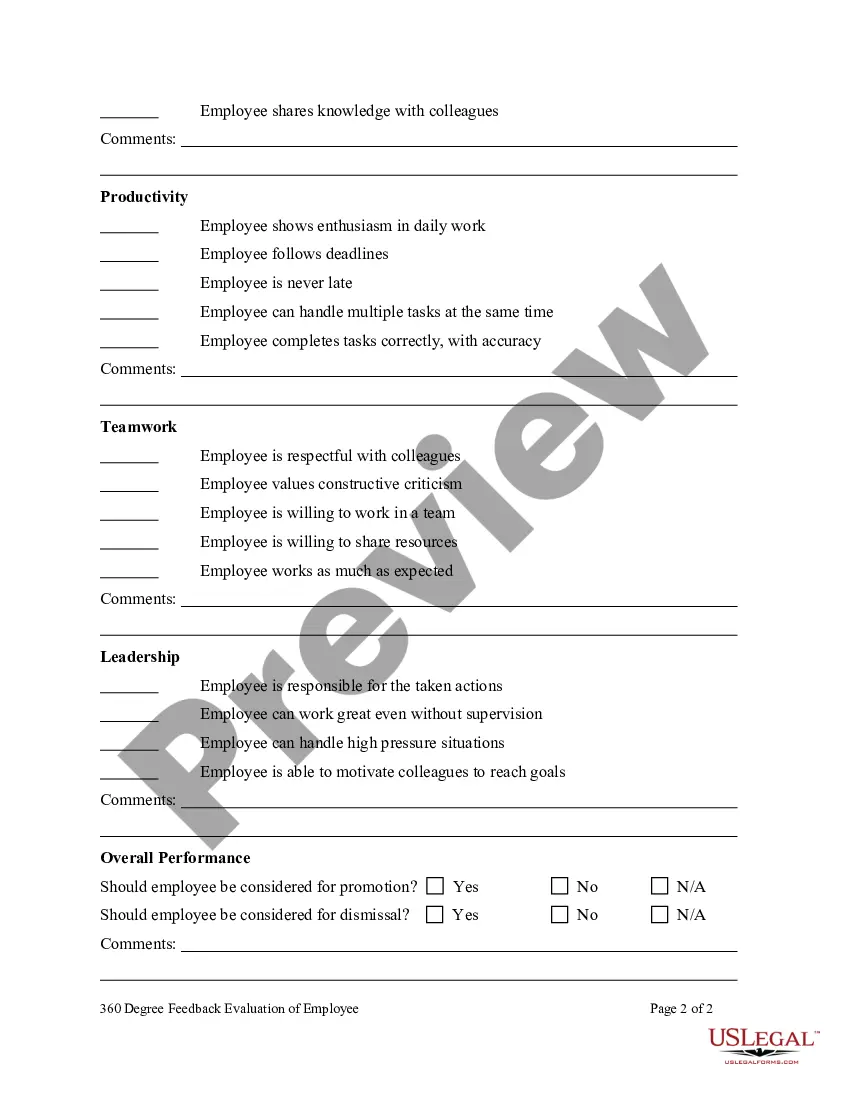
A 360-degree feedback survey collects insights from multiple perspectives within the organisation —managers, peers, and direct reports. Gathering feedback from various perspectives is the key to conducting a comprehensive 360-degree appraisal.
How to conduct 360 reviews Establish criteria for rating each employee. Invest time into developing useful, relevant questions that provide valuable insight. Choose who will assess each employee. Send surveys. Send the survey to the employee. Schedule the 360 evaluation. Review ratings with employee. Follow up on progress.
These steps can help you establish a 360 evaluation system. Establish criteria for rating each employee. Choose who will assess each employee. Send surveys. Send the survey to the employee. Schedule the 360 evaluation. Review ratings with employee. Follow up on progress.
360-degree evaluations go by several names, including 360-degree feedback, 360-degree assessment, and 360-degree performance review. Essentially, it is a process for measuring employee performance by utilizing feedback from peers, employees, clients, supervisors, and members of other teams.
360-degree evaluations go by several names, including 360-degree feedback, 360-degree assessment, and 360-degree performance review. Essentially, it is a process for measuring employee performance by utilizing feedback from peers, employees, clients, supervisors, and members of other teams.
What is a 360 degree appraisal format? A 360 degree performance appraisal combines anonymous, direct feedback from the employee's self-evaluation, manager, team members and direct reports.
The four integral components of a 360-degree appraisal include the following: Self-appraisal. Subordinate's appraisal. Superior's appraisal. Peer appraisal.
8-Step 360 Degree Feedback Process Timeline Define the Purpose of the 360 Degree Review. Select Raters. Design the Questionnaire. Communicate the 360 Degree Feedback. Distributing surveys. Collate and Analyze Feedback. Conduct Feedback Discussion. Implement Action Plan.
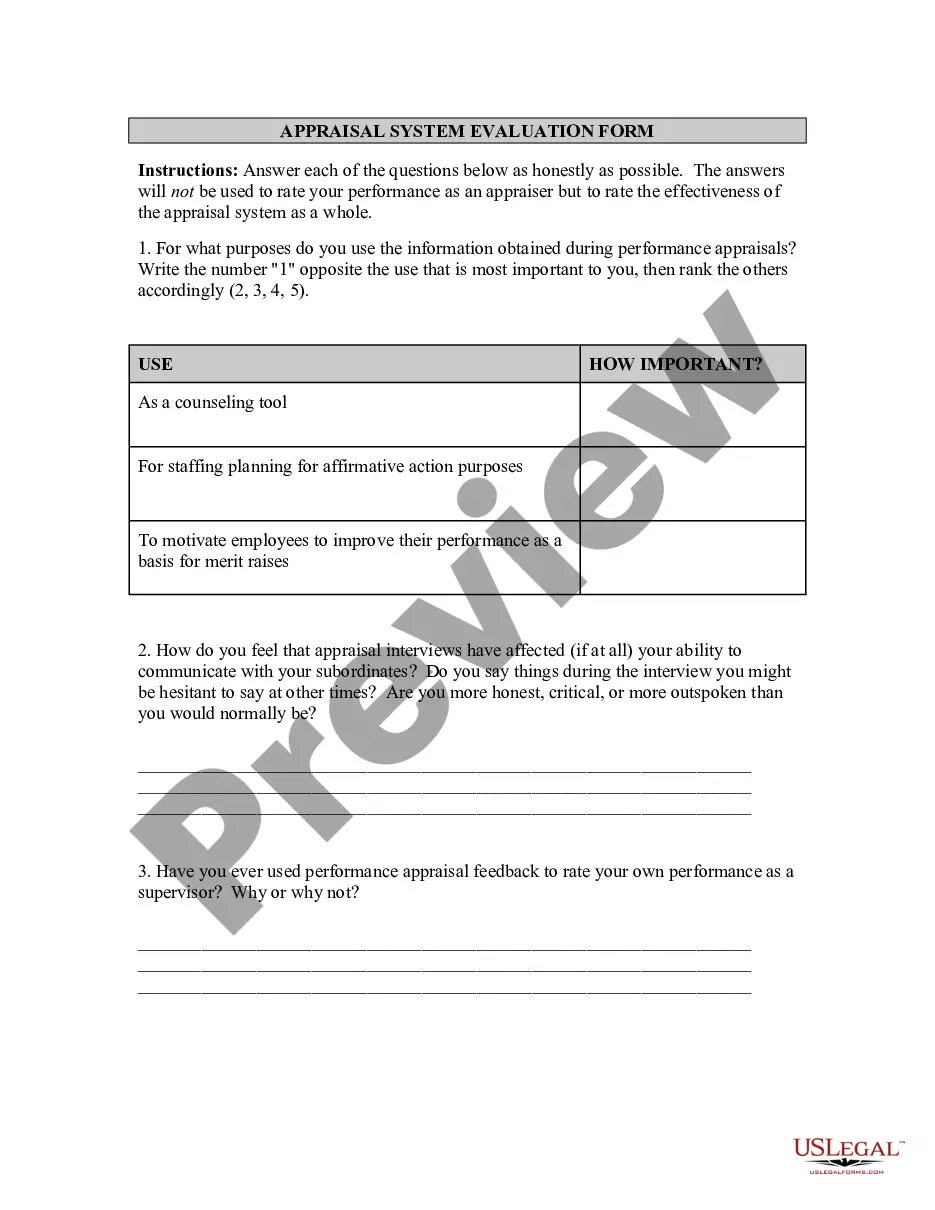
These terms (360-degree, full circle, etc.) mean using the variety of sources that provide the best picture of performance. Therefore, for example, an agency may use supervisor, self, and customer input to supplement the rating official's appraisal in one division's program.
The CEO 360 produces a comprehensive report integrating the CEO's self-assessment with external assessments from management and board. The BoardOutlook reporting engine ensures this is ready in hours, not days, without the need for anyone to integrate responses.
