Vendor Agreement Form In Fulton
Description

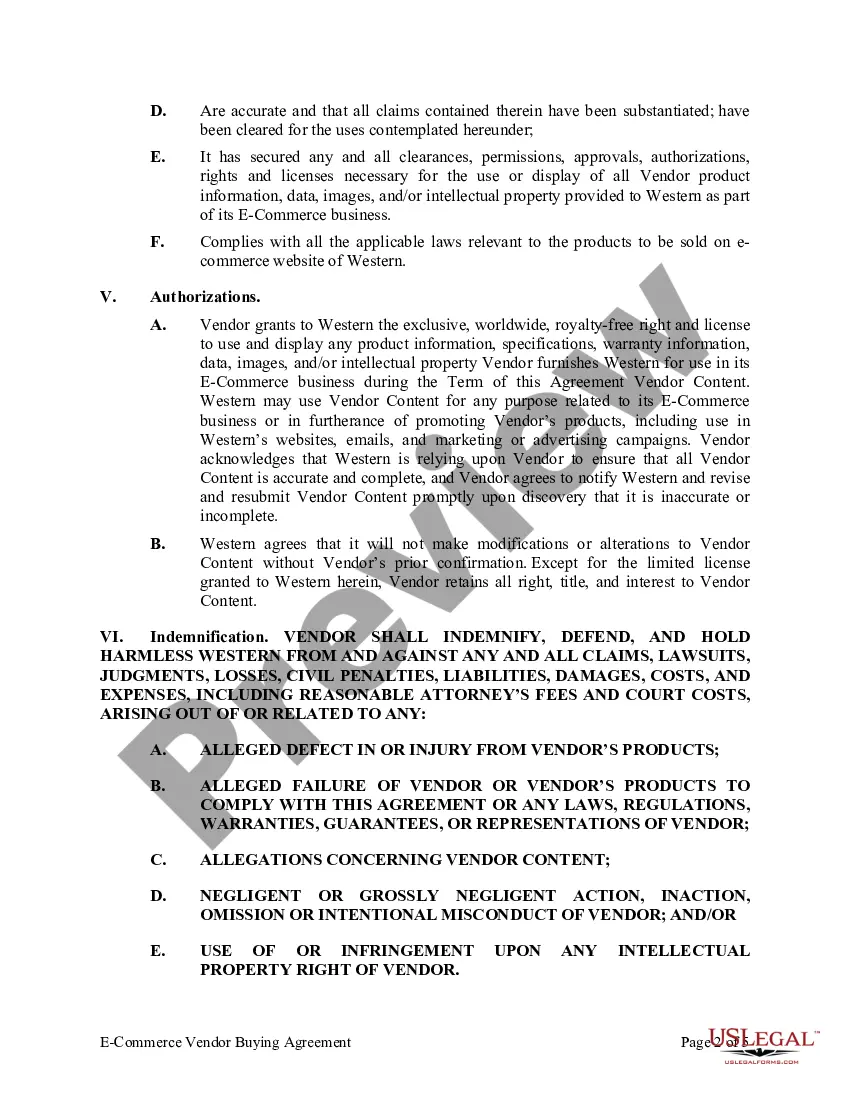
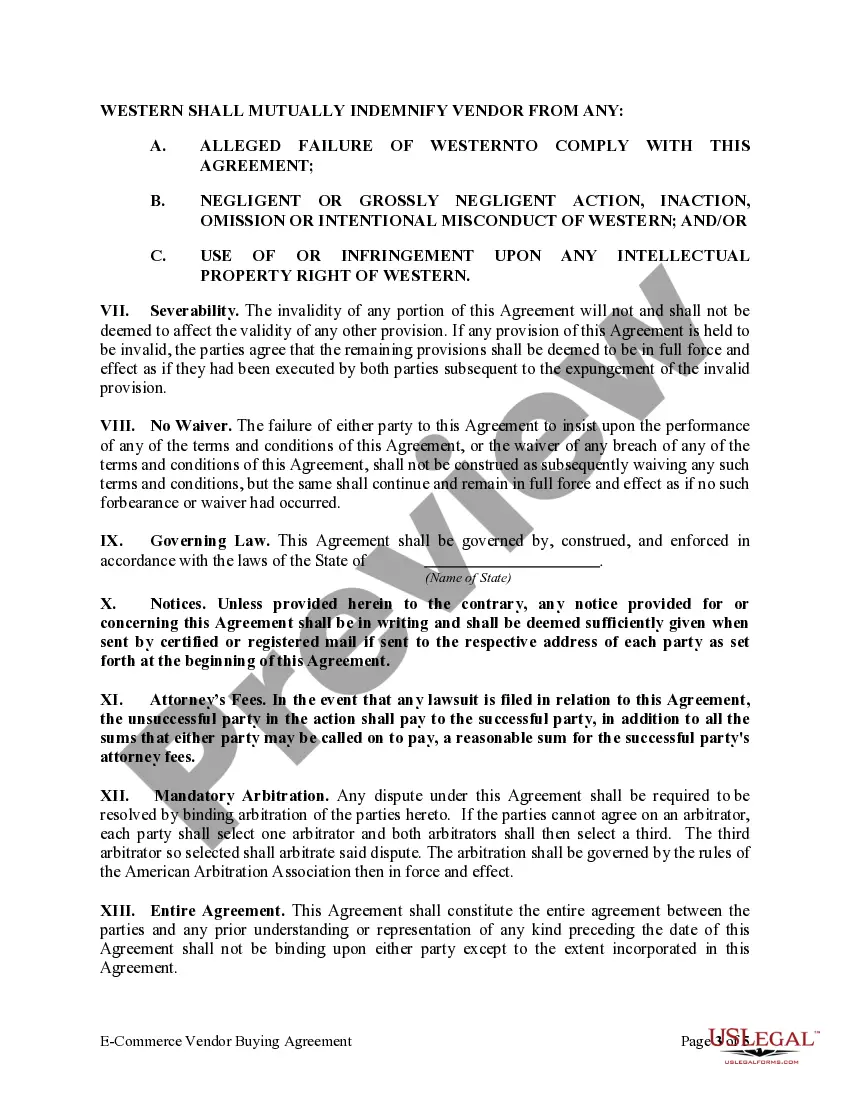
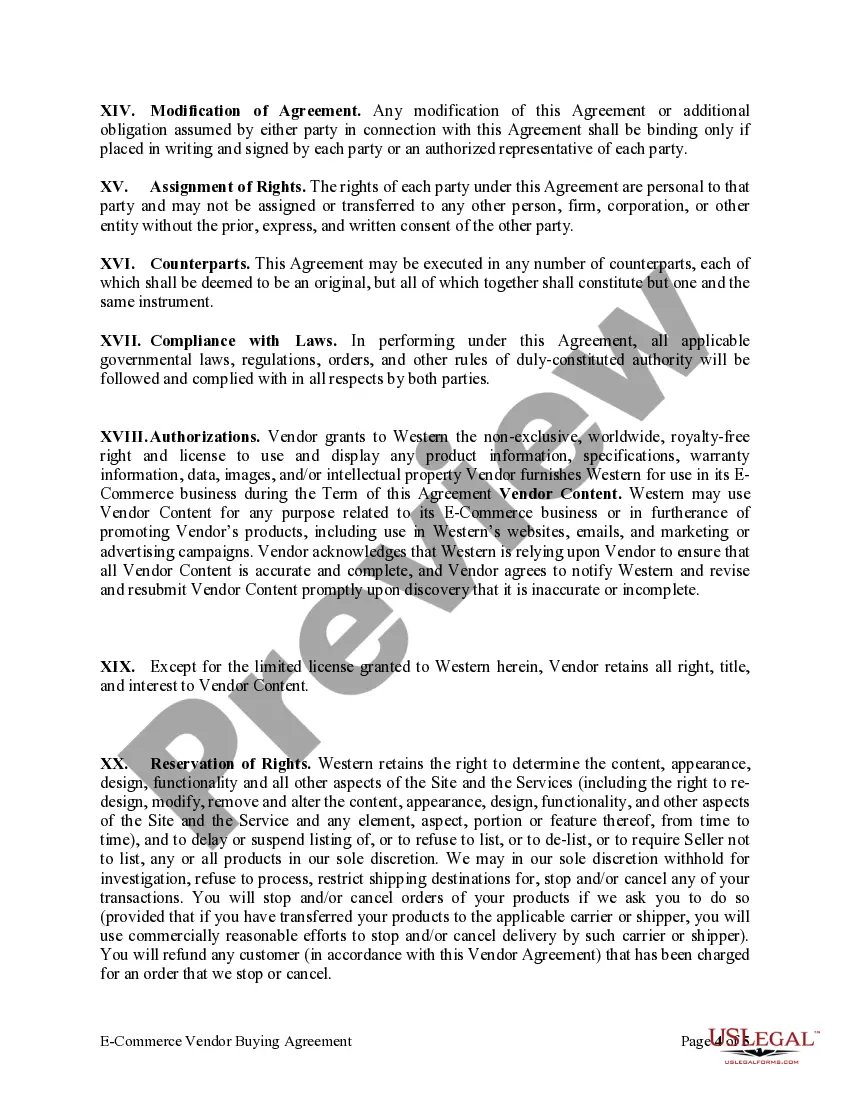
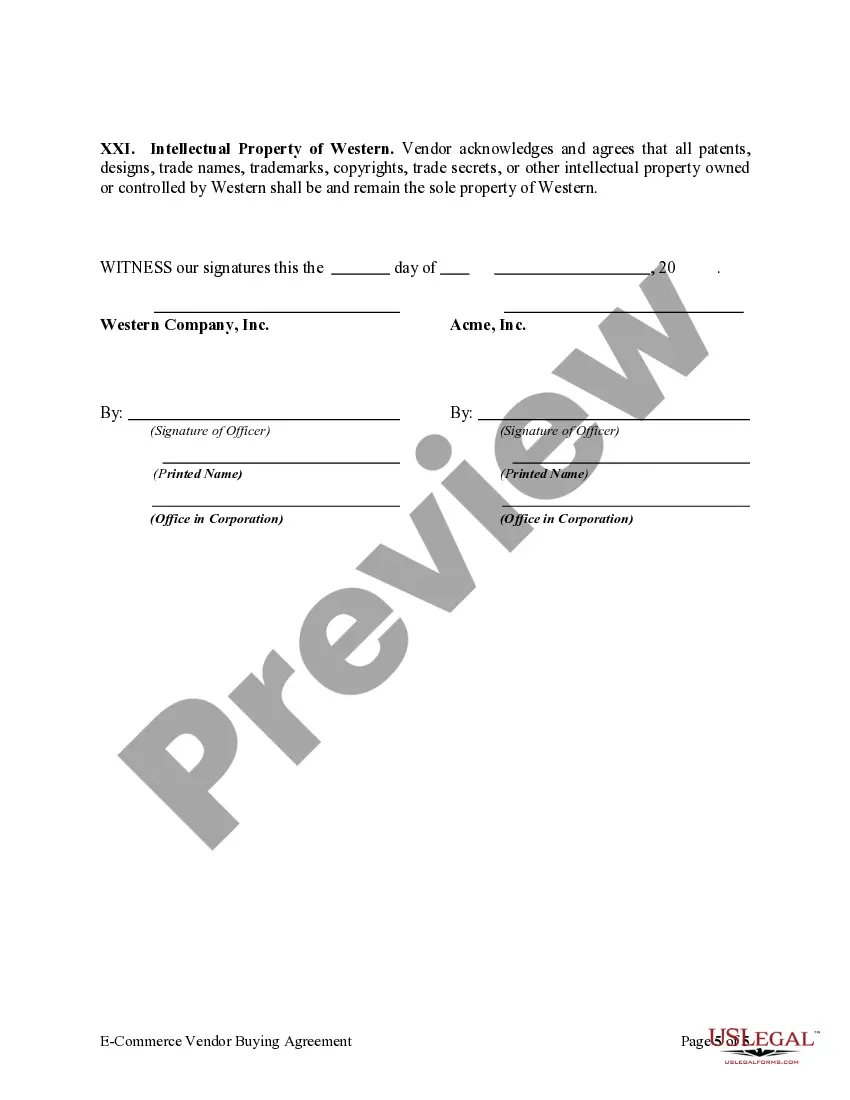

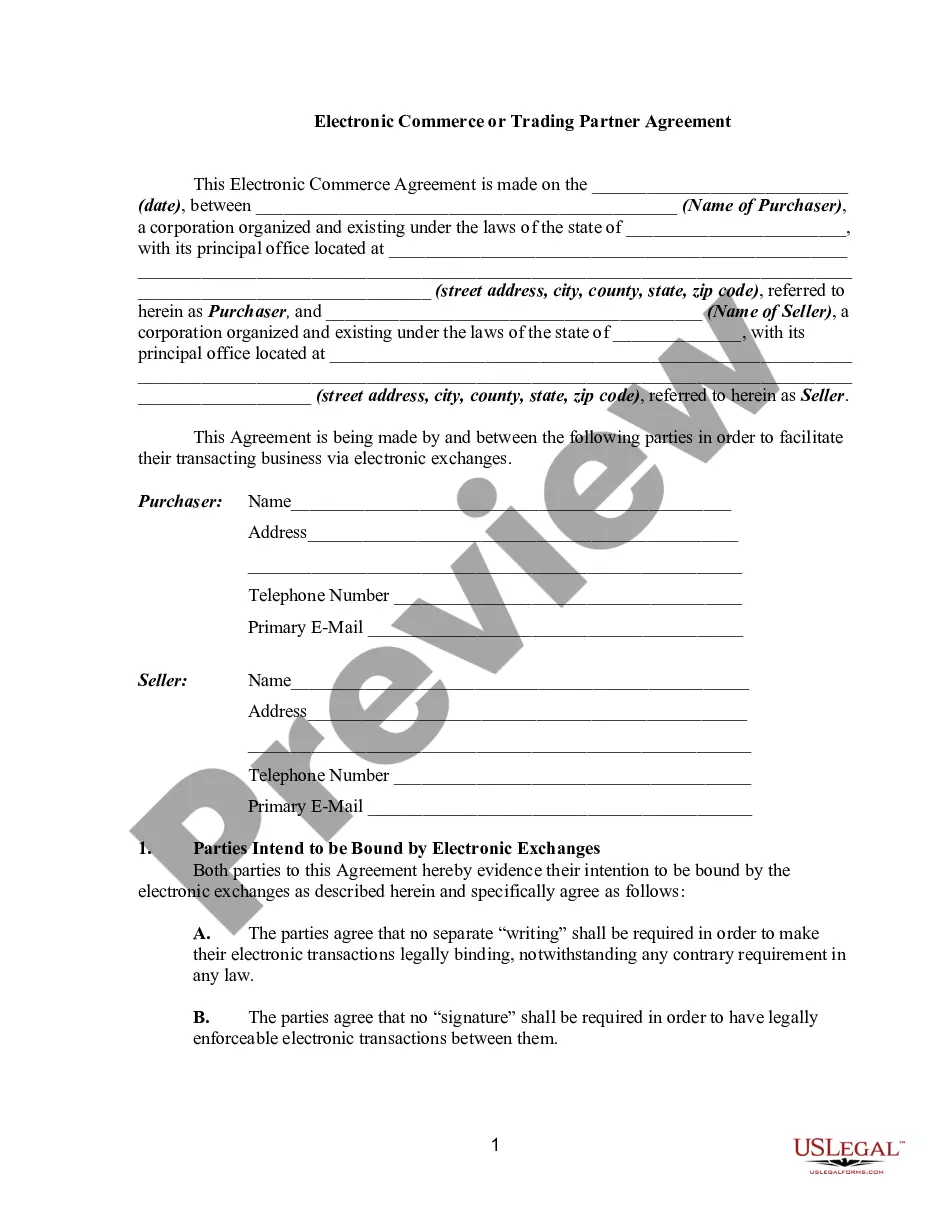
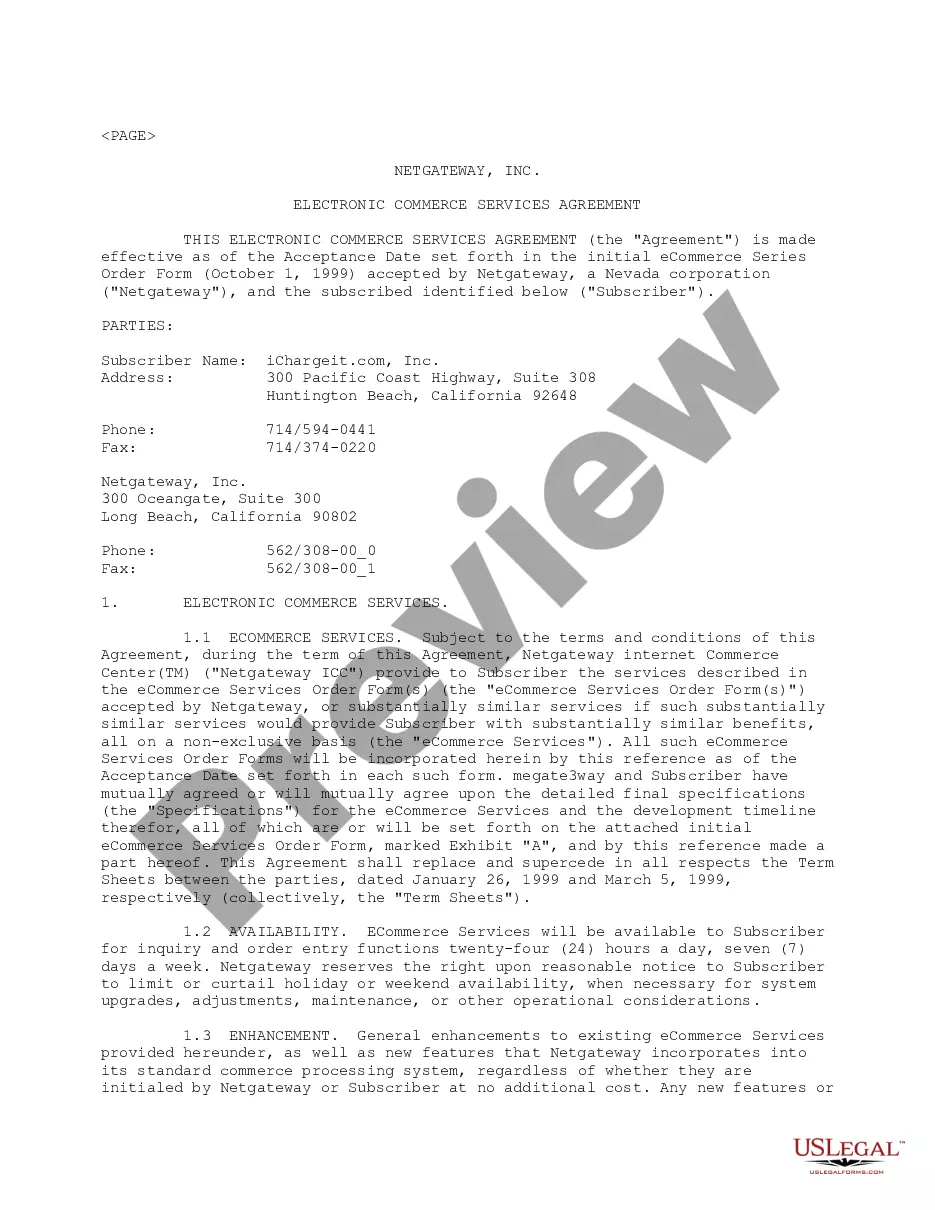
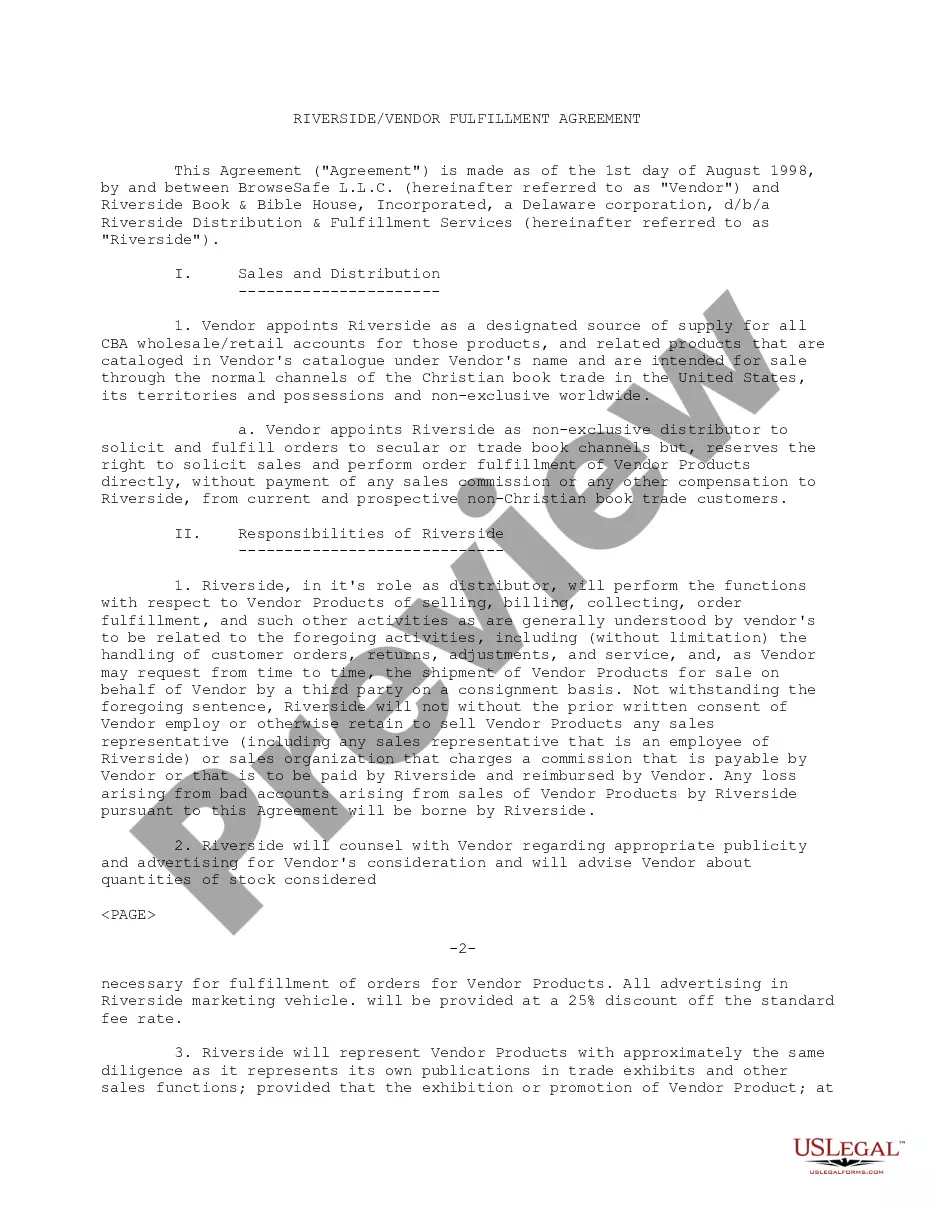
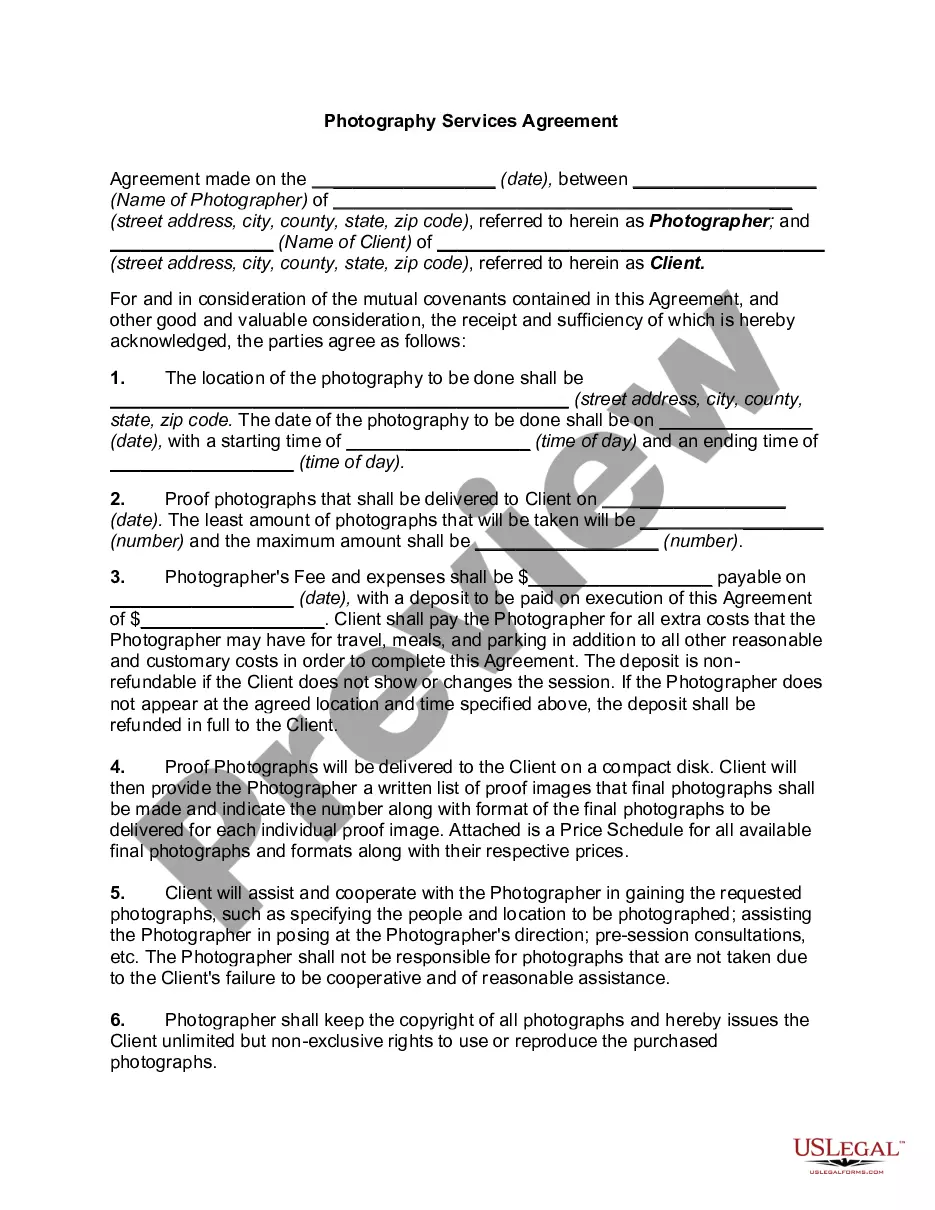
Get your form ready online
Our built-in tools help you complete, sign, share, and store your documents in one place.
Make edits, fill in missing information, and update formatting in US Legal Forms—just like you would in MS Word.
Download a copy, print it, send it by email, or mail it via USPS—whatever works best for your next step.
Sign and collect signatures with our SignNow integration. Send to multiple recipients, set reminders, and more. Go Premium to unlock E-Sign.
If this form requires notarization, complete it online through a secure video call—no need to meet a notary in person or wait for an appointment.
We protect your documents and personal data by following strict security and privacy standards.

Make edits, fill in missing information, and update formatting in US Legal Forms—just like you would in MS Word.

Download a copy, print it, send it by email, or mail it via USPS—whatever works best for your next step.

Sign and collect signatures with our SignNow integration. Send to multiple recipients, set reminders, and more. Go Premium to unlock E-Sign.

If this form requires notarization, complete it online through a secure video call—no need to meet a notary in person or wait for an appointment.

We protect your documents and personal data by following strict security and privacy standards.
Looking for another form?







Form popularity
FAQ
A vendor form, also commonly referred to as a vendor registration form, is a document filled out by event organizers when sourcing potential vendors for a conference, convention, festival, expo, or other types of events that provide a platform for vendors to be put on display.
How do you terminate vendor contracts when necessary? Review the contract terms. Be the first to add your personal experience. Communicate with the vendor. Be the first to add your personal experience. Send a termination letter. Complete the termination process. Here's what else to consider.
How to read a Contract : A Step-by-Step Guide 1- Understand the contract structure. 2- Familiarize yourself with the different sections. 3- Follow the "three passes" approach. 4- Watch out for missing provisions. 5- Be cautious of potential pitfalls. 6- Fill in any blanks. 7- Consider other incorporated documents:
The first step in doing business with the state of Georgia is to register with the State's supplier portal system, Team Georgia Marketplace. Team Georgia Marketplace is the state's electronic procurement application.
Vendor Registration Form Template Enter vendor company contact information, company overview (e.g., general description of goods and services), banking information, and certification information to verify the information is accurate. Customize the template by adding a company logo.
Need to register as a state vendor/supplier? Download the Vendor Management Form (VMF). Complete the Vendor Management Form (VMF). Complete Sections 2-4 only. Driver's license is NOT needed. Save and email the form along with the W-9 to grantforms@opb.georgia.
A vendor contract (otherwise known as a vendor agreement) is a business contract between two parties covering the exchange of goods or services in return for compensation. Vendor contracts establish the business relationship conditions and include details on each party's obligations under the contract.
Write the contract in six steps Start with a contract template. Open with the basic information. Describe in detail what you have agreed to. Include a description of how the contract will be ended. Write into the contract which laws apply and how disputes will be resolved. Include space for signatures.
Start by accessing the new vendor form on the designated platform or website. Provide your personal information, such as your name, contact details, and company information. Fill in any required fields regarding your company's legal status, tax identification number, and business registration details.
