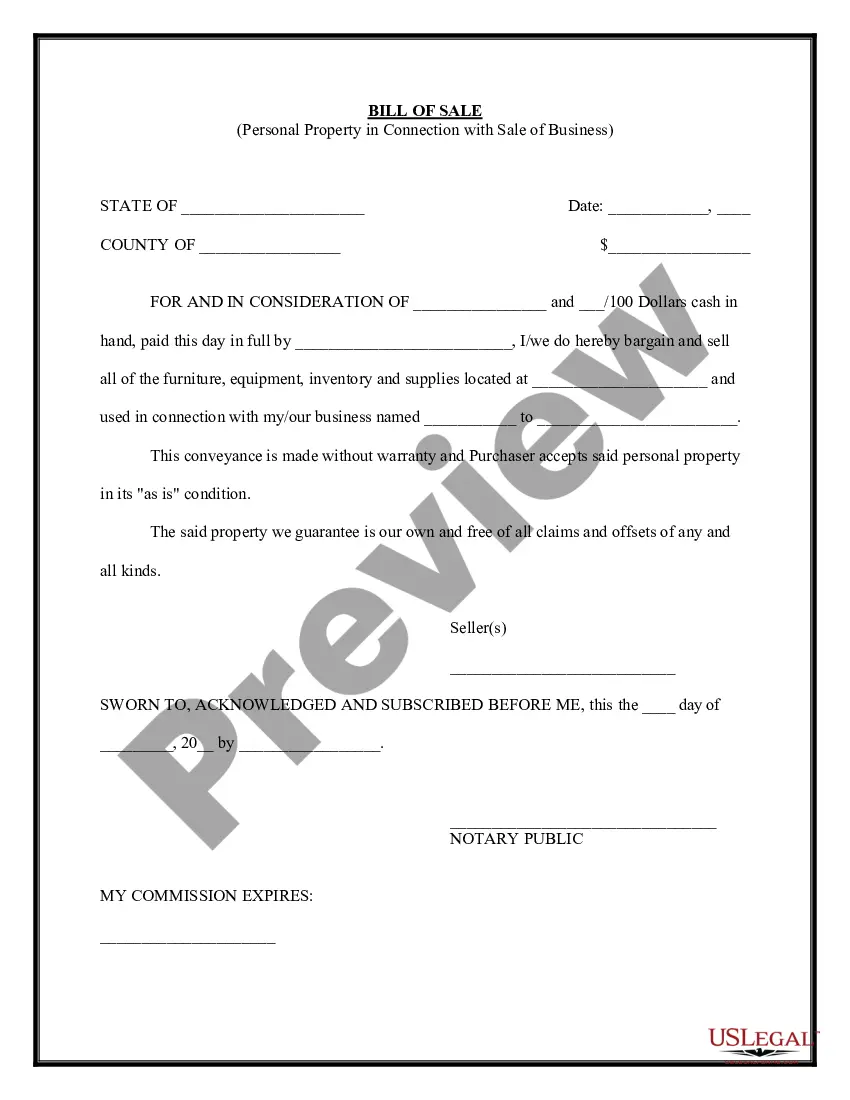
Personal Property Business Form With Tax
Description
Get your form ready online
Our built-in tools help you complete, sign, share, and store your documents in one place.
Make edits, fill in missing information, and update formatting in US Legal Forms—just like you would in MS Word.
Download a copy, print it, send it by email, or mail it via USPS—whatever works best for your next step.
Sign and collect signatures with our SignNow integration. Send to multiple recipients, set reminders, and more. Go Premium to unlock E-Sign.
If this form requires notarization, complete it online through a secure video call—no need to meet a notary in person or wait for an appointment.
We protect your documents and personal data by following strict security and privacy standards.

Make edits, fill in missing information, and update formatting in US Legal Forms—just like you would in MS Word.

Download a copy, print it, send it by email, or mail it via USPS—whatever works best for your next step.

Sign and collect signatures with our SignNow integration. Send to multiple recipients, set reminders, and more. Go Premium to unlock E-Sign.

If this form requires notarization, complete it online through a secure video call—no need to meet a notary in person or wait for an appointment.

We protect your documents and personal data by following strict security and privacy standards.
Looking for another form?
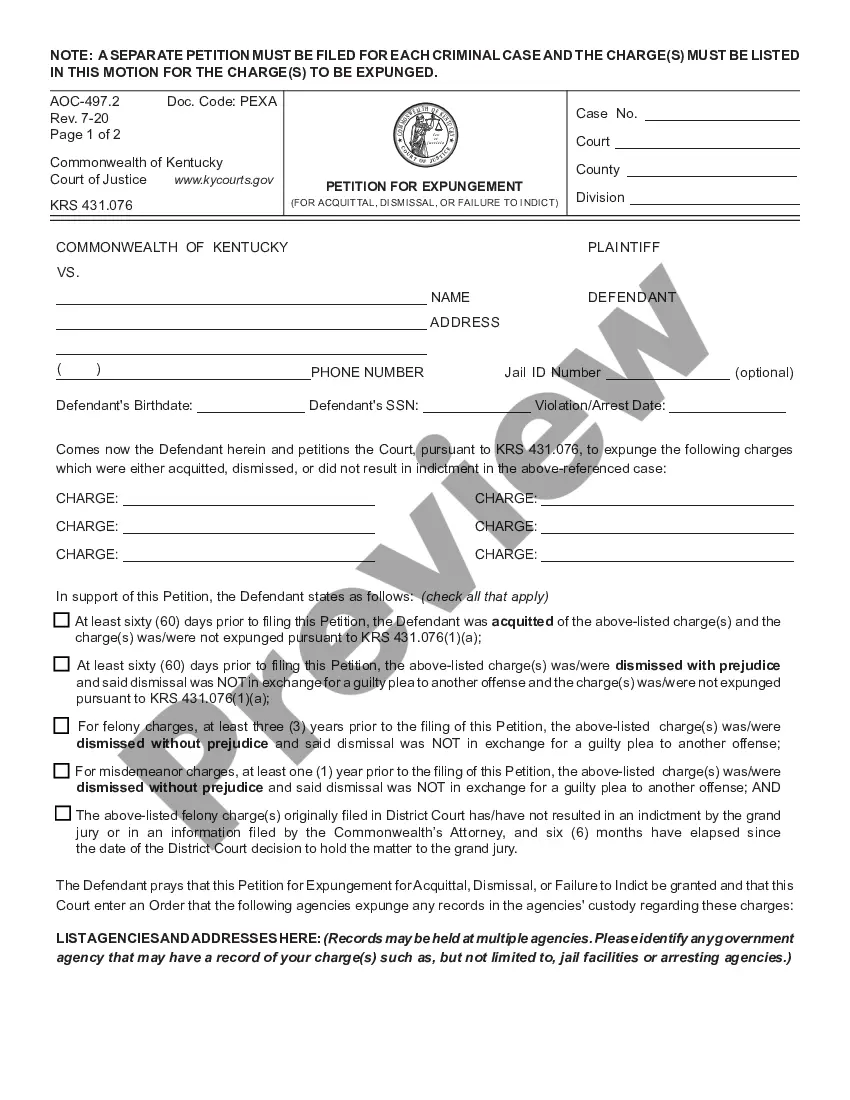
How to fill out Simple Bill Of Sale For Personal Property Used In Connection With Business?
Engaging with legal documents and processes can be a labor-intensive supplement to your daily routine.
Forms for Personal Property Business with Tax and similar documents generally require you to seek them out and figure out how to fill them out efficiently.
Consequently, whether you are addressing financial, legal, or personal issues, having a thorough and accessible online catalog of forms readily available will greatly assist.
US Legal Forms stands as the premier online platform for legal documents, showcasing over 85,000 state-specific forms and an array of tools to help you complete your paperwork promptly.
Is it your first experience with US Legal Forms? Sign up and establish your account in just a few minutes, and you’ll gain access to the form catalog and the Personal Property Business Form with Tax. Afterward, follow the steps below to finalize your form: Ensure you have identified the correct form using the Preview option and reviewing the form description. Choose Buy Now when ready, and select the subscription plan that best suits your needs. Click Download then fill out, eSign, and print the form. US Legal Forms boasts 25 years of expertise in assisting users with their legal documents. Find the form you need today and simplify any process effortlessly.
- Explore the collection of relevant documents available to you with a single click.
- US Legal Forms offers you state- and county-specific forms available for download at any time.
- Protect your document management processes with a superior service that enables you to create any form within minutes without incurring additional or concealed fees.
- Simply Log In to your account, locate the Personal Property Business Form with Tax, and download it immediately from the My documents section.
- You can also access forms that you've saved previously.
Form popularity
FAQ
When calculating PUP and LPP gains and losses you need to be aware of the $1,000 ?floor rule?. This rule basically bumps up the ACB and selling price to $1,000 (effectively this makes it so there are no PUP gains on low value items).
As the seller, you need to report the sale of your flipped house or investment property to the CRA. Generally, the gains or losses generated by the sale of a property (that you bought with the intention of ?flipping? or renovating for profit) are considered to be a part of your income (for that calendar year).
You can deduct property taxes for property you used in your business; for example, on land or buildings where your business is situated. You can claim your property taxes if you have a work space in your home, and have a form T2200: Declaration of Conditions of Employment from your employer.
You can deduct property taxes you incurred for your rental property for the period it was available for rent. For example, you can deduct property taxes for the land and building where your rental property is situated. For more information, go to Vacant land and Construction soft costs.
LPP is a type of personal-use property. The difference between LPP and other personal-use property is that LPP tends to increase in value over time. If you have LPP which you purchased for more than $1,000, and you sell the property for more than you paid, you will have a capital gain to report on your tax return.