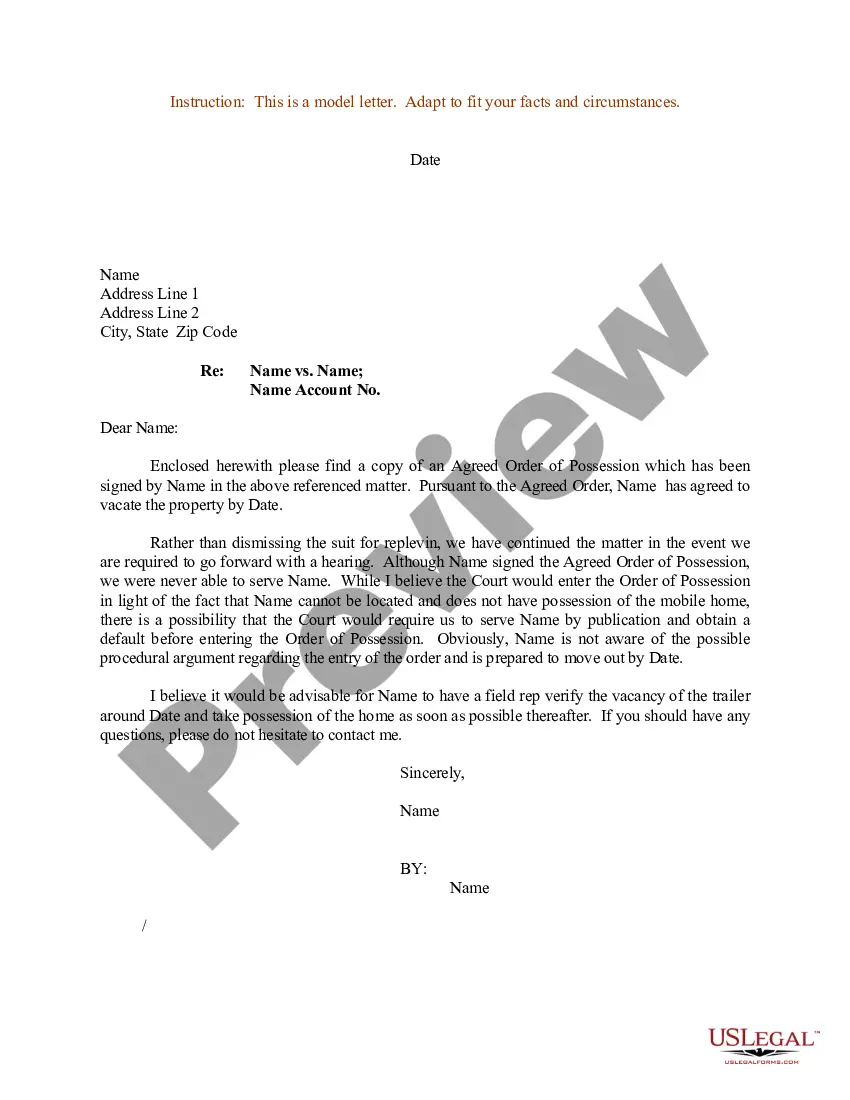
Court Letter Sample With Name In Florida
Description



Get your form ready online
Our built-in tools help you complete, sign, share, and store your documents in one place.
Make edits, fill in missing information, and update formatting in US Legal Forms—just like you would in MS Word.
Download a copy, print it, send it by email, or mail it via USPS—whatever works best for your next step.
Sign and collect signatures with our SignNow integration. Send to multiple recipients, set reminders, and more. Go Premium to unlock E-Sign.
If this form requires notarization, complete it online through a secure video call—no need to meet a notary in person or wait for an appointment.
We protect your documents and personal data by following strict security and privacy standards.

Make edits, fill in missing information, and update formatting in US Legal Forms—just like you would in MS Word.

Download a copy, print it, send it by email, or mail it via USPS—whatever works best for your next step.

Sign and collect signatures with our SignNow integration. Send to multiple recipients, set reminders, and more. Go Premium to unlock E-Sign.

If this form requires notarization, complete it online through a secure video call—no need to meet a notary in person or wait for an appointment.

We protect your documents and personal data by following strict security and privacy standards.
Looking for another form?
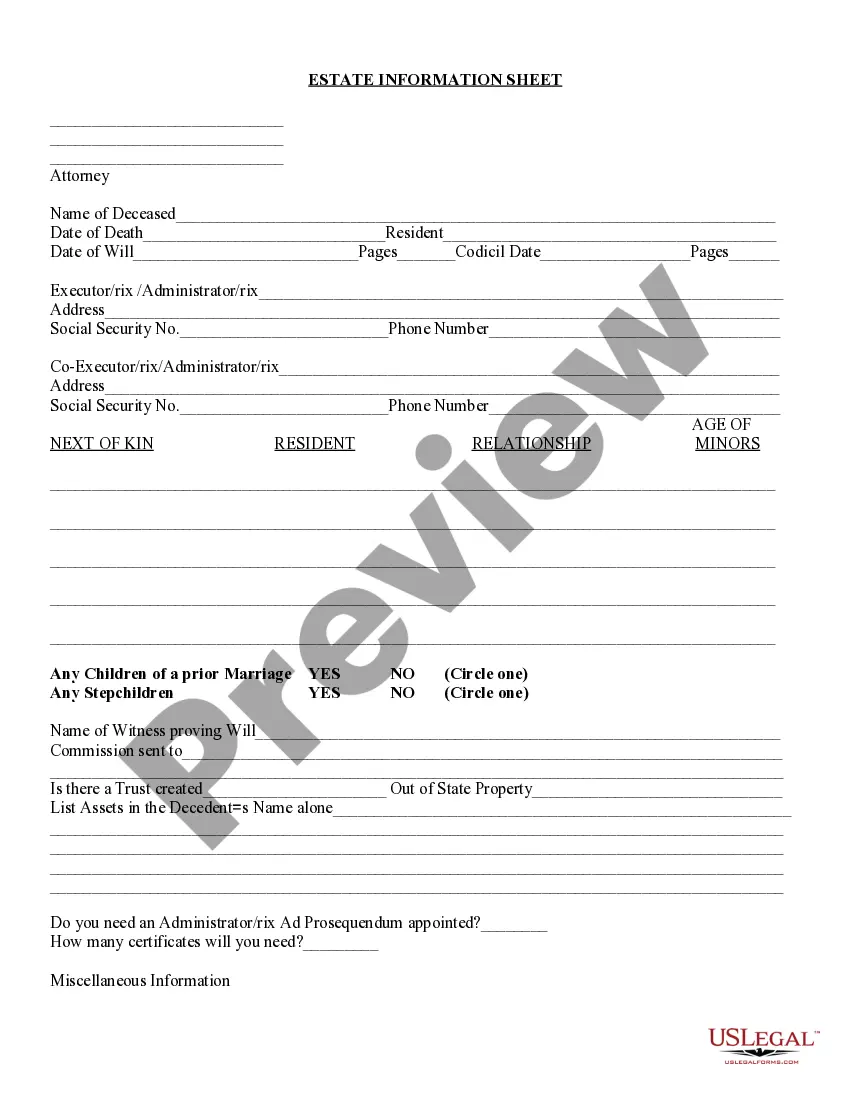








Form popularity
FAQ
Forms can be filed electronically online once completed, signed and notarized. First-time users will need to create an account. Please choose “Self-Represented Litigant” as the filer role when registering. Before you file, please make sure it is signed and notarized as required.
All parental responsibility and time-sharing cases need a Cover Sheet, a Uniform Child Custody Jurisdiction and Enforcement Act Affidavit, and a Child Support Guidelines Worksheet. They also require a parenting plan, but you don't have to use the form the courts provide.
The Florida Courts E-Filing Portal is a single statewide website where users can file court documents in Florida's trial and appellate courts. E-filing is the electronic filing of documents to the clerk's office.
The plaintiff files the complaint with the clerk. With the complaint, the plaintiff must file a civil cover sheet and summons for each defendant. There are forms for complaints of various types, a civil cover sheet, and a summons on the website.
The Florida Courts E-Filing Portal is a single statewide website where users can file court documents in Florida's trial and appellate courts. E-filing is the electronic filing of documents to the clerk's office.
If you want to file a motion, the process is generally something like this: You write your motion. You file your motion with the court clerk. The court clerk inserts the date and time your motion will be heard by the judge. You “serve” (mail) your motion to the other side.
By Florida law, the Clerk of Courts in each county is the official custodian of court records. Click here to access the Clerk's Online Services, including official records, civil/family/probate cases, criminal cases and traffic cases, or you may call the Clerk's 24-hour voice response system at (305) 275-1155.
The greeting appears two lines below the employer's address and should be “Dear Mr.,” “Dear Ms.,” “Dear Mx.,” “Dear First Name LastName,” or “Dear Judge.” When possible, avoid addressing your letter generally, such as Dear Sir or Madam, or “To Whom It May Concern”; instead take the time to find the contact person ...
Best Way to Write a Letter to a Judge Address a piece of professional letterhead to the judge at the top of the letter. At the start of the letter, introduce yourself and explain how you know the defendant. Write statements that show support for the defendant and give examples of their good character.
Sample Format for a Character Letter First Paragraph: Explain who you are. Second Paragraph: Explain why you are writing the letter. Third Paragraph: Thank the court, and make your “ask.” State that you are available to confirm the facts in this letter as necessary.
