Court Letter Sample For Request In Broward
Description



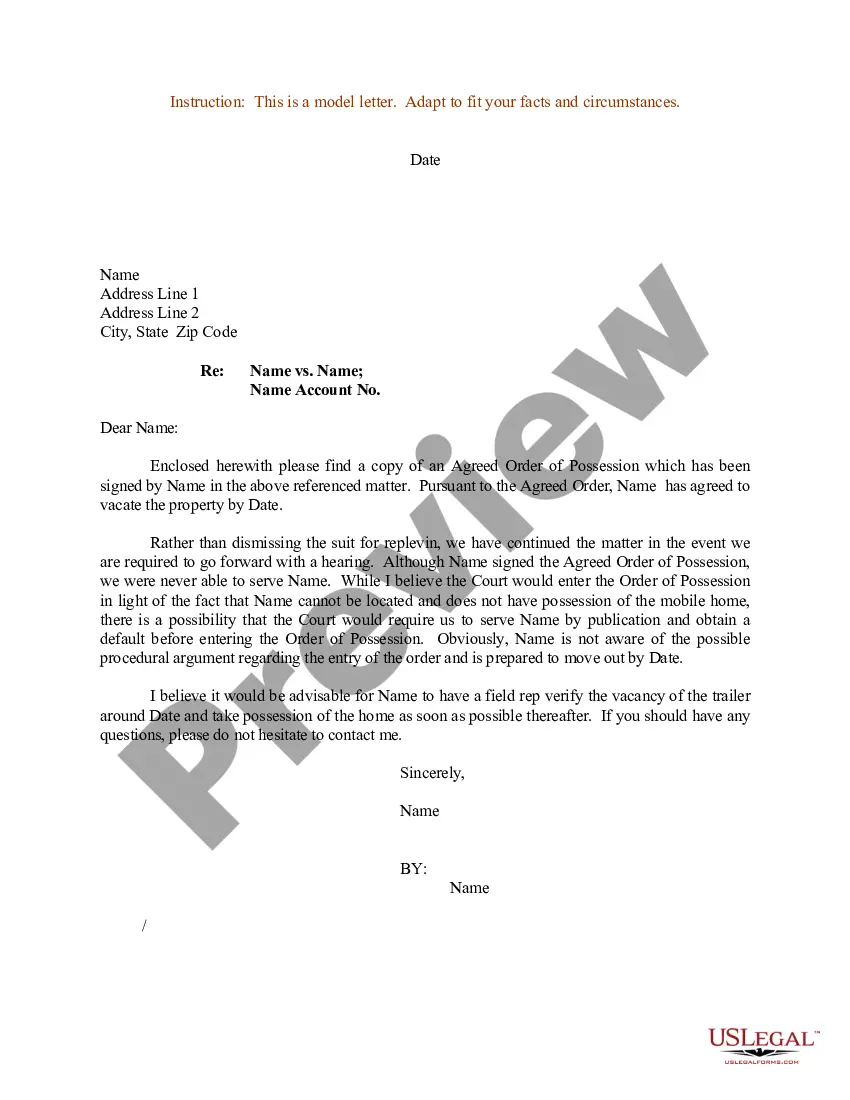
Get your form ready online
Our built-in tools help you complete, sign, share, and store your documents in one place.
Make edits, fill in missing information, and update formatting in US Legal Forms—just like you would in MS Word.
Download a copy, print it, send it by email, or mail it via USPS—whatever works best for your next step.
Sign and collect signatures with our SignNow integration. Send to multiple recipients, set reminders, and more. Go Premium to unlock E-Sign.
If this form requires notarization, complete it online through a secure video call—no need to meet a notary in person or wait for an appointment.
We protect your documents and personal data by following strict security and privacy standards.

Make edits, fill in missing information, and update formatting in US Legal Forms—just like you would in MS Word.

Download a copy, print it, send it by email, or mail it via USPS—whatever works best for your next step.

Sign and collect signatures with our SignNow integration. Send to multiple recipients, set reminders, and more. Go Premium to unlock E-Sign.

If this form requires notarization, complete it online through a secure video call—no need to meet a notary in person or wait for an appointment.

We protect your documents and personal data by following strict security and privacy standards.
Looking for another form?









Form popularity
FAQ
By Florida law, the Clerk of Courts in each county is the official custodian of court records. Click here to access the Clerk's Online Services, including official records, civil/family/probate cases, criminal cases and traffic cases, or you may call the Clerk's 24-hour voice response system at (305) 275-1155.
For Clerk of Court eFiling assistance, direct your inquiry to: eFiling@browardclerk. The case type and 'reference number' must be included in the subject line.
Federal case files are maintained electronically and are available through the internet-based Public Access to Court Electronic Records (PACER) service. PACER allows anyone with an account to search and locate appellate, district, and bankruptcy court case and docket information. Register for a PACER account.
As long as the proceeding was not sealed, anyone may obtain a transcript. To obtain a written transcript of a proceeding where a court reporter was present, contact the court reporter listed in the minutes of the proceeding.
Include any necessary details to support your request or statement. This may include dates caseMoreInclude any necessary details to support your request or statement. This may include dates case numbers or descriptions of documents 8. Close the letter thank the clerk for their time and assistance.
If you are unable to locate or view copies of court documents online, submit a Court Records Request Form to the Archives division. Processing Time: Can take up to 2 weeks once the request is received.
By Florida law, the Clerk of Courts in each county is the official custodian of court records. Click here to access the Clerk's Online Services, including official records, civil/family/probate cases, criminal cases and traffic cases, or you may call the Clerk's 24-hour voice response system at (305) 275-1155.
Yes. ing to Florida's Sunshine Law, Chapter 286.011, Florida Statutes, transcripts of court proceedings are considered public record, with the exception of certain matters which are confidential by law.
For Clerk of Court eFiling assistance, direct your inquiry to: eFiling@browardclerk. The case type and 'reference number' must be included in the subject line.

