Court Letter Template With Subject Line In Bronx
Description




Get your form ready online
Our built-in tools help you complete, sign, share, and store your documents in one place.
Make edits, fill in missing information, and update formatting in US Legal Forms—just like you would in MS Word.
Download a copy, print it, send it by email, or mail it via USPS—whatever works best for your next step.
Sign and collect signatures with our SignNow integration. Send to multiple recipients, set reminders, and more. Go Premium to unlock E-Sign.
If this form requires notarization, complete it online through a secure video call—no need to meet a notary in person or wait for an appointment.
We protect your documents and personal data by following strict security and privacy standards.

Make edits, fill in missing information, and update formatting in US Legal Forms—just like you would in MS Word.

Download a copy, print it, send it by email, or mail it via USPS—whatever works best for your next step.

Sign and collect signatures with our SignNow integration. Send to multiple recipients, set reminders, and more. Go Premium to unlock E-Sign.

If this form requires notarization, complete it online through a secure video call—no need to meet a notary in person or wait for an appointment.

We protect your documents and personal data by following strict security and privacy standards.
Looking for another form?
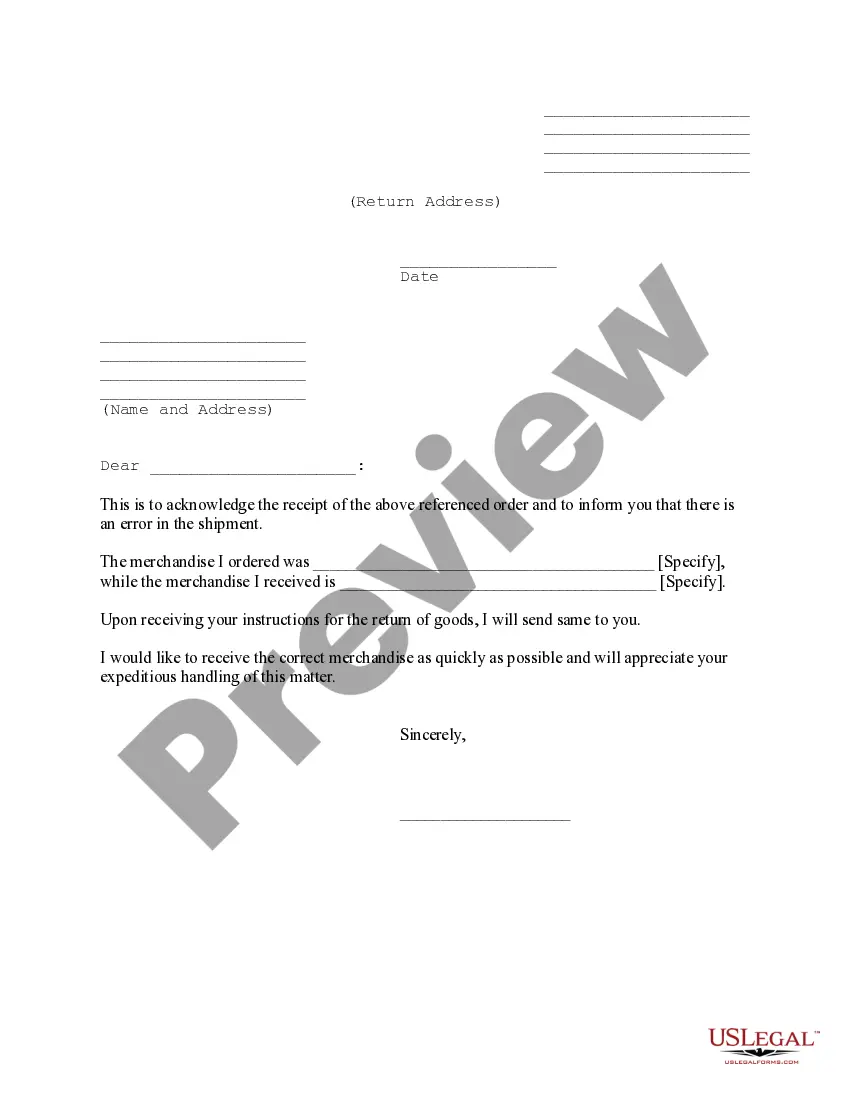
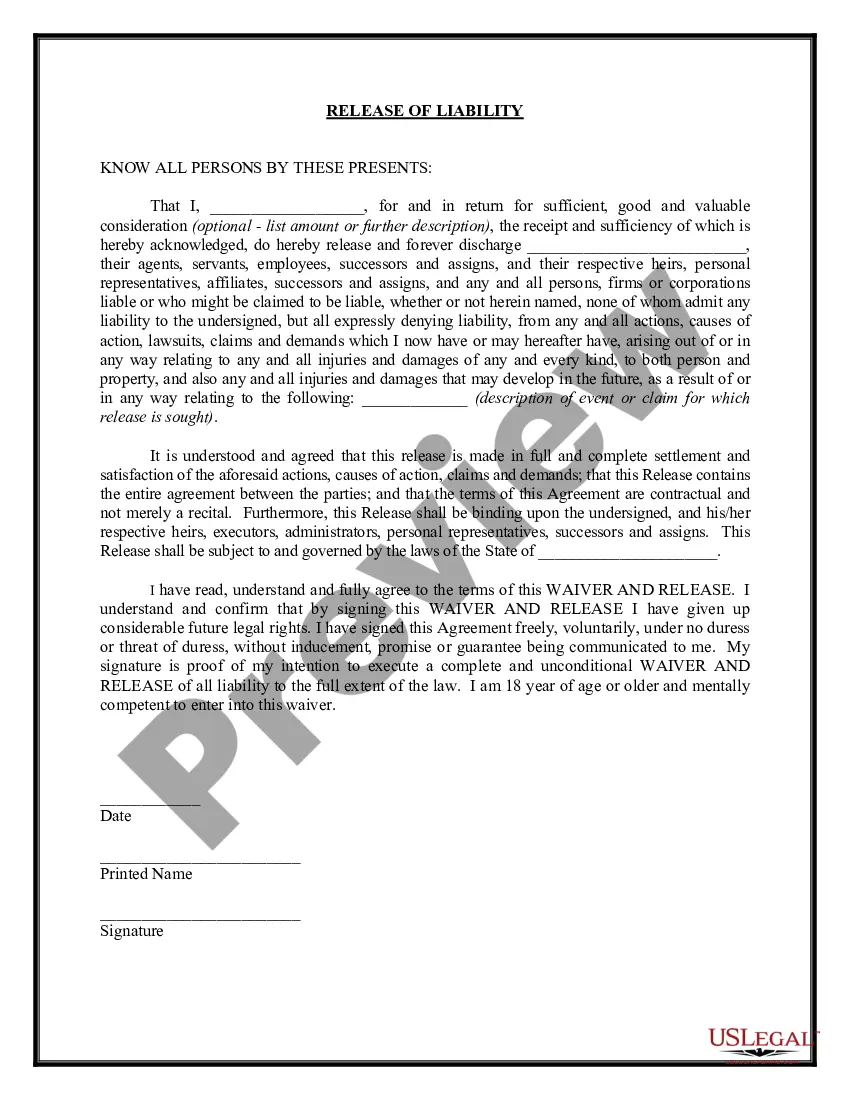
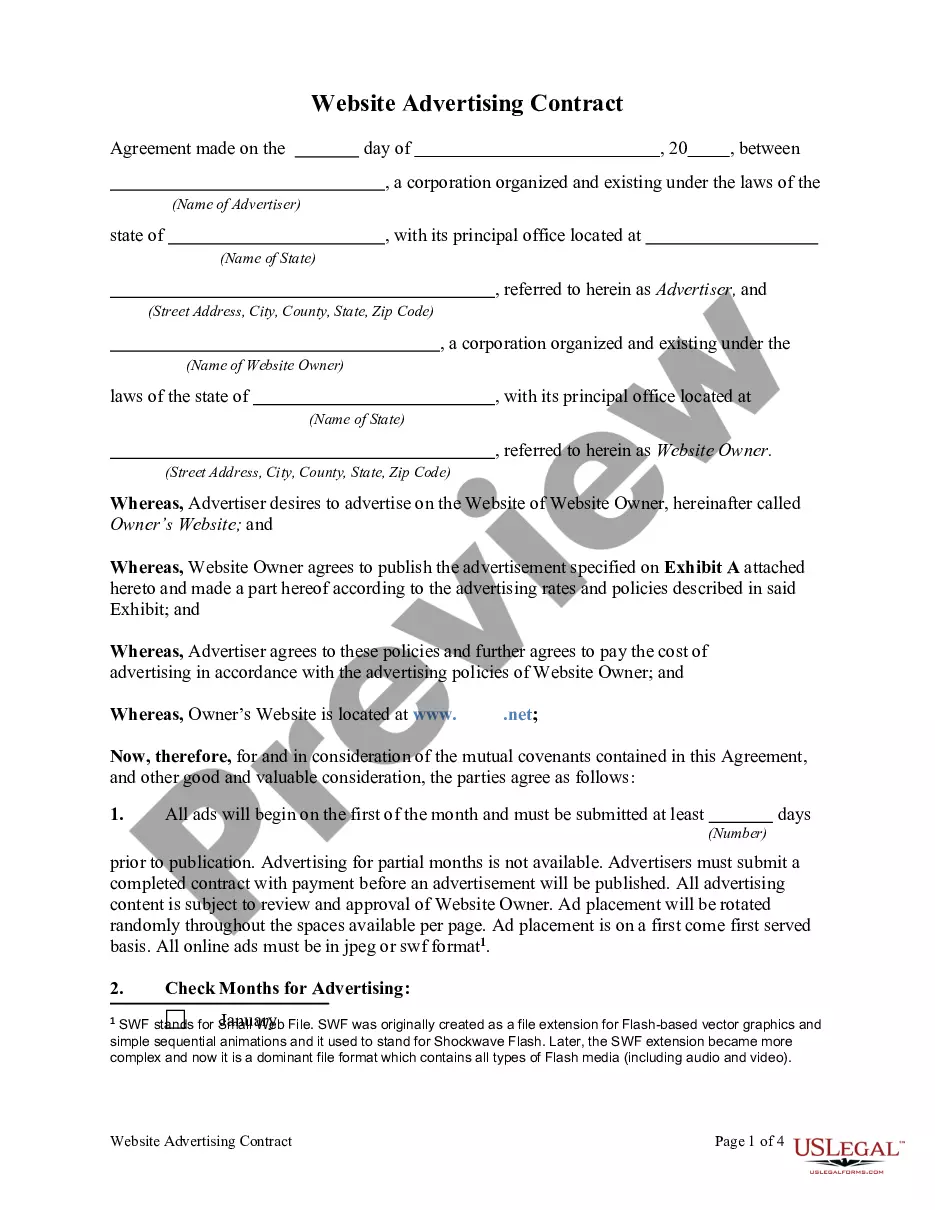
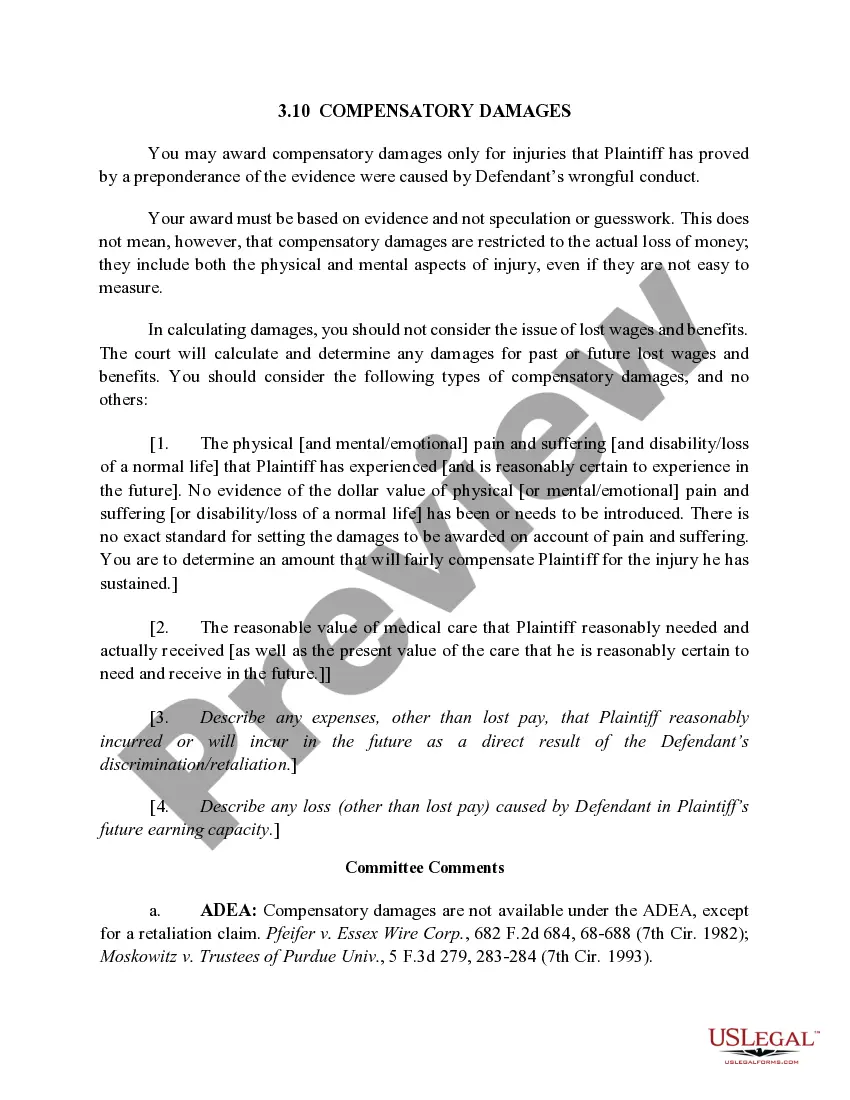
Form popularity
FAQ
Definition: RJI is an abbreviation for “Request for Judicial Intervention.” It's a form that is filed by either a plaintiff or defendant sometime after the summons and complaint is served on the defendant in a civil case. Filing Effect: When an RJI is filed, the civil case is assigned to a judge.
Yes. Certain case types in New York, Westchester and Rockland counties are subject to mandatory e–filing. Three other counties have also been designated as eligible mandatory e–filing counties.
Once an RJI is filed with the Court, the matter will be scheduled for a Preliminary Conference either before a Judge or a Court Attorney Referee. The time to get a Preliminary Conference date depends on the County but generally is 30-45 days unless there is an emergency issue.
To begin an action in Small Claims Court, a person, or someone acting on his or her behalf, must come to the Small Claims Court Clerk's office in the proper county and fill out a statement of claim. To find out where the clerk's office is located in your county, click on Locations.
The new rule allows a party to move for summary judgment at any time, even as early as the commencement of the action. If the motion seems premature both subdivision (c)(1) and Rule 6(b) allow the court to extend the time to respond. The rule does set a presumptive deadline at 30 days after the close of all discovery.
– Motion to Dismiss: Challenges the legal sufficiency of a complaint. Filed early in the case. – Motion for Summary Judgment: Challenges the factual basis of the case after discovery. Aims to resolve the case without going to trial.
Introduce yourself to the Court. Explain how you know (and how long you have known) the defendant. Make it personal when describing the defendant's characteristics. Can you think of examples of good deeds done by the defendant (hard work, dedication to family/church/community, generosity, etc).
Thus, if a plaintiff fails to respond to a motion for summary judgment, on all or a subset of the claims, the Court will order the plaintiff to show cause why the claim should not be considered abandoned.
Follow the order of this format, leaving a space in between each section: Your Information (first thing that goes on the inside of the letter) Name. The Date. The Judge's Information. Honorable Judge First Name Last Name. What the Letter Is Going to Address. Salutation. Body. Signature.
Consider the following five approaches: Show that the motion fails to list the specific facts and law supporting summary judgment. Show that a dispute exists on a material fact. Show that the law does not support judgment on the undisputed facts.

