Letter Invitation For Meeting In Orange
Description
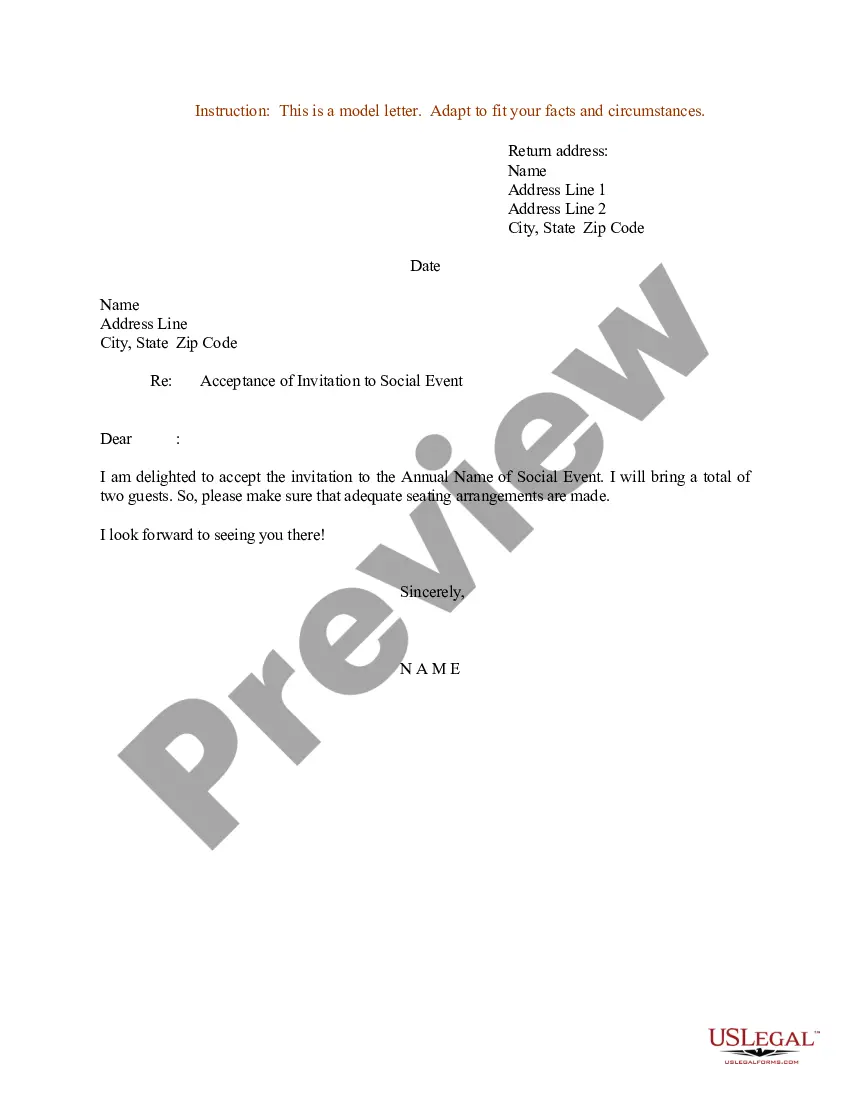
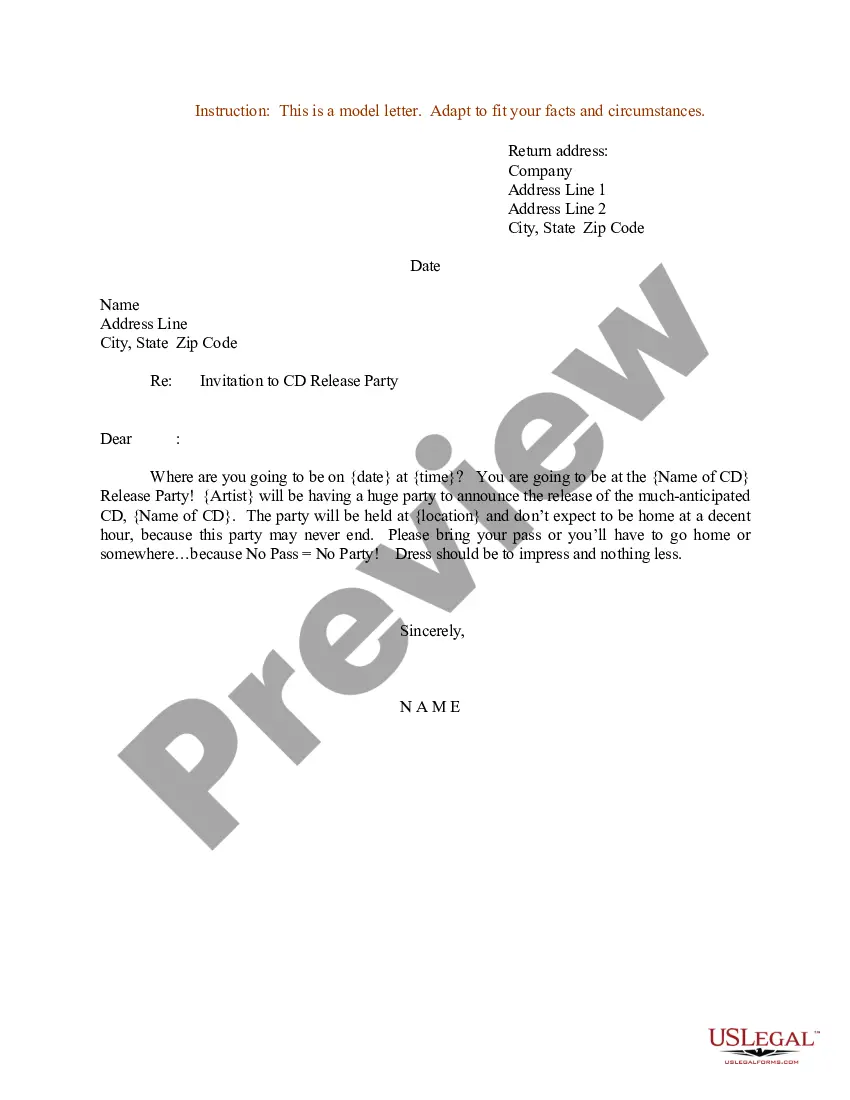
Get your form ready online
Our built-in tools help you complete, sign, share, and store your documents in one place.
Make edits, fill in missing information, and update formatting in US Legal Forms—just like you would in MS Word.
Download a copy, print it, send it by email, or mail it via USPS—whatever works best for your next step.
Sign and collect signatures with our SignNow integration. Send to multiple recipients, set reminders, and more. Go Premium to unlock E-Sign.
If this form requires notarization, complete it online through a secure video call—no need to meet a notary in person or wait for an appointment.
We protect your documents and personal data by following strict security and privacy standards.

Make edits, fill in missing information, and update formatting in US Legal Forms—just like you would in MS Word.

Download a copy, print it, send it by email, or mail it via USPS—whatever works best for your next step.

Sign and collect signatures with our SignNow integration. Send to multiple recipients, set reminders, and more. Go Premium to unlock E-Sign.

If this form requires notarization, complete it online through a secure video call—no need to meet a notary in person or wait for an appointment.

We protect your documents and personal data by following strict security and privacy standards.
Looking for another form?









Form popularity
FAQ
Create a Strong Subject Line. Specify the Meeting Date and Time. Include All the Necessary Meeting Details. Define the Meeting Goal. Share the Meeting Agenda. Include the Meeting Link. Provide CTA & RSVP Details. Sign Your Meeting Request.
I'm writing to invite you to attend the Meeting Name scheduled for Date at Time. This meeting will take place at Address or Meeting Link. The agenda for this meeting includes List of Topics. Kindly confirm your attendance at your earliest convenience.
5 tips for writing effective meeting invites Don't make it too long. Put the most valuable and important parts first. Set a deadline for your invitees to respond. Use calls to action in subject lines to make people react faster. Make it easy for people to join the meeting.
5 tips for writing better meeting invitation emails Write a clear, concise subject line. Include important meeting details. Share a meeting agenda. Add a personal touch. Keep it short and sweet. Bonus tip: Stay in touch ahead of the meeting with reminders. Include your scheduling link.
Dear Recipient's Name, I hope this message finds you well. We are pleased to extend an invitation to you for an upcoming meeting organized by Your Company Name. This meeting will focus on main agenda, and it promises to be a valuable opportunity for networking and sharing insights.
Example: Dear Recipient's Name, I am pleased to invite you to Event Name, which will take place on Event Date at Event Time at Event Venue. The purpose of this event is to briefly describe the purpose or agenda of the event.
1. Use catchy invitation phrases. Catchy invitation phrases will captivate your audience right from the start! Using phrases such as “Don't Miss Out!” or “Are You Ready?” will be intriguing for your audience; they will want to click on the invitation to see what your event is about!
Dear Name, I would like to invite you to a presentation meeting that will be held date and time at location. During this meeting, we will be presenting topic of presentation and discussing main points of discussion. We hope to get your valuable insights and feedback on this matter.
Meeting invitation Dear Recipient's Name, I hope this email finds you well. We are pleased to invite you to attend the upcoming Event Name meeting, scheduled to take place on Date at Time. The meeting will be held at Location/Online Platform, and we would be honored to have your presence and participation.

