Invitation Letter With Seminar In California
Description
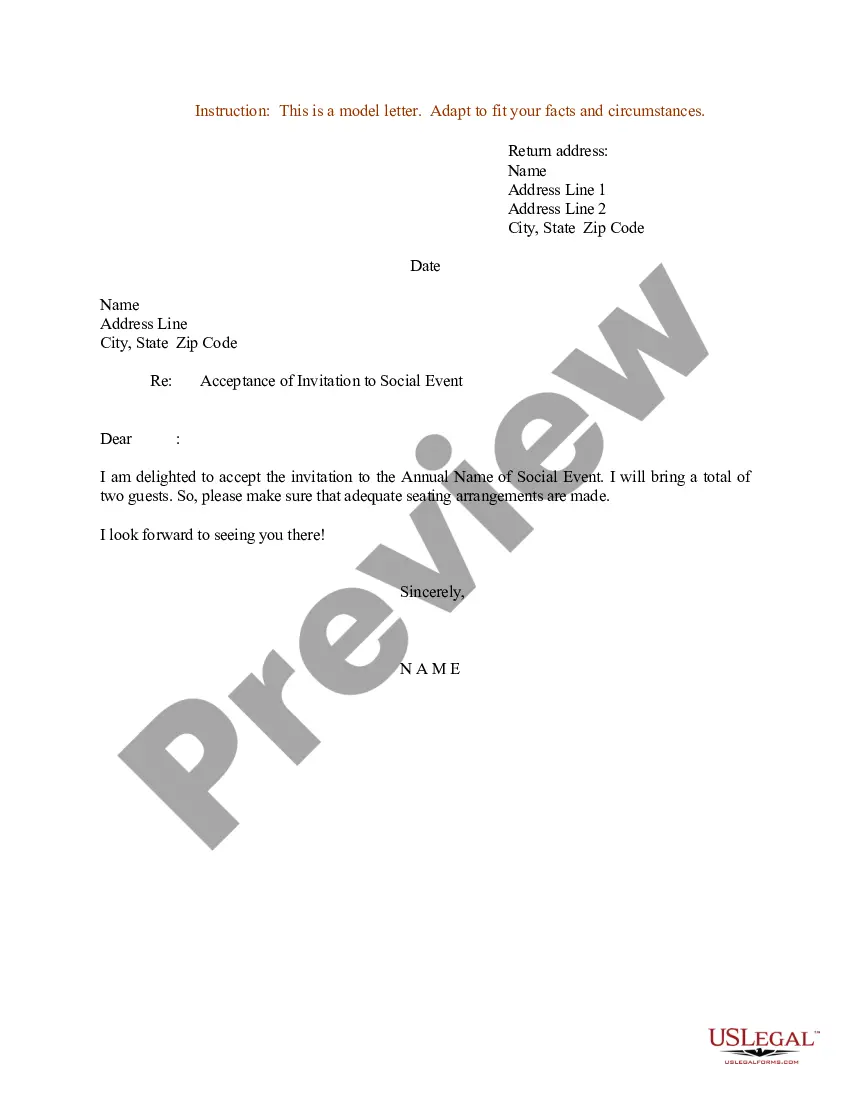
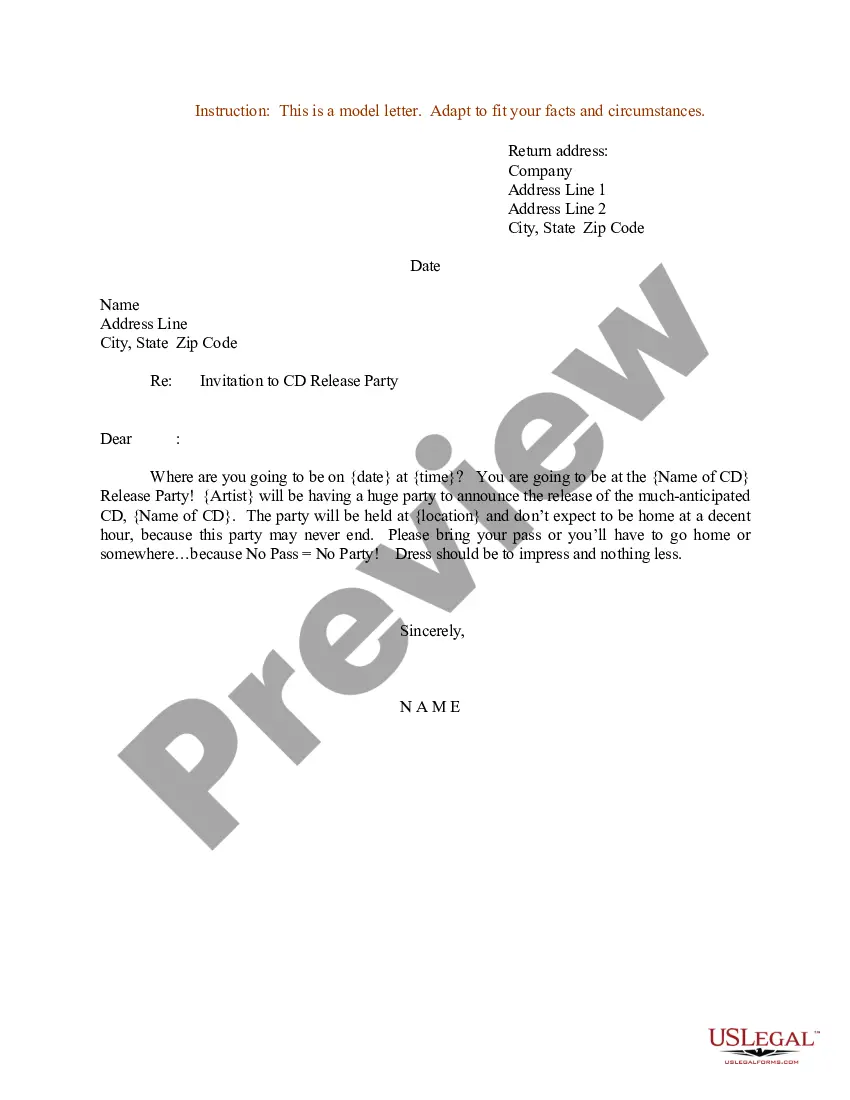
Get your form ready online
Our built-in tools help you complete, sign, share, and store your documents in one place.
Make edits, fill in missing information, and update formatting in US Legal Forms—just like you would in MS Word.
Download a copy, print it, send it by email, or mail it via USPS—whatever works best for your next step.
Sign and collect signatures with our SignNow integration. Send to multiple recipients, set reminders, and more. Go Premium to unlock E-Sign.
If this form requires notarization, complete it online through a secure video call—no need to meet a notary in person or wait for an appointment.
We protect your documents and personal data by following strict security and privacy standards.

Make edits, fill in missing information, and update formatting in US Legal Forms—just like you would in MS Word.

Download a copy, print it, send it by email, or mail it via USPS—whatever works best for your next step.

Sign and collect signatures with our SignNow integration. Send to multiple recipients, set reminders, and more. Go Premium to unlock E-Sign.

If this form requires notarization, complete it online through a secure video call—no need to meet a notary in person or wait for an appointment.

We protect your documents and personal data by following strict security and privacy standards.
Looking for another form?



Form popularity
FAQ
Dear Recipient Name, We are pleased to invite you to a webinar/seminar on Topic Name, taking place on Date at Time at Location. This interactive webinar/seminar will help you gain practical knowledge on Topic Name that you can apply to your daily work.
Dear Name, We are pleased to invite you to the Conference Name to be held on Date at Location. This conference will bring together leading experts from industry, academia, industry, and government to discuss the latest trends and advances in Niche/Industry.
Dear Recipient's Name, I am pleased to invite you to Sender's Company Name's Annual Business Seminar, scheduled to be held on Date at Venue. The seminar will commence at Beginning Time and end by End Time.
Documents to include with your invitation letter Proof of financial support, like bank statements or employment details. Ownership or rental documents for the host's residence. A detailed itinerary of planned activities. Event-related documentation, such as a registration confirmation or program agenda.
How to write an invitation letter? Sender's information. Begin the letter with your name (or your organization's name), address, and contact information. Date. Write the date below the sender's information. Recipient's information. Include the recipient's name and address directly below the date. Salutation. Body. Closing.
Register for the Conference Once your registration is confirmed, most organizers will provide an invitation letter upon request. This letter typically includes essential details like your name, the event dates, the venue, and a confirmation of your participation.
To get a conference invitation letter from the USA, first, make sure you're registered and have confirmation to attend the event. After that, just contact the conference organizers and ask for the invitation letter.
Dear Recipient's Name, I am pleased to invite you to Sender's Company Name's Annual Business Seminar, scheduled to be held on Date at Venue. The seminar will commence at Beginning Time and end by End Time.

