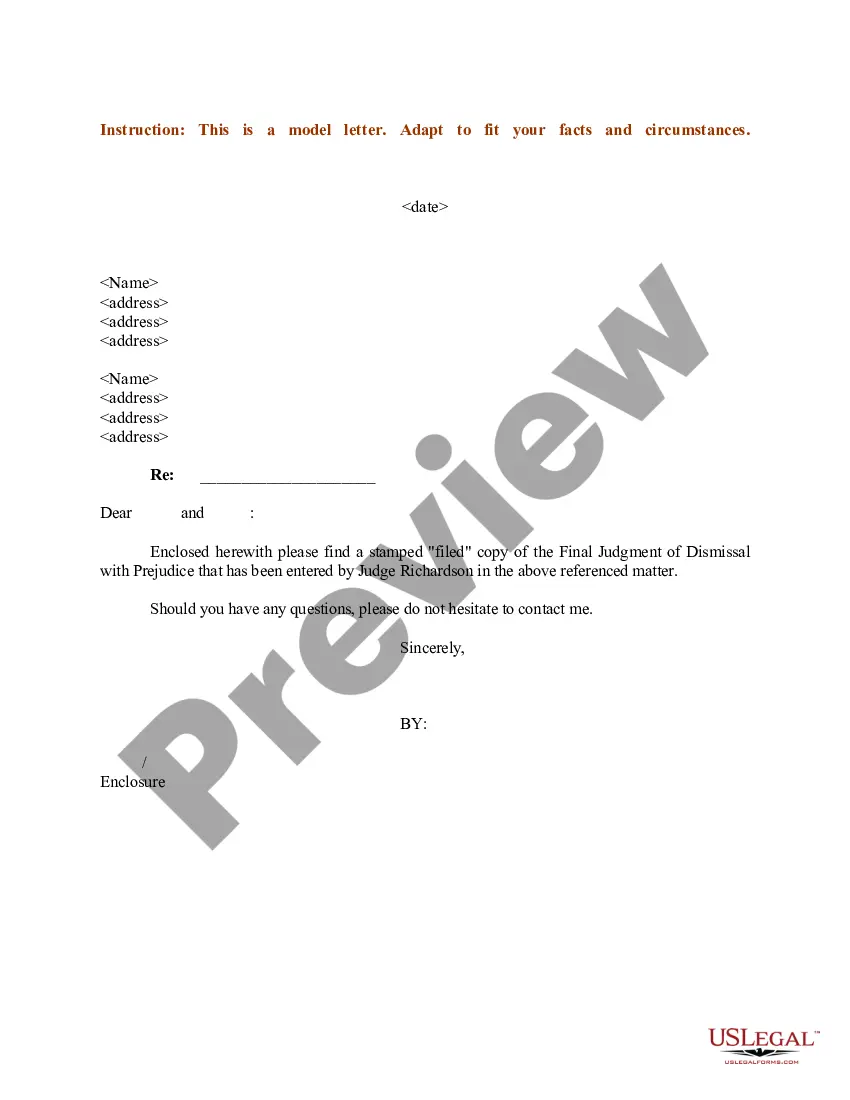
Sample Without Prejudice Letter In Sacramento
Description

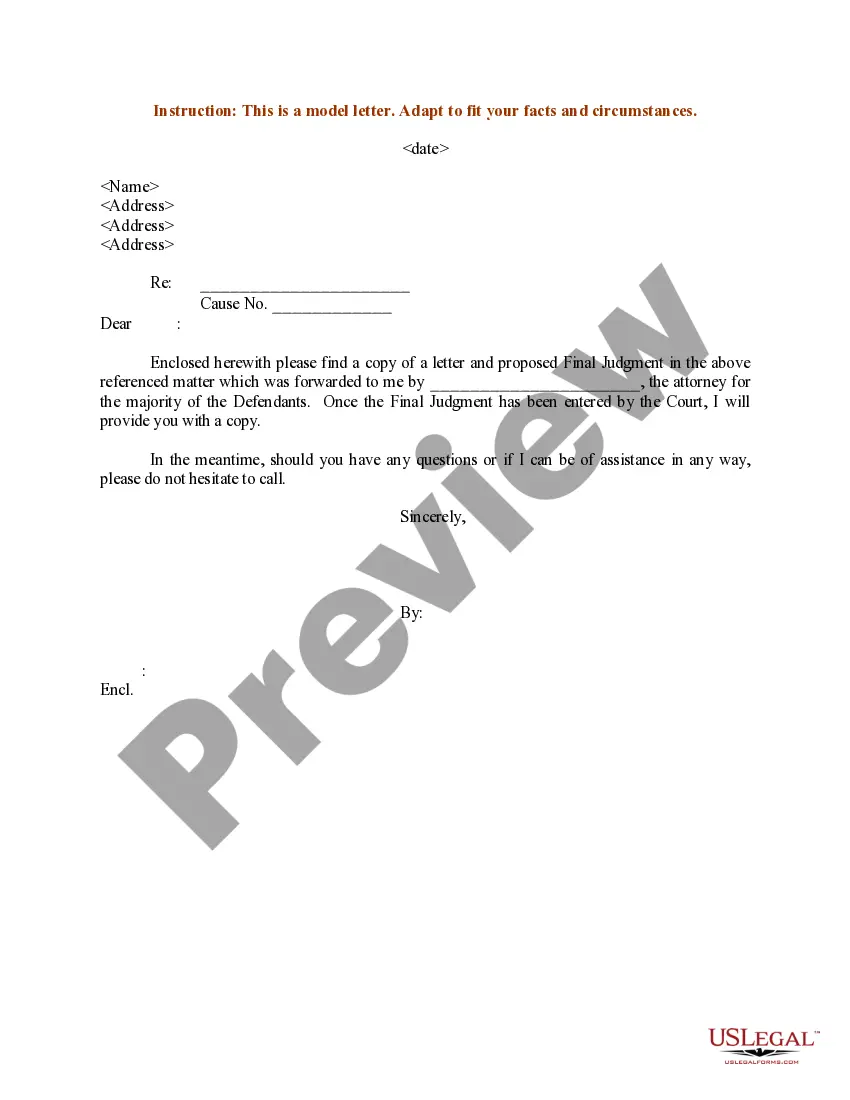
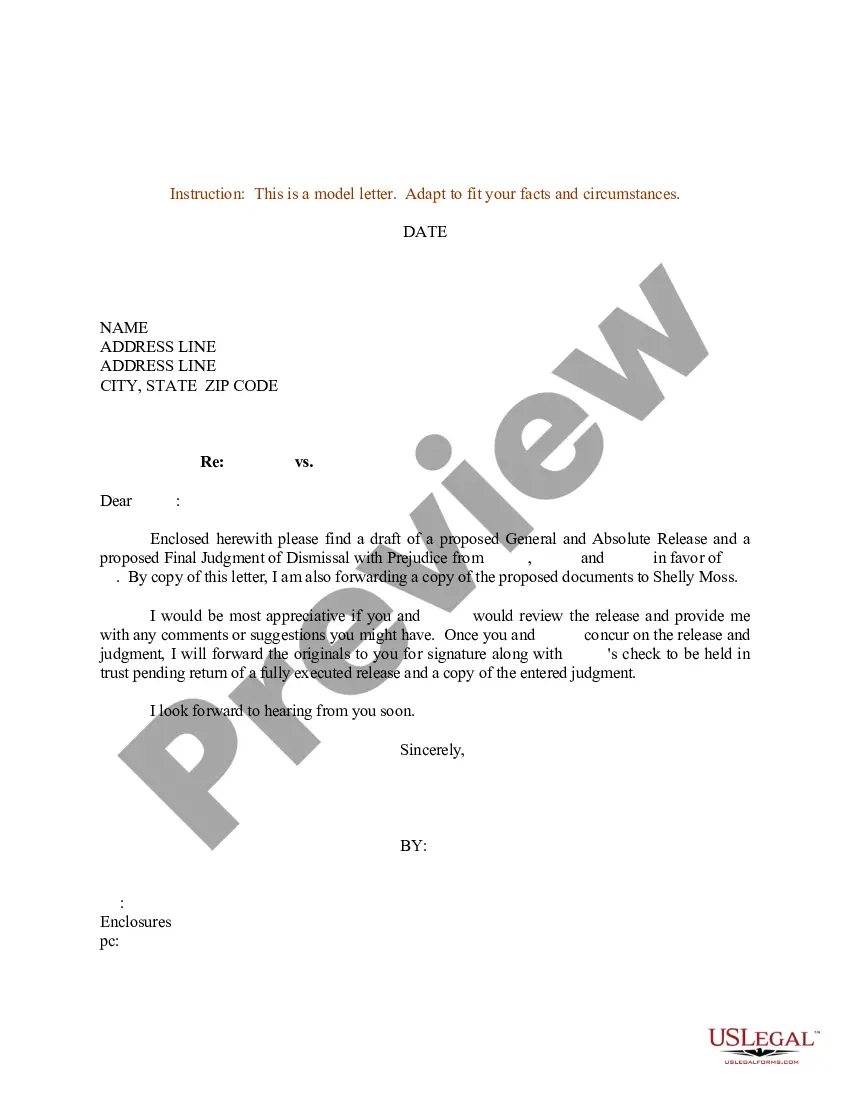
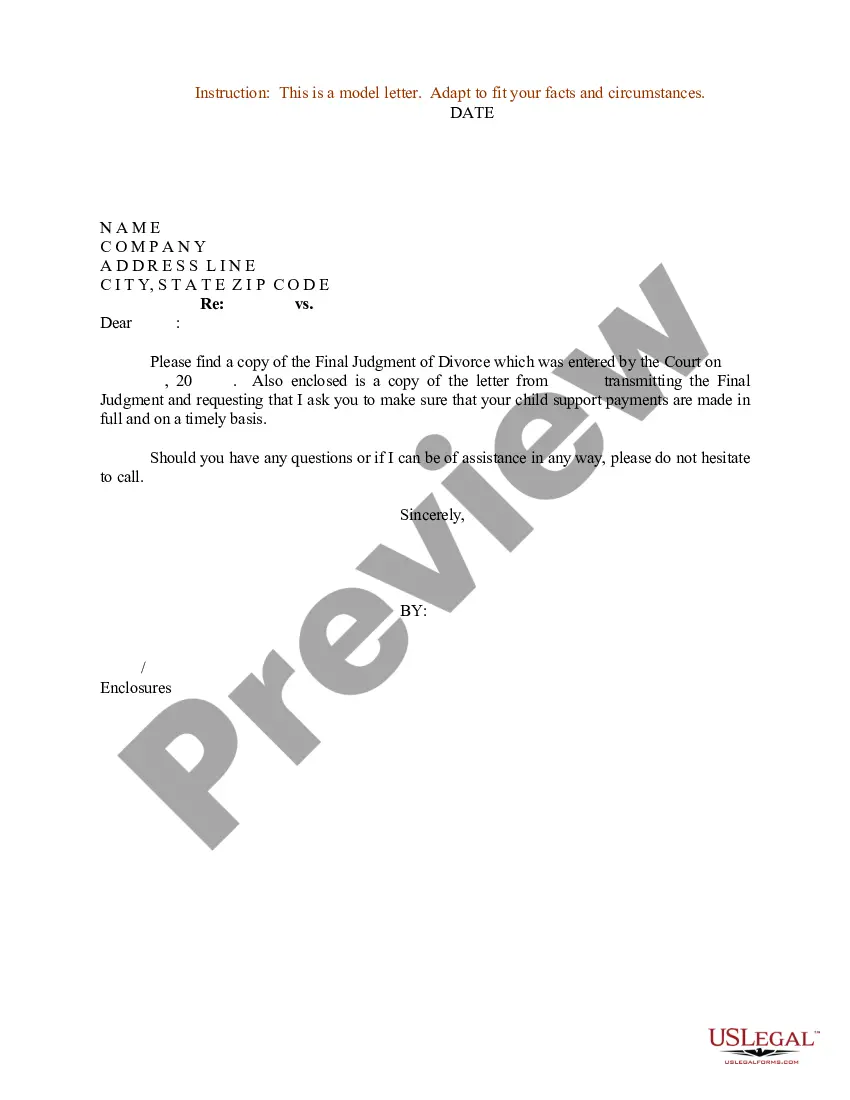
Get your form ready online
Our built-in tools help you complete, sign, share, and store your documents in one place.
Make edits, fill in missing information, and update formatting in US Legal Forms—just like you would in MS Word.
Download a copy, print it, send it by email, or mail it via USPS—whatever works best for your next step.
Sign and collect signatures with our SignNow integration. Send to multiple recipients, set reminders, and more. Go Premium to unlock E-Sign.
If this form requires notarization, complete it online through a secure video call—no need to meet a notary in person or wait for an appointment.
We protect your documents and personal data by following strict security and privacy standards.

Make edits, fill in missing information, and update formatting in US Legal Forms—just like you would in MS Word.

Download a copy, print it, send it by email, or mail it via USPS—whatever works best for your next step.

Sign and collect signatures with our SignNow integration. Send to multiple recipients, set reminders, and more. Go Premium to unlock E-Sign.

If this form requires notarization, complete it online through a secure video call—no need to meet a notary in person or wait for an appointment.

We protect your documents and personal data by following strict security and privacy standards.
Looking for another form?








Form popularity
FAQ
Tell the court and the parties that you do not want to go forward with the case. You also need to use Notice of Entry of Dismissal and Proof of Service (form CIV-120).
Petition for Dismissal (California Expungement) The court clerk. Get the court forms you will need to request an expungement from the court: the Petition for Dismissal (form CR-180) and the Order for Dismissal (form CR-181) ... Fill out your court forms (Petition AND Order)
How do I fill this out? Review the form to understand the required sections. Fill in the plaintiff and defendant details accurately. Select the reason for dismissal from the listed options. Ensure the motion is signed by the plaintiff or their attorney. Print the completed forms and bring them to court.
To fill out the Request for Dismissal form, start by entering the attorney or party information at the top. Next, indicate whether the dismissal is with or without prejudice, and specify the action being dismissed. Lastly, provide your signature and date to complete the form.
State clearly in the body of the letter that you are requesting a dismissal. Provide all necessary details surrounding your request, including the legal reasons for the dismissal, and any supporting documents.
In the formal legal world, a court case that is dismissed with prejudice means that it is dismissed permanently. A case dismissed with prejudice is over and done with, once and for all, and can't be brought back to court. A case dismissed without prejudice means the opposite. It's not dismissed forever.
Letter of No Prejudice (LONP) LONPs are intended to allow time-sensitive critical-path project activities to occur using local funds in advance of federal grant funds being available for reimbursement. As such, LONPs expire after a specific period of time, generally limited to five years.
Where do I put the words "without prejudice" on a document or email? There are no rules about this but generally, at the top of any document or in the subject line etc - so that it is instantly clear to the reader.
For example, an employer might admit in a without prejudice communication that it had failed to carry out certain procedures which might otherwise render a dismissal unfair, but the employee would normally not be able to show that admission to an Employment Tribunal to try and prove their claim.
The 'without prejudice' label can be attached to any form of communication – letters, emails, phone calls, and meetings – whether online or otherwise. All that is required is that one or both parties state that the communication is 'without prejudice' before the communication occurs.