Personal Property Document Without Comments
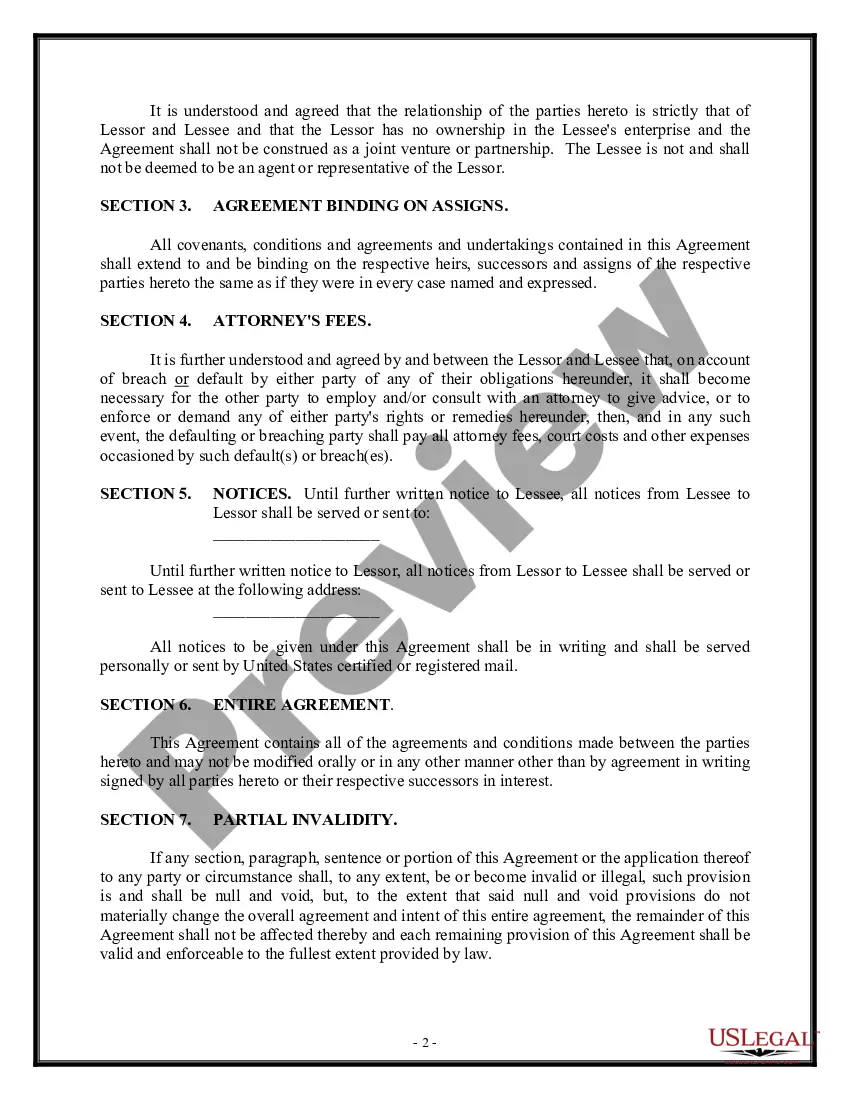
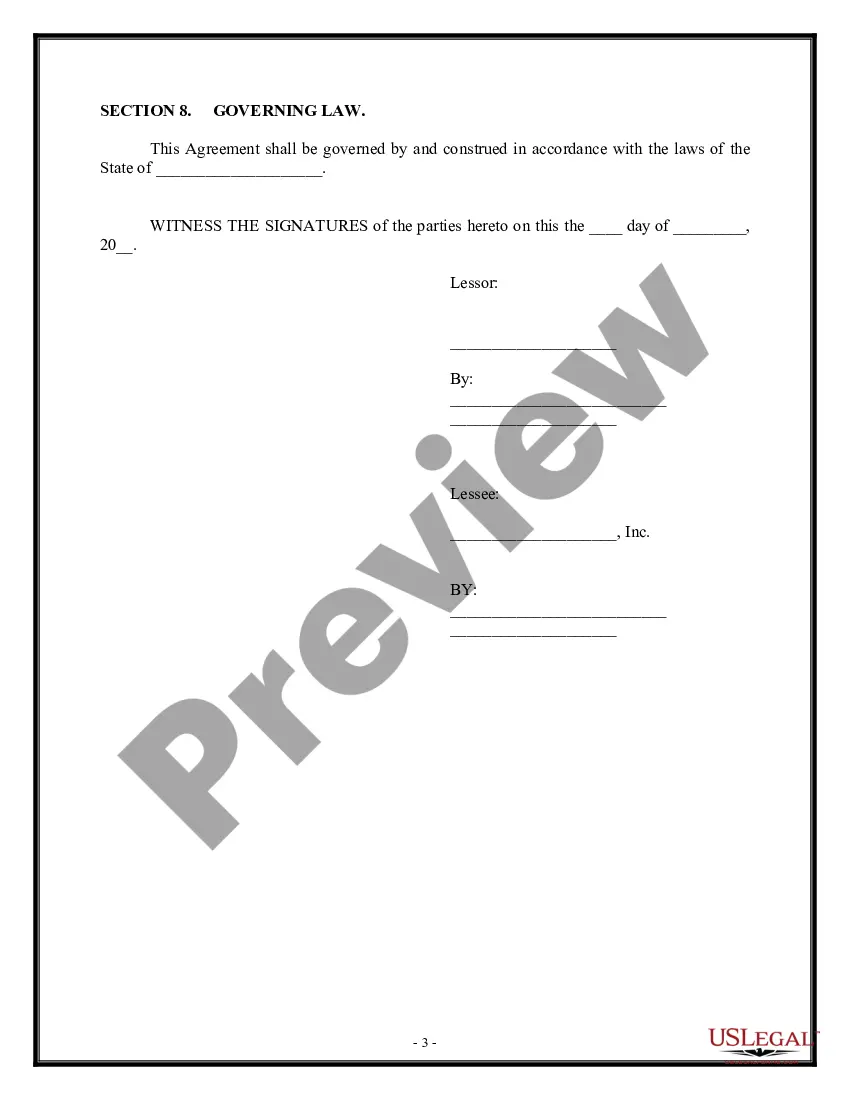
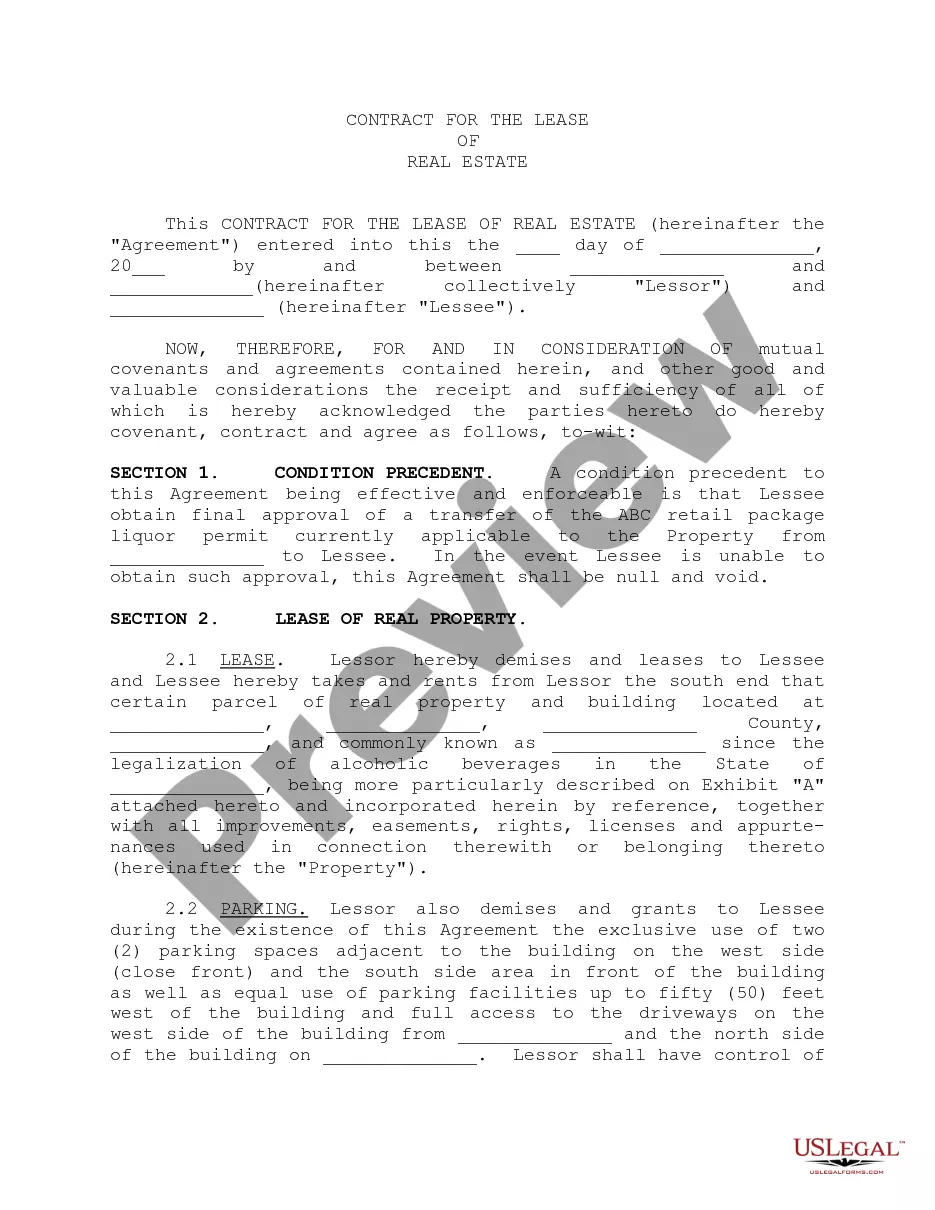
Description

Get your form ready online
Our built-in tools help you complete, sign, share, and store your documents in one place.
Make edits, fill in missing information, and update formatting in US Legal Forms—just like you would in MS Word.
Download a copy, print it, send it by email, or mail it via USPS—whatever works best for your next step.
Sign and collect signatures with our SignNow integration. Send to multiple recipients, set reminders, and more. Go Premium to unlock E-Sign.
If this form requires notarization, complete it online through a secure video call—no need to meet a notary in person or wait for an appointment.
We protect your documents and personal data by following strict security and privacy standards.

Make edits, fill in missing information, and update formatting in US Legal Forms—just like you would in MS Word.

Download a copy, print it, send it by email, or mail it via USPS—whatever works best for your next step.

Sign and collect signatures with our SignNow integration. Send to multiple recipients, set reminders, and more. Go Premium to unlock E-Sign.

If this form requires notarization, complete it online through a secure video call—no need to meet a notary in person or wait for an appointment.

We protect your documents and personal data by following strict security and privacy standards.
Looking for another form?

How to fill out Contract For The Lease Of Personal Property?
It’s widely acknowledged that one cannot instantly become a legal expert, nor can one swiftly learn how to prepare a Personal Property Document Without Comments without possessing a specialized skill set. Assembling legal paperwork is a lengthy journey that necessitates specific education and expertise. Therefore, why not entrust the creation of the Personal Property Document Without Comments to the professionals.
With US Legal Forms, which boasts one of the largest collections of legal templates, you can discover everything from court filings to templates for internal business communication. We recognize how crucial compliance and adherence to federal and local laws and regulations are. Consequently, all forms on our platform are specific to locations and current.
Here’s how you can begin using our platform to acquire the document you need in just minutes.
You can access your documents again from the My documents tab at any time. If you are a current customer, you can simply Log In, and find and download the template from the same section.
Regardless of the purpose of your documents—whether they are financial, legal, or personal—our platform has everything you need. Experience US Legal Forms today!
- Locate the form you require using the search bar at the top of the page.
- Preview it (if this option is available) and review the supporting description to ascertain whether the Personal Property Document Without Comments meets your needs.
- If you require a different form, initiate your search again.
- Create a free account and select a subscription plan to purchase the form.
- Click Buy now. Once the transaction is completed, you can download the Personal Property Document Without Comments, fill it out, print it, and send or deliver it to the appropriate individuals or organizations.
Form popularity
FAQ
To save a document without comments, start by navigating to the 'Review' tab in your word processor. Here, choose 'Delete' under the comments section to remove all annotations. After that, simply save your document in the desired format. If you need a streamlined process for a personal property document without comments, consider using US Legal Forms, which offers user-friendly templates and tools.
To save a Word document as a PDF without comments, first open your document in Microsoft Word. Next, click on 'File', then select 'Save As' and choose the location. In the 'Save as type' dropdown menu, select 'PDF'. Before saving, make sure to check the 'Options' and select 'Document' under 'Publish what', ensuring your personal property document without comments is ready for sharing.
Disposition of personal property without administration or summary administration allows for the transfer of assets without formal probate proceedings. This option is beneficial when a deceased person's total assets, like a personal property document without comments, are limited. Families can save time and resources while still fulfilling the deceased's wishes. Utilizing platforms like uslegalforms can help you create the necessary documents to ensure a smooth process.
Summary administration is a simplified probate process available in certain cases when the value of the estate is below a specific threshold. This approach allows for faster and less expensive settlement of an estate. It usually doesn't require the same level of court oversight as regular probate. By utilizing summary administration alongside a personal property document without comments, individuals can efficiently manage the distribution of their assets.
A personal property memorandum is a legal document that outlines how an individual wishes to distribute their personal belongings after passing away. This document can include items such as jewelry, artwork, and vehicles, making it an essential tool for clear asset transfer. A personal property document without comments allows for precision in specifying which items go to which beneficiaries. This helps to avoid disputes among family members and ensures smoother transitions.
Many states in the U.S. allow personal property memorandums as a way to designate ownership of specific items without a formal transfer of title. States like Florida and Arkansas have specific laws that recognize these documents. Such a personal property document without comments can streamline the distribution of items, ensuring that your wishes are honored. Always check with your state's regulations to confirm the validity of these memorandums.
Disposition without administration refers to the process of settling a deceased person's estate without the need for formal probate. This approach often applies when the deceased's assets, such as a personal property document without comments, are minimal. Utilizing this method can save time and costs associated with probate proceedings, allowing for a smoother transfer of assets. It is advisable to consult legal guidance to ensure compliance with local laws.
Printing a document without comments is simple and straightforward. Begin by opening your personal property document in the appropriate software, then navigate to the print settings. Look for an option that says 'Print Comments' or 'Print Markup', and make sure it is turned off. This ensures that when you print, only the essential content is included on your pages.
To create a copy of a personal property document without comments, you can use the 'Save As' feature in your document editor. Before saving, ensure you disable any tracking options or comments in the document. This way, the new copy will contain only the text and elements you wish to keep, while leaving out any comments or annotations.
To print a personal property document without comments, first, open the document in your preferred application. Navigate to the print settings and look for an option labeled 'Print Markup' or 'Print Comments.' Uncheck this option to ensure that comments do not appear in your printed version. Once you've adjusted the settings, you can proceed to print your document cleanly.