Meeting Minutes Corporate Sample Form In Utah
Description




Get your form ready online
Our built-in tools help you complete, sign, share, and store your documents in one place.
Make edits, fill in missing information, and update formatting in US Legal Forms—just like you would in MS Word.
Download a copy, print it, send it by email, or mail it via USPS—whatever works best for your next step.
Sign and collect signatures with our SignNow integration. Send to multiple recipients, set reminders, and more. Go Premium to unlock E-Sign.
If this form requires notarization, complete it online through a secure video call—no need to meet a notary in person or wait for an appointment.
We protect your documents and personal data by following strict security and privacy standards.

Make edits, fill in missing information, and update formatting in US Legal Forms—just like you would in MS Word.

Download a copy, print it, send it by email, or mail it via USPS—whatever works best for your next step.

Sign and collect signatures with our SignNow integration. Send to multiple recipients, set reminders, and more. Go Premium to unlock E-Sign.

If this form requires notarization, complete it online through a secure video call—no need to meet a notary in person or wait for an appointment.

We protect your documents and personal data by following strict security and privacy standards.
Looking for another form?









Form popularity
FAQ
Minutes (each item on the agenda should be sequentially numbered for ease of reference). principle that the directors are collectively delegated the authority of running the company, and also that the members have the opportunity to hold the directors to account.
10 Meeting Minutes Software to Use in 2024 ClickUp – Best for AI-powered meeting minutes. Fellow – Good for integration with other apps. FreJun – Good for automations. Magic Minutes – Good for stand alone meeting minutes. Evernote – Good for all-purpose note-taking. Beenote – Good for planning meeting notes.
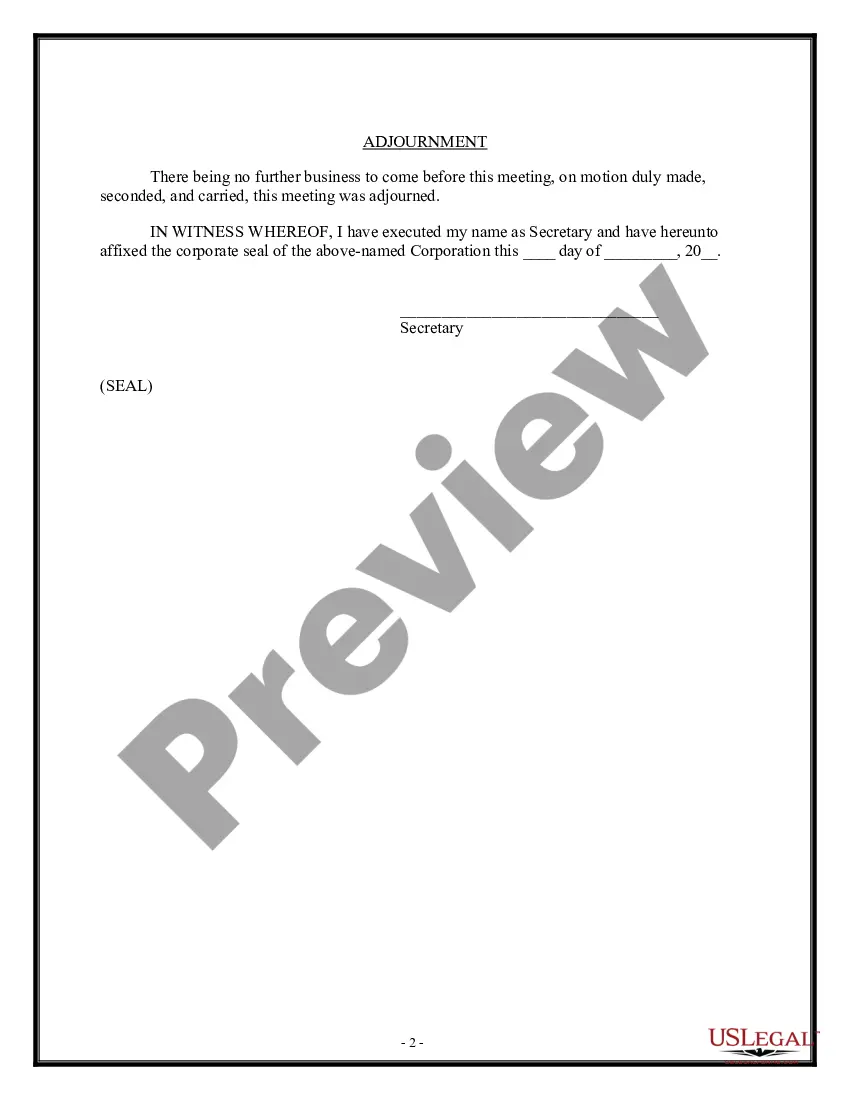
This document needs to be signed by: or another person who is authorized to take minutes and/or record official corporate action. There is no requirement that the signature be witnessed or notarized.
The format for a meeting depends on the meeting type and style. While there is no set format for meeting minutes, templates provide guidelines for essential information that should be included in your documentation.
How to write meeting minutes Organization name. Meeting purpose. Start and end times. Date and location. List of attendees and absentees, if necessary. Space for important information like motions passed or deadlines given. Space for your signature and the meeting leader's signature.
Following are 10 steps that can help you compose an effective meeting minutes report: Make an outline. Include factual information. Write down the purpose. Record decisions made. Add details for the next meeting. Be concise. Consider recording. Edit and proofread.
Minutes of meeting email template Subject: Meeting minutes: Meeting topic - Meeting date Date: Meeting date Time: Start time - End time Location: Meeting location Attendees: Absentees: Agenda. Summary of discussions.
Here are seven steps you can take to write and distribute meeting minutes: Prepare a template before the meeting. Take notes during the meeting. Collect copies of any reports or presentations. Review your notes. Create a final draft. Request approval from leadership. Deliver the meeting minutes.
Corporate meeting minutes typically include: The meeting's date, time and location. A list of attendees and absentees, including any present board members or officers. Agenda items. Summaries of all discussion points. Details of all activities completed or agreed upon. Results of any votes or motions.