Meeting Minutes Corporate Sample Form In Fulton
Description



Get your form ready online
Our built-in tools help you complete, sign, share, and store your documents in one place.
Make edits, fill in missing information, and update formatting in US Legal Forms—just like you would in MS Word.
Download a copy, print it, send it by email, or mail it via USPS—whatever works best for your next step.
Sign and collect signatures with our SignNow integration. Send to multiple recipients, set reminders, and more. Go Premium to unlock E-Sign.
If this form requires notarization, complete it online through a secure video call—no need to meet a notary in person or wait for an appointment.
We protect your documents and personal data by following strict security and privacy standards.

Make edits, fill in missing information, and update formatting in US Legal Forms—just like you would in MS Word.

Download a copy, print it, send it by email, or mail it via USPS—whatever works best for your next step.

Sign and collect signatures with our SignNow integration. Send to multiple recipients, set reminders, and more. Go Premium to unlock E-Sign.

If this form requires notarization, complete it online through a secure video call—no need to meet a notary in person or wait for an appointment.

We protect your documents and personal data by following strict security and privacy standards.
Looking for another form?


Form popularity
FAQ
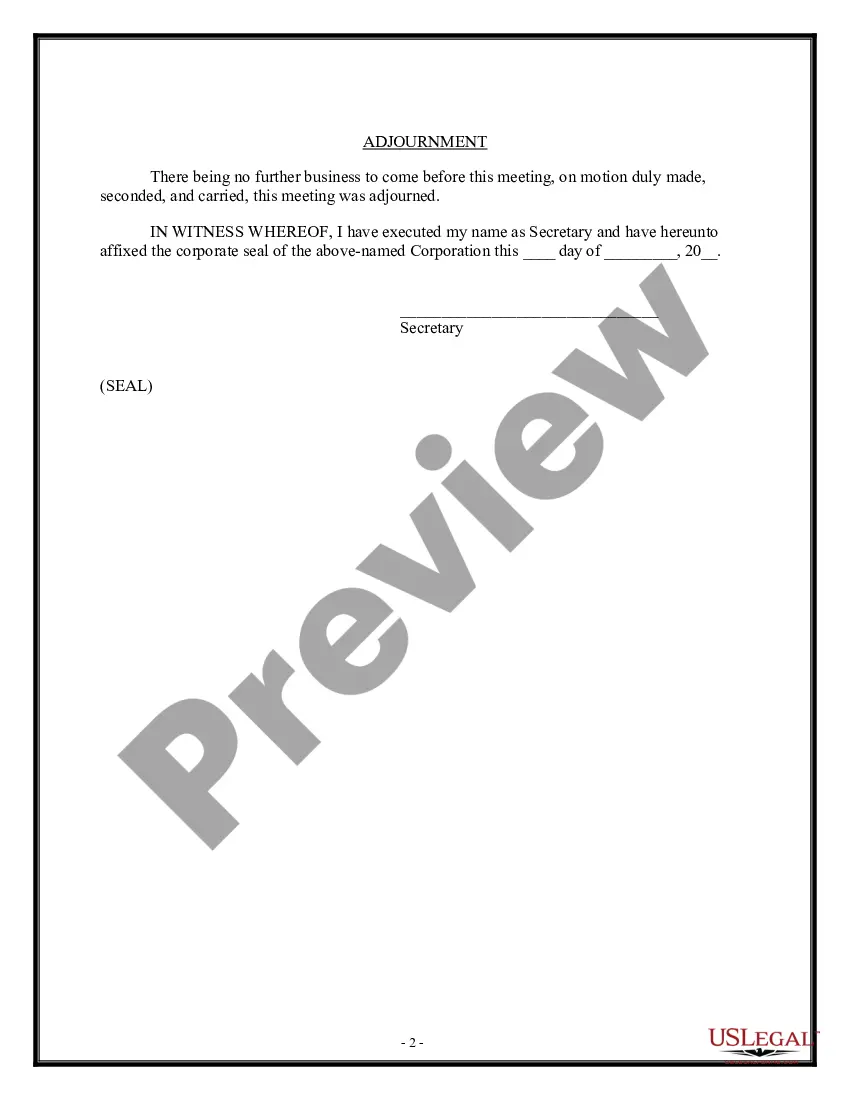
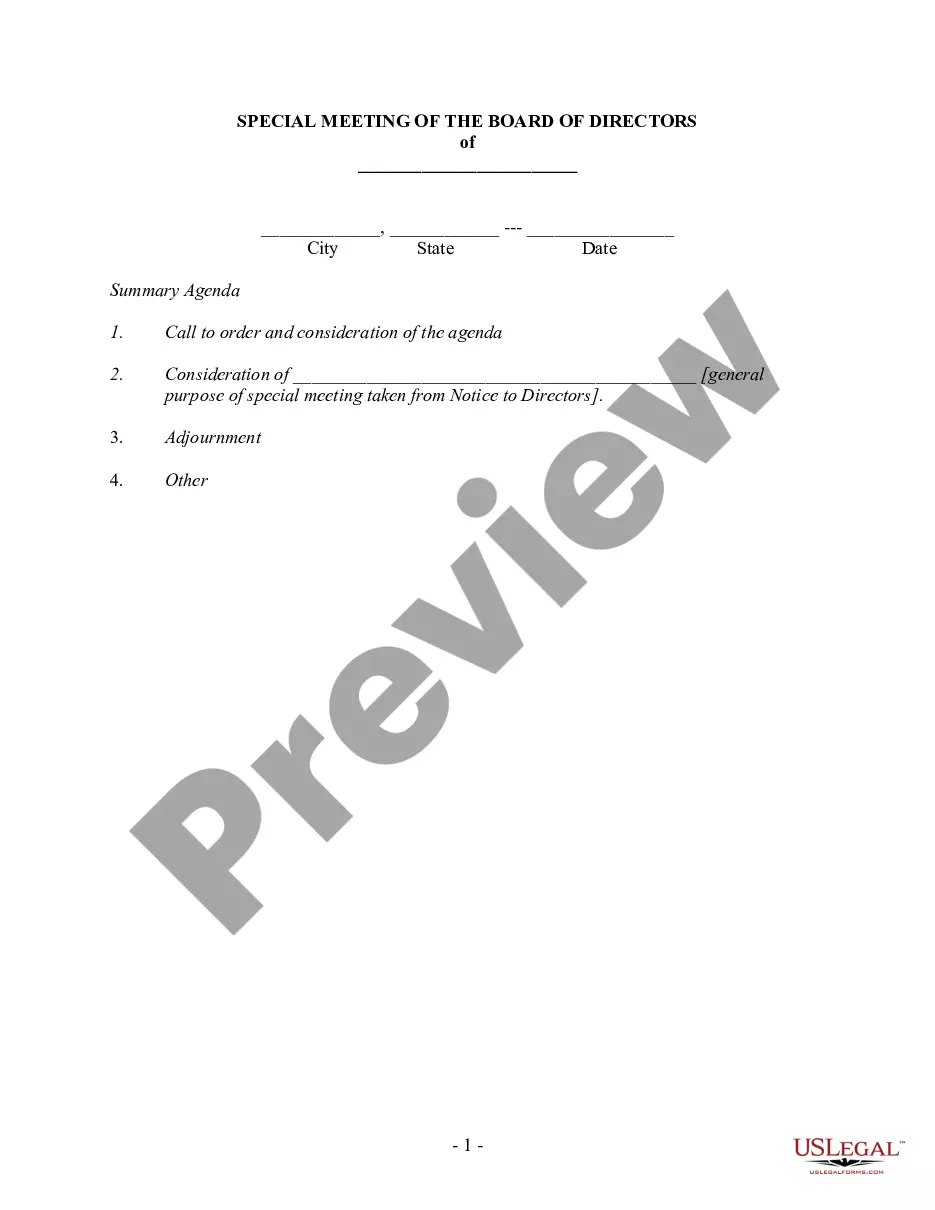
Following are 10 steps that can help you compose an effective meeting minutes report: Make an outline. Prior to the meeting, create an outline by picking or designing a template. Include factual information. Add factual details, such as where and when the meeting takes place. Write down the purpose. Record decisions made.
The format of the minutes should closely follow the format of the agenda. It's easier to record the minutes if the meeting follows the agenda. The minutes are generally taken down at the meeting in a rough format then later written or typed properly and fully, unless the meeting has been recorded.
Details to include in an informal meeting minutes template include: Date. Meeting attendees. Meeting objectives. Talking points. Action items. Owners. Deadlines.
To take effective meeting minutes, the secretary should include: Date of the meeting. Time the meeting was called to order. Names of the meeting participants and absentees. Corrections and amendments to previous meeting minutes. Additions to the current agenda. Whether a quorum is present. Motions taken or rejected.
Record the vital details The names of attendees, including absentees and late arrivals. The meeting's topics of discussion, location, date and time. Approval of the previous meeting's minutes. Agenda items and a discussion summary for each. Significant points and decisions, including reasoning.
The format for a meeting depends on the meeting type and style. While there is no set format for meeting minutes, templates provide guidelines for essential information that should be included in your documentation.
How do you write minutes for a general meeting? Start with an outline. Note the date, time, location, and attendance. Jot down the discussions and decisions made. Create an action items list. Include the next meeting's information. Attach any relevant documents or reports. Review and finalize.
What to include when writing meeting minutes? Meeting basics like name, place, date and time ... List of meeting participants. Meeting purpose. Agenda items. Next meeting date and place. Documents to be included in the meeting report. Key action items.
How to write meeting minutes Organization name. Meeting purpose. Start and end times. Date and location. List of attendees and absentees, if necessary. Space for important information like motions passed or deadlines given. Space for your signature and the meeting leader's signature.
Multiple company secretaries have also told us that, as a rule of thumb, they spend four hours writing minutes for every hour of meeting time. This isn't surprising when you consider that the transcript of an hour's worth of conversation can reach 10,000 words and 20 pages of A4.