Email Resignation Letter To Manager In Washington
Description

Get your form ready online
Our built-in tools help you complete, sign, share, and store your documents in one place.
Make edits, fill in missing information, and update formatting in US Legal Forms—just like you would in MS Word.
Download a copy, print it, send it by email, or mail it via USPS—whatever works best for your next step.
Sign and collect signatures with our SignNow integration. Send to multiple recipients, set reminders, and more. Go Premium to unlock E-Sign.
If this form requires notarization, complete it online through a secure video call—no need to meet a notary in person or wait for an appointment.
We protect your documents and personal data by following strict security and privacy standards.

Make edits, fill in missing information, and update formatting in US Legal Forms—just like you would in MS Word.

Download a copy, print it, send it by email, or mail it via USPS—whatever works best for your next step.

Sign and collect signatures with our SignNow integration. Send to multiple recipients, set reminders, and more. Go Premium to unlock E-Sign.

If this form requires notarization, complete it online through a secure video call—no need to meet a notary in person or wait for an appointment.

We protect your documents and personal data by following strict security and privacy standards.
Looking for another form?







Form popularity
FAQ
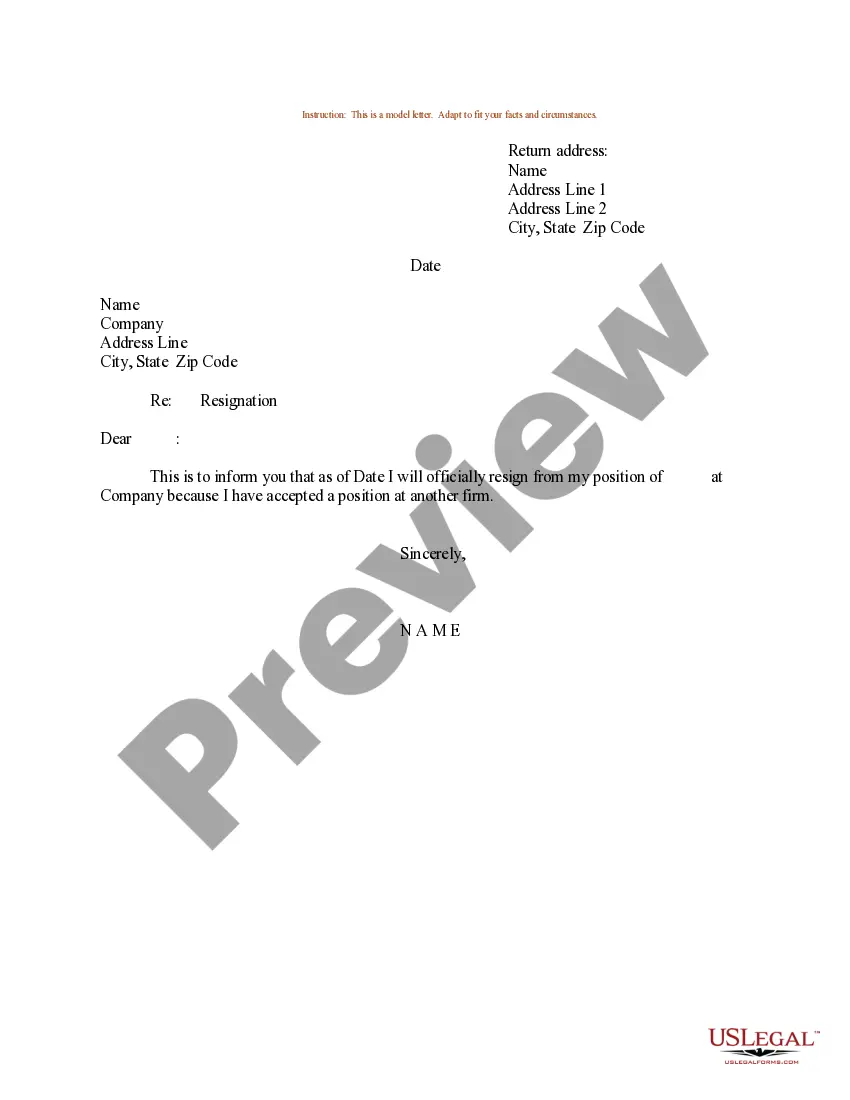
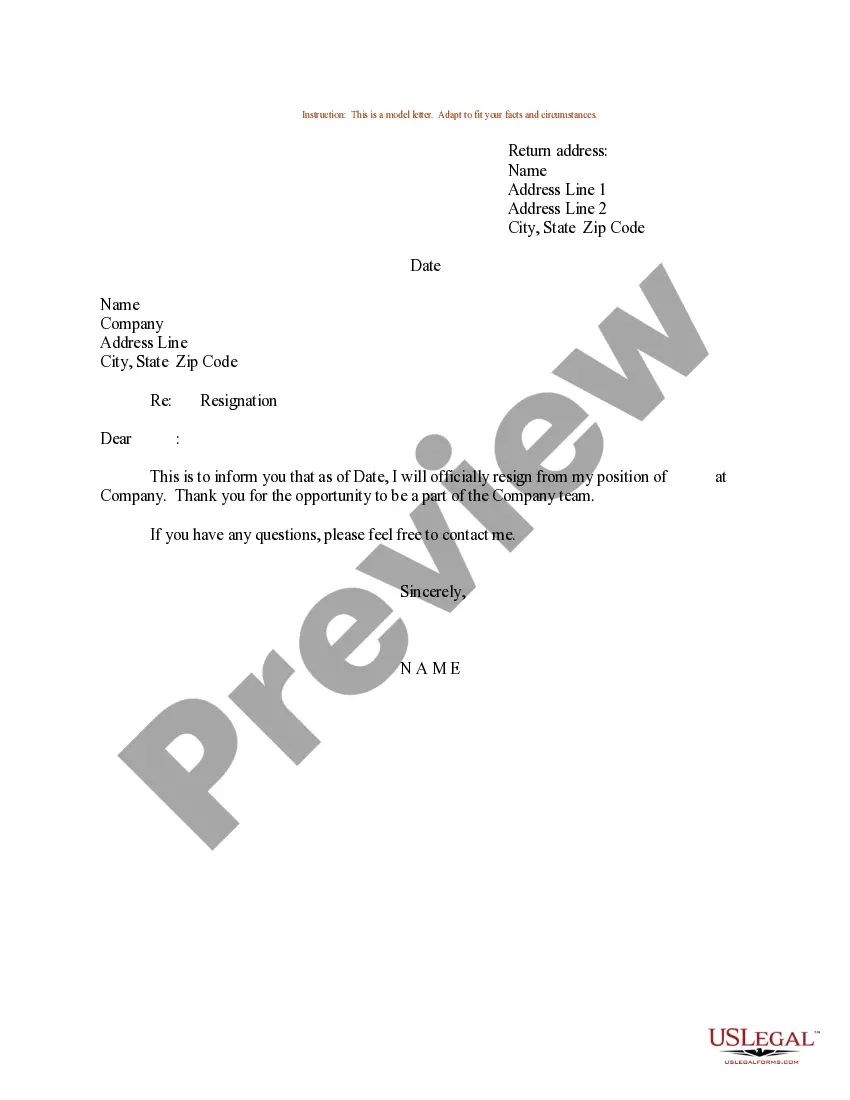
How to write an email resignation letter Choose an appropriate subject line. Open with a professional greeting. Explain the purpose of your email. Consider providing a reason for leaving. Indicate when your employment ends. Express your gratitude for the opportunity. Offer to assist with the transition. Proofread your email.
Resignation letters can be delivered both in person through hard copy or online attached as a PDF via email. Ultimately, they both have the same purpose: letting the company know you're leaving.
Resignation email: While in-person and on paper is the best way to submit a resignation letter, it's not always possible (e.g., remote workers). In such cases, you can send a resignation email which is a slightly shorter version of your resignation letter.
How to Write a Resignation Email (Step-by-Step Guide) Craft an upfront email subject line. Address the recipient. State the purpose of your email. Share further details if you'd like. Show your appreciation. End your message gracefully. Use a professional sign-off.
Use a Professional Tone: Your resignation email should be formal and professional. Start with a clear subject line, such as ``Resignation -- (Your Name).'' Include Necessary Details: Clearly state your intention to resign, your last working day, and express gratitude for the opportunities you had while working there.
Tips for when you resign Arrange a face-to-face meeting with your manager: Emailing your resignation letter to your boss without a prior meeting isn't just awkward – it can come across as dismissive. So, arrange an in-person or video meeting to give notice.
How to write a resignation email Choose a direct and descriptive email subject. Address the recipient professionally. State your intention to resign clearly and concisely. Provide your last working day. Express gratitude. Offer assistance during the transition period. Close the email respectfully.
How to write a resignation email Choose a direct and descriptive email subject. Address the recipient professionally. State your intention to resign clearly and concisely. Provide your last working day. Express gratitude. Offer assistance during the transition period. Close the email respectfully.
Sending a professional and well-written resignation email can help alleviate the stress of the resignation process and help you maintain a positive relationship with the company you're leaving. A resignation email is a formal communication sent via email to an employer to announce your decision to resign.
Resignation letters can be delivered both in person through hard copy or online attached as a PDF via email. Ultimately, they both have the same purpose: letting the company know you're leaving.

