Email Resignation Letter For Job In Fairfax
Description

Get your form ready online
Our built-in tools help you complete, sign, share, and store your documents in one place.
Make edits, fill in missing information, and update formatting in US Legal Forms—just like you would in MS Word.
Download a copy, print it, send it by email, or mail it via USPS—whatever works best for your next step.
Sign and collect signatures with our SignNow integration. Send to multiple recipients, set reminders, and more. Go Premium to unlock E-Sign.
If this form requires notarization, complete it online through a secure video call—no need to meet a notary in person or wait for an appointment.
We protect your documents and personal data by following strict security and privacy standards.

Make edits, fill in missing information, and update formatting in US Legal Forms—just like you would in MS Word.

Download a copy, print it, send it by email, or mail it via USPS—whatever works best for your next step.

Sign and collect signatures with our SignNow integration. Send to multiple recipients, set reminders, and more. Go Premium to unlock E-Sign.

If this form requires notarization, complete it online through a secure video call—no need to meet a notary in person or wait for an appointment.

We protect your documents and personal data by following strict security and privacy standards.
Looking for another form?


Form popularity
FAQ
It's generally best to use your official email address when submitting a resignation. This approach ensures that your resignation is taken seriously and maintains professionalism. Here are a few reasons why:
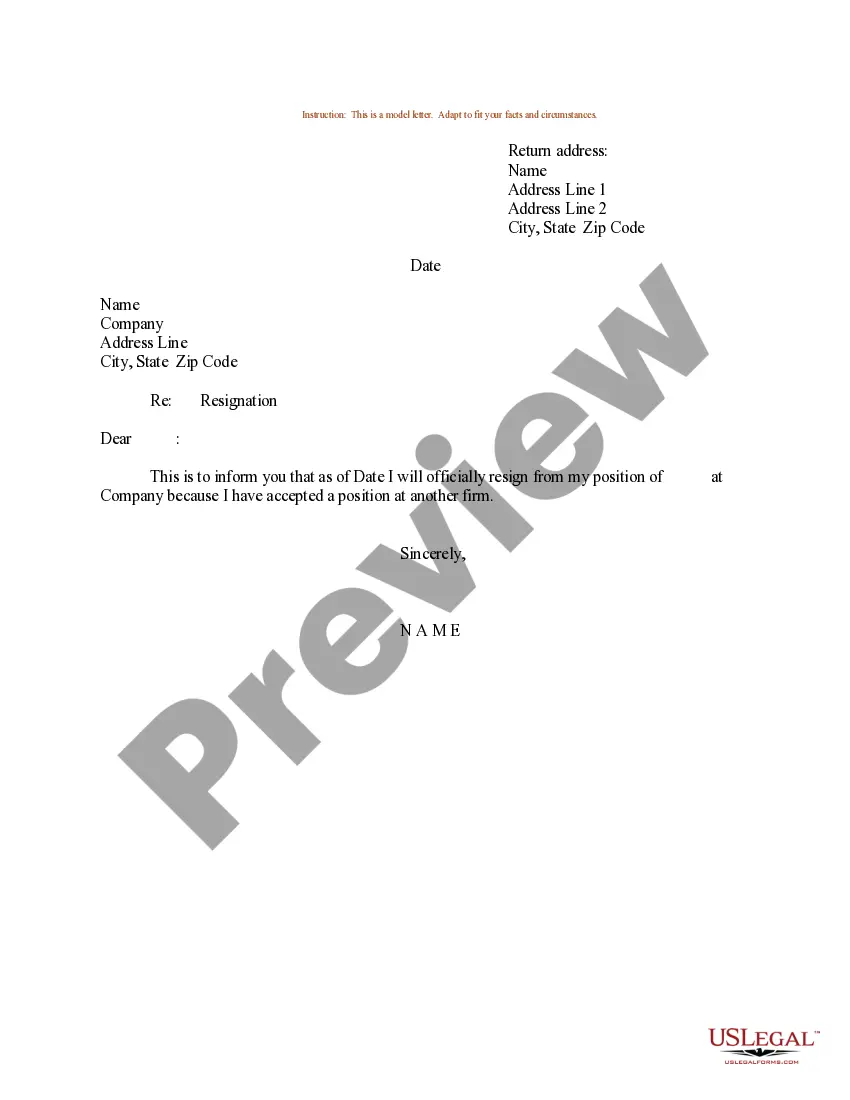
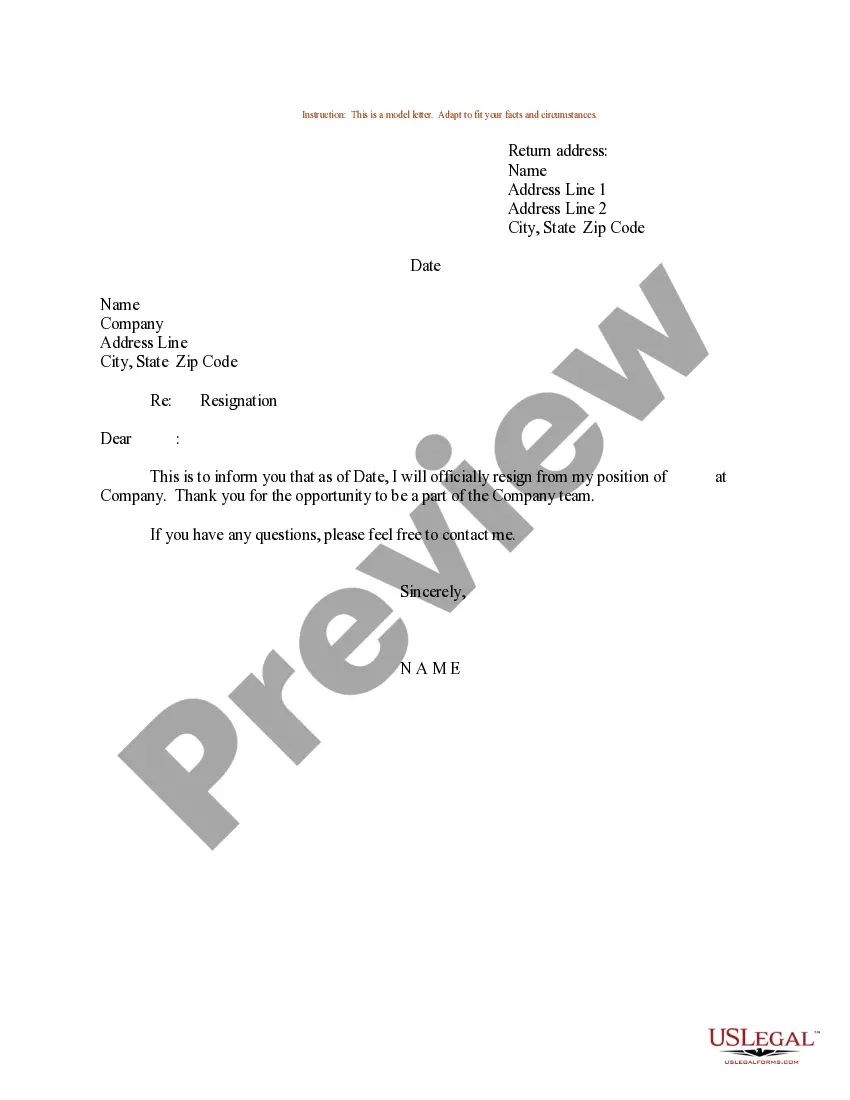
Dear Manager's Name, I hope this email finds you well. I am writing to formally resign from my position as Your Position at Company Name, effective Last Working Day. While I have enjoyed my time at Company Name and am grateful for my experiences and opportunities here, it is time to explore new opportunities.
How to write a resignation email Choose a direct and descriptive email subject. Address the recipient professionally. State your intention to resign clearly and concisely. Provide your last working day. Express gratitude. Offer assistance during the transition period. Close the email respectfully.
How to write a resignation email Choose a direct and descriptive email subject. Address the recipient professionally. State your intention to resign clearly and concisely. Provide your last working day. Express gratitude. Offer assistance during the transition period. Close the email respectfully.
Resigning via email is generally considered less preferable than resigning in person, but it is not inherently rude in all situations. If your boss has a history of reacting aggressively or unprofessionally to resignations, resigning by email can be a reasonable choice to avoid potential confrontation or mistreatment.
Yes, it is generally considered appropriate to email a letter of resignation, especially in situations where remote work is common or if you are unable to deliver a physical copy in person. However, here are some guidelines to follow:
How to Write a Resignation Email (Step-by-Step Guide) Craft an upfront email subject line. Address the recipient. State the purpose of your email. Share further details if you'd like. Show your appreciation. End your message gracefully. Use a professional sign-off.
Here are some steps to follow for writing a heartfelt resignation: Consider the situation. Address your letter. State your departure date. Mention the transition. Express appreciation. Conclude your letter. Submit your letter.
How to Write a Resignation Letter A greeting: Start formal. A statement of resignation. Offer help with transitioning. Thank your employer for giving you a chance to be a part of their company, and for their time. Leave your contact information for your employer. Sign off with “Sincerely” or “Thank you”
(e.g., "Dear manager's name," or "Hello manager's name,"). Clearly state your intention to resign and briefly mention your reason for leaving. Mention your notice period and confirm your final working day. Thank your employer for the opportunities and express gratitude for the experiences you've had.

