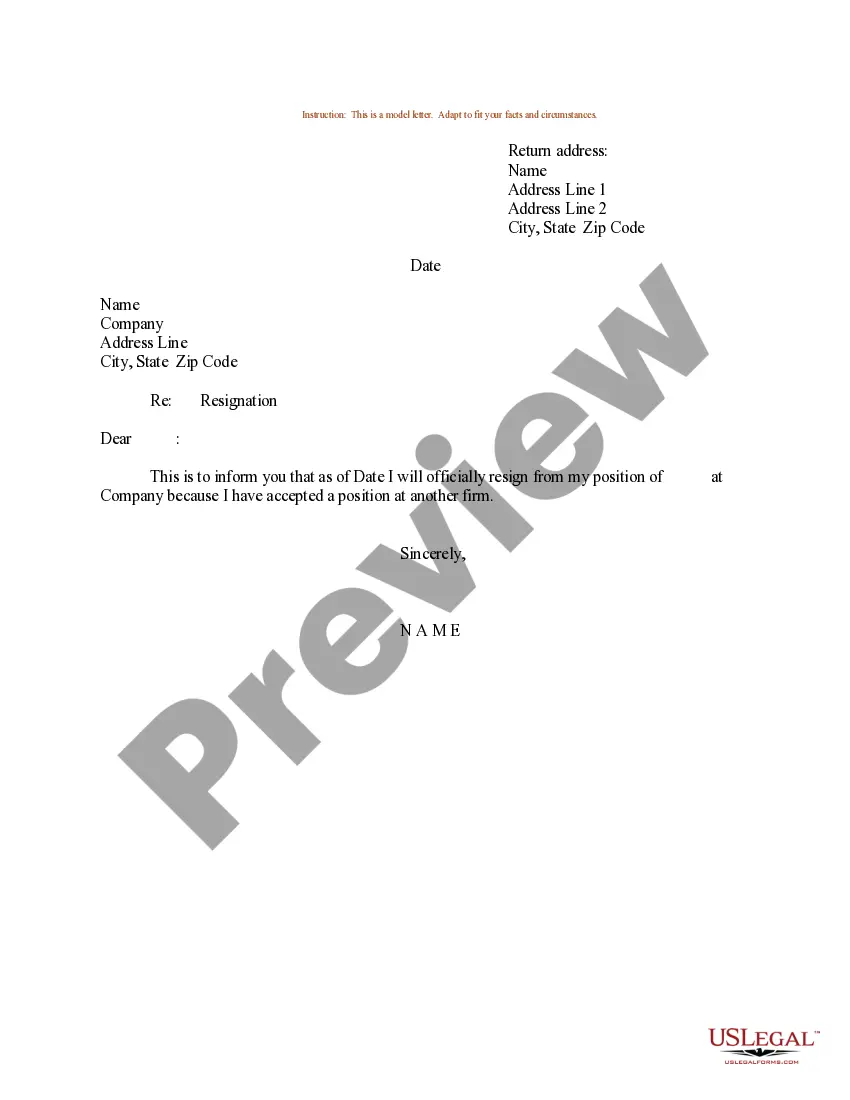
Email Resignation Letter To Hr In Contra Costa
Description
Get your form ready online
Our built-in tools help you complete, sign, share, and store your documents in one place.
Make edits, fill in missing information, and update formatting in US Legal Forms—just like you would in MS Word.
Download a copy, print it, send it by email, or mail it via USPS—whatever works best for your next step.
Sign and collect signatures with our SignNow integration. Send to multiple recipients, set reminders, and more. Go Premium to unlock E-Sign.
If this form requires notarization, complete it online through a secure video call—no need to meet a notary in person or wait for an appointment.
We protect your documents and personal data by following strict security and privacy standards.

Make edits, fill in missing information, and update formatting in US Legal Forms—just like you would in MS Word.

Download a copy, print it, send it by email, or mail it via USPS—whatever works best for your next step.

Sign and collect signatures with our SignNow integration. Send to multiple recipients, set reminders, and more. Go Premium to unlock E-Sign.

If this form requires notarization, complete it online through a secure video call—no need to meet a notary in person or wait for an appointment.

We protect your documents and personal data by following strict security and privacy standards.
Looking for another form?


Form popularity
FAQ
How to write an email to HR Properly address your email. If you work for a larger company, you may not already know your HR representative so it is important to learn this information. Write a specific subject line. Explain the situation. Clarify what steps you want to take. Close the email. Check for mistakes.
Here are some steps you can take to write an effective complaint email: Identify and label the addressee. Before you write the email, identify who exactly needs to receive your email. Describe the issue. Attach supporting documentation. Explain the impact. Name your resolution desires. Make final formatting edits.
Address the letter to the best title for the unidentified staff member. For example, “Dear Hiring Manager,” “Dear Human Resources Director,” or “Dear Talent Acquisition Lead.”
Please email Contra Costa County Communications Director Kristi Jourdan at Kristi.Jourdan@contracostatv or call 925-313-1180 if you need assistance finding the right department or person.
Definitely, resignation by email is acceptable in most of the companies depending upon their size, investment structure, benefits and code of conduct for employees & contract agreement between the Employee & the Employer at the time of Offer itself. I m heartily requesting you to all, if any updates please sent to pl.
8 a.m. to 5 p.m. meritboard@hrd.cccounty.
Phone and Email Directory Divison: ProgramPhone NumberEmail Selections: CalCareers 1-866-844-8671 calcareer@calhr.ca Selections: Merit System Services 916-909-3701 mssprogram@calhr.ca Selections: Statewide Recruitment staterecruit@calhr.ca Tribal Liaison monica.erickson@calhr.ca39 more rows
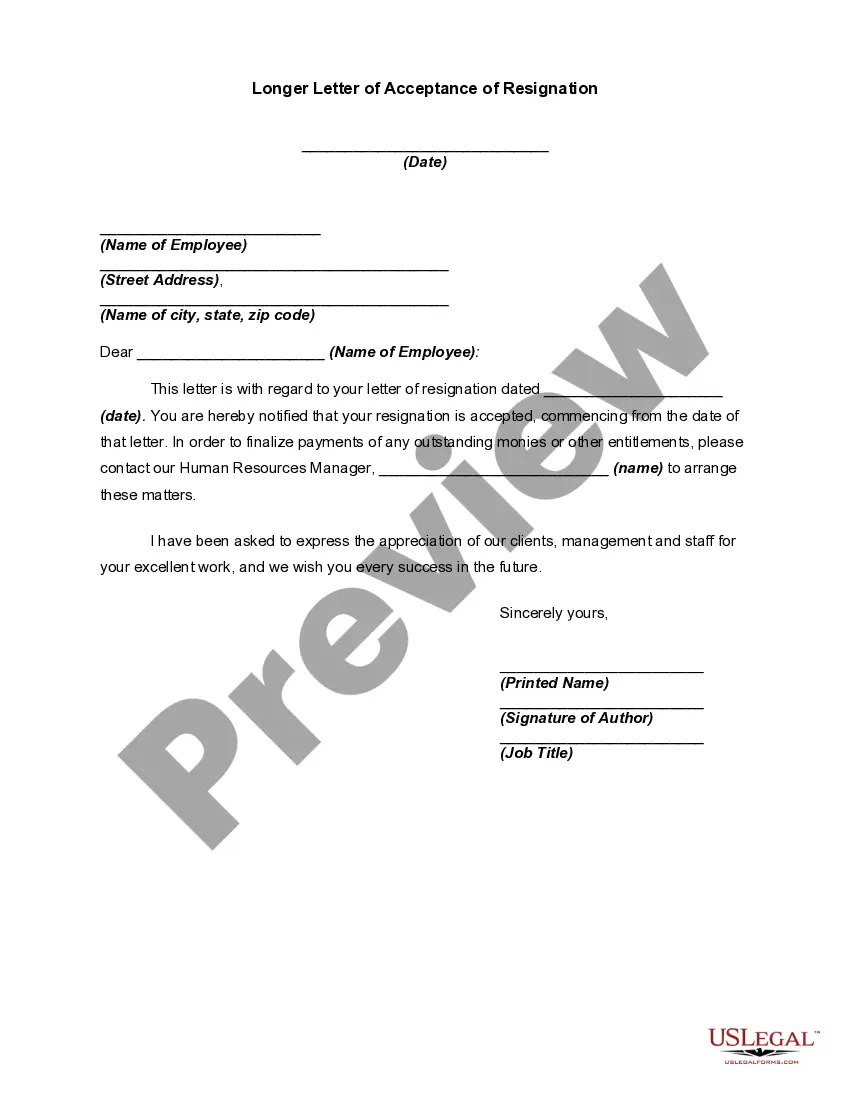
How to write a resignation acceptance letter Use the right formatting and structure. Include the date and contact information. Include a salutation. Accept the resignation. Include the final date of employment. Add other information. Express appreciation. Add a complimentary close.
I am writing to formally acknowledge receipt of your resignation notice on date. As you requested, your final day of work at Company Name will be end date. It is with great regret that we see you go. It has been a pleasure working with you these past X years, and we appreciate your contribution to the company.
How to write a resignation email Choose a direct and descriptive email subject. Address the recipient professionally. State your intention to resign clearly and concisely. Provide your last working day. Express gratitude. Offer assistance during the transition period. Close the email respectfully.
