Legal Contract Format In Los Angeles
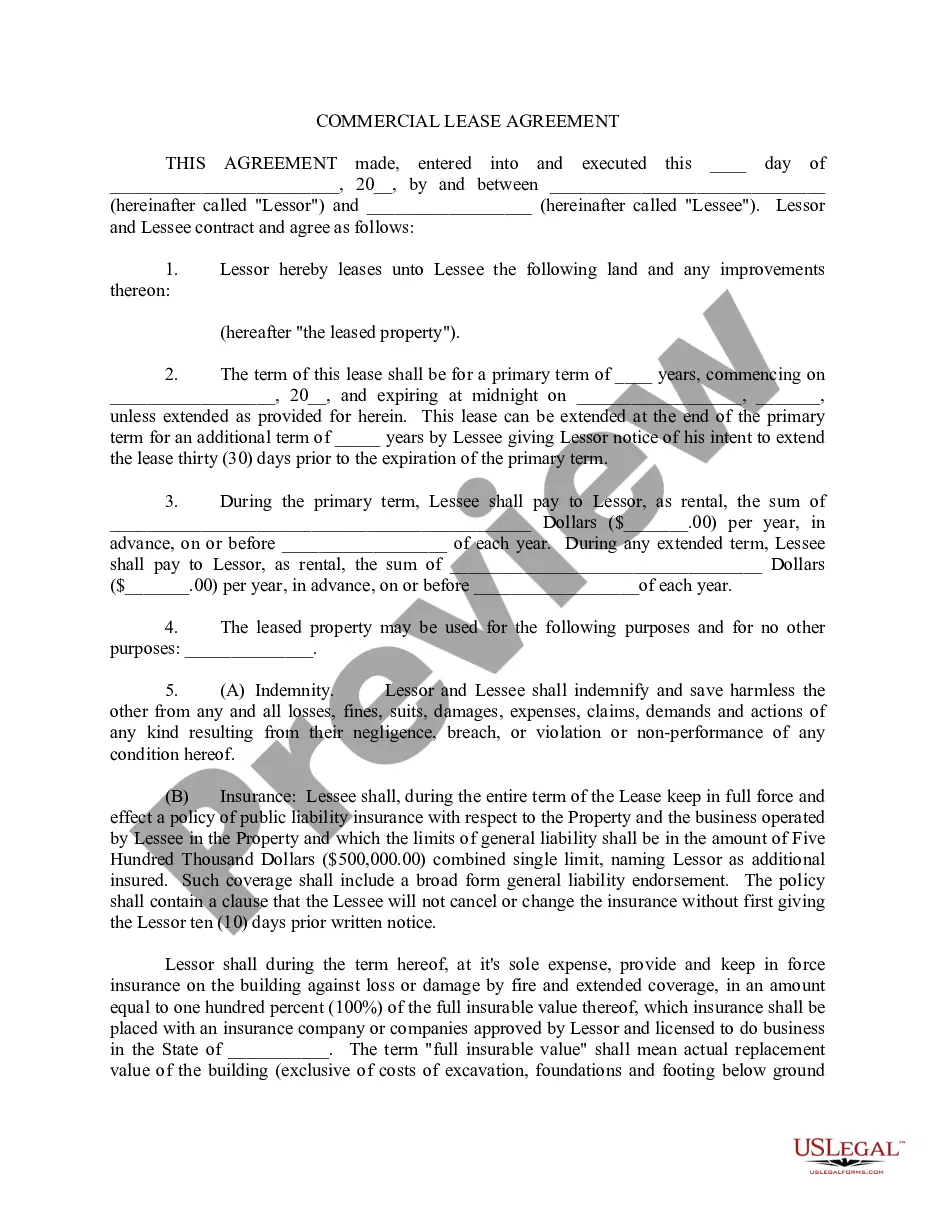
Description

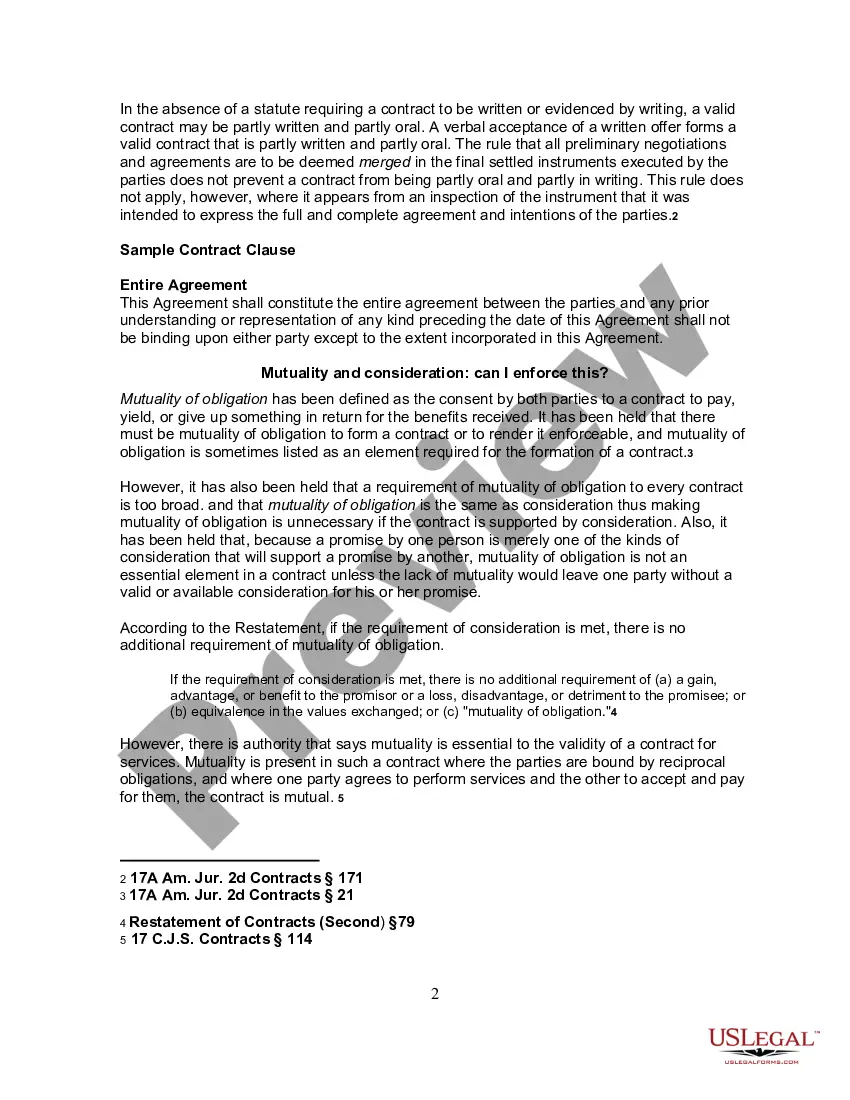
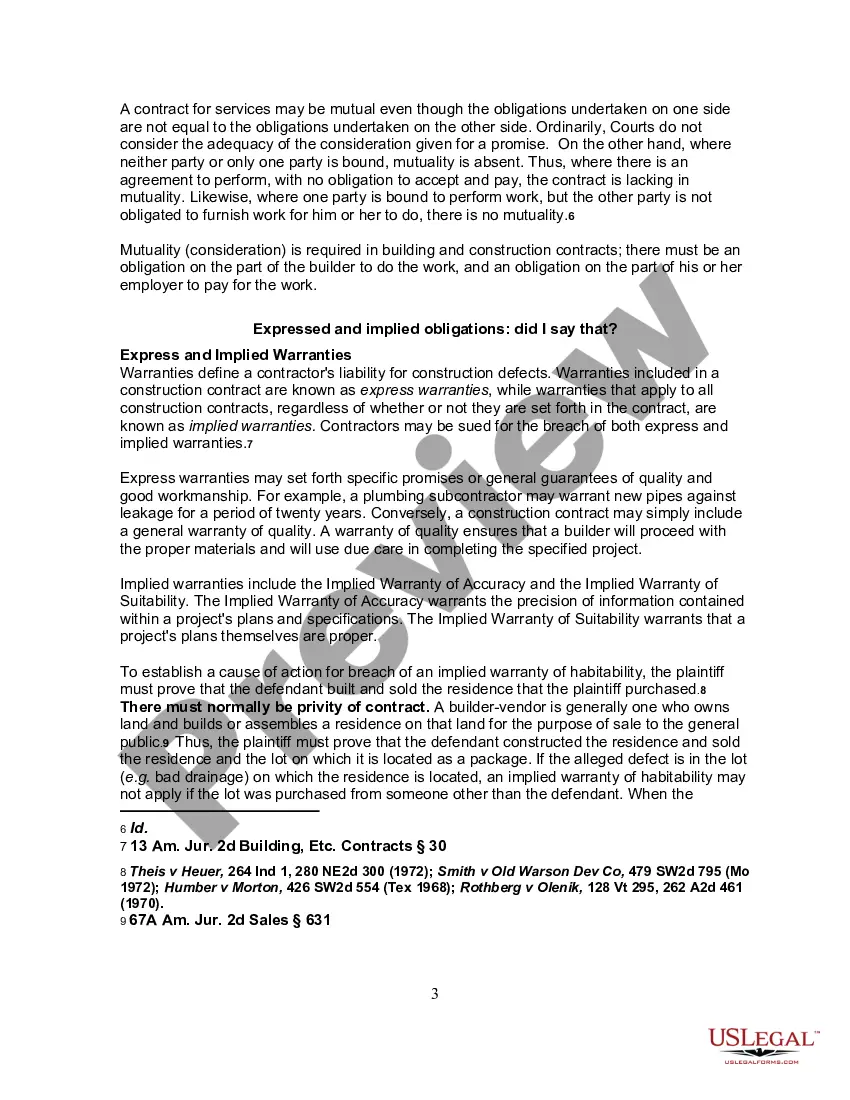
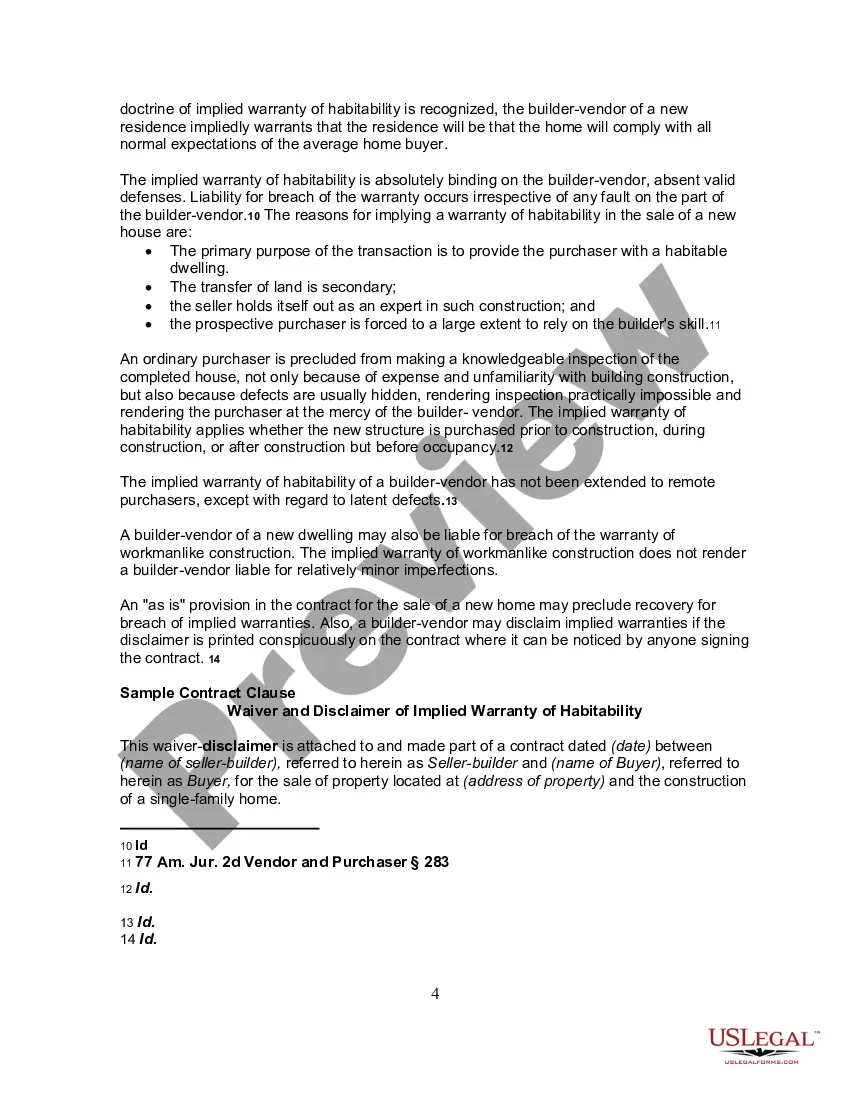
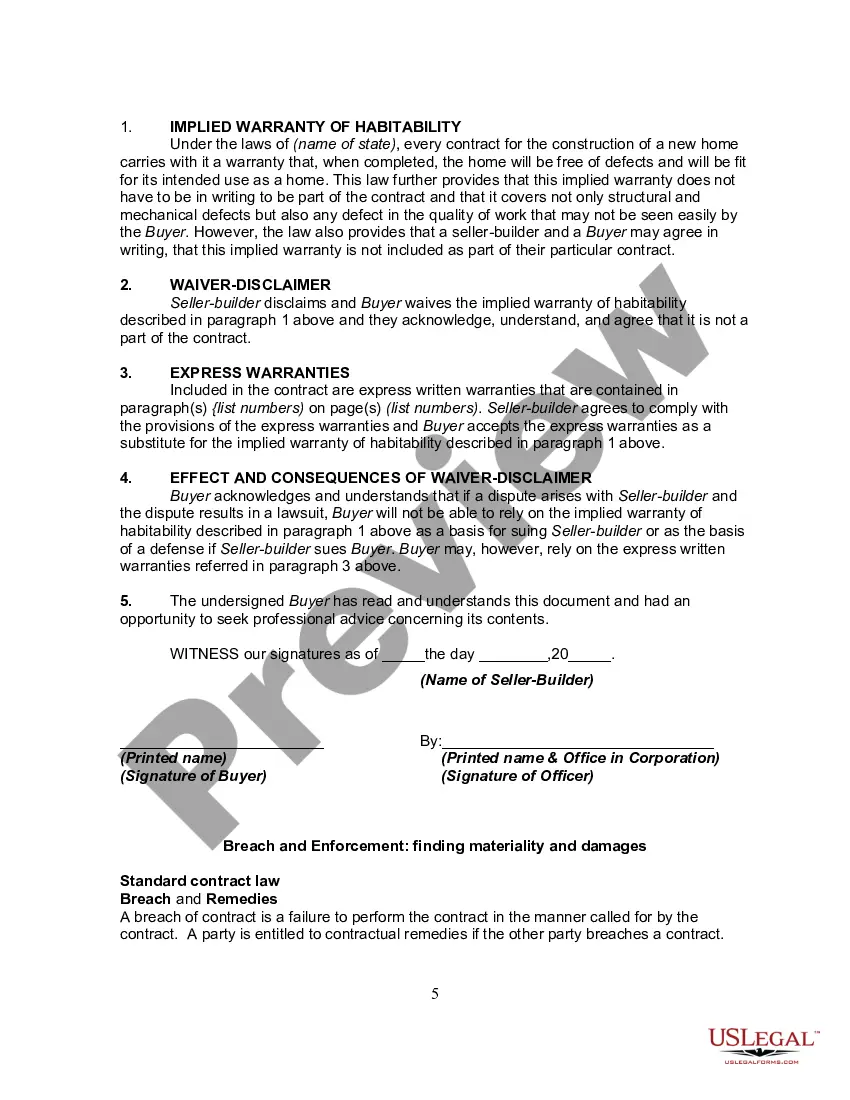
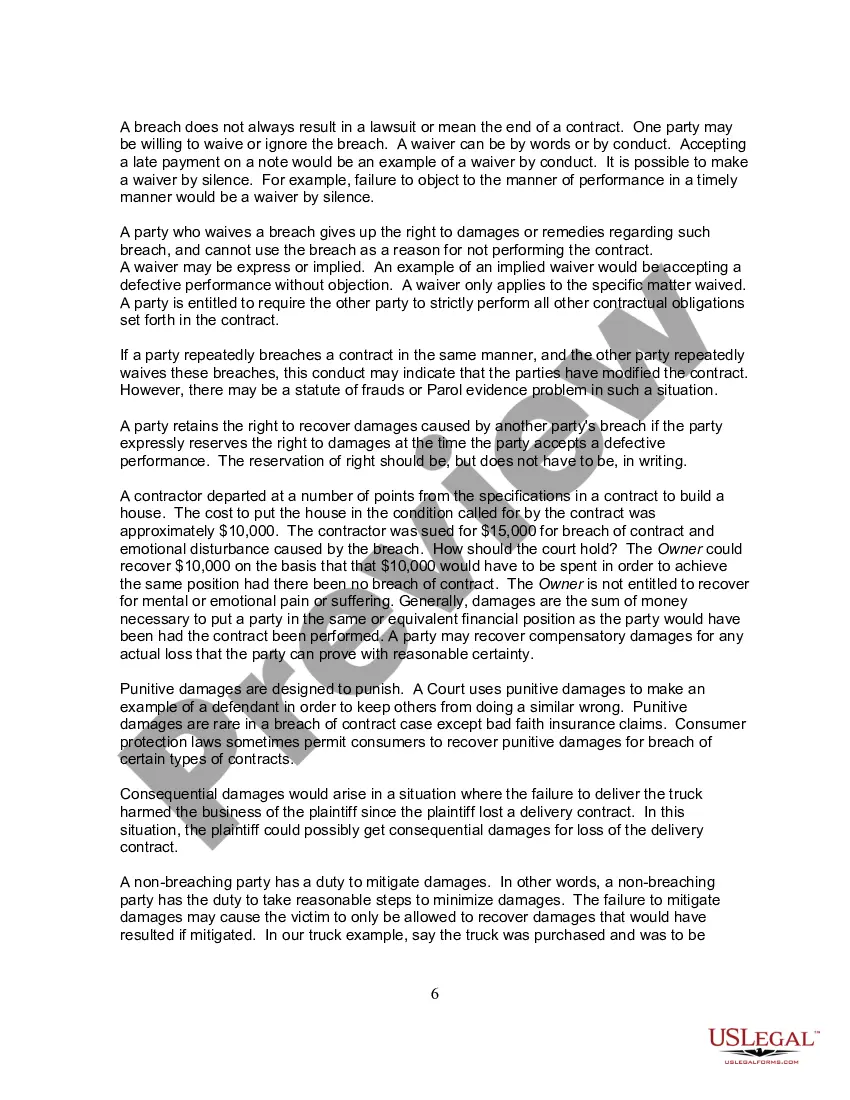
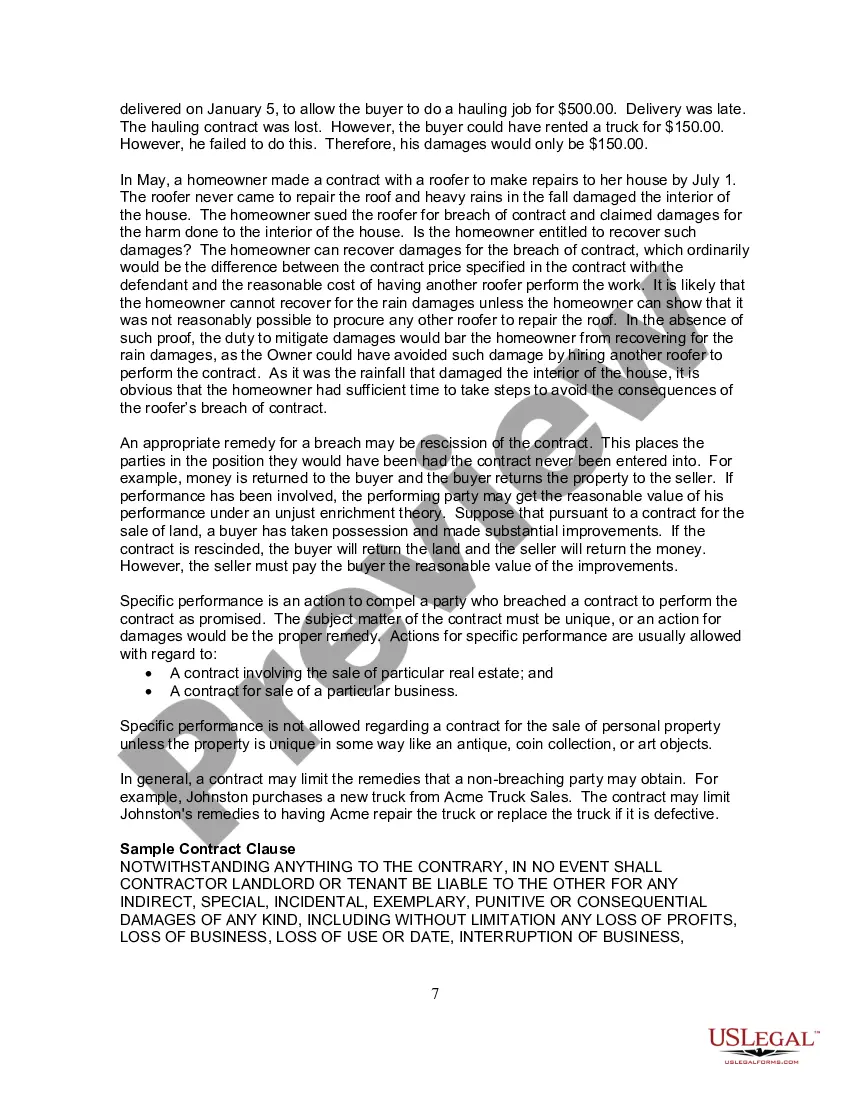
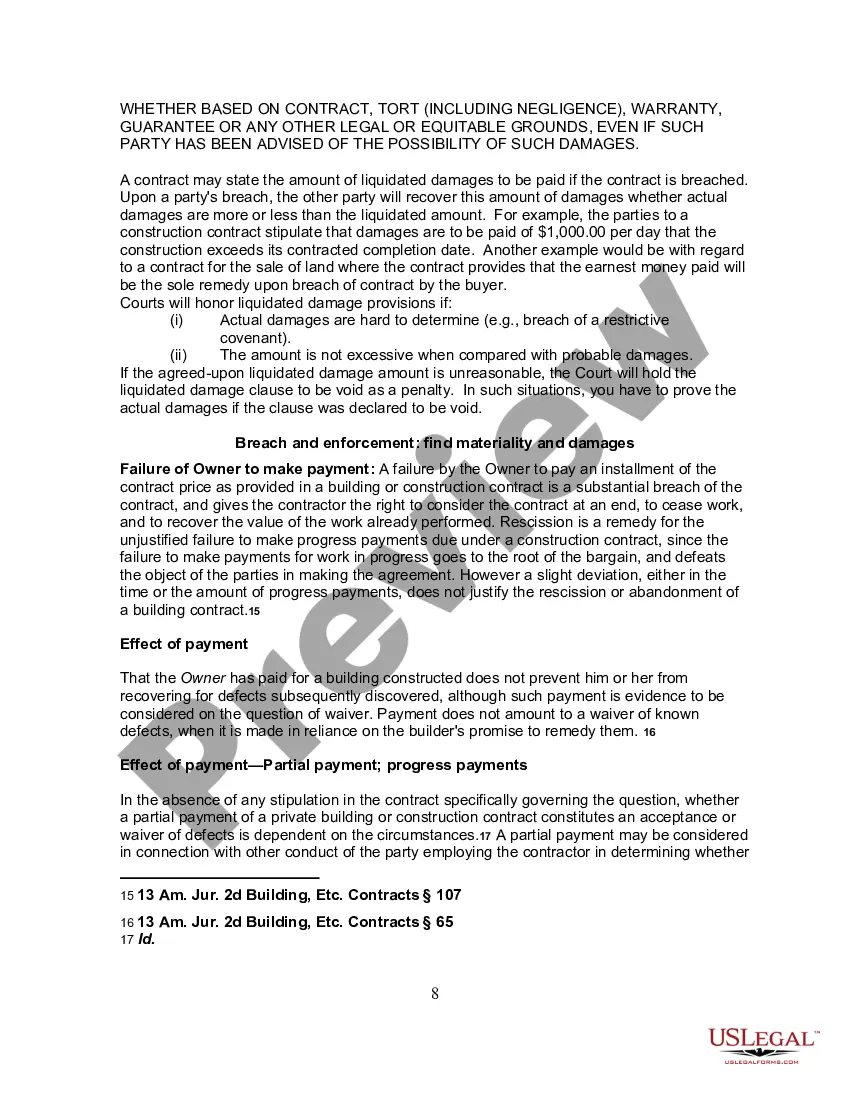
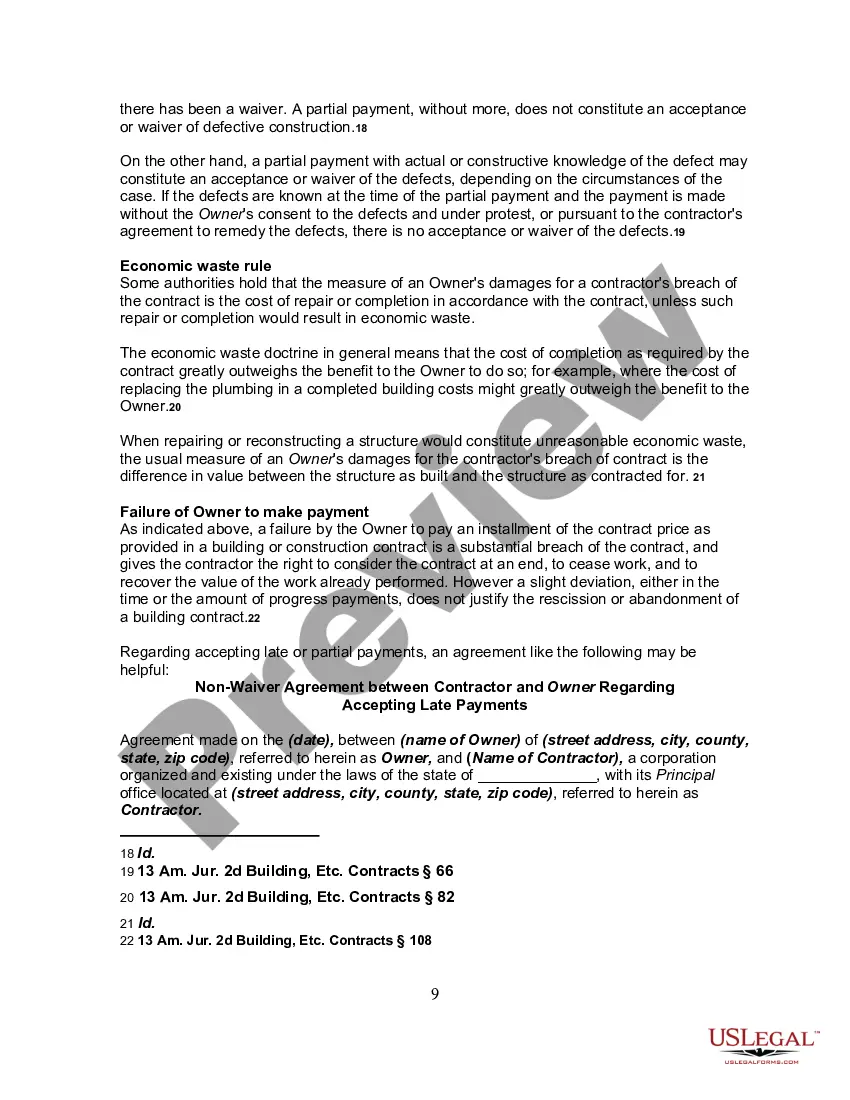
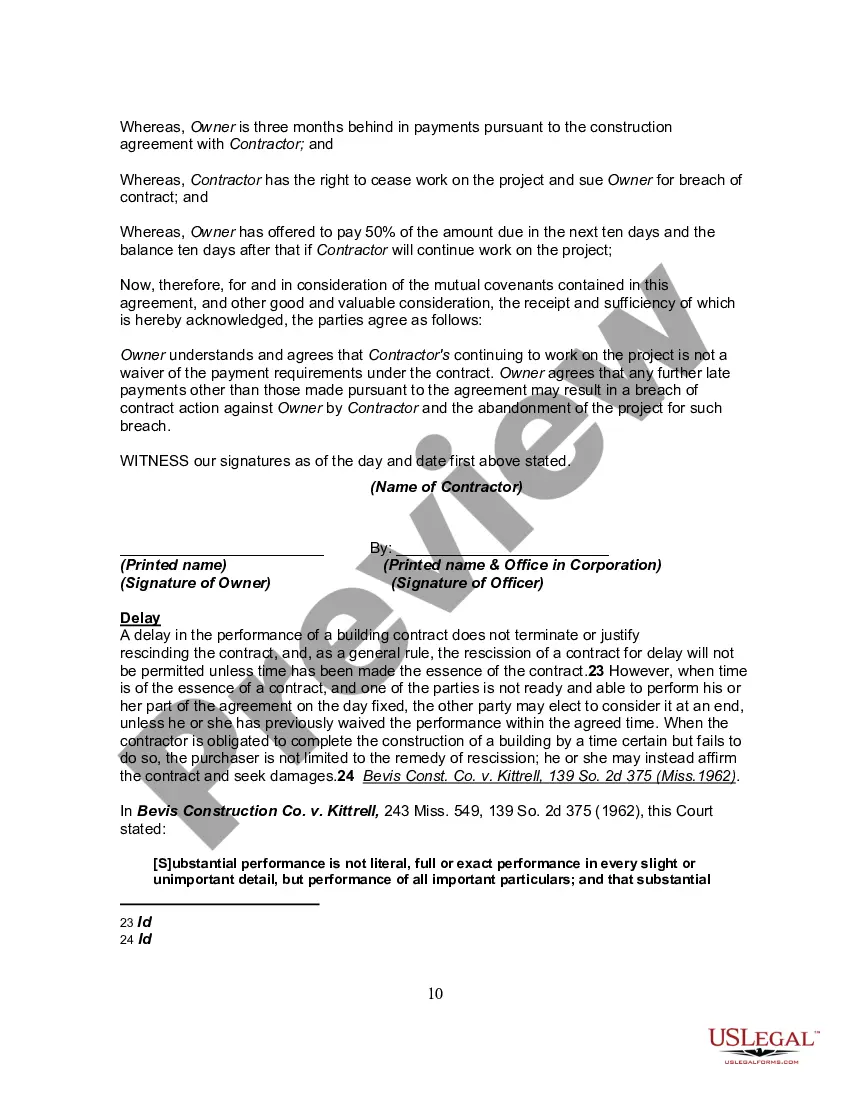

Get your form ready online
Our built-in tools help you complete, sign, share, and store your documents in one place.
Make edits, fill in missing information, and update formatting in US Legal Forms—just like you would in MS Word.
Download a copy, print it, send it by email, or mail it via USPS—whatever works best for your next step.
Sign and collect signatures with our SignNow integration. Send to multiple recipients, set reminders, and more. Go Premium to unlock E-Sign.
If this form requires notarization, complete it online through a secure video call—no need to meet a notary in person or wait for an appointment.
We protect your documents and personal data by following strict security and privacy standards.

Make edits, fill in missing information, and update formatting in US Legal Forms—just like you would in MS Word.

Download a copy, print it, send it by email, or mail it via USPS—whatever works best for your next step.

Sign and collect signatures with our SignNow integration. Send to multiple recipients, set reminders, and more. Go Premium to unlock E-Sign.

If this form requires notarization, complete it online through a secure video call—no need to meet a notary in person or wait for an appointment.

We protect your documents and personal data by following strict security and privacy standards.
Looking for another form?





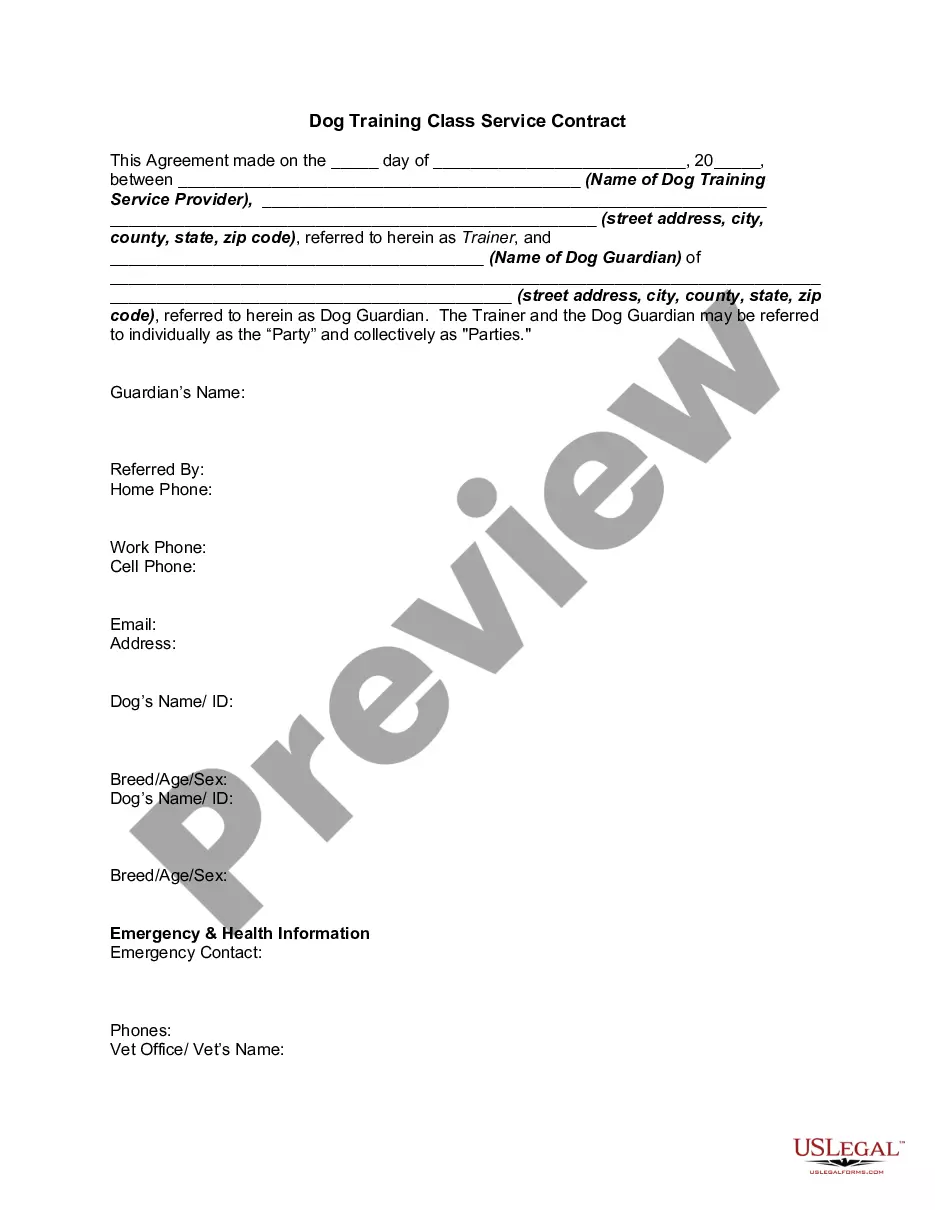


Form popularity
FAQ
You'll want to start with a standard page size (8.5 x 11 inches) with 1-inch margins. Keep the font simple, such as Times New Roman, and avoid the use of color. Remember to break up text with headers and paragraphs for readability.
How to write a contract agreement in 7 steps. Determine the type of contract required. Confirm the necessary parties. Choose someone to draft the contract. Write the contract with the proper formatting. Review the written contract with a lawyer. Send the contract agreement for review or revisions.
How To Make A Legal Contract Without A Lawyer Can I Create My Own Contract? The short answer is yes. Write down all the details. Specify performance standards. Include a termination clause. Define key terms. Utilize contract templates. Additional Considerations Include. What App Can I Use To Create A Contract?
A personal contract is a written agreement between an individual and themselves, outlining their personal goals, values, and commitments. It is a powerful tool for personal growth and development, as it helps individuals to clarify their aspirations and make concrete plans for achieving them.
Unless the contract says otherwise, you can sign it for yourself, have it witnessed and notarized.
How to draft a contract between two parties: A step-by-step checklist Know your parties. Agree on the terms. Set clear boundaries. Spell out the consequences. Specify how you will resolve disputes. Cover confidentiality. Check the legality of the contract. Open it up to negotiation.
To be legally valid, a contract must fulfill four basic requirements: All signees must be above the age of consent. All parties must agree to the contract freely. All parties must be able to understand the agreement (legal capacity) The terms of the agreement must be permitted in law.
Ing to ContractsCounsel's marketplace data, the average hourly rate for a contract lawyer ranges from $200 - $350 per hour.
To be considered legally valid, a contract must meet certain criteria, such as mutual assent, consideration, capacity, and a legal purpose. However, it is possible to create a legal contract without hiring a lawyer. Seeking lawyers is customary but not necessary.
Although you don't have to hire a lawyer, you should. Entering into a legally binding agreement isn't something you should take lightly. Signing a document without fully comprehending the terms or your rights is dangerous. It can lead to significant unintended consequences and time-consuming legal battles.
