Meeting Minutes Corporate With Client In Wayne
Description

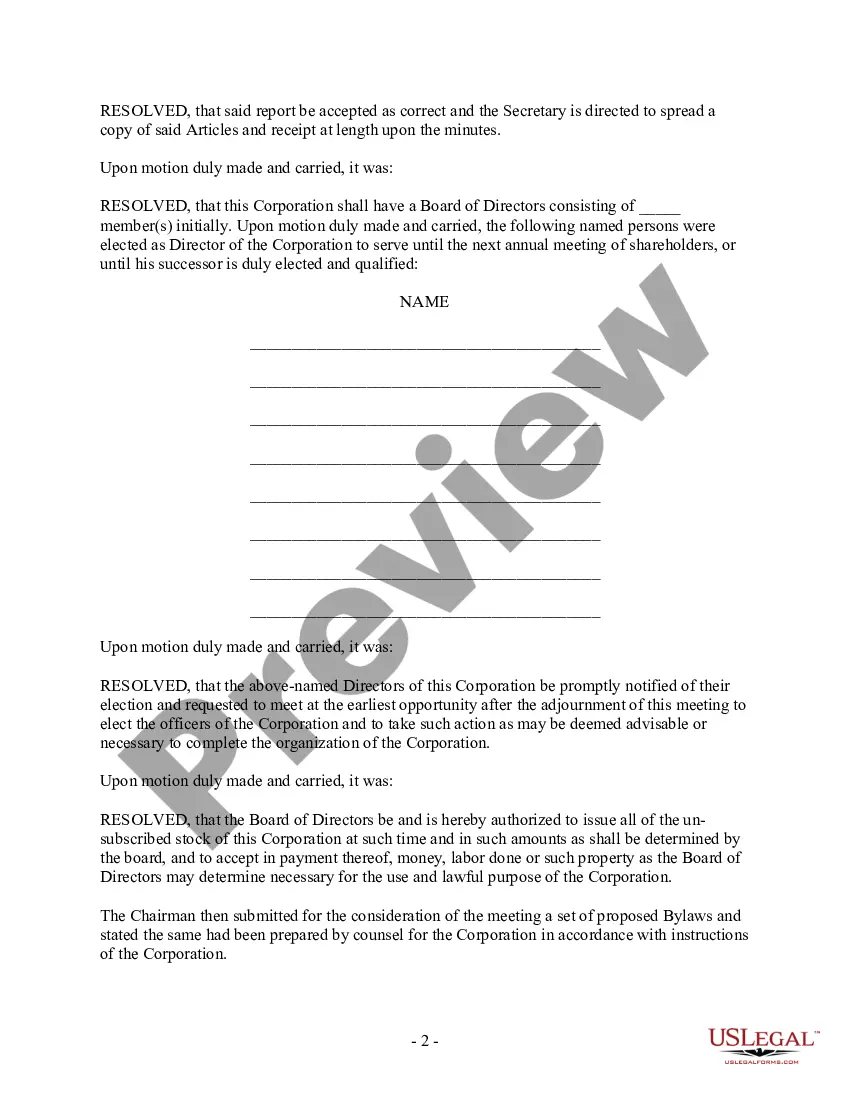
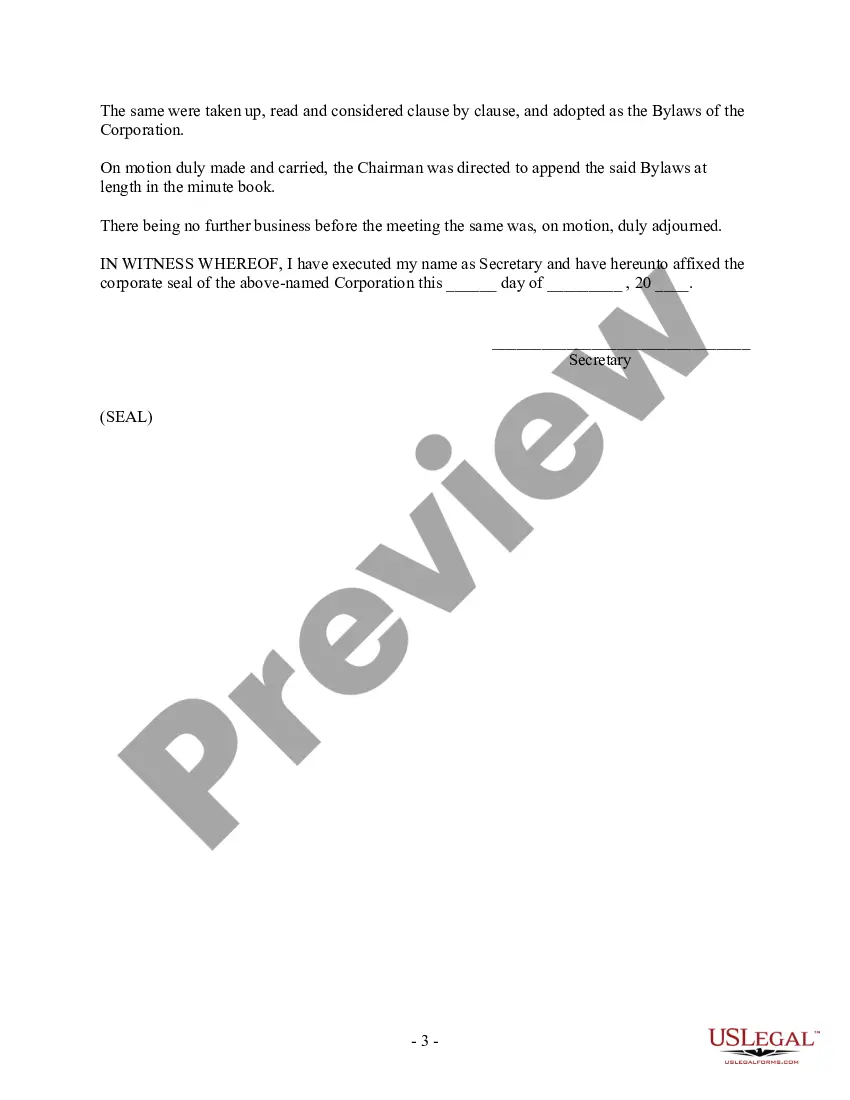



Get your form ready online
Our built-in tools help you complete, sign, share, and store your documents in one place.
Make edits, fill in missing information, and update formatting in US Legal Forms—just like you would in MS Word.
Download a copy, print it, send it by email, or mail it via USPS—whatever works best for your next step.
Sign and collect signatures with our SignNow integration. Send to multiple recipients, set reminders, and more. Go Premium to unlock E-Sign.
If this form requires notarization, complete it online through a secure video call—no need to meet a notary in person or wait for an appointment.
We protect your documents and personal data by following strict security and privacy standards.

Make edits, fill in missing information, and update formatting in US Legal Forms—just like you would in MS Word.

Download a copy, print it, send it by email, or mail it via USPS—whatever works best for your next step.

Sign and collect signatures with our SignNow integration. Send to multiple recipients, set reminders, and more. Go Premium to unlock E-Sign.

If this form requires notarization, complete it online through a secure video call—no need to meet a notary in person or wait for an appointment.

We protect your documents and personal data by following strict security and privacy standards.
Looking for another form?










Form popularity
FAQ
AI-powered meeting minutes Fellow joins Zoom, Google Meet, and Microsoft Teams meetings to transcribe meetings and automatically draft recaps including summaries, action items, and decisions.
Follow these steps to learn how to properly send a meeting recap to employees or clients. Take notes during the meeting. Decide who should receive the email. Thank everyone for their time. List what was discussed in the meeting. Highlight action items or next steps. Attach supporting documents.
The minutes of a meeting should be written in the third person. It is important to write the date, time, and location of the meeting at the top of each page. The meeting should start with a summary of what was discussed and then be followed by a list of all decisions made.
AI-powered meeting minutes Fellow joins Zoom, Google Meet, and Microsoft Teams meetings to transcribe meetings and automatically draft recaps including summaries, action items, and decisions.
Information captured in an LLC's annual meeting minutes usually includes: The meeting's date, time, and location. Who wrote the minutes. The names of the members in attendance. Brief description of the meeting agenda. Details about what the members discussed. Decisions made or voting actions taken.
Corporate meeting minutes typically include: The meeting's date, time and location. A list of attendees and absentees, including any present board members or officers. Agenda items. Summaries of all discussion points. Details of all activities completed or agreed upon. Results of any votes or motions.
ChatGPT-4o can transcribe minutes so discussion is recorded accurately. That saves you the time and hassle of taking notes yourself. With ChatGPT-4o's multimodal voice processing, you can identify the different speakers in a conference call.
How to send a meeting recap Take notes during the meeting. Decide who should receive the email. Thank everyone for their time. List what was discussed in the meeting. Highlight action items or next steps. Attach supporting documents. Include a reminder of the next meeting date. Proofread and send to recipients.
How detailed should meeting minutes be? Meeting minutes should be detailed enough to record key decisions, actions and motions while avoiding off-topic comments or personal opinions.